
Accounts payable automation: the SMB finance guide for 2026
Published on :
June 15, 2026

Nicolas Marchais is co-founder and CEO of Phacet. After seven years at Spendesk, he built Phacet as the agentic layer that orchestrates across ERP, banking and email systems. Reliable, auditable, cross-system, what he calls a Finance Workforce.

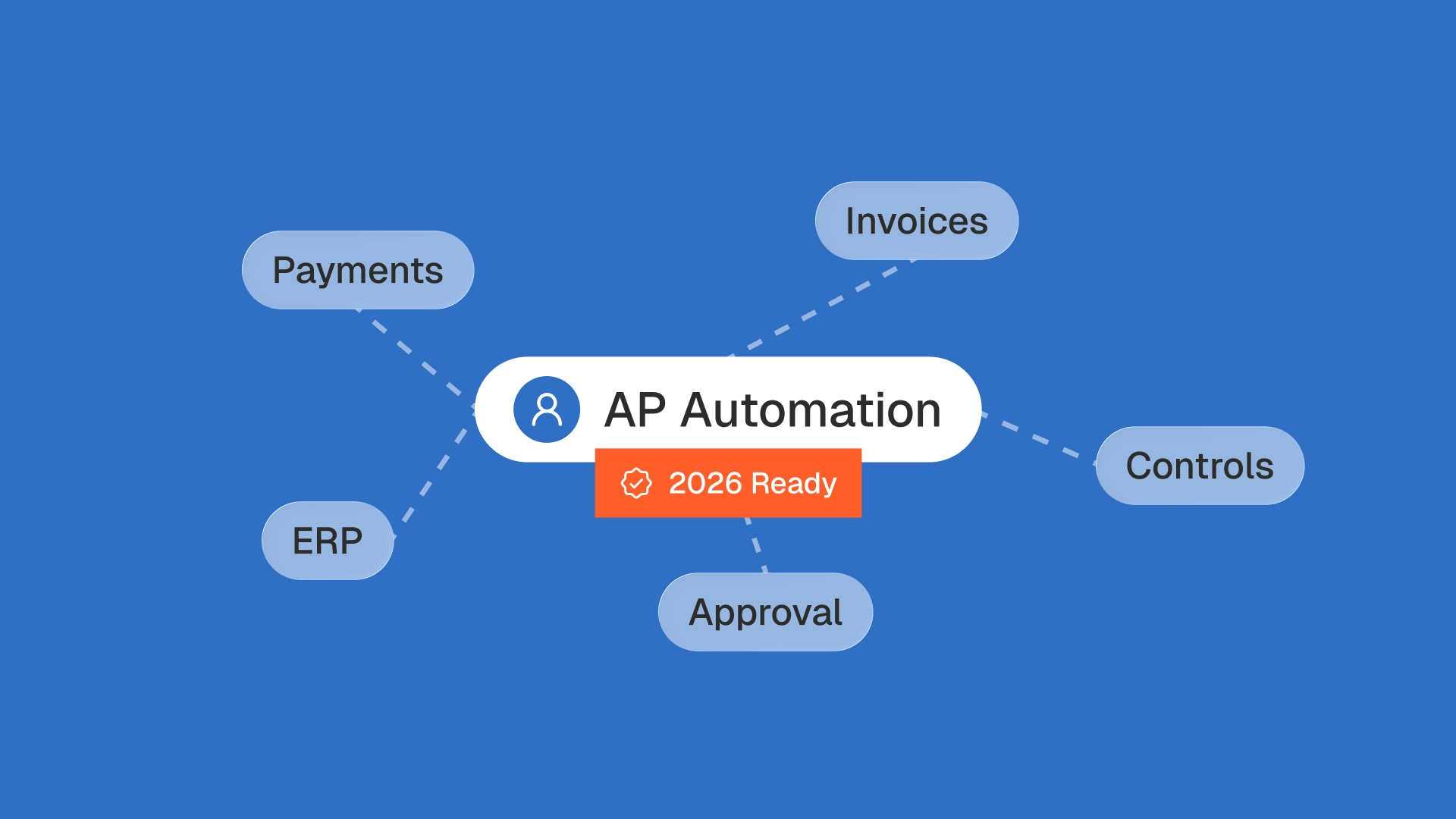
A supplier sends you an invoice for $12,400. Your accounts payable software reads it in seconds, matches the total to the purchase order, routes it for approval, and schedules the payment. Fast, clean, touchless. There is just one problem: the negotiated rate was $11,900. You were billed 4% over contract, and the system paid it because the total matched the PO.
This is the blind spot in most accounts payable automation in 2026. The market has spent a decade optimizing for speed, paying invoices faster, with fewer hands. For a small or mid-sized finance team, speed without control is how margin leaks one line at a time.
This guide covers what accounts payable automation is, how it works, and the benefits you should expect. It also makes a case the rest of the category tends to skip: for an SMB, the point of AP automation is not to pay faster, it is to control what you pay before the money leaves.
What is accounts payable automation?
Accounts payable automation is the use of software, increasingly AI-driven, to handle the supplier invoice process from receipt to payment without manual data entry. It replaces paper, email chasing and spreadsheet tracking with digital workflows that capture invoice data, match it against purchase orders and contracts, route approvals, execute payment and sync everything to your accounting system or ERP.
In plain terms, it removes the repetitive parts of the job (keying invoices, hunting for approvals, filing documents) so the finance team can spend its time on judgment instead of typing. For a fuller definition and related terms, see the accounts payable automation glossary entry.
Manual vs automated accounts payable
The difference is not only speed. Manual AP is slow, error-prone and impossible to see into. Automated AP is fast, consistent and traceable. The table below compares the two side by side.
How does accounts payable automation work?
Accounts payable automation follows the same core sequence across most platforms. An invoice arrives, the software reads it, checks it, gets it approved, pays it, and records it. The five steps below show what happens at each stage, and where an SMB should pay attention.
A quick glossary for the steps that trip people up:
- Three-way matching compares the invoice against the purchase order and the goods receipt, so you only pay for what you ordered and actually received. Phacet covers this with a dedicated three-way matching use case.
- Touchless processing means an invoice flows from receipt to payment with no human intervention because nothing was flagged. The goal is high touchless rates on clean invoices, and fast human review on the rest.
- Audit trail is the timestamped record of every action taken on an invoice. It is what makes the process defensible at close and during an audit. See the audit trail glossary entry for detail.
What are the benefits of accounts payable automation?
The headline benefit is cost. Industry benchmarks reported by HighRadius put manual invoice processing near $15.96 per invoice, with automation bringing it under $3. Beyond cost, the gains compound across the function.
- Lower processing cost. Removing manual entry and paper handling cuts the cost per invoice and lets a small team handle more volume without new hires.
- Faster cycle times. Ardent Partners research found automation accelerates invoice processing by around 81%, turning weeks into days and unlocking early payment discounts.
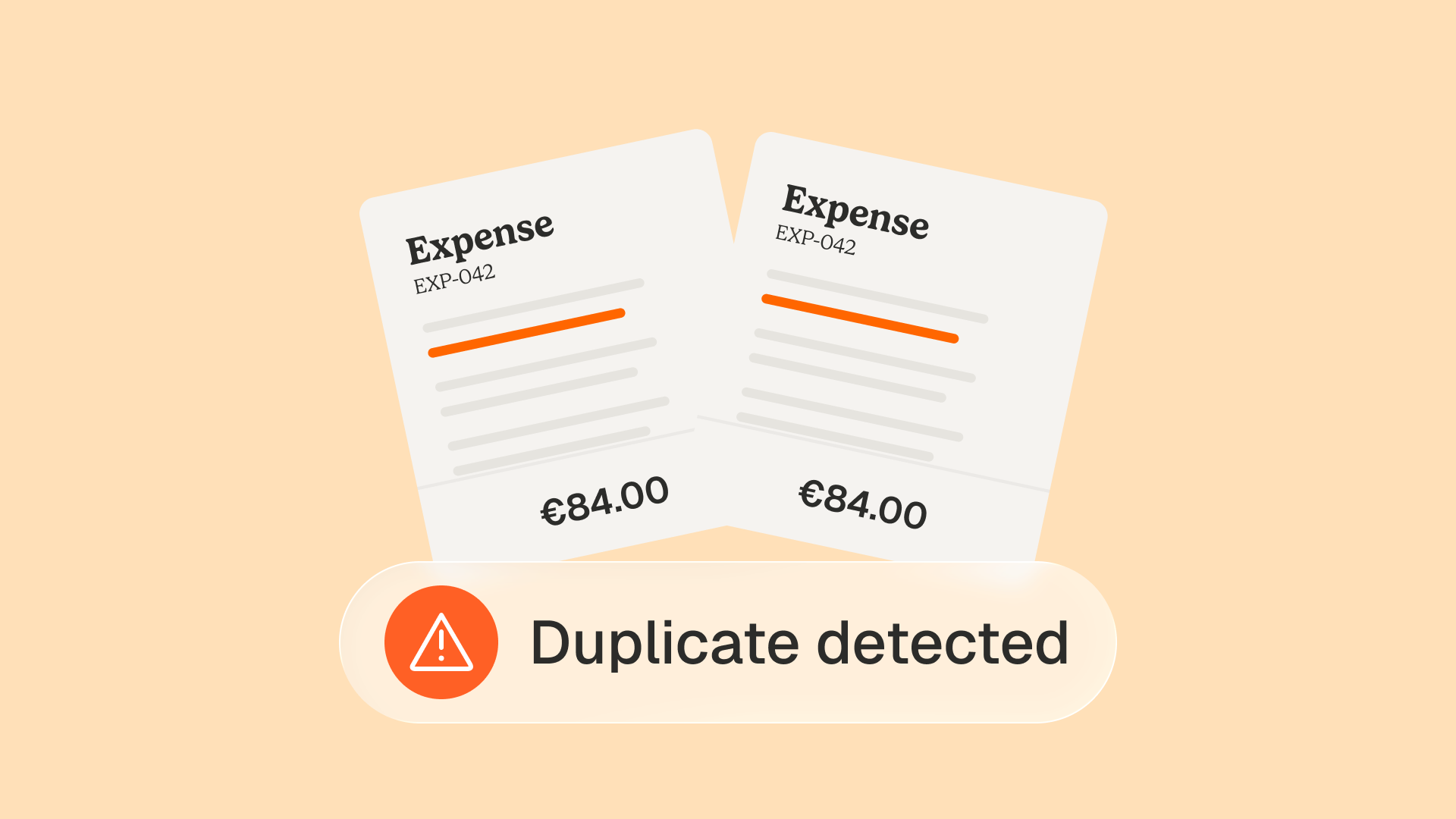
- Fewer errors and less fraud. Automated validation catches duplicate invoices, wrong amounts and suspicious changes before payment, not after.
- Real visibility. Live dashboards replace the spreadsheet, so you know what is due this week and what it does to cash.
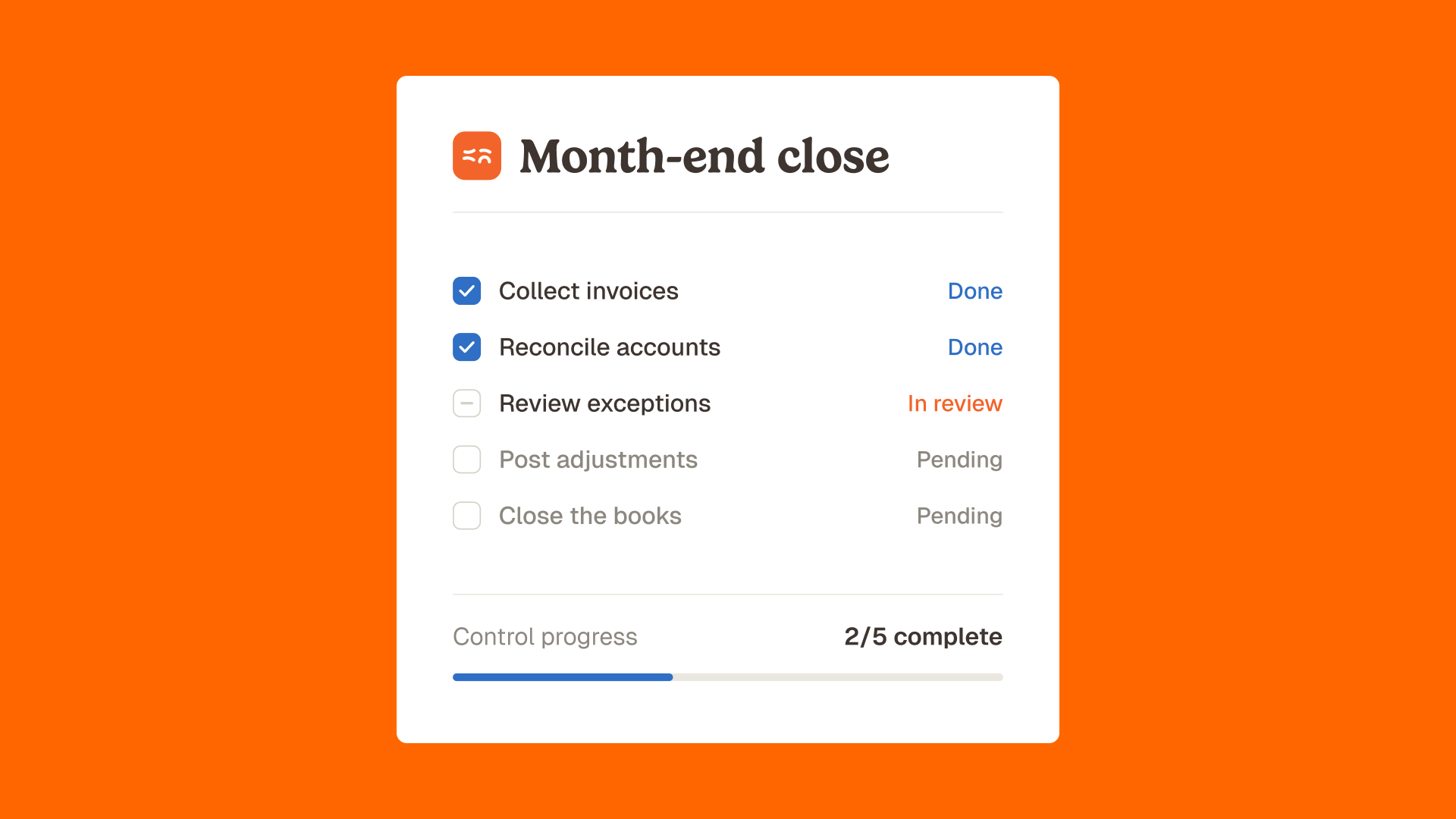
- Stronger compliance. A complete audit trail makes month-end close and external audits faster and calmer.
These are real and worth having. They are also the same five benefits every vendor in the category lists. The question for an SMB is what happens to the one benefit nobody leads with: control.
Why "pay faster" is the wrong goal for an SMB finance team
Here is the reframe. For a small or mid-sized company, the highest-value job of accounts payable automation is not paying invoices faster, it is verifying that the price you were billed matches the price you agreed, line by line, before payment goes out.
Most AP tools treat control as a checkbox: a two-way or three-way match on the invoice total against the PO. That catches a missing PO or a duplicate. It does not catch the slow leak that actually hurts an SMB: supplier price drift. A vendor quietly raises a unit price by a few percent. A delivery is billed at the list rate instead of your negotiated rate. A contracted discount is silently dropped. The totals still reconcile against the PO, so the invoice sails through.
This is where margin disappears, and it is invisible at the total level. You only see it at the line level, checked against your price book or contract. That is line-level price compliance, and it is the discipline most of the category leaves on the table. Phacet wrote a dedicated piece on why invoice control belongs before payment, not after.
The shift is from "automate the payment" to "control the spend." Phacet's control supplier billing agent checks each invoice line against negotiated terms and flags any variance before it is paid. One hospitality customer, Astotel, recovered around 5,000 euros a year in overbilling on a single supplier this way. For the concepts behind it, see invoice price compliance and duplicate invoice detection.
Paying late is a problem. Paying the wrong amount, on time, forever, is a bigger one.
AP automation for SMBs vs enterprises: what is actually different
Most "what is AP automation" content is written for the enterprise: EDI connections, multi-entity consolidation, cross-functional buy-in from IT and procurement. That is not the reality of a 50 to 500 employee company.
In an SMB, accounts payable often sits with one person: a DAF, a financial controller, or a finance manager wearing several hats. There is no AP department to reorganize. The selection criteria change accordingly:
- Time to value in weeks, not quarters. An SMB cannot run a six-month rollout. The first useful result should land in days.
- Works on top of the ERP you already have. No migration, no rip and replace. The tool should sit over QuickBooks, NetSuite, Sage Intacct, Xero or your existing stack.
- Control built in, not bolted on. A solo finance owner cannot eyeball every line. The software has to do the line-level checking for them.
- No specialist to operate it. If it needs a consultant to configure each new rule, it is the wrong tool for a small team.
Phacet's financial control persona page and its view on which finance processes an SMB should automate first go deeper on this.
Accounts payable automation by industry
The pain and the right control change by sector. Generic AP tools ignore this. The line that leaks margin in a restaurant is not the line that leaks margin on a construction site.
- Food and beverage. The control that matters is the supplier price list (the mercuriale): invoice prices drift from negotiated rates constantly. See the food and beverage industry page.
- Hospitality. Multi-site billing, OTA commissions and high supplier counts make line-level checks essential, which is how Astotel found recurring overbilling.
- Retail and distribution. The matching is the classic BC, BL and invoice triangle, at SKU level, where volume hides errors.
- Construction. Subcontractor invoices, progress billing and retention need controls a generic AP tool never models. Phacet covers this in construction accounts payable and subcontractor controls.
The point is consistent: AP automation that does not understand your sector controls the format of the invoice but not the substance of the spend.
AP automation vs your ERP: do you need both?
Yes, and they do different jobs. Your ERP records transactions and runs general accounting. AP automation specializes in the invoice-to-pay process, with deeper capture, matching and control than a built-in ERP module usually offers.
The modern approach is not to replace the ERP. It is to add a layer on top of it. This is the agents-first model: modular AI agents that each handle one finance job (sorting the invoice inbox, matching, checking prices, reconciling) and sit across your existing systems rather than inside a single monolithic platform. They read from your ERP, your email and your bank, and write the clean result back.
That cross-system reach is the difference between a tool and an agent. A generalist chatbot does not know your suppliers, your price book or your accounting rules, and it produces no audit trail. A dedicated agent does. The distinction is covered in SaaS vs AI agent, and the broader control layer in the internal controls category library.
Is AI replacing accounts payable jobs?
No, and this is the question most vendors avoid. AI is changing what the accounts payable role looks like, not removing it. The repetitive work (data entry, document chasing, manual matching) is what automation absorbs. The work that remains, and grows, is judgment: resolving exceptions, managing supplier relationships, protecting margin, advising the business.
The honest framing is augmentation. The AI proposes, the human decides. A finance professional stops keying invoices and starts handling only the flagged exceptions and the analysis. The role moves up the value chain, from processing to control. Phacet's view on this shift, from cost center to value driver, is set out in the ROI of AI automation in finance.
A team that controls 100% of invoices instead of sampling a few is doing more important work than before, not less.
Generic AP automation vs a control-first approach
If you remember one comparison from this guide, make it this one. Capture-and-pay tools and your ERP both have a place. Neither was built to verify the price you were billed against the price you agreed, at the line level, before payment. That is the gap a control-first approach fills.
How to choose accounts payable automation software
Use these criteria when you evaluate vendors. The first five are table stakes. The sixth is the one that separates a payment tool from a control tool.
- Integration. Does it connect to your ERP, accounting software and bank without custom work?
- Capture quality. Does AI-based extraction handle your invoice formats accurately, not just clean PDFs?
- Matching depth. Does it offer two-way and three-way matching, with configurable rules?
- Approval workflows. Can you set routing by amount, vendor, cost center or entity?
- Security and audit. SOC 2, encryption, role-based access and a complete audit trail.
- Line-level price control. Does it check each invoice line against your negotiated prices and contracts, and flag variances before payment? Most tools stop at the total. This is the question that protects margin.
Browse Phacet's full catalog of finance AI agents to see how individual jobs map to these criteria.
How to implement AP automation in an SMB
You do not need a big-bang project. Start narrow, prove value, expand.
- Map your current process. Note invoice volume, average processing time and where invoices get stuck. You cannot improve what you do not measure.
- Start with the highest-pain job. For most SMBs that is the invoice inbox or line-level price control, not the full pipeline. Phacet's accounting inbox agent is a common first step.
- Connect to your ERP and test on real invoices. Run it in parallel before you cut over.
- Turn on control rules. Load your price book and contract terms so the system can flag variances.
- Expand to matching, approvals and reconciliation once the first agent is trusted. The accounts payable category library shows the full set.
FAQ
What is accounts payable automation in simple terms?
It is software that handles supplier invoices from receipt to payment without manual data entry. It captures the invoice, checks it against your purchase orders and contracts, routes it for approval, pays it and records it in your accounting system.
How do you automate the accounts payable process?
Start by mapping your current workflow, then automate the highest-pain step first (usually invoice capture or price control). Connect the tool to your ERP, test on real invoices, load your control rules, and expand to matching, approvals and reconciliation once it is trusted.
How do you automate a procure-to-pay (P2P) process?
P2P automation covers the full cycle: requisition, approval, purchase order, receiving, invoice processing with three-way matching, and payment. AP automation handles the invoice-to-pay end of that cycle and connects to the purchasing side through PO and receipt matching.
What is the best accounts payable automation software?
The right tool depends on company size, invoice volume, your existing accounting system and whether you need line-level price control. SMBs should weigh time to value, ERP fit and control depth over enterprise features they will never use. Evaluate against the six criteria in this guide rather than a generic top-ten list.
How much does accounts payable automation cost?
Pricing varies by invoice volume and features, from per-invoice rates to monthly plans. The relevant comparison is cost per invoice: manual processing runs near $15.96 per invoice by industry benchmarks, while automation brings it under $3.
Is AI taking over accounts payable?
No. AI absorbs the repetitive parts of the role and leaves the judgment to people: exceptions, supplier relationships, margin control and analysis. The role shifts from processing to control rather than disappearing.
The takeaway
Accounts payable automation in 2026 is no longer a question of whether to automate, it is a question of what you automate for. Speed and cost savings are the floor. For an SMB, the ceiling is control: knowing that every invoice line matches what you agreed, before the money leaves.
That is the difference between a tool that pays your bills and one that protects your margin. If you want to see what line-level control looks like on your own invoices, book a Phacet demo.
Latest Resources
Unlock your AI potential
Go further with your financial workflows — with AI built around your needs.


