

Bank reconciliation software: automate the match, review the exceptions
Published on :
July 28, 2026
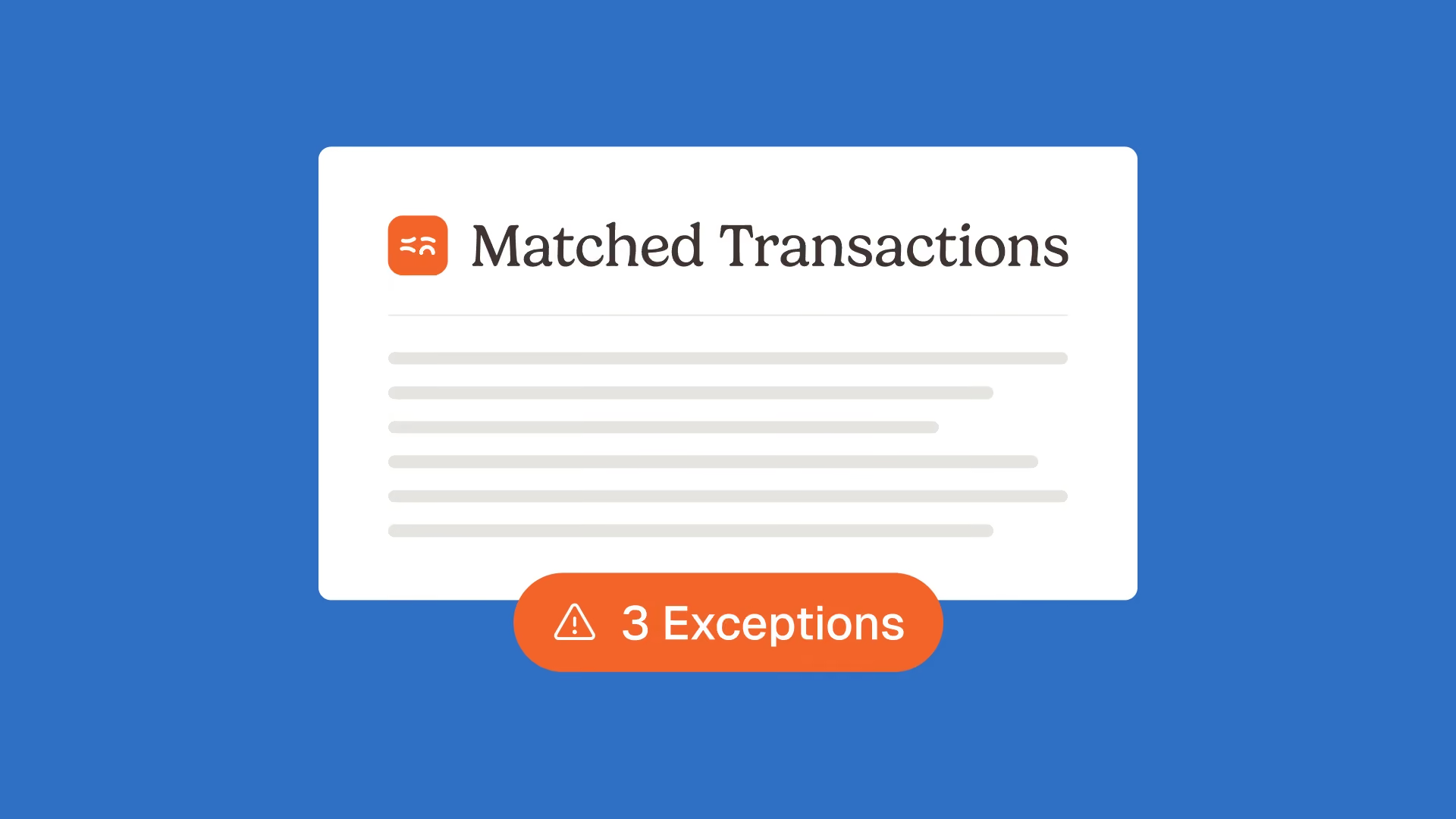

Nicolas Marchais is co-founder and CEO of Phacet. After seven years at Spendesk, he built Phacet as the agentic layer that orchestrates across ERP, banking and email systems. Reliable, auditable, cross-system, what he calls a Finance Workforce.

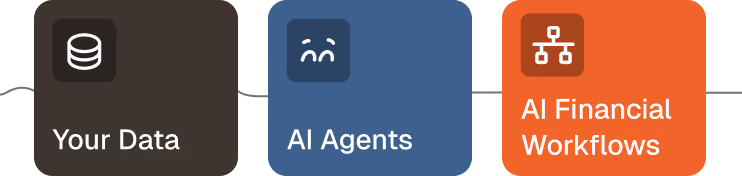
Every close, your team burns hours chasing the handful of transactions that will not tie out. The 90% that match are not the problem. The 10% that do not are where duplicate payments, unbooked bank fees, timing gaps and quiet fraud hide.
Bank reconciliation software is a finance tool that automatically matches your bank transactions against your accounting records, then flags the exceptions that need a human decision. The best modern tools go one step further: they reconcile every cash source (not just bank versus ledger), route each unmatched item with context, and keep a full audit trail. This guide explains what the software does, how to choose it, and why the exceptions, not the match, decide whether it actually saves you time.
What bank reconciliation software actually does
Bank reconciliation software compares two records that should agree, your bank statement and your cash ledger in the general ledger (GL), and confirms that every deposit, withdrawal, fee and transfer lines up. When something does not line up, it raises an exception for review.
Traditional tools stop at the match. You still operate the software, and when a transaction fails to match, you land back in a spreadsheet to investigate. Modern bank reconciliation automation reverses that logic. Instead of software you operate, you get an agent that reconciles for you and hands back only the items that need a human call.
That shift matters because matching is no longer the hard part. Rules-based and AI matching clear the routine volume with ease. The value is in what happens next: how fast, how clearly, and how safely the software resolves the transactions that break.
The match is solved. The exceptions are where the money hides
Here is the uncomfortable truth every vendor page skips: automating the match is table stakes. Any tool worth its price auto-matches the bulk of your routine transactions. The differentiator is exception handling.
The unmatched flows are not noise to clear before close. They are the signal:
- A duplicate supplier payment that leaves the building twice
- A bank fee no one booked, eroding margin line by line
- A card settlement that arrived short because the processor took its cut
- A transfer sitting in transit that looks like a shortfall
- A payment to an account that should not exist
Handle exceptions well and reconciliation becomes a control, not a chore. Handle them badly, by dumping a list of mismatches into a screen and sending your team back to Excel, and you have simply digitized the manual work. This is where exception-based management earns its keep: your team spends its time on the items that carry risk, and nowhere else.
Manual versus automated bank reconciliation: where the time really goes
Manual reconciliation spreads effort evenly across low-value steps: downloading statements, keying transactions, scanning line by line, then investigating breaks across email threads. Most of that work produces nothing, because most transactions were always going to match.
Automated bank reconciliation collapses the first steps to near zero. Data syncs from your bank and ERP, routine items match on their own, and the time that remains goes where it should: reviewing exceptions and approving adjustments. The point is not speed for its own sake. It is redirecting scarce finance hours from matching (which a machine does better) to judgment (which only your team can do).
Your cash is not just bank versus ledger: the multi-source reality
For a goods-heavy business, reconciliation that only compares bank statements to the GL misses most of the picture. A hotel group, a restaurant chain or a retail network takes cash across half a dozen channels, and each one has to reconcile against a different record.
This is the gap in most bank reconciliation tools, which were built for a single bank-to-book comparison. A real control layer reconciles across sources: POS cash reconciliation against reported revenue, card settlements against reported revenue, delivery-platform payouts (Uber Eats, Deliveroo) net of commission, and payment gateway, bank and ERP flows that batch and net differently at each hop. For groups running many sites, one agent can control POS cash across every location at once.
That breadth is exactly what hospitality, food and beverage and retail and distribution operators need, and what generic bank rec modules do not offer.
How bank reconciliation software works: automate the match, review the exceptions
The workflow that matters is not four steps of matching. It is a clean division of labor between the agent and your team.
Under the hood, a bank reconciliation agent that detects unmatched flows follows the same three moves for any cash source. It structures the data (pulling bank, ERP and payment feeds into one auditable place), it matches and controls (the Match step reconciles routine items and isolates the breaks), and it surfaces what needs attention. The agent proposes the adjustment or journal entry. Your team decides. The human stays in the loop by design, which is what separates a control from a black box.
Every action lands in an audit trail: who matched what, which rule fired, which exception was approved and why. When an auditor asks, the answer is already there, so no one rebuilds the story after the fact.
How to choose bank reconciliation software
The market splits into three approaches, and the right one depends on your size and where your cash actually flows.
ERP-native bank rec (the reconciliation modules inside QuickBooks or Xero) is fine for a freelancer or a very small business with one bank account. It is shallow by design: it matches bank to book, then leaves you in a spreadsheet for anything unusual.
Enterprise close suites (BlackLine, HighRadius) reconcile the full balance sheet and carry strong audit trails, but they cost five to six figures a year, take four to six months to implement, and often need a dedicated admin. For a company below a few hundred million in revenue, that is a heavy answer to a focused question.
A control layer sits in between, and it is where most goods-heavy SMBs belong. It reconciles across every cash source, routes exceptions with context, keeps a native audit trail, and sits on top of your existing ERP with no migration. Phacet fits here: agents go live in under two weeks, pricing starts at 299 euros per month, and the same platform covers the wider treasury and cash and internal controls work once bank reconciliation is handled.
For context on why exception quality outweighs raw matching speed, one recurring finding is worth keeping in mind: the IMA's 2025 Finance Technology Survey reported that 58% of finance professionals rated their ERP data as inconsistent or unreliable in at least one material dimension. Bad data does not break the match. It breaks the exceptions, which is precisely where a control layer has to be strong.
What changes in production
The proof is in what teams recover once reconciliation runs as a control rather than a monthly scramble.
Smartbox, operating across 14 countries with 800 employees, multiplied its reconciliation productivity by four after deploying Phacet agents. Astotel, an 18-hotel group, recovered roughly 5,000 euros a year on a single supplier through line-level control, and freed about two hours a day that its team had spent matching and chasing.
Those numbers are not about faster spreadsheets. They come from moving finance up a level: from treasury and financial control teams keying and hunting, to finance leaders who can answer a cash question in the moment because the reconciliation is already done and the exceptions are already resolved. If you want to see the pattern applied end to end, the cash reconciliation use case walks through it.
Frequently asked questions
Can bank reconciliation be automated?
Yes. Bank reconciliation software automatically imports bank and ledger data, matches routine transactions, and flags the rest as exceptions. Automation handles the repetitive matching so your team reviews only the items that need a decision, which is where accuracy and control are actually won.
What is the difference between bank reconciliation and account reconciliation?
Bank reconciliation is a subset of account reconciliation. It matches your cash records against bank statements specifically. Account reconciliation is broader: it covers every balance sheet account (accounts payable, accounts receivable, intercompany, accruals and more). Most teams start with bank reconciliation because it is the most tangible cash control.
How does bank reconciliation software handle exceptions?
The strongest tools flag each unmatched transaction, classify it (timing gap, duplicate, fee, missing entry), attach the supporting context, and route it to the right reviewer. The agent proposes an adjustment or journal entry, and a person approves it. This exception-based approach keeps a human in control while removing the manual search.
Does bank reconciliation software replace my ERP?
No. A control layer like Phacet sits on top of your ERP (Sage, NetSuite, QuickBooks, Pennylane and others) rather than replacing it. It reads your bank, ERP and payment data, reconciles across them, and writes back proposed entries for approval. There is no migration and no rip-and-replace.
How does it reconcile POS, card and platform payments?
Multi-source software reconciles each channel against the right record: POS and cash takings against reported revenue, card settlements against bank deposits net of processor fees, and delivery-platform payouts against platform revenue after commission. This matters for hospitality, food and beverage and retail, where most cash never touches a single bank feed cleanly.
How long does implementation take?
It depends on the approach. ERP-native modules are instant but shallow. Enterprise suites typically take four to six months and a dedicated admin. A control layer such as Phacet puts a first reconciliation agent in production in under two weeks, because it connects to your existing systems instead of replacing them.
The bottom line
Automating the match is no longer a differentiator. Every serious tool does it. What decides whether bank reconciliation software actually gives you time back is how it treats the exceptions: whether it routes them with context, keeps them traceable, and covers every cash source rather than bank versus ledger alone.
Match fast, review the exceptions that matter, and keep a human in the loop with a full audit trail behind every decision. That is the difference between digitizing the old work and turning reconciliation into a control your finance team can trust.

Latest Resources

Unlock your AI potential
Go further with your financial workflows — with AI built around your needs.


