
Invoice processing automation: how AI validates invoices before your ERP
Published on :
June 21, 2026

Nicolas Marchais is co-founder and CEO of Phacet. After seven years at Spendesk, he built Phacet as the agentic layer that orchestrates across ERP, banking and email systems. Reliable, auditable, cross-system, what he calls a Finance Workforce.

At Astotel, a group of 18 Paris hotels, supplier price checks used to happen by sampling. A few invoices, spot-checked, when someone had time. Then a Phacet agent started reading every line of every supplier invoice against the negotiated price list. It surfaced around €400 of billing errors per month on a single supplier, close to €5,000 a year that would otherwise have been posted, approved, and paid.
"I spot errors I would never have caught on my own, and I save up to two days a month," says Valérie, Head of Procurement at Astotel.
That is the part of invoice processing automation most tools skip. They capture the invoice fast. They extract the data with high accuracy. Then they route it straight into your ERP. The speed is real. So is the risk: a wrong invoice automated end to end is still a wrong invoice, only now it moves faster and lands in your books before anyone looks.
This guide covers how automated invoice processing works, and where the real value sits: not in capturing invoices faster, but in validating each one before it reaches your ERP.
What is invoice processing automation?
Invoice processing automation is the use of software to receive, read, validate, and route supplier invoices with minimal manual data entry. It combines optical character recognition (OCR), machine learning, and rule-based workflows to move an invoice from inbox to posting, flagging anything that does not match before payment.
In practice, automation replaces the manual chain of typing invoice data, looking up purchase orders, chasing approvers, and keying everything into the accounting system. According to Ardent Partners, finance teams with mature, highly automated payables process an invoice in roughly three days, against a 17-day average, at less than a quarter of the cost per invoice.
A useful distinction, often blurred by vendors: invoice processing automation is a subset of broader accounts payable automation. It focuses on capture, data extraction, validation, and approval routing, while full AP automation also owns payment execution and vendor management. Most teams start with the invoice layer because that is where the manual work, and the errors, concentrate.
How automated invoice processing works, step by step
A typical automated invoice workflow follows the same sequence across tools:
- Capture. Invoices arrive by email, supplier portal, EDI, or paper scan. The system collects them in one place and standardizes the formats.
- Extraction. OCR and AI read each document and pull the key fields: vendor, invoice number, date, line items, unit prices, quantities, tax, and totals.
- Validation and matching. The system compares the invoice against internal records, purchase orders, and receiving notes, then flags anything that does not line up.
- Approval routing. Business rules send the invoice to the right approver based on amount, cost center, or vendor.
- Posting and payment. The approved invoice syncs to the ERP or accounting system, and the payment is scheduled.
Most vendors treat step 2 as the hero. OCR accuracy near 99% is the headline, and extraction is now close to a commodity. The step that actually protects your margin is step 3, and it is the one almost every tool covers in a single line.
That is the gap worth understanding.
The gap nobody automates: control before the invoice reaches your ERP
Here is the uncomfortable truth about invoice automation framed purely as speed. Once an invoice is posted to your ERP and paid, the error is already in your accounts. Recovering an overpayment means a credit note, a vendor dispute, and weeks of back and forth. The ERP is the point of no return, not the finish line.
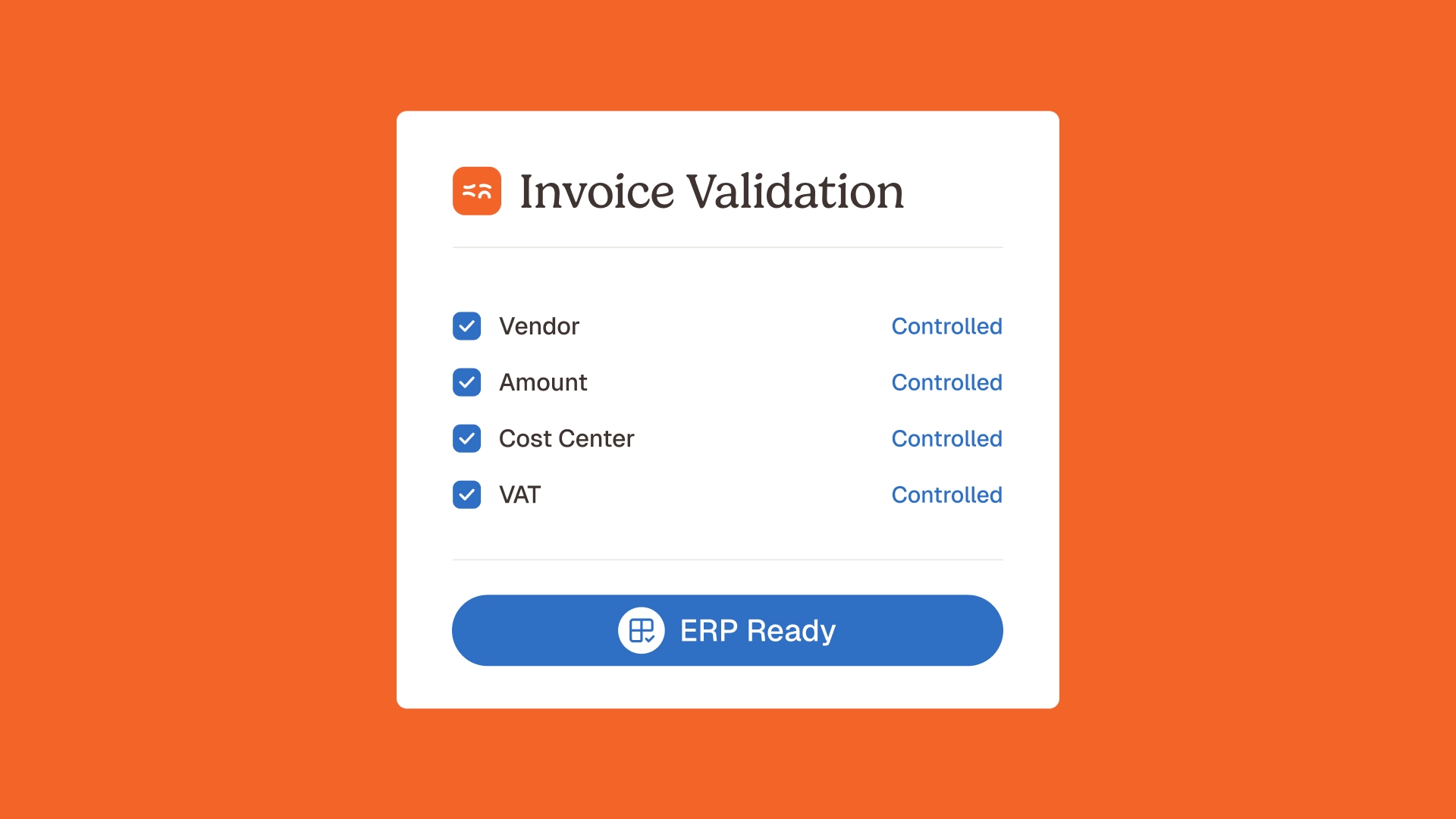
Control has to happen before the invoice is posted, not after. That means checking, line by line, that what the supplier billed matches what you agreed:
- The unit price on the invoice matches the negotiated price or contract rate, not just last month's price.
- Quantities and units match what was ordered and received.
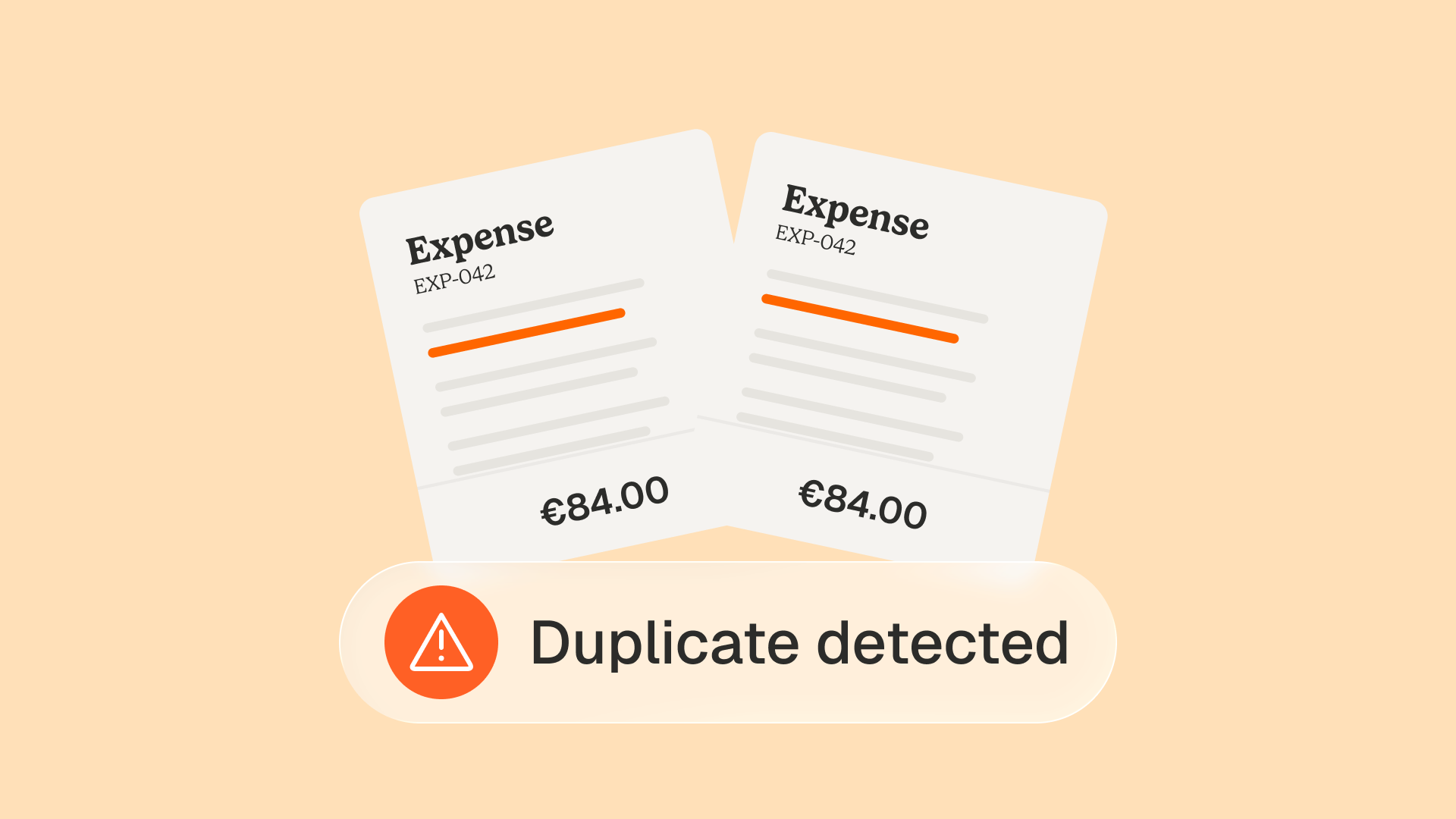
- No duplicate invoice, no off-contract item, no silent price increase.
- Tax, discounts, and conditions are applied correctly.
This is invoice price compliance, and it is where capture-first automation stops short. A tool that extracts a price accurately and routes it for approval has done nothing to tell you whether that price is the right one. It has automated the typing, not the control.
Two failures make this gap expensive in real life:
Price drift. Suppliers raise prices a few percent at a time, often without notice. Each increase is small enough to pass an approval glance. Across hundreds of invoices and a full year, the leak is significant. Catching it requires price drift detection against a reference, which a router does not do.
The no-PO reality. Two-way and three-way matching assume a purchase order with unit prices. In goods and flow businesses (food and beverage, hospitality, retail, construction), a large share of supplier invoices have no PO, or a PO that never carried negotiated prices. The moment there is no PO, matching-based control collapses, and the invoice sails through.
This is the white space, and it maps directly to the internal controls Phacet was built for. Agents like control supplier billing and reduce overpayments and control invoices against contract terms check each line against your prices, contracts, and history, and they do it whether or not a PO exists.
PO matching versus price and contract control: what is the difference?
Three-way matching is the control most finance teams know. It compares three documents: the purchase order, the goods receipt, and the invoice. If quantities and amounts agree within tolerance, the invoice passes. Two-way matching drops the goods receipt and compares the PO to the invoice only.
Matching is necessary. It is also limited. It answers one question: does this invoice agree with the documents around it? It does not answer the question that protects margin: does this price agree with what we actually negotiated?
Three situations expose the limit:
- No PO exists. Matching has nothing to compare against, so the invoice is approved on trust.
- The PO has no negotiated price. The invoice matches the PO, but the PO carried a placeholder or list price, so an overcharge passes clean.
- The description differs. Rules-based matching reads "30 cases of pencils" and "pencils, 30 cartons" as a mismatch and kicks a valid invoice to manual review, or worse, lets a real discrepancy hide behind wording.
Price and contract control closes those gaps. It checks the invoice line against a supplier price book, a contract clause, or a historical baseline, using semantic matching so that different wordings for the same item still reconcile. The 3-way matching agent handles the document match; the control agents handle the price truth. You want both.
Where AI validation beats OCR-and-route automation
Plenty of tools now say "AI." The question is what the AI is for. In most invoice automation, AI improves extraction: it reads messier documents more accurately. Useful, but it is still pointed at capture.
Validation is a different job, and it is where AI earns its place:
- It reasons across systems. A real control checks an invoice line against your ERP records, your contracts, your email trail, and your price history at once, not against a single PO field. This cross-system reach is what a generalist OCR engine cannot do.
- It explains itself. Every decision an agent makes is traceable. You see why a line was flagged, what it was compared against, and what the source was. That audit trail is what you show an auditor or an accountant, and it is the difference between automation you trust and a black box.
- It keeps a human in the loop. The agent proposes, the person decides. AI surfaces the anomaly and the evidence; your team approves or overrides. Control stays with finance.
This is also why Phacet does not ask you to replace your stack. The control layer sits on top of the ERP and AP tools you already run (Sage, NetSuite, Pennylane, Bill, and others). You keep your system of record. You add the validation it was never designed to do. General-purpose assistants like ChatGPT do not know your suppliers, your price references, or your accounting rules, do not connect to your inbox or your ERP, and do not produce an audit trail. Phacet was built on more than 100 real finance deployments to do exactly that.
What invoice processing automation looks like by industry
Generic automation treats every invoice the same. The control that recovers real money is specific to how a sector buys.
In food and beverage, the leak is the mercuriale: supplier price lists that shift weekly while invoices keep arriving. An agent that controls each line against the agreed food supplier price list catches the drift that sampling misses, which is exactly what surfaced €5,000 a year on one supplier at Astotel.
In hospitality, high supplier counts and decentralized ordering mean invoices without clean POs are the norm. Control against contracts and history, not just matching, is what holds.
In retail and distribution, the issue is catalog and condition drift across thousands of SKUs. Smartbox, a European leader in gift experiences with 800 employees across 14 countries, multiplied the productivity of payment and invoice reconciliation by four, with each use case live in about six weeks. "Phacet operates like an extension of our teams," says Mourad Meraou, Operations Director.
The common thread: the control logic is built for the procurement and financial control reality of non-tech, goods-heavy businesses, not for a generic AP pipeline.
How to choose invoice processing automation that controls, not just captures
When you evaluate invoice automation software, most demos look alike: capture, extraction accuracy, approval routing, ERP sync. To see whether a tool actually protects your margin, push past capture and ask about control:
- Line-level price control. Can it check each line against a negotiated price, a contract, or a historical baseline, not only against a PO?
- No-PO coverage. What happens to an invoice with no purchase order? Is it still controlled, or approved on trust?
- Price drift and duplicates. Does it catch a 3% creeping increase and a re-sent invoice automatically?
- Explainability. Can it show, for any flagged line, what it compared and why? Is there a native audit trail?
- Fits your stack. Does it sit on top of your current ERP and AP tools, or does it ask you to rip and replace?
- Time to value. How fast is the first control live? Phacet teams typically have a first agent in production in under two weeks.
A capture-first tool can answer the first row of every demo. A control-first tool answers all of them. That is the line between automating data entry and validating supplier invoices before they cost you.
Frequently asked questions
How do you automate invoice processing?
You automate invoice processing by routing all incoming invoices to one place, letting AI extract the data, validating each invoice against your prices, contracts, and records, and syncing approved invoices to your ERP. The faster you put control before the posting step, the more you protect against overpayment. Phacet handles intake with an agent that can automate your accounting inbox and control with pre-payment controls.
Which AI technology is best for invoice processing?
Two AI capabilities matter, and they do different jobs. OCR and machine learning handle extraction (reading the document accurately). Reasoning and semantic matching handle validation (deciding whether the invoice is correct). Extraction is now close to a commodity; the differentiator is validation that checks each line against your own price and contract references and explains its decisions.
What is the difference between invoice processing and accounts payable automation?
Invoice processing automation covers a subset of the payables cycle: capture, extraction, validation, and approval routing. Accounts payable automation is broader, adding payment execution, vendor management, and reconciliation. Invoice processing is where most teams start, because it carries the heaviest manual workload and the highest error risk.
Can you automate invoice control without a purchase order?
Yes. Two-way and three-way matching need a purchase order, but price and contract control does not. An AI agent can check an invoice line against a negotiated price book, a contract clause, or your buying history, so invoices with no PO (common in food and beverage, hospitality, retail, and construction) are still validated rather than approved on trust.
Does invoice processing automation replace your ERP?
No. Good invoice automation sits on top of your ERP and accounting tools, not in their place. Your ERP stays the system of record. The automation adds the capture and the control the ERP was never designed to do, then writes clean, validated data back to it.
Is invoice validation the same as three-way matching?
Not quite. Three-way matching compares an invoice to its purchase order and goods receipt. Invoice validation is broader: it also checks the price against contracts and history, detects duplicates and price drift, and verifies tax and conditions. Matching is one part of validation, not the whole of it.
Control is the part worth automating
Capturing invoices faster is table stakes now. Every serious tool extracts data well and routes it cleanly. The advantage left on the table is control: validating each line against your prices, your contracts, and your history before the invoice is posted and paid.
That is the shift from invoice processing as data entry to invoice processing as financial control. It keeps your team in the loop, gives them the evidence to act, and turns the AP function from a cost of catching errors into a guardrail that protects margin.
If you want to see what control-first automation looks like on your own invoices, explore the Phacet AI agents for accounts payable, or book a demo.
Latest Resources
Unlock your AI potential
Go further with your financial workflows — with AI built around your needs.


