

Sage Intacct accounts payable automation with Phacet
Published on :
July 20, 2026

Nicolas Marchais is co-founder and CEO of Phacet. After seven years at Spendesk, he built Phacet as the agentic layer that orchestrates across ERP, banking and email systems. Reliable, auditable, cross-system, what he calls a Finance Workforce.

At Astotel, a group of 18 Paris hotels, supplier price checks used to happen by sampling: a few invoices reviewed, the rest paid on trust. A Phacet agent then flagged around 400€ of billing errors every month on a single supplier, close to 5,000€ a year, on prices that had quietly drifted above the negotiated rate. "I catch errors I would never have seen on my own," says Valerie, Purchasing Director.
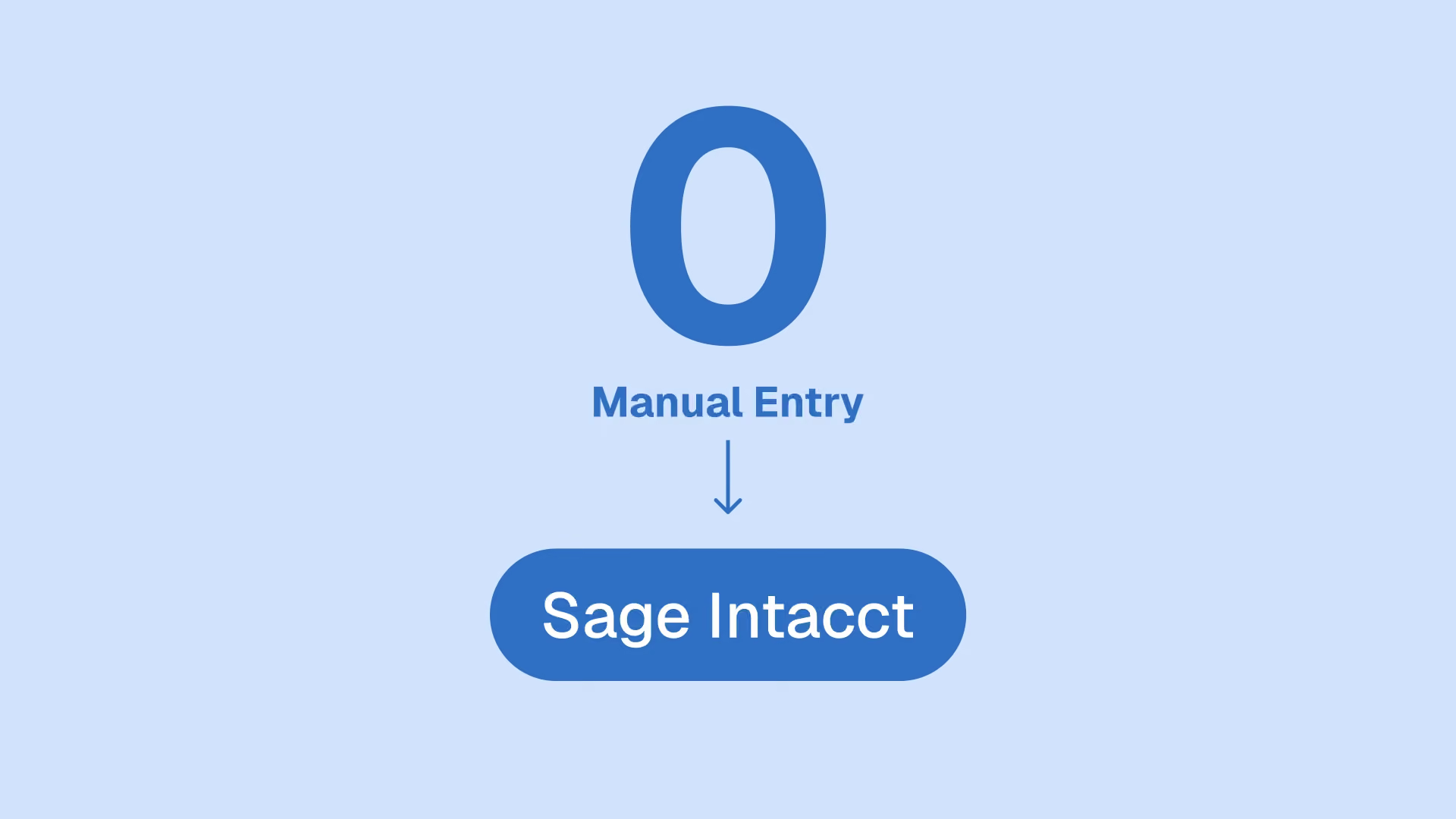
Sage Intacct accounts payable automation is the AI-powered feature set that turns emailed or uploaded supplier documents into draft bills inside the ERP, then routes them through approval, payment and reconciliation. It removes the keystrokes. What it does not do is confirm that the price on each invoice line is the price you actually negotiated. On matched transactions it goes one step further, and stops showing you what the vendor billed at all.
That gap, control before payment, is where a layer like Phacet fits on top of Sage Intacct. This article covers what the native automation does, what its own documentation says it does not check, and how a control layer closes that gap without a migration.
What Sage Intacct accounts payable automation does
Sage Intacct AP Automation moves a supplier document from inbox to posted bill through an AI-assisted draft workflow. According to Sage's own help center, the process triggers when you upload a bill from the Bills list or forward it to a Sage-provisioned email address assigned to each entity.
From there, the system does four things:
- Identifies the vendor and attaches the source document to a draft bill.
- Extracts bill details: bill number, date, line items and amounts.
- Predicts GL account and dimension coding based on your past coding patterns, and learns from your corrections.
- Flags import exceptions, of which there are exactly two types: Resolve (the vendor could not be matched with enough confidence) and Duplicate.
A companion module, AP Automation with Purchasing, adds automated 2-way and 3-way matching of vendor invoices to purchasing transactions. Sage sells the whole thing on one number: cut AP processing time in half. Their own ROI calculator is built in minutes per bill and fully loaded hourly cost, citing IDC research that 34% of typical AP process time goes to invoice data entry, at 9 to 24 minutes per invoice.
That value is real and it is worth having. It is also entirely a speed argument. Every result on the first page of Google for this query makes the same one, from Sage's product pages to the Tipalti and Ramp comparison articles, which move the debate toward payment rails and global compliance rather than toward control. Nobody is asking the question a finance leader actually loses sleep over: was the amount right?
What Sage Intacct AP automation does not check
Here is the uncomfortable part, and it is not an opinion. It is in Sage's own documentation, last modified July 9, 2026.
When AP Automation with Purchasing matches a vendor invoice to a purchase order, the line items in the draft are, in Sage's words, "populated from the source purchasing transaction, rather than the vendor document". Sage then asks you to compare the line items yourself before posting.
Read that again, because it is the whole point. The moment the automation succeeds at its job, the draft in front of your accountant shows what you ordered, not what you were billed. The single place a price discrepancy would surface is the one place it never appears. The automation does not miss the overcharge. It renders it invisible, and hands the comparison back to a human who now has a clean-looking draft and no reason to doubt it.
Five other documented limits compound the problem:
- Duplicate detection has a boundary. Incoming bills are compared against bills previously submitted through AP Automation. Invoices keyed manually, imported before rollout, or arriving through another channel sit outside the comparison set.
- Matching is one to one. A vendor invoice can match a single source transaction. In hospitality, food and beverage or retail, where one invoice routinely consolidates a week of deliveries, that constraint forces manual handling exactly where volume is highest.
- Your own control rules are bypassed on drafts. Smart Rules and Smart Events do not run on draft transactions until you submit or post. The custom checks you built to protect the process are silent during the phase where AI is filling the fields.
- Invoices without a purchase order fall through. No purchase order means no match, which means no control. In goods-heavy sectors a large share of supplier spend arrives this way: recurring deliveries priced off a supplier price list.
- Avalara AvaTax transactions are not supported by automated matching.
None of these are exotic edge cases. They are where money actually leaks: not in slow processing, but in payments that were fast, clean, and wrong.
Why the price is the part nobody checks
Invoice price compliance is the discipline of verifying that every invoice line matches the price you contractually agreed, not just that an invoice matches a purchase order. It is a different question from matching, and it is the question the entire Sage Intacct ecosystem leaves open.
Three-way matching confirms that the invoice, the purchase order and the receipt agree with each other. It does not confirm that the price on the purchase order was the price in your signed agreement, or that your supplier has not raised it since. As we put it internally: 3-way matching tells you the invoice matches the order. It does not tell you the order was priced right.
Price drift detection is what catches that, and it is absent from the native flow. So is line-level duplicate invoice detection across your full history rather than a rolling automation window. The same structural gap exists on other ERPs, which is why we wrote the equivalent analysis for NetSuite accounts payable automation: the vocabulary changes, the blind spot does not.
The Phacet layer: control before payment
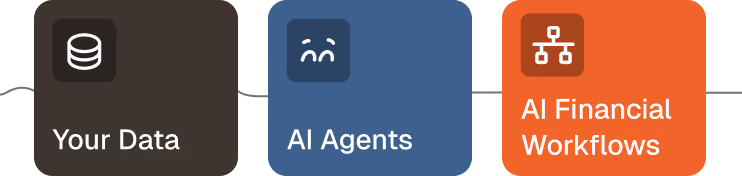
The Phacet layer is an agentic control layer that sits on top of Sage Intacct and verifies every supplier invoice, line by line, before it gets paid. Sage Intacct stays the system of record. Phacet checks what Sage Intacct is about to record.
The logic follows three steps: structure, match, analyze.
- Structure. Phacet turns raw invoices and supporting documents into auditable tables, extracting each line, price, quantity and reference with a confidence score. Crucially, it reads the vendor document itself, so the billed lines never disappear behind the ordered lines.
- Match. This is the moat. Phacet reconciles each line against your negotiated price list, your contract terms and prior invoices, then flags anomalies (price drift, duplicates, quantity mismatches, missing documents) before payment. AI Match, the semantic reconciliation engine, exposes its reasoning at every step, so the answer is never a black box.
- Analyze. Once the data is trusted, Phacet surfaces recovered amounts, recurring offenders and margin leaks on demand.
Every check is anchored to the underlying document and time-stamped in a native audit trail, which means each decision is showable to an auditor or an accountant. That is the difference between a generalist assistant and a finance specialist in production. Claude and ChatGPT are remarkable general tools, but they do not know your suppliers, your price references, your accounting rules or your ERP. They produce no audit trail. They do not connect to your inbox or your SFTP. And they were not trained on 100+ real finance deployments.
Put simply: your ERP records the invoice, Phacet controls it before you pay.
How the Phacet layer works with Sage Intacct
The layer runs alongside Sage Intacct in five steps, with no migration and no change to your existing setup. Phacet is compatible with legacy and modern ERPs alike, which matters if Sage is one of several systems in your stack.
- Ingest. Phacet collects supplier invoices from your inbox, SFTP or scan flow, including the ones that never had a purchase order.
- Structure. Each vendor document becomes a line-level table: supplier, reference, quantity, unit price, total, with a confidence score per field.
- Control. Every billed line is checked against your negotiated price list, contract terms and past invoices. Price drift, duplicates and quantity gaps are flagged before payment, not after.
- Decide. The finance team reviews only the flagged exceptions, not every invoice. The AI proposes, the human disposes. Clean invoices flow through untouched.
- Write back. Validated bills and their audit trail sync into Sage Intacct through the API, so the ERP stays the single source of truth.
Because the layer is cross-system, it reconciles data living across Sage Intacct, your bank and your email at the same time, which is exactly where intra-system execution leaves gaps. The first agent is typically in production in under two weeks.
Sage Intacct native AP vs the Phacet control layer
Native Sage Intacct AP Automation and the add-ons around it are built to process and pay. The Phacet layer is built to control what you pay. The two are complementary, not competing: Phacet sits on top of Sage Intacct, it does not replace it.
The pattern is consistent. Capture, coding, approval and payment are well covered by the native flow and by the add-on ecosystem on the Sage Intacct Marketplace. Price compliance, non-purchase-order control and anomaly detection before payment are not, and that is precisely the layer Phacet owns.
The Phacet control agents for Sage Intacct AP
Phacet is not one monolithic tool. It is a catalog of 40+ ready-to-use finance agents, built on 100+ real deployments, and several map directly onto the Sage Intacct AP control gap. Each one does a concrete job, on real invoices, in production.
These agents live in two hubs worth exploring if you are mapping your own AP stack: the accounts payable agent library and the internal controls agent library. For teams running purchase orders through Sage Intacct, the three-way matching use case shows how the control layer keeps the billed lines visible instead of overwriting them. For teams whose spend is mostly recurring deliveries, the supplier price list control agent works with no purchase order at all.
Proof: what control before payment recovers
The value of a control layer is not theoretical. It is measured on invoices that were about to be paid.
At Astotel, the supplier billing control agent recovered close to 5,000€ a year of errors on a single supplier and freed up around two hours a day for the purchasing team.
At Smartbox, a European retail leader with 800 employees across 14 countries, Phacet multiplied payment-to-invoice reconciliation productivity by four, with each use case live in about six weeks. "Phacet operates like an extension of our teams," says Mourad Meraou, Operations Director.
The common thread: the money was not saved by paying faster. It was saved by catching what a fast, clean payment would have missed.
FAQ
Does Sage Intacct have AP automation?
Yes. Sage Intacct AP Automation creates draft bills from emailed or uploaded documents, identifies the vendor, extracts line items, predicts GL coding from your past patterns, and flags duplicates. An add-on module, AP Automation with Purchasing, adds 2-way and 3-way matching to purchasing transactions. It automates processing, but it does not verify invoice prices against your negotiated rates.
What does Sage Intacct AP automation not check?
It does not confirm that each invoice line matches your negotiated price. On matched transactions, the draft is populated from the purchase order rather than the vendor document, so a price discrepancy is not displayed. Duplicate detection only compares against bills already processed by AP Automation, matching is limited to one source transaction per invoice, Smart Rules do not run on drafts, and invoices without a purchase order are not controlled at all.
Why does the draft invoice show the purchase order lines instead of the vendor's lines?
Because that is how Sage Intacct is designed. When automated matching succeeds, the draft vendor invoice inherits its line items from the source purchasing transaction, and Sage's documentation asks you to compare the lines and adjust manually before posting. The behavior is documented and intentional. The consequence is that the automation you enabled to save review time is the same automation that removes the evidence you would review.
Do you need a purchase order for the Phacet layer to work?
No. Phacet controls purchase-order and non-purchase-order invoices alike. It checks each billed line against your price list, contracts and past invoices, which is essential in hospitality, food and beverage, retail and construction, where much supplier spend arrives with no purchase order.
What is invoice price compliance?
Invoice price compliance is the practice of verifying that every invoice line matches the price you contractually agreed, not just that the invoice matches a purchase order. It catches price drift, unapproved increases and overbilling before the invoice is paid.
Does the Phacet layer replace Sage Intacct?
No. Sage Intacct stays your system of record. Phacet is an agentic layer that sits on top, controls each invoice before payment, and writes validated data back into Sage Intacct through the API. There is no migration.
How is Phacet different from AP add-ons like Tipalti or Ramp?
Those tools optimize processing and payment: capture, approvals, global payouts, regulatory compliance on transfers. Phacet optimizes control: it verifies the price and the compliance of each billed line before payment, including on invoices without a purchase order. Your ERP and your AP tool record and pay. Phacet controls.
Control what you pay, not just how fast you pay it
Sage Intacct accounts payable automation is a strong engine for processing supplier invoices, and cutting AP processing time in half is a real result. The open question it leaves is not speed, it is certainty.
Are you paying the price you agreed, on every line, including the invoices that never had a purchase order and the ones where your ERP quietly replaced the vendor's numbers with your own?
That certainty is what the Phacet control layer adds, on top of Sage Intacct, with a native audit trail, in under two weeks, from 299€/month. Explore the full agent catalog, see how it fits finance leadership and procurement workflows, or book a demo to run your own invoices through it.

Latest Resources
Unlock your AI potential
Go further with your financial workflows — with AI built around your needs.


