

NetSuite accounts payable automation: how the Phacet layer works
Published on :
July 13, 2026

Nicolas Marchais is co-founder and CEO of Phacet. After seven years at Spendesk, he built Phacet as the agentic layer that orchestrates across ERP, banking and email systems. Reliable, auditable, cross-system, what he calls a Finance Workforce.

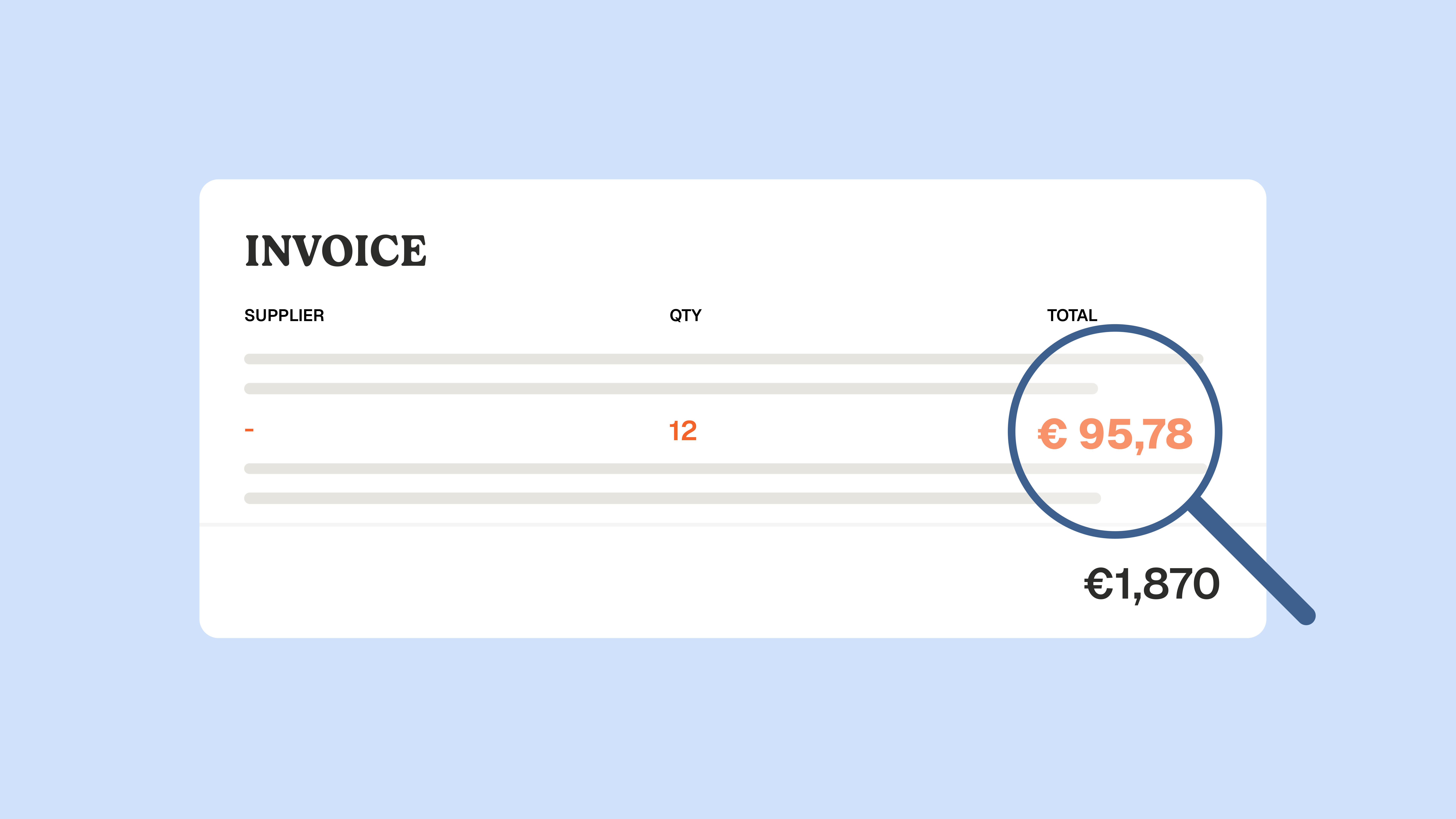
At Astotel, a group of 18 Paris hotels, supplier price checks used to happen by sampling: a few invoices reviewed, the rest paid on trust. Then a Phacet agent flagged around 400€ of billing errors every month on a single supplier, close to 5,000€ a year, on prices that had quietly drifted above the negotiated rate.
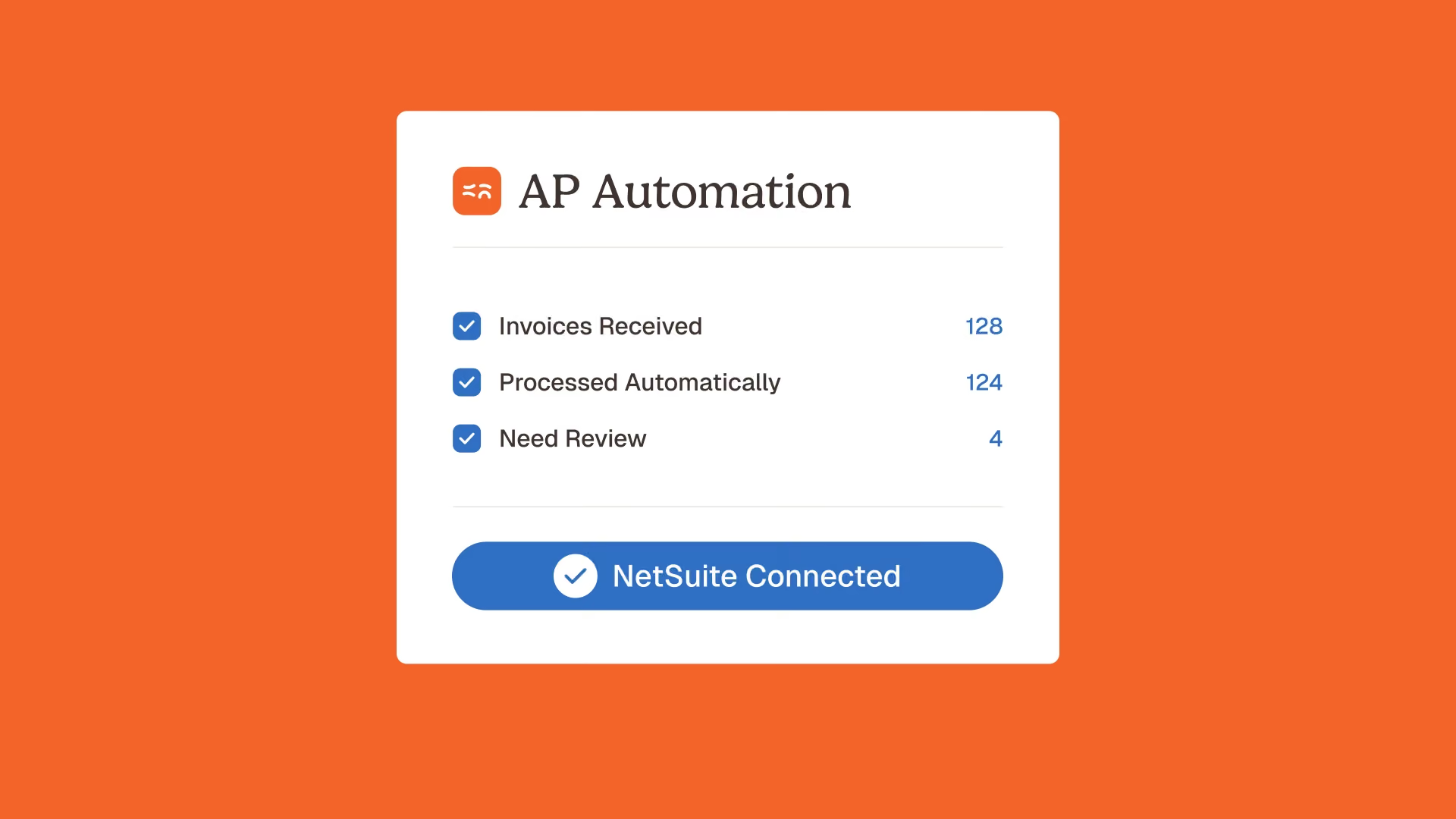
NetSuite accounts payable automation is the set of NetSuite features that capture, code, match, approve and pay supplier invoices inside the ERP. It removes manual data entry and shortens the invoice-to-pay cycle. What it does not do is confirm that the price on each invoice line is the price you actually negotiated, or control the many invoices that never had a purchase order. That gap, control before payment, is where a layer like Phacet fits on top of NetSuite.
This article covers what NetSuite AP automation does natively, what it does not check, and how a control layer closes that gap without replacing your ERP.
What NetSuite accounts payable automation does
NetSuite accounts payable automation moves a supplier invoice from receipt to payment through a digital workflow, so finance teams stop keying data by hand. According to NetSuite's own documentation, the process runs in five stages: invoice capture with OCR, matching against purchase orders and receipts, approval routing, payment execution, and reconciliation.
Two native building blocks handle most of this:
- Bill Capture, which reads incoming invoices and pre-fills the vendor bill fields.
- NetSuite Intelligent Payment Automation (powered by BILL), which schedules and executes vendor payments from inside NetSuite.
For teams outgrowing the native flow, a large ecosystem of add-ons (Tipalti, Stampli, Rillion, Zone & Co and others) plugs into NetSuite through SuiteApps or the SuiteTalk API. Each one competes on the same axes: integration depth, approval user experience, and global payment reach.
All of them share one assumption. They treat AP automation as processing speed: capture faster, route faster, pay faster. That is real value, and it is worth having. It is also only half of the job.
What NetSuite AP automation does not check
Here is the uncomfortable part for a finance leader. A supplier invoice can be captured cleanly, matched to a purchase order, approved in seconds and paid on time, and still overcharge you. Speed does not equal control.
Invoice price compliance is the discipline of checking that every invoice line matches the price you contractually agreed, not just that an invoice matches a purchase order. This is the layer NetSuite and most add-ons leave open, in four specific ways:
- The unit price is never verified against your negotiated rate. Three-way matching confirms that the invoice matches the purchase order and the receipt. It does not confirm that the price on that purchase order is the price in your signed agreement, or that a supplier has not raised it since. Price drift detection is what catches this, and it is absent from the native flow.
- Invoices without a purchase order fall through. In goods-heavy sectors like hospitality, food and beverage, retail and construction, a large share of supplier spend arrives with no purchase order at all: recurring deliveries priced off a supplier price list. No purchase order means no match, which means no control.
- Three-way matching breaks on partial receipts. When a purchase order is only partly received, the native workflow stalls and forces a manual bypass. The exception rate climbs, and controls get skipped to keep the close moving.
- Duplicate vendors and duplicate invoices slip through. In multi-subsidiary NetSuite setups, the same supplier and the same invoice can be recorded twice, and the same amount paid twice. Duplicate invoice detection is not a native strength.
None of these are exotic edge cases. They are where money actually leaks: not in slow processing, but in payments that were fast, clean, and wrong.
The Phacet layer: control before payment
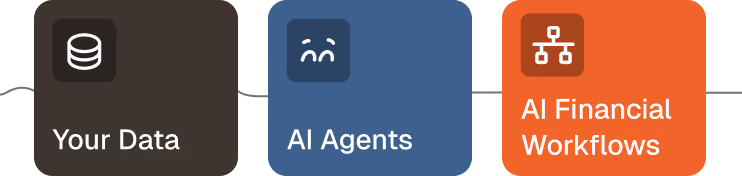
The Phacet layer is an agentic control layer that sits on top of NetSuite and verifies every supplier invoice, line by line, before it gets paid. NetSuite stays the system of record. Phacet checks what NetSuite records.
The logic follows three steps: structure, control, analyze.
- Structure. Phacet turns raw invoices and supporting documents into auditable tables, extracting each line, price, quantity and reference with a confidence score. Invoices arrive from your accounting inbox or SFTP, coded and ready.
- Control. This is the moat. Phacet reconciles each line against your negotiated price list, your contract terms, and prior invoices, then flags anomalies (price drift, duplicates, quantity mismatches, missing documents) before payment. AI Match, the semantic reconciliation engine, exposes its reasoning at every step, so the answer is never a black box.
- Analyze. Once the data is trusted, Phacet surfaces recovered amounts, recurring offenders and margin leaks on demand.
Every check is anchored to the underlying document and time-stamped in a native audit trail, which means each decision is showable to an auditor or an accountant. This is the difference between a generalist assistant and a finance specialist in production: ChatGPT and Claude are remarkable general tools, but they do not know your suppliers, your price references or your accounting rules, they produce no audit trail, and they were not trained on 100+ real finance deployments.
Put simply: your ERP records the invoice, Phacet controls it before you pay.
How the Phacet layer works with NetSuite
The layer runs alongside NetSuite in five steps, without a migration and without disrupting your existing setup:
- Ingest. Phacet collects supplier invoices from your inbox, SFTP or scan flow, including the ones that never had a purchase order.
- Structure. Each invoice becomes a line-level table: supplier, reference, quantity, unit price, total, with a confidence score per field.
- Control. Every line is checked against your negotiated price list, contract terms and past invoices. Price drift, duplicates and quantity gaps are flagged before payment, not after.
- Decide. The finance team reviews only the flagged exceptions, not every invoice. The AI proposes, the human disposes. Clean invoices flow through untouched.
- Write back. Validated bills and their audit trail sync back into NetSuite, so the ERP stays the single source of truth.
Because the layer is cross-system, it reconciles data that lives across NetSuite, your bank and your email at the same time, which is exactly where native execution leaves gaps. The first agent is typically in production in under two weeks.
NetSuite native AP vs. the Phacet control layer
Native NetSuite AP automation and the AP add-ons around it are built to process and pay. The Phacet layer is built to control what you pay. The two are complementary, not competing: Phacet sits on top of NetSuite, it does not replace it.
The pattern is consistent. Capture, approval and payment are well covered by the native flow and by add-ons. Price compliance, non-purchase-order control and anomaly detection before payment are not, and that is precisely the layer Phacet owns.
The Phacet control agents for NetSuite AP
Phacet is not one monolithic tool. It is a catalog of 40+ ready-to-use finance agents, and several map directly onto the NetSuite AP control gap. Each one does a concrete job, on real invoices, in production.
These agents live in two hubs worth linking for anyone mapping their own AP stack: the accounts payable agent library and the internal controls agent library. For teams that run purchase orders, the three-way matching use case shows how the control layer handles partial receipts without stalling.
Proof: what control before payment recovers
The value of a control layer is not theoretical, it is measured on invoices that were about to be paid.
At Astotel, an 18-hotel hospitality group, the supplier billing control agent recovered close to 5,000€ a year of errors on a single supplier, and freed up around two hours a day. "I catch errors I would never have seen on my own," says Valerie, Purchasing Director.
At Smartbox, a European retail leader with 800 employees across 14 countries, Phacet multiplied payment-to-invoice reconciliation productivity by four, with each use case live in about six weeks. "Phacet operates like an extension of our teams," says Mourad Meraou, Operations Director.
The common thread: the money was not saved by paying faster. It was saved by catching what a fast, clean payment would have missed.
FAQ
Does NetSuite have AP automation?
Yes. NetSuite automates invoice capture (Bill Capture), purchase-order matching, approval routing, payment (Intelligent Payment Automation, powered by BILL) and reconciliation inside the ERP. It automates processing, but it does not verify invoice prices against your negotiated rates.
What does NetSuite AP automation not check?
It does not confirm that each invoice line matches your negotiated price, it struggles with invoices that have no purchase order, its three-way match breaks on partial receipts, and it does not reliably catch duplicate vendors or duplicate invoices. These are the checks a control layer adds before payment.
Do you need a purchase order for the Phacet layer to work?
No. Phacet controls purchase-order and non-purchase-order invoices alike. It checks each line against your price list, contracts and past invoices, which is essential in hospitality, food and beverage, retail and construction, where much supplier spend arrives with no purchase order.
What is invoice price compliance?
Invoice price compliance is the practice of verifying that every invoice line matches the price you contractually agreed, not just that the invoice matches a purchase order. It catches price drift, unapproved increases and overbilling before the invoice is paid.
Does the Phacet layer replace NetSuite?
No. NetSuite stays your system of record. Phacet is an agentic layer that sits on top, controls each invoice before payment, and writes validated data back into NetSuite. There is no migration.
How is Phacet different from AP add-ons like Tipalti or Stampli?
Those tools optimize processing and payment: capture, approvals and global payouts. Phacet optimizes control: it verifies the price and the compliance of each line before payment, including on invoices without a purchase order. Your ERP and your AP tool record and pay. Phacet controls.
Control what you pay, not just how fast you pay it
NetSuite accounts payable automation is a strong engine for processing supplier invoices. The open question it leaves is not speed, it is certainty: are you paying the price you agreed, on every line, including the invoices that never had a purchase order?
That certainty is what the Phacet control layer adds, on top of NetSuite, with a native audit trail, in under two weeks, from 299€/month. Explore the full agent catalog, see how it fits finance leadership and procurement workflows, or book a demo to run your own invoices through it.

Latest Resources
Unlock your AI potential
Go further with your financial workflows — with AI built around your needs.


