
Invoice automation software: stop entering invoices, start reviewing alerts
Published on :
June 21, 2026

Nicolas Marchais is co-founder and CEO of Phacet. After seven years at Spendesk, he built Phacet as the agentic layer that orchestrates across ERP, banking and email systems. Reliable, auditable, cross-system, what he calls a Finance Workforce.

At Astotel, a group of 18 Paris hotels, supplier price checks used to happen by sampling. A few invoices, now and then, when someone had time. Then an agent that reads every line found roughly 400€ of billing errors a month on a single supplier, close to 5,000€ a year. The same price, billed above the negotiated rate, on lines nobody had time to check.
"I spot errors I would never have caught on my own," says Valerie, Head of Procurement at Astotel.
That is the gap most invoice automation software leaves open. It makes data entry faster. It does not make sure the invoice is right before you pay it.
What is invoice automation software?
Invoice automation software is a tool that captures incoming invoices, extracts their data, matches them against purchase orders, routes them for approval, and prepares them for payment, with little or no manual typing. It replaces the slow, error-prone work of keying invoices into an ERP by hand.
That definition is where the whole market agrees. It is also where the whole market stops. Capture, extract, match, route, pay. Faster cost per invoice, fewer touches, quicker approval cycles.
The question almost no tool answers: while the invoice moved through that pipeline faster, did anything actually check whether the amount was correct?
Two different jobs hide behind one search
Before going further, one distinction matters, because it changes which tool you need.
"Invoice automation" covers two opposite jobs. One is accounts receivable: creating and sending the invoices you bill to your customers, then chasing payment. The other is accounts payable: receiving and processing the invoices your suppliers send you, then deciding whether to pay them.
This article is about the second job. The supplier side. The side where a wrong number does not just slow you down, it costs you money you never get back. If you want the broader picture of the payable side, the accounts payable automation hub maps the full category.
Why faster is not the same as safer
Here is the uncomfortable math. If your process pays the wrong invoice, automating it only means you pay the wrong invoice faster.
Manual invoice handling is expensive, often cited between a few dollars and up to 15 dollars per invoice at low process maturity. So speed is a real benefit. But speed is the easy half. Industry data also shows that a large share of late and disputed payments trace back to invoicing errors, not to slow typing. Duplicate invoices, prices above the agreed rate, quantities that do not match the delivery, fees that were never in the contract.
Standard invoice automation treats matching as a routing step: line the invoice up with a purchase order, then move it along. It rarely treats matching as a control: stop the invoice when the price, the quantity or the terms do not hold. Those are not the same thing, and the difference is your margin.
The control gap, in plain terms
Most invoice automation software was built to answer one question: how do we touch this invoice fewer times? It was not built to answer the question a finance team actually loses sleep over: are we paying the right amount?
Three controls are usually missing or shallow:
- Line-level price compliance. The tool reads the invoice total, but does not compare each line against the negotiated price list or contract. A 3% drift on one supplier, repeated monthly, never gets flagged.
- Real 3-way matching as a gate. Invoice, purchase order and delivery note are lined up for speed, not blocked when they disagree. Mismatches pass through because the goal was approval throughput.
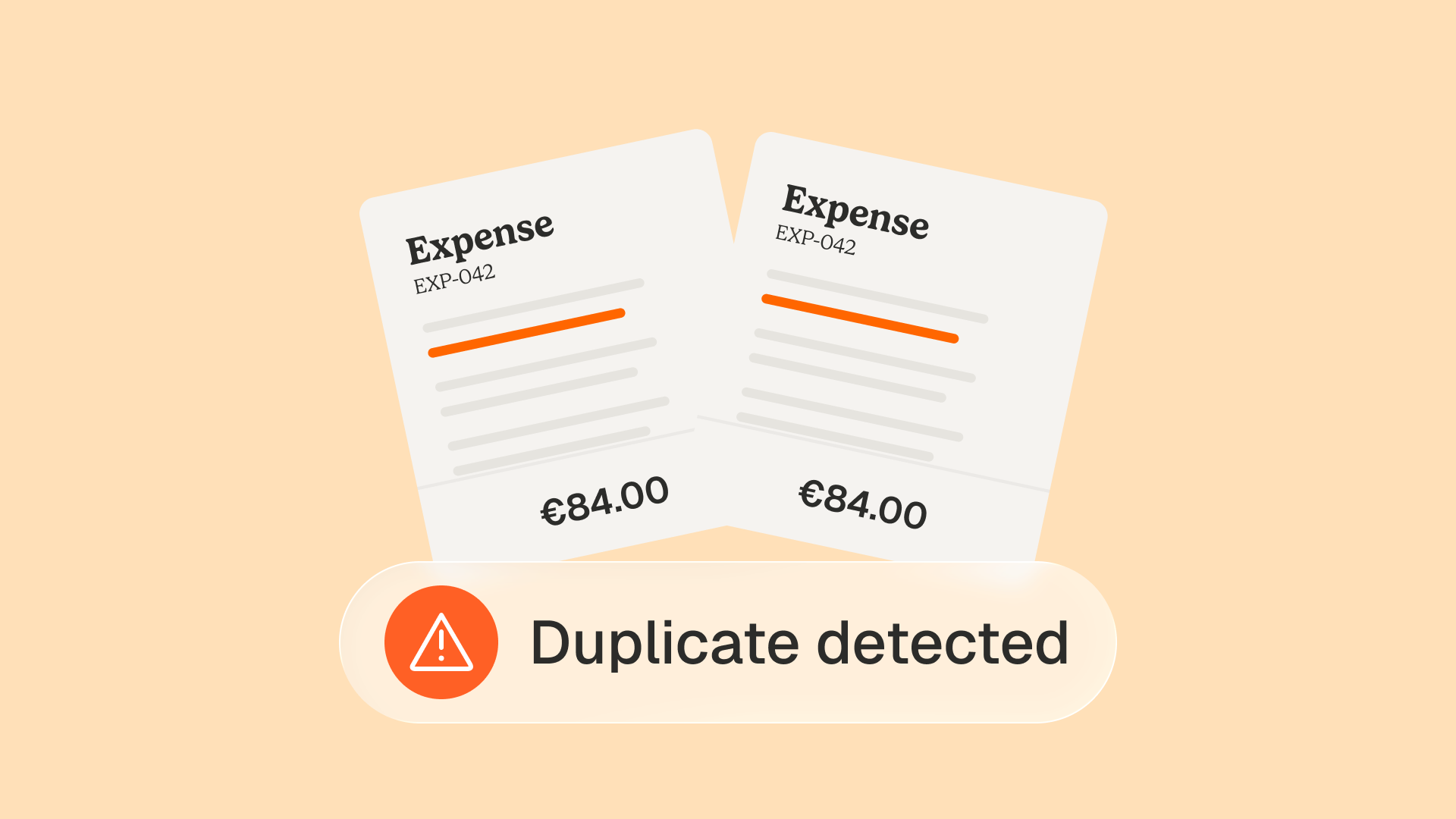
- Pre-payment anomaly detection. Duplicates, off-contract charges, inflated quantities and changed bank details slip past, because the system checks that the invoice is processed, not that it is legitimate.
This is the white space. The market sells invoice processing. Finance teams need invoice control before payment. Those are different products wearing the same name.
From entering invoices to reviewing alerts
The real shift is not "the software types for you." It is a change in what the finance team does all day.
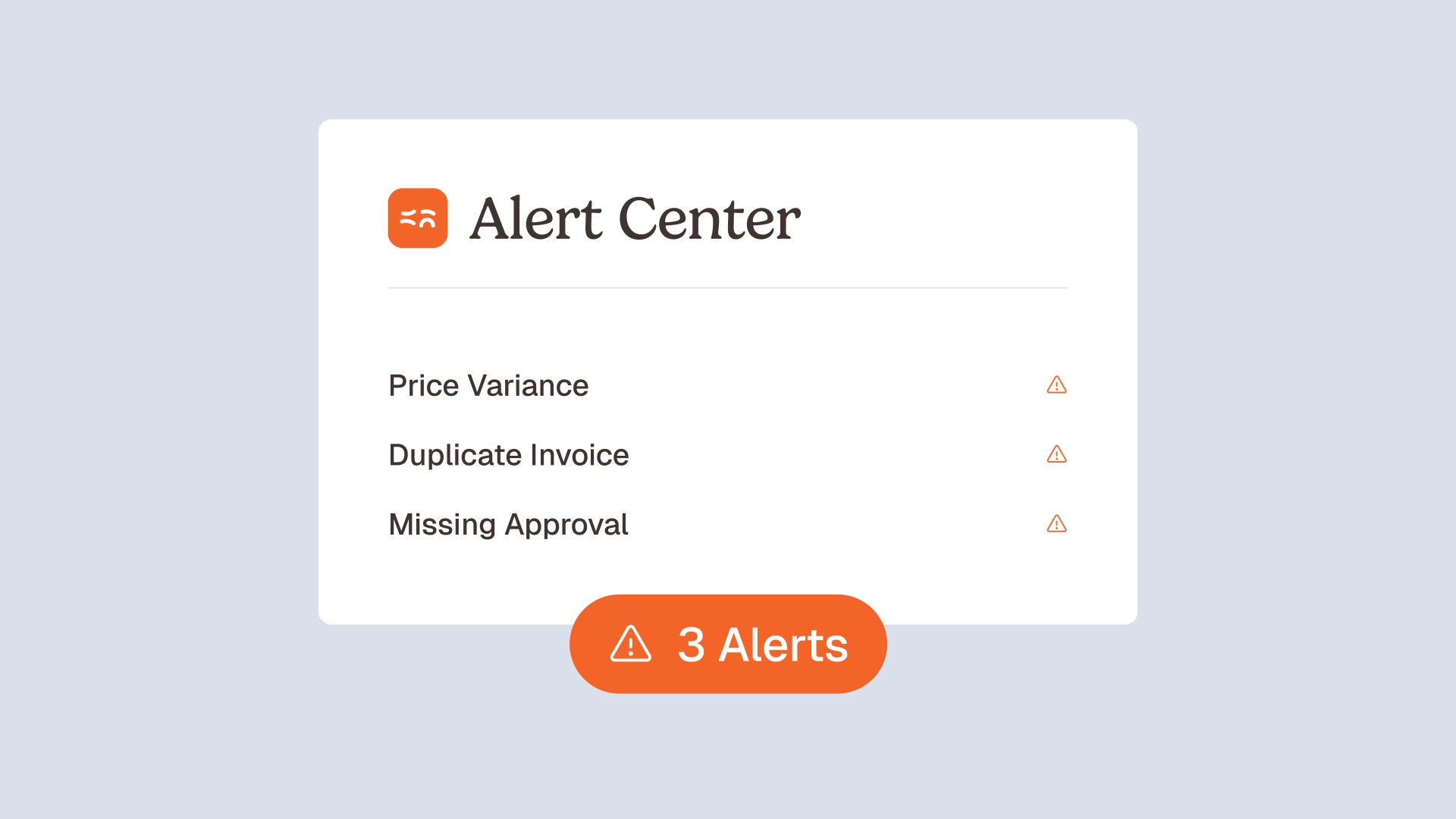
Without control, automation still leaves a person reviewing a long queue of processed invoices, looking for the problem hidden in the rows. With control, the workflow inverts. The agent checks every line, every match, every price, and surfaces only what fails. Your team stops entering invoices. It starts reviewing alerts.
This is the difference a control-first agent makes:
- It reads and structures every invoice, with a confidence score on each field, so low-confidence extractions are surfaced rather than trusted silently.
- It matches each line against the price list, the purchase order and the contract, and holds anything that does not agree.
- It explains itself. Every match and every alert shows the reasoning behind it, so the reviewer decides in seconds instead of investigating for an hour.
The agent proposes, the human decides. That human-in-the-loop design is the point, not a limitation. The team keeps control while losing the manual grind.
What to look for in invoice automation software
If you are comparing tools, the usual checklist is about speed and integrations. Useful, but it is table stakes. The criteria that actually separate one tool from another sit on the control side.
Ask each vendor these questions:
- Does it check prices, not just totals? Can it compare each invoice line against your negotiated rates or supplier price list, and flag the drift?
- Is matching a gate or a formality? Does 3-way matching actually stop a mismatched invoice, or just route it onward?
- Does it catch anomalies before payment? Duplicates, off-contract fees, inflated quantities, a supplier bank detail that suddenly changed.
- Can you show the work to an auditor? A native audit trail means every check is traced, timestamped and reviewable, not reconstructed after the fact.
- Does it sit on top of your stack, or force a migration? The right tool adds a control layer over your existing ERP and approval tools. It does not replace them.
A tool that scores well on capture but cannot answer questions one through four will make your wrong payments faster. It will not protect your margin.
Where control matters most
The control gap hurts hardest in goods and flow businesses: food and beverage, hospitality, retail and construction. High invoice volume, many suppliers, thin margins, and prices that move. A small percentage of overbilling, multiplied across thousands of lines, is a real number.
Astotel found close to 5,000€ a year on one supplier with the supplier billing control agent. Smartbox, the European gift-box leader operating across 14 countries, ran payment and invoice reconciliation at four times the previous productivity after putting control agents on top of its stack. These are not theoretical gains. They are line-level checks that a human team could never run at 100% by hand.
This is exactly the work a financial control or procurement lead wants automated: not the typing, the verification.
Is invoice automation worth it?
A fair objection, and a common one in finance forums: automation that only adds a layer between you and your invoices can create new bottlenecks without solving the real problem.
That objection is correct, for processing-first tools. If automation just moves invoices faster without checking them, you have bought speed you did not lack and skipped the control you did. The value appears when automation takes over the verification, not just the data entry. That is the test worth applying before you buy.
How Phacet approaches it
Phacet is a catalog of finance AI agents that sit on top of your existing tools and make your invoice data reliable, controllable and auditable. The agents structure each invoice, match and verify every flow, and surface anomalies before payment, with the reasoning exposed at each step.
The pieces that make it hold in production: Structure turns documents into auditable tables with a confidence score per field, Match reconciles and traces every flow with reasoning shown, and a native audit trail records every check. More than 40 ready-to-use agents are built on more than 100 real finance deployments, and most teams have their first agent running in under two weeks.
The promise is simple. Your ERP records the invoice. Phacet controls it first. You can see the agents or book a demo to test the control layer on your own invoices.
Frequently asked questions
What is invoice automation software?
Invoice automation software captures incoming invoices, extracts their data, matches them to purchase orders, routes them for approval and prepares payment, with little manual typing. The strongest tools go further and control each invoice against negotiated prices and contract terms before payment, not just process it faster.
What is the difference between invoice automation and AP automation?
They overlap. Invoice automation can mean sending customer invoices (accounts receivable) or processing supplier invoices (accounts payable). AP automation is specifically the supplier side: receiving, controlling and paying vendor invoices. If your goal is protecting margin on what you pay out, you want the payable, control-focused kind.
Does invoice automation software check invoice prices?
Most do not, beyond flagging an unusually large total. They trust the billed price and focus on routing it for approval. Control-first tools compare each invoice line against the negotiated rate, price list or contract, and flag any drift before payment. This is the single biggest difference between two tools that look identical on a feature list.
Can invoice automation prevent overpayments and duplicate invoices?
Yes, if it runs pre-payment controls. That means duplicate detection, line-level price checks, real 3-way matching and contract compliance, applied to every invoice rather than a sample. Astotel recovered close to 5,000€ a year on a single supplier this way.
How long does invoice automation software take to set up?
It depends on the tool and the depth of control. A capture-only tool can run quickly. A control layer that sits on your existing ERP and approval stack should still be fast: most Phacet teams have their first agent in production in under two weeks, without replacing the systems they already use.
Latest Resources
Unlock your AI potential
Go further with your financial workflows — with AI built around your needs.


