
Best accounts payable automation software compared
Published on :
June 15, 2026

Nicolas Marchais is co-founder and CEO of Phacet. After seven years at Spendesk, he built Phacet as the agentic layer that orchestrates across ERP, banking and email systems. Reliable, auditable, cross-system, what he calls a Finance Workforce.

At Astotel, a group of 18 Paris hotels, supplier price checks used to happen by sampling. Then an AI agent flagged roughly 400€ of billing errors per month on a single supplier, close to 5,000€ a year. "I save up to two days a month, and I catch errors I would never have spotted on my own." says Valérie, Head of Procurement.
That story points to the real problem with picking accounts payable software. Most comparison lists are written by a vendor that ranks its own product first, and almost all of them measure the same thing: how fast you can capture, approve, and pay an invoice. Very few ask whether the invoice was correct in the first place.
This guide does two things. First, it compares the leading accounts payable automation software in 2026 by buyer profile, with strengths and limits stated plainly. Second, it shows the control gap that most of these tools leave open, and how to close it.
What is the best accounts payable automation software in 2026?
There is no single best accounts payable automation software. The right tool depends on your company size, your ERP, your invoice volume, and whether your priority is paying faster or controlling spend before it leaves the building.
As a quick orientation:
- Mid-market global payments: Tipalti and Basware lead when you pay many suppliers across countries.
- SMB and bookkeeping-first: BILL, Ramp, and Dext fit small teams tied to QuickBooks or Xero.
- ERP-native finance: Sage Intacct and SAP Concur suit teams that want AP inside a broader system.
- Invoice processing depth: Stampli, Medius, and Corcentric focus on capture, matching, and exception handling.
- Line-level control before payment: this is where a control layer like Phacet sits, on top of whichever tool you choose.
The sections below define the category, explain how the tools were compared, review each option, and then unpack the control gap that separates paying an invoice from verifying it.
What is accounts payable automation software?
Accounts payable automation software is technology that digitizes the invoice-to-pay process: it captures supplier invoices, extracts the data, routes approvals, syncs with the ERP, and executes payment, so finance teams process invoices faster and with fewer manual touches.
That definition is shared by almost every vendor on the market, and it has a blind spot. It describes the workflow of paying an invoice. It says little about the control of the invoice itself: whether the price matches the negotiated rate, whether the quantities match the delivery, whether the line items match the contract before anyone approves payment.
Two terms are worth separating clearly:
- AP automation moves an invoice through capture, approval, and payment with minimal manual effort.
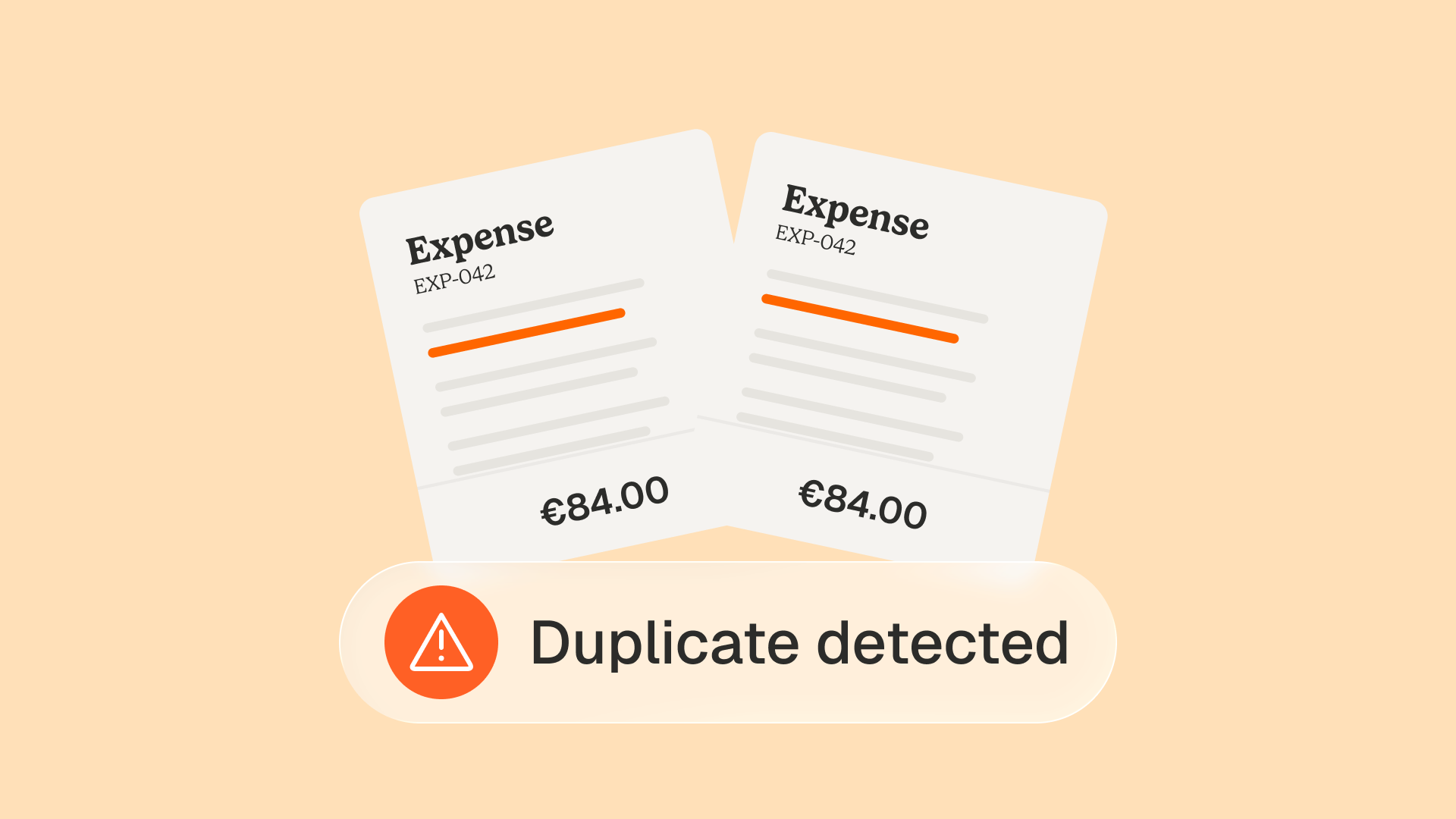
- AP control verifies, line by line, that the invoice is correct before it is approved. This is where overbilling, price drift, and duplicate charges are caught.
Most software in this category is strong on the first and thin on the second. Keep that distinction in mind as you read the comparison.
How we compared the accounts payable automation tools
These tools were assessed on the criteria finance buyers actually weigh, not on marketing claims:
- Core automation depth: invoice capture accuracy, PO and non-PO matching, approval routing, ERP sync.
- Control capability: line-level price checks, contract compliance, duplicate and fraud detection before payment.
- Buyer fit: company size, finance team structure, and typical invoice volume served.
- ERP and ecosystem: how cleanly it connects to systems like NetSuite, Sage, QuickBooks, or SAP.
- Implementation and cost: time to value, pricing model, and total cost of ownership.
- Transparency: whether decisions are traceable through a clear audit trail.
Ratings draw on public product documentation, third-party review platforms such as G2 and Gartner Peer Insights, and practitioner discussions. Where a tool is strong, it is credited. Where it has limits, those are stated too.
The best accounts payable automation software, reviewed
Below are the platforms that consistently appear on credible shortlists, grouped by what they do well. None is a universal winner, so match the profile to your own situation.
Tipalti
Tipalti specializes in global payables for companies paying hundreds or thousands of suppliers across borders. It combines supplier onboarding, invoice processing, tax compliance, and mass payment execution in one system.
- Best for: mid-market and scaling companies with international payments.
- Strengths: broad currency and payment-method coverage, tax form collection, supplier self-service.
- Watch-outs: cost is high for low invoice volumes, and complex ERP setups can need extra integration work.
BILL
BILL (formerly Bill.com) is built for small and mid-market businesses on QuickBooks or Xero. It digitizes capture, approvals, and payments through a vendor payment network.
- Best for: SMBs that want quick deployment and tight accounting-software sync.
- Strengths: fast setup, strong QuickBooks and Xero integration, simple approval flows.
- Watch-outs: limited customization for complex hierarchies, and per-transaction costs that add up at volume.
Stampli
Stampli centers AP around invoice collaboration, keeping communication, coding, and approvals attached to each invoice. Its AI assistant supports coding and exception handling.
- Best for: teams that want faster approvals and clear invoice-level communication.
- Strengths: collaborative interface, quick implementation, flexible across ERPs.
- Watch-outs: payments and procurement are add-ons rather than the core.
Medius
Medius offers end-to-end AP automation with a focus on touchless processing and fraud risk detection, aimed at mid-market and larger finance teams.
- Best for: organizations prioritizing high straight-through processing rates.
- Strengths: strong AI on capture and anomaly detection, mature controls, broad ERP integration.
- Watch-outs: enterprise-leaning, so smaller teams may not use the full feature set.
Sage Intacct
Sage Intacct is a cloud ERP with AP built into the core, rather than a standalone AP tool. It handles multi-entity consolidation, multi-currency, and dimensional reporting.
- Best for: finance teams that want AP inside a full accounting platform.
- Strengths: native multi-entity support, audit-friendly, strong reporting.
- Watch-outs: higher total cost and a steeper learning curve than point solutions.
Ramp
Ramp blends corporate cards, expense management, and bill pay, with an AI assistant for recurring bills and duplicate detection. It has a free tier, which is why practitioners often raise it first.
- Best for: startups and SMBs that want spend management and bill pay together.
- Strengths: free entry point, real-time ERP sync, card and spend visibility in one place.
- Watch-outs: multi-entity and international capabilities are still maturing.
Basware
Basware is an enterprise-grade platform with AI trained on a very large invoice dataset, built for large organizations with complex compliance needs.
- Best for: large enterprises with global supplier networks and e-invoicing mandates.
- Strengths: deep compliance, supplier network, scale.
- Watch-outs: enterprise pricing and long implementation timelines exclude most mid-market buyers.
Corcentric and SAP Concur
Both serve source-to-pay and broader spend processes. Corcentric covers POs, invoicing, approvals, and payments across the procure-to-pay cycle. SAP Concur is strongest where travel, expense, and invoice management sit together.
- Best for: companies standardizing procurement and AP on one suite.
- Strengths: end-to-end source-to-pay coverage, expense integration (Concur).
- Watch-outs: breadth can mean depth trade-offs in pure invoice control, and implementation is heavier.
Which accounts payable automation software fits your business size?
The most common mistake is comparing tools built for different buyers. A 30-person company and a 400-person group should not shortlist the same software.
For finance teams in the 50 to 500 employee range, the tension is sharper. They have outgrown bookkeeping-first tools but do not need an enterprise suite, and they rarely have a large AP department to run a complex platform. This is the segment where control, not just throughput, makes the difference to margin. If that describes you, the Financial Control persona guide and the Procurement persona guide cover the specific workflows that matter.
The control gap: most AP automation pays invoices, it does not verify them
Here is the pattern that runs through almost every tool above. They automate capture, approval, and payment with real skill. They are far weaker at one job: checking, line by line, that the invoice is correct before it is approved.
Three-way matching against a purchase order is the usual answer, and it helps. But a PO match only confirms that an invoice lines up with an order. It does not confirm that the unit price matches the rate you negotiated, that a supplier has not quietly raised prices across a catalog, or that the same charge has not appeared twice in a slightly different format. That is the difference between invoice price compliance and basic matching, and it is where money leaks.
The cost is concrete. The accounts payable controls most teams run are sample-based, so errors slip through on the invoices nobody checks. Moving from sampling to checking every line, before payment rather than after, is the single highest-leverage change a finance team can make. We cover the reasoning in why control belongs before payment, not after.
How a control layer closes the gap
This is where Phacet works differently from the tools above. Phacet is not another invoice-to-pay platform. It is a set of AI agents that sit on top of your existing AP tool and ERP, and verify each invoice before it is paid.
An AI agent here is a specialized worker that follows a defined finance task end to end, not a generic chatbot. Each Phacet agent does three things: it structures the data (extracting and standardizing every line), it controls it (matching each line against negotiated prices, contracts, and deliveries), and it lets you exploit the result (clean, trusted data you can analyze and report on).
Concrete examples from the catalog of 40+ agents:
- The agent that controls your food supplier price list checks each invoice line against the agreed mercuriale and flags drift.
- The agent that controls supplier billing and reduces overpayments catches overcharges before they are approved.
- The 3-way matching agent reconciles purchase order, delivery, and invoice automatically, at scale rather than by sample.
- The agent that controls invoices against contract terms verifies that what you are billed matches what you signed.
Every decision is traceable. A native audit trail records what each agent checked, why it flagged an item, and what the source was, so the output is reliable, controllable, and auditable. That matters as much to an auditor as to a controller, and it is the part generic AI cannot offer. Claude and ChatGPT are capable general tools, but they do not know your suppliers, your price references, or your accounting rules, they do not produce an audit trail, and they were not trained on hundreds of real finance deployments.
The results show up on the margin. At Smartbox, a retail group operating in 14 countries, payment and invoice reconciliation reached four times the previous productivity, with each use case live in about six weeks. At Astotel, the price control agent surfaced close to 5,000€ a year of errors on one supplier alone. You can see how this fits the wider accounts payable category and internal controls on the dedicated hubs.
A practical sequence works best: start by automating the painful entry point, the invoice inbox, then layer control on top, then use the clean data for reporting. The first agent is usually in production in under two weeks.
Is AI replacing accounts payable?
No. AI is not replacing accounts payable teams. It takes over the repetitive work, data entry, matching, chasing approvals, so AP professionals spend their time on analysis, exceptions, and supplier relationships.
This is the question that comes up most often in finance forums, and the fear behind it is understandable. The honest answer is that the role changes rather than disappears. Instead of keying invoices, an AP specialist reviews the small share of items an agent flags. Instead of sampling, they oversee full coverage. The principle is simple: the AI proposes, the human decides. A human stays in the loop on every control that matters, which is exactly what makes the output trustworthy.
How to choose accounts payable automation software: a 6-point checklist
Use this sequence to narrow the field with confidence:
- Map your real pain. Is it slow approvals, high processing cost, or money lost to billing errors? The answer points to throughput tools or control tools.
- Match the tool to your size and ERP. Do not shortlist enterprise suites for a 60-person team, or bookkeeping apps for a 400-person group.
- Separate paying from verifying. Ask each vendor how it checks price, contract, and duplicates at the line level, not just whether it matches a PO.
- Check the audit trail. Every automated decision should be traceable and explainable to an auditor.
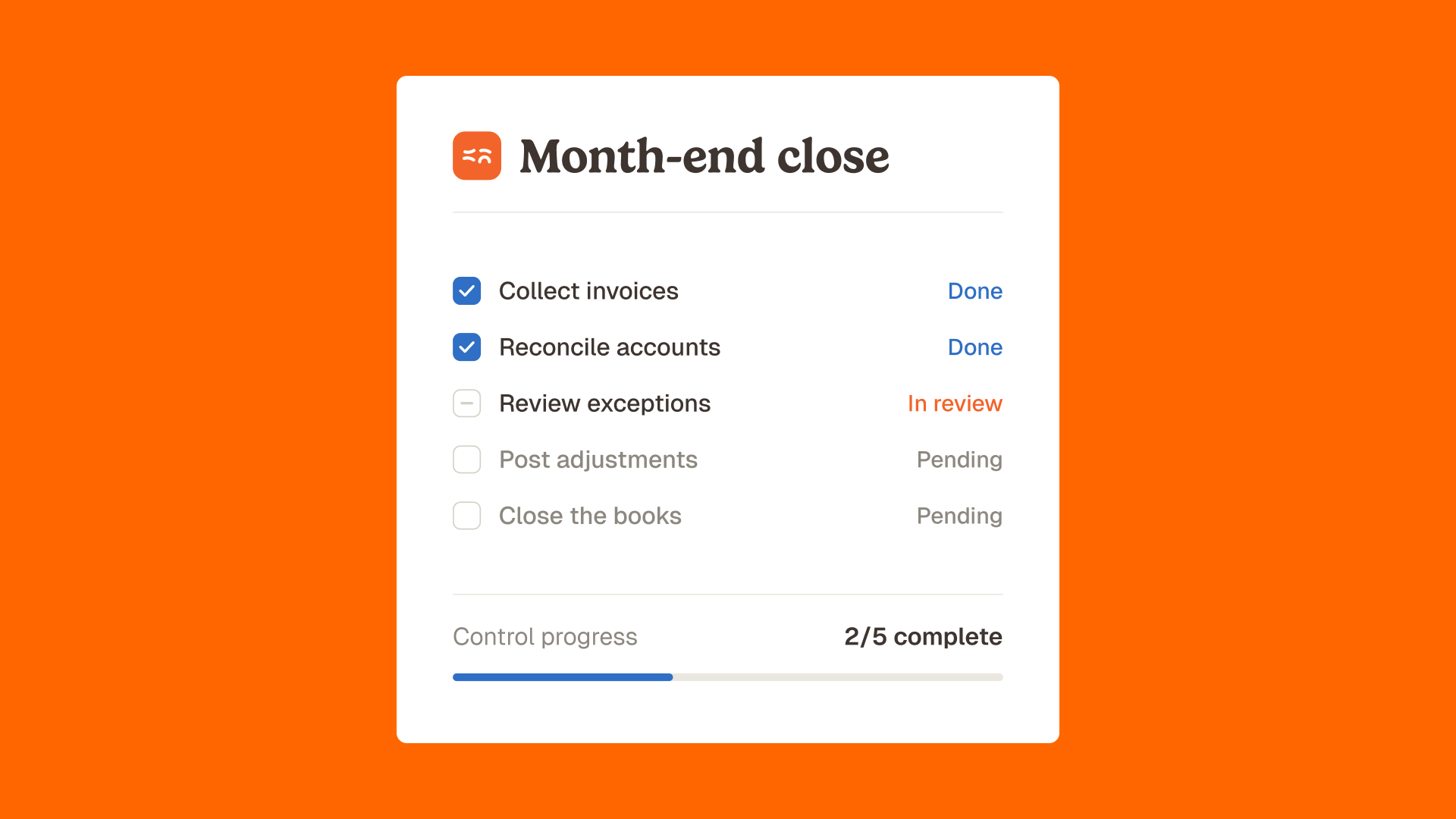
- Test on real invoices. Run a pilot with your own messy data for 30 to 60 days, through a month-end close.
- Model total cost over three years. Include implementation, per-transaction fees, and the value of errors prevented, not just the license.
A finance team that follows these six steps usually finds the choice is not one tool versus another, but a payment workflow plus a control layer on top. You can explore the agent catalog on the Phacet product page or see supplier pricing compliance in practice.
Frequently asked questions
What software do accounts payable teams use?
AP teams commonly use platforms such as Tipalti, BILL, Stampli, Medius, Sage Intacct, Ramp, Basware, Corcentric, and SAP Concur. Smaller teams often start with BILL, Ramp, or QuickBooks, while mid-market and enterprise teams move to Tipalti, Medius, or Basware. A control layer like Phacet adds line-level verification on top of any of these.
What is the best AP automation software for small business?
For small businesses, BILL, Ramp, and Dext are the usual choices because they deploy quickly and sync tightly with QuickBooks or Xero. The right pick depends on whether you need bill payment, expense management, or simple invoice capture.
How much does accounts payable automation software cost?
Pricing varies widely, from free tiers (Ramp) to per-transaction and per-user models, up to enterprise contracts. Beyond the license, factor in implementation, integration, and per-document fees. Phacet plans start at 299€ per month, with AI costs passed through at cost rather than marked up.
Does AP automation replace your ERP?
No. AP automation and control tools work alongside the ERP. The ERP remains the system of record, while the AP layer handles capture, approval, control, and collaboration around it.
What is the difference between AP automation and AP control?
AP automation moves an invoice through capture, approval, and payment with minimal effort. AP control verifies, line by line, that the invoice is correct (price, contract, quantities, duplicates) before it is approved. Most tools are strong on automation and weaker on control.
Is AI replacing accounts payable jobs?
No. AI handles repetitive AP tasks so teams can focus on analysis, exceptions, and supplier relationships. The role shifts from manual processing to oversight, with a human in the loop on every meaningful control.
The takeaway
The best accounts payable automation software is the one that fits your size, your ERP, and your volume, and most of the tools in this guide do their core job well. The question they rarely answer is whether the invoice was right before you paid it.
That is the gap worth closing. Automate the workflow with a tool that suits your team, then put a control layer on top that checks every line before payment, with a full audit trail behind it. Your AP specialists keep the final say, and they spend their time on judgment instead of data entry.
If you want to see how line-level control fits onto your current AP stack, book a demo and bring a recent supplier invoice. The clearest proof is watching an agent check it in front of you.
Latest Resources
Unlock your AI potential
Go further with your financial workflows — with AI built around your needs.


