
Reconcile card payments against reported revenue
Match card-paid revenue against bank receipts, isolate terminal fees and flag missed settlement days.

Introduction
Every day, your POS registers record card-paid revenue. Those amounts pass through payment terminals, get reduced by bank fees, and land in your account one to three days later. When settlement fails or a terminal is misconfigured, entire days can go unreceipted without anyone noticing. Across multiple sites and terminals, small gaps compound into tens of thousands of euros stuck in limbo. Phacet automatically matches card revenue from your POS against bank receipts, calculates fee variances and alerts the moment an anomaly exceeds your thresholds.
When to use this Phacet
Built for site controllers, CFOs and finance managers at multi-site businesses who want to:
- Verify every day that 100% of card revenue is actually received by the bank.
- Immediately detect days where terminal settlement failed.
- Isolate terminal fees and bridge expected vs. actual variances.
- Get alerted the moment a gap exceeds 0.5% or 1% of the day's revenue.
AI skills involved

Normalize formats, names and amounts across all your sources
Every tool exports differently - dates in three formats, amounts with commas or dots, supplier names in inconsistent casing, currencies without symbols. Phacet normalizes everything before processing so every comparison is accurate, regardless of where the data came from.

Validate every line against your rules, thresholds and references
Define your rules once - negotiated prices, spending caps, expense policy, contract conditions, approval thresholds - and Phacet applies them to every single row, every time. Every discrepancy is flagged with the exact reason, ready for review.

Spot duplicates, outliers and suspicious patterns in your data
Phacet scans your full dataset to surface what shouldn't be there - duplicate payments, abnormal amounts, unknown suppliers, unusual timing patterns, RIB changes. It catches what rules alone can't predict, without requiring you to define every possible scenario upfront.

Get notified on what matters and share results without manual work
Phacet sends alerts the moment a threshold is crossed or an anomaly is detected by email, Slack or in-app. It also generates summaries, dashboards and structured exports ready to send to your ERP, your team or your management. Results reach the right people at the right time, automatically.
Business impact

No unrecorded cash receipt goes unnoticed.
Chaque ecart est identifie le lendemain. Plus de decouverte de dizaines de milliers d'euros d'arrieres au bout de plusieurs mois.
Controlled and verifiable POS terminal fees.
The expected variance related to commissions is calculated and isolated. Any additional discrepancy is flagged with details by terminal and by day.
Automatic monitoring across all your locations.
Whether you have 3 or 30 locations, reconciliation runs every day without manual intervention.
Integrated with everything
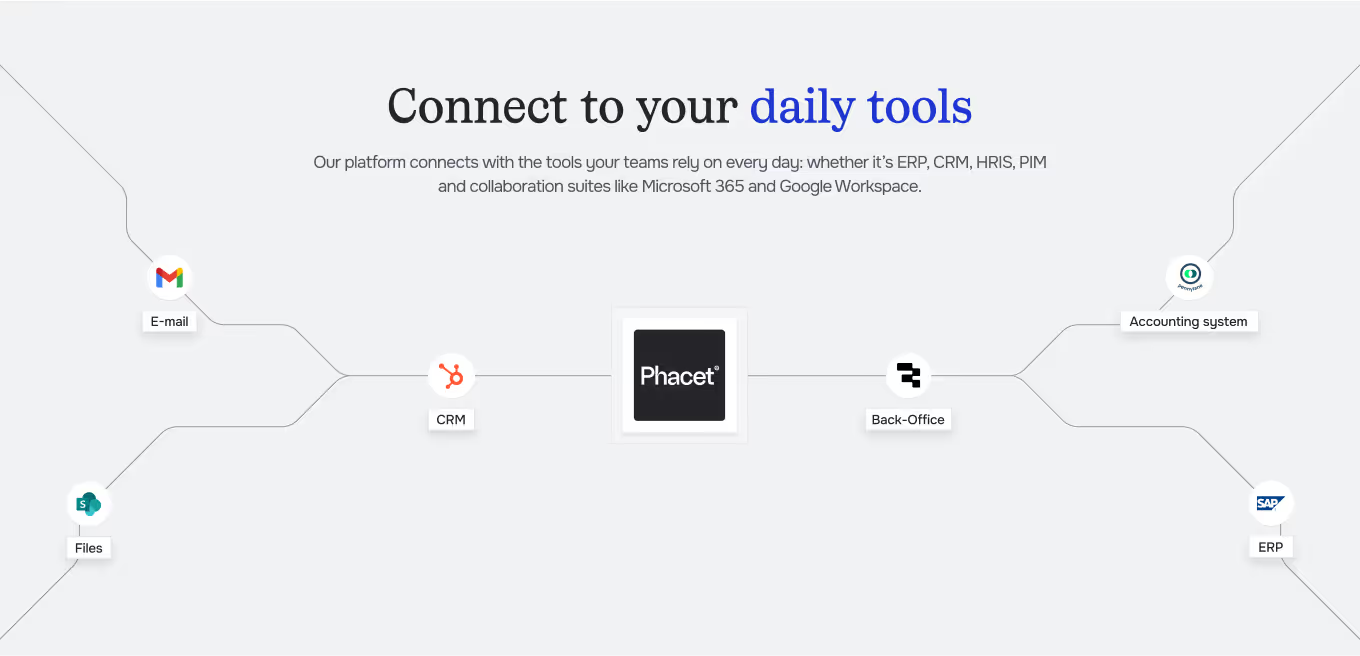











A ten-cent discrepancy on a delivery note, at our volumes, can represent half a point of lost margin. Phacet is like a member of the team, operating 24/7.
Steps to get Started
Connect your data sources.
Import your POS exports (daily Z reports, payment method breakdowns) and your bank statements (CSV or API). Enter your POS terminal commission rates.
The AI reconciles card revenue and cash receipts.
Phacet matches recorded card sales from the POS with bank transaction flows, day by day, location by location, and terminal by terminal.
Discrepancies identified and categorized.
Commissions attendues vs. reelles, journees non telecollectees, flux Amex ou TR electroniques noyes dans une ligne CB : chaque anomalie est isolee.
Alerts and validation.
Receive an alert as soon as a discrepancy exceeds your threshold. Validate it, comment on it, and export the report for your auditors.
Unlock your AI potential
Do more with your existing resources using tailored AI solutions.
Frequently Asked Questions
Daily POS exports with payment-method breakdown (Z report) and bank statements in CSV format or via API.
You enter your commission rates by bank or terminal. The agent calculates the expected variance and only flags discrepancies beyond that amount.
Yes. If a day of card sales has no corresponding bank deposit within the expected timeframe, the agent generates a specific alert.




GUIDE
The CFO guide
For accounting teams, accounting firms and CFOs of SMEs and mid-sized companies who want to know where to start.