

Written for finance leads and accounts payable managers who run Odoo Accounting with Purchase and watch vendor bills reach draft faster than anyone can review them. Not an Odoo tutorial, and not an ERP comparison.
Odoo accounting automation fills vendor bills in for you: digitization reads the PDF, purchase matching pulls in the order, and a vendor can be set to post automatically. It does not judge whether a bill is right. Odoo's 3-way matching compares received quantities to decide whether a bill should be paid, and a price edited on a draft bill is flagged as an exception without being blocked. Checking each invoiced price against the price you negotiated has to happen while the bill is still a draft.
Key takeaways
- In Odoo, confirming a vendor bill sets its status to Posted and generates the journal entry, so correcting it afterwards takes Reset to draft, and a credit note once the period is locked.
- Odoo's 3-way matching sets a Should Be Paid field to Yes, No or Exception, and Odoo's documentation states that an edited draft bill is flagged without being blocked.
- The Auto-post bills field on a vendor record (Always, Ask after 3 validations without edits, Never) lets that vendor's bills skip the draft review entirely.
- Services default to the On ordered quantities control policy in Odoo, so a service bill has no receipt to be matched against.
- At Astotel, a group of 18 Paris hotels, checking every line against negotiated prices surfaced up to €400 a month in billing errors on a single supplier.
What does Odoo accounting automation do to a vendor bill?
It fills the bill in and, if you allow it, posts it. Odoo documents three automations on vendor bills, and all three are about getting data into the record faster.
- Digitization. A PDF sent to a purchase journal's email alias becomes a draft vendor bill, and OCR reads the vendor, dates, lines, unit prices, taxes and total. Each document uses one In-App Purchase (IAP) credit, according to Odoo's digitization documentation.
- Purchase matching. The draft bill is matched with purchase order lines. In the Purchase matching view, Odoo's own tip is to update the quantity and price in the purchase order lines, if necessary. The tool is built to align the order with the bill, not to challenge the bill.
- Auto-post bills. On each vendor record, an Auto-post bills field offers three options: Always, Ask after 3 validations without edits, and Never (Odoo vendor bills documentation).
That is capture and posting automation. None of these features asks whether a price is the one your buyer negotiated, whether the service was actually delivered, or whether the same bill already arrived last week as a pro forma.
One precondition is often misstated. Answering what Odoo Accounting costs, Buchhaltung FPA's guide says the Community version is free of charge. Odoo's editions comparison marks Comprehensive Accounting (general ledger, bank statement reconciliation, analytic accounting, vendor bill OCR) as Enterprise only. Community users get invoicing, not the accounting app described on this page.
What changes when you post a vendor bill in Odoo?
Posting turns a document into an accounting fact. When you click Confirm, the status changes to Posted, Odoo generates the journal entry and assigns the bill a unique number from its sequence. The documentation is explicit about what follows: once confirmed, a vendor bill can no longer be updated, and you click Reset to draft if changes are required.
Two further states close the door completely. A lock date prevents modifications to posted entries dated on or before it and prevents posting new ones in that period, moving their accounting date to the day after the lock date (Odoo year-end documentation). Securing entries with a hash goes further: Odoo chains a SHA-256 fingerprint across entries, and once an entry is secured it can no longer be changed (data inalterability documentation).
| Bill state in Odoo | What Odoo has done | How an error gets corrected |
|---|---|---|
| Draft | Bill created by hand, by digitization or from a purchase order; no journal entry yet | Edit the line, or cancel the bill |
| Posted | Journal entry generated, sequence number assigned, payable open for payment | Reset to draft, edit, confirm again |
| Locked period | Posted entries dated on or before the lock date cannot be modified | Credit note in an open period, or an administrator exception |
| Secured (hash) | Entry included in a SHA-256 hash chain | Credit note only; the entry itself cannot change |
The practical consequence is simple. The draft is the only state where fixing a bill costs nothing. After posting, every correction leaves a trace, and once the period is locked it takes a second document.
Does Odoo check vendor bills before posting?
On quantities, yes, if you configure it. On prices, no. Odoo's native control sits in the Purchase app and is designed around what was received, to decide what should be paid.
The first lever is the control policy on each product. On ordered quantities bills what was ordered, even before it arrives; On received quantities bills only what was received. By default, services use On ordered quantities and goods use delivered quantities (Odoo control policies and 3-way matching).
The second lever is the 3-way matching setting in Purchase. Odoo describes its purpose in one line: it ensures vendor bills are only paid once some, or all, of the products on the purchase order have been received. When it is on, bills carry a Should Be Paid field set to Yes, No or Exception. If someone edits a draft bill created from the order, to raise a quantity or change a price, the field switches to Exception. Odoo's documentation then adds the sentence that matters most here: Odoo notices the discrepancy, but does not block the changes or display an error message.
Some guides describe more than that. The Ledger Labs' CPA guide to automating invoices in Odoo says a bill outside your configured tolerance goes to "a review queue rather than posting it automatically". Odoo's documentation for version 19, with the same wording in version 20, describes no tolerance setting for vendor bills, and Should Be Paid governs payment, not posting. The Auto-post bills option is set per vendor, and the documentation does not tie it to the Should Be Paid status.
| Check before posting | Native in Odoo | Blocks the bill? |
|---|---|---|
| Billed vs received quantity | Yes, with On received quantities and 3-way matching | No: it sets Should Be Paid |
| Price edited on a draft created from an order | Flagged as Exception | No: no error message, per Odoo's documentation |
| Invoiced price vs negotiated price or contract | No native check | No |
| Service bills | Billed on ordered quantities by default | No: there is no receipt to compare |
| Same bill received twice | Bill Reference can repeat by design (partial bills, deposits) | Depends on version and setup: test it |
| Bank account the payment will go to | Recipient Bank field on the bill | No |
For the quantity side, three-way matching across orders, receipts and invoices is well covered by Odoo once it is configured. The rest of the table is where money leaves.
Do e-invoices received in Odoo skip the draft stage?
No, and for companies in Belgium the draft stage is now where most vendor bills start. Since 1 January 2026, Belgian companies liable to VAT must use structured electronic invoices in their transactions with each other, according to the Belgian federal e-invoicing portal, which also announced a tolerance period for the first three months of 2026. Odoo is a Peppol access point, and its e-invoicing documentation notes that Peppol registration is free and available in Odoo Community.
The same documentation describes what happens on arrival. Odoo checks for new Peppol documents several times a day and, depending on your registration settings, imports them into the purchase journal as draft vendor bills, or into the Documents app. A structured invoice removes the reading step: no OCR, no misread total. It removes nothing from the checking step. A wrong unit price in a clean XML file is exactly as wrong as in a PDF, and it arrives faster.
France follows the same path. Since 1 September 2026, every French company liable to VAT must be able to receive e-invoices through an approved platform, according to the French tax administration's practical guide, and Odoo's French localization imports those bills as drafts, with a button to refuse them and send a reason code before anyone confirms. For groups with sites in both countries, the rule converges: decide in draft.
Four places errors pass the draft stage in Odoo
Nicolas Marchais, Phacet's co-founder and CEO, summed up the problem on LinkedIn in February 2026, in French: suppliers deliver 80 units and invoice 100. Quantity is the one gap Odoo can close on its own. The four below it cannot.
Invoiced price against negotiated price
Odoo compares a bill with the purchase order, and the purchase matching view invites you to update the order's price when it differs. Nothing compares the bill with the price list or the framework agreement your buyer signed. A supplier who raises a price on a line is paid the new price as soon as someone aligns the order.
This is the gap Astotel, a group of 18 hotels in Paris, found when it moved from manual comparisons across Excel files and PDFs to line-by-line control. Valérie, the group's Purchasing Director, saw the same smoked salmon reference invoiced up to €6 per kilo apart between two hotels despite a shared price list. On a single supplier, errors reached €400 a month, nearly €5,000 a year.
"I save up to two days per month and catch mistakes I would never have spotted on my own." Valérie, Purchasing Director, Astotel
Services billed on ordered quantities
Because services default to On ordered quantities, a bill for maintenance, cleaning, temporary staff or a subscription is generated from the order, with no receipt behind it. 3-way matching has nothing to compare. Whether the rate, the indexation clause or the billing period matches the contract is checked only if someone reads the contract.
Duplicates and pro forma bills
Odoo's documentation describes the Bill Reference as the vendor's order reference and states that several bills may carry the same one, for partial deliveries or deposits. Community answers disagree on what happens next: in one r/Odoo thread, a user reports that Odoo refuses to confirm a second bill with the same reference. Test it in your own database rather than assume. One protection does exist on the order side: the documentation notes that creating a bill from a purchase order already billed raises an Invalid Operation window, and a user on r/Odoo notes that order lines already show as invoiced while the bill is still a draft. It stops a second bill from the same order, not a second PDF of the same invoice keyed by hand or digitized twice. Pro formas are the other route to double counting: in a thread about Odoo 19 SaaS, users warn that registering a pro forma as a vendor bill creates a duplicate when the real invoice arrives.
Auto-post after three clean validations
The option Ask after 3 validations without edits sounds prudent, and it targets exactly the vendors you trust most. Once their bills post automatically, the draft review disappears for them, and a price change from a trusted vendor is the Astotel pattern. Recurring vendor bills can also be set to post on their own, as r/Odoo users describe. The same applies to the Recipient Bank field, which carries the account the payment will go to: an auto-posted bill reaches the payment run with whatever account it holds.
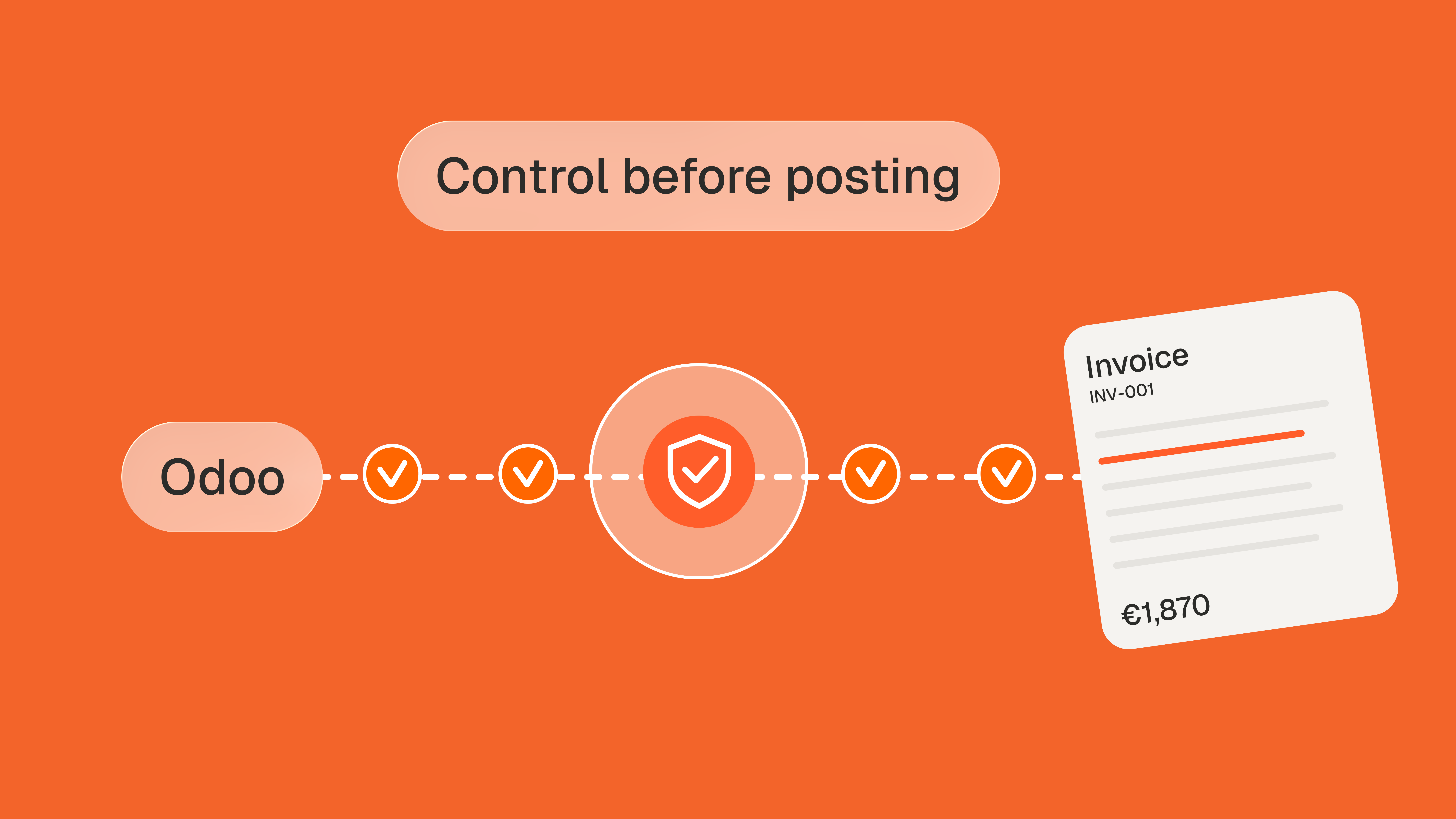
If these four gaps describe your Odoo database, the check belongs in the draft stage, before Confirm. Phacet's invoice validation agent lists Odoo among its integrations.
See how the invoice validation agent checks Odoo bills in draft
How to control invoices before posting in Odoo: a six-step checklist
Most of the control can be set up in Odoo itself. The last mile, price against contract, needs a check Odoo does not have.
- Keep Auto-post bills on Never for every vendor on negotiated prices, volume discounts or indexed contracts. Reserve Always for fixed, low-risk bills such as a single monthly rent.
- Set goods to On received quantities and turn on 3-way matching, so quantities billed are tied to what the warehouse actually received.
- Treat Exception as a work queue with an owner. Odoo flags it and moves on; someone has to look at every bill in that status before Confirm.
- Check invoiced prices against the contract, not against the order. The order may already carry the price you were billed. A contract terms control on every invoice line compares prices, discounts and volumes with the agreement itself.
- Decide who confirms which bills. Odoo has an Approvals app but, as a thread on Odoo's own forum points out, no native integration of it with vendor bills. Write the rule down: amount thresholds, vendors, cost centers.
- Lock each period once it is reviewed, and secure posted entries with a hash on purchase journals where your auditor or tax authority expects it. Errors found after that go through a credit note, which is the trace you want.
Where an AI agent fits between draft and posted
An agent does the reading your team does not have time for, between the moment a bill lands in draft and the moment someone clicks Confirm. It works in three steps.
- Structure. The agent picks up the draft bill and its PDF and turns every line into a row of an auditable table: vendor, item, quantity, unit price, tax, bank details.
- Match. Each line is checked against the purchase order, the receipt, the negotiated price and what other sites paid for the same item. Every flag shows its reason and the amount at stake. Example: line 3, smoked salmon, 10 kg billed at €24.50 per kilo against €18.50 in the price list, €60 at stake, with the clause attached.
- Analyze. Clean bills are ready to confirm; flagged ones go to the right person with the evidence attached, and every decision is logged in the audit trail. The agent proposes, your team decides.
Alban Cacace, COO of Jinchan and a former financial auditor, described the reason in January 2026: "For anyone doing financial control, reconciling orders, deliveries, and invoices is the basics." His read on multi-tool setups applies directly to Odoo:
"Whenever data flows between systems, discrepancies will exist. Phacet allows you to validate them quickly and reliably." Alban Cacace, COO, Jinchan
It is also where most teams start. In June 2026, Nicolas Marchais wrote that 62% of Phacet customers begin with a control agent.
On the connection side, Phacet's Studio plans work from CSV, Excel and PDF imports, and the Custom plan adds ERP, SFTP and custom API connections. Check your Odoo plan too: Odoo's pricing page lists external API access under its Custom plan. The first agent typically runs in production in under two weeks.
Odoo stays your ledger and does what its documentation promises. The draft stage is where you decide what enters it.
Frequently asked questions
Is Odoo good for accounting?
Odoo is a solid choice for companies that want accounting in the same database as purchasing, inventory and sales: vendor bills, bank reconciliation, lock dates and localized reports are covered in Odoo Enterprise. It is weaker where control goes beyond quantities, because invoiced prices are not checked against negotiated terms and an edited draft bill is not blocked.
What are the disadvantages of Odoo accounting?
Three limits appear in Odoo's own documentation and forums: vendor bill checks stop at quantities, a changed draft price is flagged without being blocked, and vendor bills have no native multi-step approval workflow. Full accounting, including bill OCR, requires Odoo Enterprise, and digitization consumes one IAP credit per document.
Does Odoo have an accounting module?
Yes. The Accounting app covers the general ledger and chart of accounts, vendor bills, bank statement reconciliation, analytic accounting, lock dates and financial reporting. Odoo's editions comparison lists these Comprehensive Accounting features for Odoo Enterprise only, while Odoo Community includes invoicing but not the full accounting app. Bill OCR is part of the Enterprise feature set.
How much does Odoo cost per month?
Odoo prices per user per month on its pricing page: a One App Free plan for a single app with unlimited users, a Standard plan with all apps on Odoo Online, and a Custom plan that adds Studio, multi-company and external API access. Amounts vary by country and billing period, and bill digitization is billed separately in IAP credits.
Can Odoo post vendor bills automatically?
Yes. Each vendor record has an Auto-post bills field set to Always, Ask after 3 validations without edits, or Never, and recurring vendor bills can also post on their own. Automatic posting skips the draft review, so keep it for vendors whose bills are fixed or whose prices are checked some other way.