

For controllers and AP leads at 50 to 500 person companies who want Sage 100 vendor invoices checked against agreed prices before payment, without replacing the ERP. Not a how-to for voiding or reprinting checks.
Sage 100 records vendor invoices, flags quantity variances against purchase orders and pays through check printing and payment selection. It does not compare an invoice line with the price you negotiated: its own help sets the purchase order cost from the vendor's price level or last cost, and handles unit cost differences on a variance register after the invoice is entered. Automating supplier control in Sage 100 means adding a check before posting that compares every line with your price lists, contracts, receipts and invoice history, and sends your team only the exceptions.
Key takeaways
- A Sage 100 purchase order takes its cost from the vendor's price level or, when none is set, from the primary vendor's last cost, so a price increase paid once becomes the next reference.
- Sage 100 lists receipt to invoice variances on a Receipt/Invoice Variance Register, where they are posted to the general ledger or adjusted in inventory after entry.
- The verification step in Sage 100's documented procedure for entering an AP invoice is to total the batch on an adding machine tape and compare it with the Invoice Register.
- Sage officially supports the current Sage 100 version and the two before it: version 2023 retired when Sage 100 2026 was released on April 16, 2026.
- At Astotel, a group of 18 Paris hotels, the same smoked salmon was invoiced up to €6 per kilo apart between two hotels despite a shared price list.
Is Sage 100 an ERP, and what does its accounts payable module do?
Yes. Sage 100 is an ERP that Sage documents for North America, available in Standard, Advanced and Premium editions. The current release is Sage 100 2026, version 7.5, released on April 16, 2026, according to Sage's knowledge base. Accounts Payable works alongside General Ledger, Purchase Order, Inventory Management, Job Cost, Fixed Assets and Bank Reconciliation.
In accounts payable, Sage 100 is the system of record. In A/P Invoice Data Entry, a clerk keys the vendor, the invoice number, the date, the amount and the discount, the 1099 form when the vendor needs one, and the general ledger distribution, either line by line, through an expense distribution table or through job cost codes (Sage 100 help). Invoices tied to a purchase order go through Receipt of Invoice Entry in the Purchase Order module, which Sage's help calls the preferred method for vendors set up that way. Payments go out through automatic payment selection and check printing.
Sage 100, Sage 100 Contractor and Sage 100 in France are different products
Three products share the name. Sage 100 Contractor, built for construction, has its own accounts payable module and its own help site. In France, Sage 100 is the new name of Sage 100cloud, an accounting and business management suite for SMEs with its own French documentation. The procedures quoted below come from the North American Sage 100 help, version 2025. If you run Sage 100 in France, Sage's French functional breakdown is the document to check the same points against.
Does Sage 100 have built-in AP automation?
Partly. Sage 100 automates the bookkeeping side of a vendor invoice. When an invoice is entered against a purchase order, Sage's help says that "information from the matching purchase order is retrieved automatically to speed the data entry process", and the invoice is recorded in Accounts Payable at the same time (Receipt of Invoice Entry Process). Expense distribution tables spread recurring bills across accounts by percentage. What Sage 100 does not do natively is read the invoice document itself.
That nuance gets lost in some vendor guides. Ramp's guide to Sage 100 AP automation (June 9, 2026) describes native invoice entry as "manual data entry". It is manual for the header and for invoices without a purchase order. For purchase order invoices, Sage's own help describes a prefilled entry.
Reading invoices, routing approval workflows and paying vendors electronically come from add-ons. SWK Technologies, a Sage partner, lists AvidXchange and Sage AP Automation among the AP integrations for Sage 100, and capture tools such as Stampli sync vendor lists, GL accounts, open purchase orders and receipts with Sage 100. Their matching compares the invoice with the purchase order and receipt held in Sage 100. It is only as good as the price on that purchase order, and the next section shows where that price comes from.
What Sage 100's own documentation says about invoice control
Sage's 2025 help describes six control points around a vendor invoice. Read together, they show what Sage 100 verifies on its own and what it leaves to people.
- Batch totals. The procedure for entering an AP invoice ends with a verification step: prepare "an adding machine tape of the invoices entered and check the total against the total on the register" (Enter an Accounts Payable Invoice). It catches keying errors, not wrong prices.
- Quantities. Receipt of Invoice Entry reports "any variation between quantities received and invoiced, or changes to sales tax", and alerts the operator when the invoiced quantity to date exceeds the ordered or received quantity. Variances print on a Receipt/Invoice Variance Register and "can be posted to the general ledger or adjusted".
- Unit costs. Sage writes that a variation in unit cost "may be valid or may be a mistake by the vendor", and that quantity variations can come from "a vendor error, such as the double billing of an invoice". The documented fix is an inventory adjustment after the fact (Adjusting Inventory Cost Variances).
- The reference price. On a purchase order, Sage 100 uses "the Vendor's price level; however, if a vendor's price level does not exist, then the primary vendor's last cost" (Defining the Hierarchy of Costs).
- Invoice numbers. When an invoice arrives without a number, the help tells the clerk to "enter the date or the vendor's initials as a substitute for the invoice number" (A/P Invoice Data Entry fields).
- Payment holds. The Hold Payment box excludes an invoice "from automatic payment selection before check printing". Someone has to tick it.
Put differently, Sage 100 checks that entries add up, that quantities do not exceed what was ordered or received, and that tax stays consistent. Whether the price is the one you negotiated is left to the purchase order, and the purchase order often carries the last price you paid.
| Check before payment | What Sage 100 does natively | What stays open |
|---|---|---|
| Batch total vs Invoice Register | Adding machine tape, compared by hand | Catches keying errors only |
| Invoiced vs received quantity | Alert and variance register for purchase order invoices | Invoices entered without a purchase order |
| Invoice price vs negotiated price | Compared with the purchase order cost (price level or last cost) | A drift accepted on an earlier order, contract discounts and volume terms |
| Duplicate invoice | Each invoice is keyed under a vendor and an invoice number | Substitute numbers made of dates or initials hide repeats |
| Payment release | Hold Payment box, set by hand | No automatic hold on an invoice that looks wrong |
Where overpayments get through in Sage 100 accounts payable
Three gaps follow directly from the documentation above. Each one costs money quietly, because nothing in Sage 100 turns red.
Price drift becomes the benchmark. When no vendor price level is maintained, the next purchase order inherits the last cost paid. A supplier who raises a price once, and gets paid, has set the reference that the three-way match will use for future invoices. The match stays clean while the price has moved.
Invoices without a purchase order skip the match. Services, utilities, rent, subscriptions and most overheads go through A/P Invoice Data Entry and straight to a general ledger distribution. There is no order and no receipt to compare them with, so rates, indexation and billing periods are checked only if someone reads the contract.
Sites are compared by hand, if at all. A variance register compares an invoice with its own purchase order. It does not compare what two sites pay for the same item.
That last gap is exactly what Astotel found. At Astotel, a group of 18 hotels in Paris, Valérie, the group's Purchasing Director, used to check prices by picking invoices at random and comparing hotels. Food products were invoiced differently from one hotel to another despite a shared price list: up to €6 per kilo for the same smoked salmon reference and quantity. On a single supplier, errors reached €400 a month, nearly €5,000 a year.
"I save up to two days per month and catch mistakes I would never have spotted on my own." Valérie, Purchasing Director, Astotel
If your team spot-checks a sample of Sage 100 invoices today, this is the gap to close first.
See the check run on your own Sage 100 invoices
How to automate supplier control around Sage 100
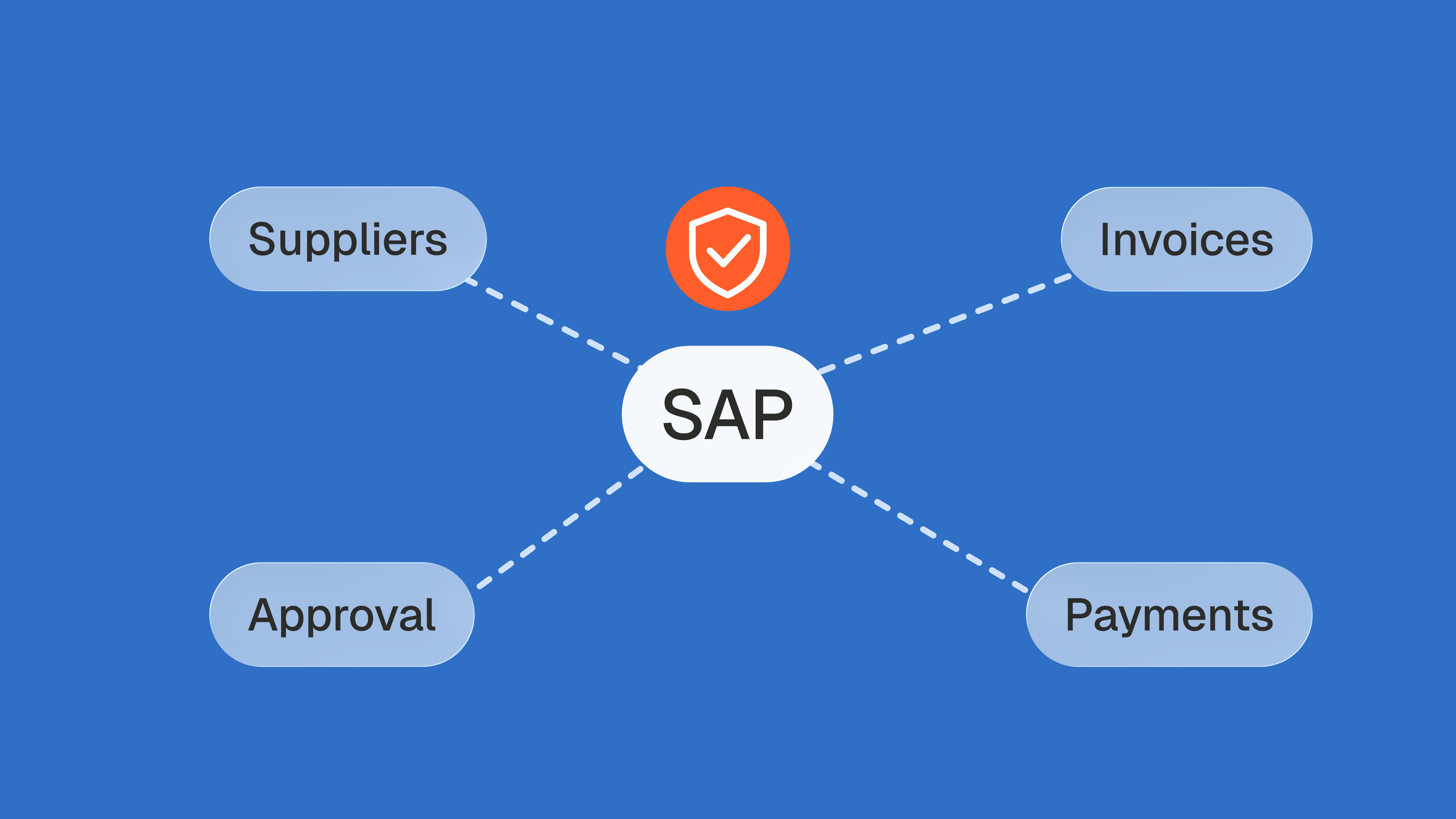
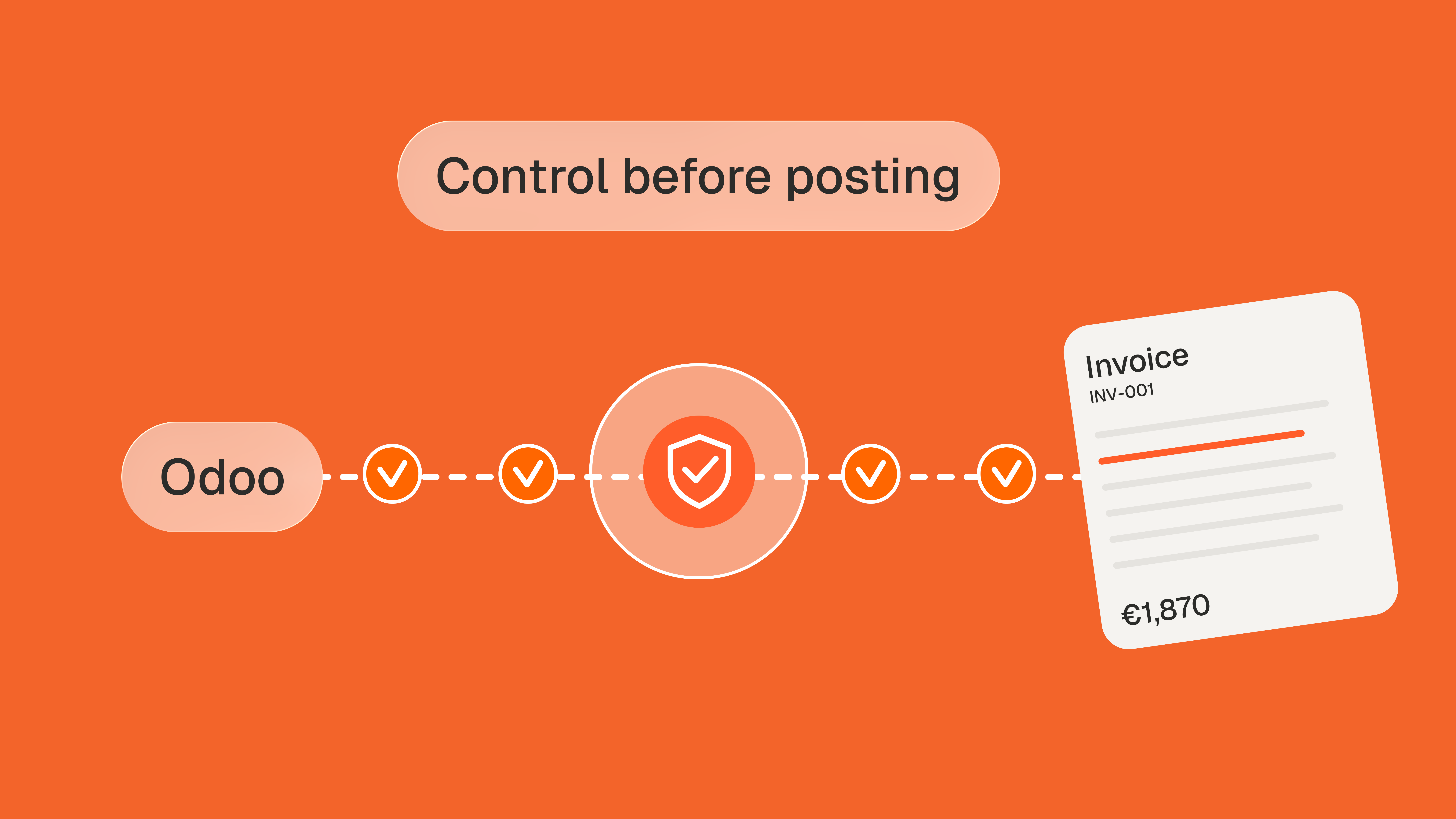
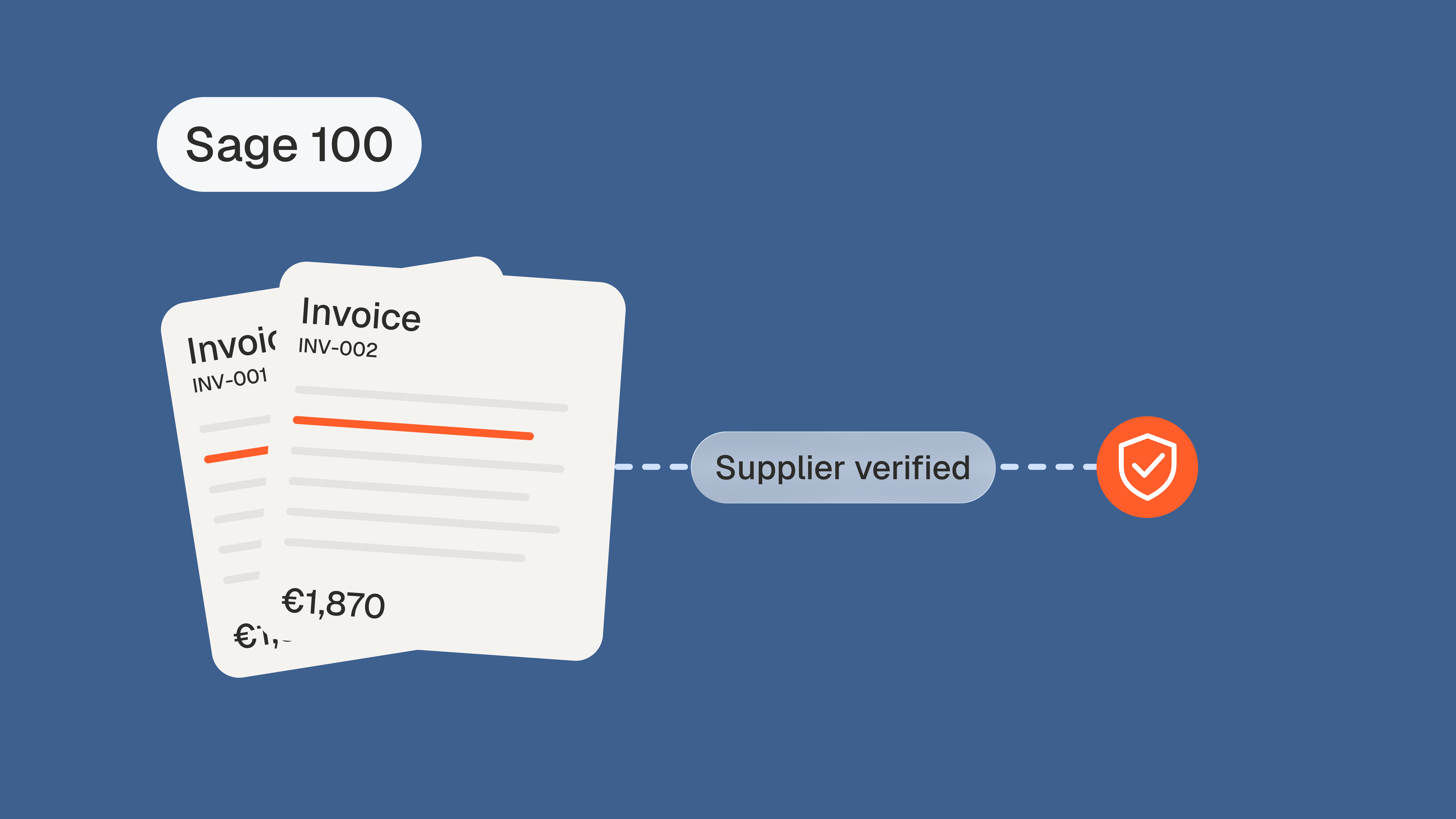
The fix is not another Sage 100 module. It is a control step between the invoice and the entry, so that Sage 100 keeps doing what it does well and only receives invoices that were checked. Phacet's public entry on Sage describes the same position: agents work "between source documents and Sage's entry layer" and apply pre-payment controls "before any entry reaches Sage". Each agent follows three steps.
- Structure. The agent collects invoices where they already arrive (the AP mailbox, scans, PDF files, capture tool exports) and turns each one into lines in an auditable table: vendor, item, quantity, unit price, tax, bank details.
- Match. Each line is checked against the references Sage 100 does not hold or does not enforce: the contract behind the vendor, the price list, the purchase order and receipt exported from Sage 100, and what other sites paid for the same item. The contract terms control agent checks prices, discounts and volumes against framework agreements, and the three-way matching agent reconciles invoices, delivery notes and purchase orders. Every flag shows its reason and the amount at stake.
- Analyze. Before each payment batch, the invoice validation agent checks duplicates, due dates and budget, and routes exceptions to the right approver. Clean invoices continue into Sage 100 through your usual import, flagged ones wait for a decision, and every decision is logged in the audit trail.
The agent proposes, your team decides. What changes is that nobody has to read every line to find the three that matter.
How Phacet connects to Sage 100
Phacet connects to Sage 100 the way your team already exchanges data with it. Its public Sage entry states that for Sage 100 and Sage X3 users who accept file-based or API-based data exchange, Phacet connects without an ERP migration. On the Studio plans, agents work from CSV, Excel and PDF imports, such as the vendor list, open purchase orders, receipts and AP invoice history exported from Sage 100. The Custom plan adds ERP, SFTP and custom API connections. Most teams start with exports, and the first agent typically runs in production in under two weeks.
The takeaway
Sage 100 is candid, in its own help, about what it checks: totals, quantities, tax and a manual hold. The price you negotiated is protected only as well as the purchase order carries it, and the purchase order often carries the last price you paid. Keep Sage 100 as your system of record, put an agent in front of it, and spend your team's time on the few invoices that deserve a decision.
FAQ
Is Sage 100 still supported?
Yes, one version at a time. Sage officially supports the current Sage 100 release and the two before it: version 2023 retired when Sage 100 2026 shipped on April 16, 2026, and version 2024 retires with the 2027 release (Sage knowledge base). Guides that tell you to ignore the ERP lifecycle, such as Ramp's, skip that detail.
Can AI scan typewritten and handwritten invoices into a Sage 100 AP batch?
Yes, that is what invoice capture tools do: they read scanned or emailed vendor invoices and create an Accounts Payable batch for Sage 100, a request Sage 100 users post on Reddit. Plan for a person to confirm fields read with low confidence. Capture tells you what the invoice says, not whether its price is right.
How much does AP automation software for Sage 100 typically cost?
It depends on the pricing model: vendors charge per user, per invoice processed or a flat monthly fee, and some bill payment processing separately. Compare quotes on your real monthly invoice volume and on what each tool checks. As a reference point for invoice control rather than payments, Phacet's Studio plan starts at $299 per month.
How long does it take to implement AP automation with Sage 100?
It depends on how deep the connection goes. A tool that works from Sage 100 exports, such as the vendor list, open purchase orders, receipts and invoice history, can start on one supplier category before any two-way sync exists. Integrations that post back into Sage 100 depend on your version and business partner, so ask for a version-specific plan.