

For controllers, finance managers and CFOs of companies with 50 to 500 employees who rebuild a budget vs actual in a spreadsheet from a general ledger export every month, and get asked mid-month where spending stands.
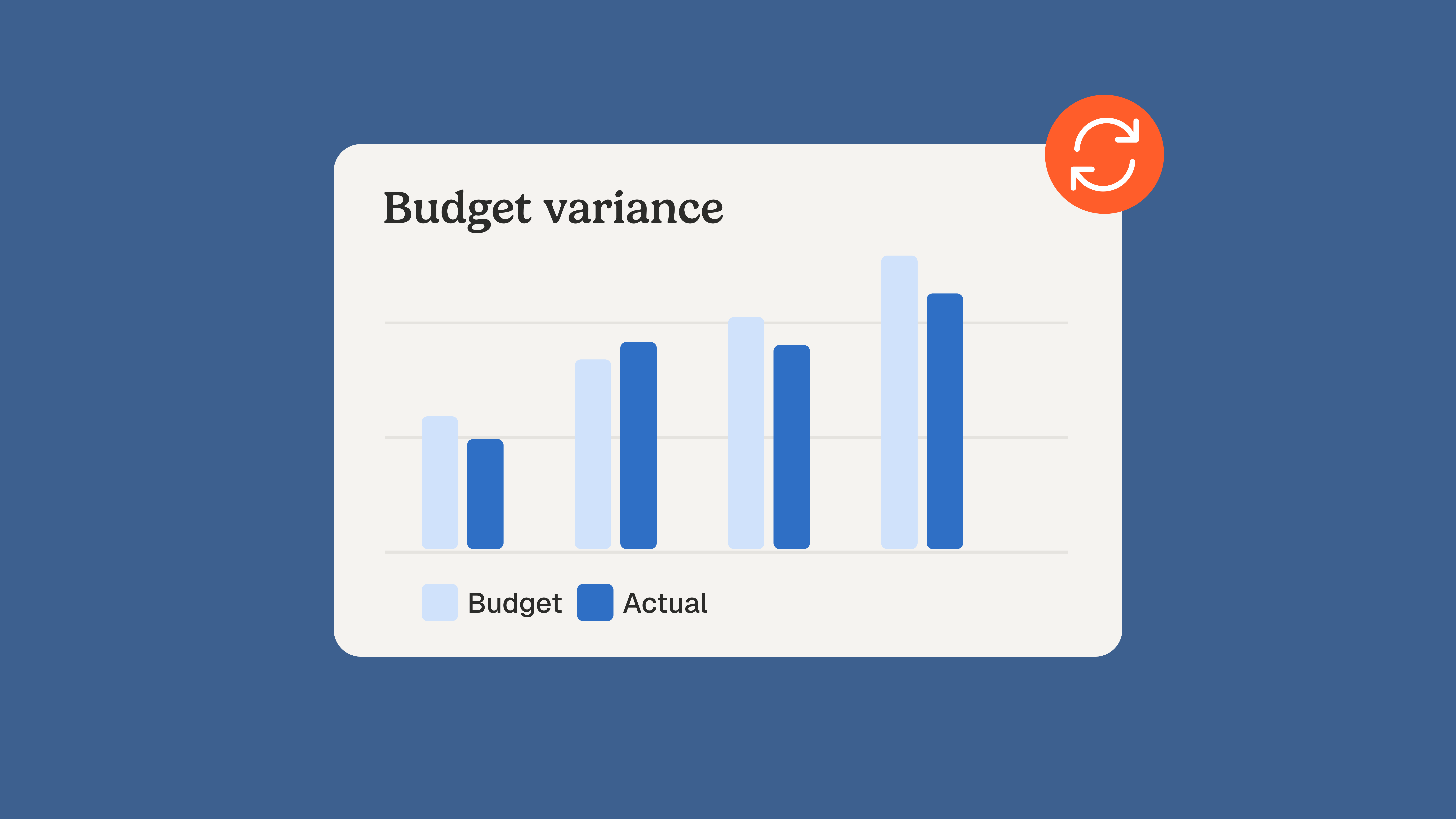
Refreshing a budget vs actual automatically is the easy part: once each budget line is mapped to its general ledger accounts, the variance recalculates every time new transactions are posted. What makes the report late is the actual column itself, because it only holds what accounting has already posted. Purchase orders, goods received and supplier invoices waiting to be booked stay out of it until the close. A budget vs actual that stays useful between two closes adds a third column, committed spend, next to budget and posted actuals.
Need only the definition? See our budget vs actual analysis entry.
Key takeaways
- A budget vs actual report reads posted transactions, so a purchase order adds nothing to the actual column until the related receipt or invoice is booked.
- Oracle NetSuite documents purchase orders as non-posting transactions: an approved order puts no amount in the general ledger, even when the spend is already decided.
- Committed spend, meaning orders placed and invoices received but not yet booked, is a decision already made, not a forecast, and it belongs next to budget and actuals.
- Budget, committed and posted side by side show an overrun while the purchase can still be stopped, weeks before the month-end close confirms it.
- Phacet's budget vs actual agent maps budget lines to GL accounts, calculates variances by line and period, and comments the ten largest from the underlying entries.
Last updated: September 27, 2026
What does "actual" really contain in a budget vs actual report?
"Actual" contains the transactions posted to the general ledger for the period, and nothing else. A purchase order approved on the 3rd, a delivery received on the 10th and an invoice sitting in the accounts payable inbox on the 20th count for nothing until someone books them. The variance is exact. It is exact about an incomplete set.
ERP vendors say so in their own documentation. Microsoft Dynamics 365 Finance offers two reports on the same budget. According to Microsoft Learn (page updated April 20, 2026), the budget analysis report "shows only posted transactions" and confirmed encumbrances, while the budget control statistics report "shows draft transactions" and includes unconfirmed encumbrances. One budget, one system, two answers to "where do we stand?", depending on whether documents not yet posted are allowed in.
Oracle is just as explicit. The NetSuite help page on purchase transactions describes purchase orders as non-posting transactions that do not post any amount to ledger accounts. An item receipt, on the other hand, posts to inventory and to an accrued purchases account, and the vendor bill then moves that amount into accounts payable. Depending on how your ERP is set up, the same cost enters actuals when the goods arrive, or only when the invoice is booked.
That settles a debate the most visible guides get wrong. Farseer lists the "lack of real-time updates" as a weakness of spreadsheets, while Beebole describes comparing budgets to actuals in real time via Excel or Google Sheets. Both treat freshness as a property of the tool. It is a property of what has been posted: a dashboard refreshed every hour on a ledger booked once a month shows a month-old number every hour. On September 27, 2026, across the five editorial guides that rank highest for "budget vs actual" (9,879 words), "real-time" appears 17 times, while "purchase order", "invoice", "accrual" and "general ledger" do not appear once.
Do you have to wait for the books to close?
You have to wait for the close to get final numbers, not to see most of your spending. The frustration is common enough to title a thread on r/FPandA: "Do you guys also wait for the books to close before..." The wait comes from reading only the posted column. Every spending document enters the picture at a known moment, and only a few of them wait for month-end.
| Spending document | When it exists | Posts to the general ledger? | Column it feeds |
|---|---|---|---|
| Purchase requisition | Before the order is placed | No | Committed, if you track pre-commitments |
| Purchase order | When the order is approved | No, NetSuite documents it as non-posting | Committed |
| Goods receipt | On delivery | Depends on the ERP: NetSuite posts it to accrued purchases | Committed, or posted when receipts are accrued |
| Supplier invoice received, not yet booked | When it reaches the inbox or supplier portal | No | Committed, at the invoiced amount |
| Supplier invoice booked | When accounting enters it | Yes | Posted |
| Accrual for goods or services received, not invoiced | At the close | Yes, reversed the following period | Posted, at month-end only |
| Payment | At the payment run | Yes, on the cash side | None: a payment settles spend already counted |
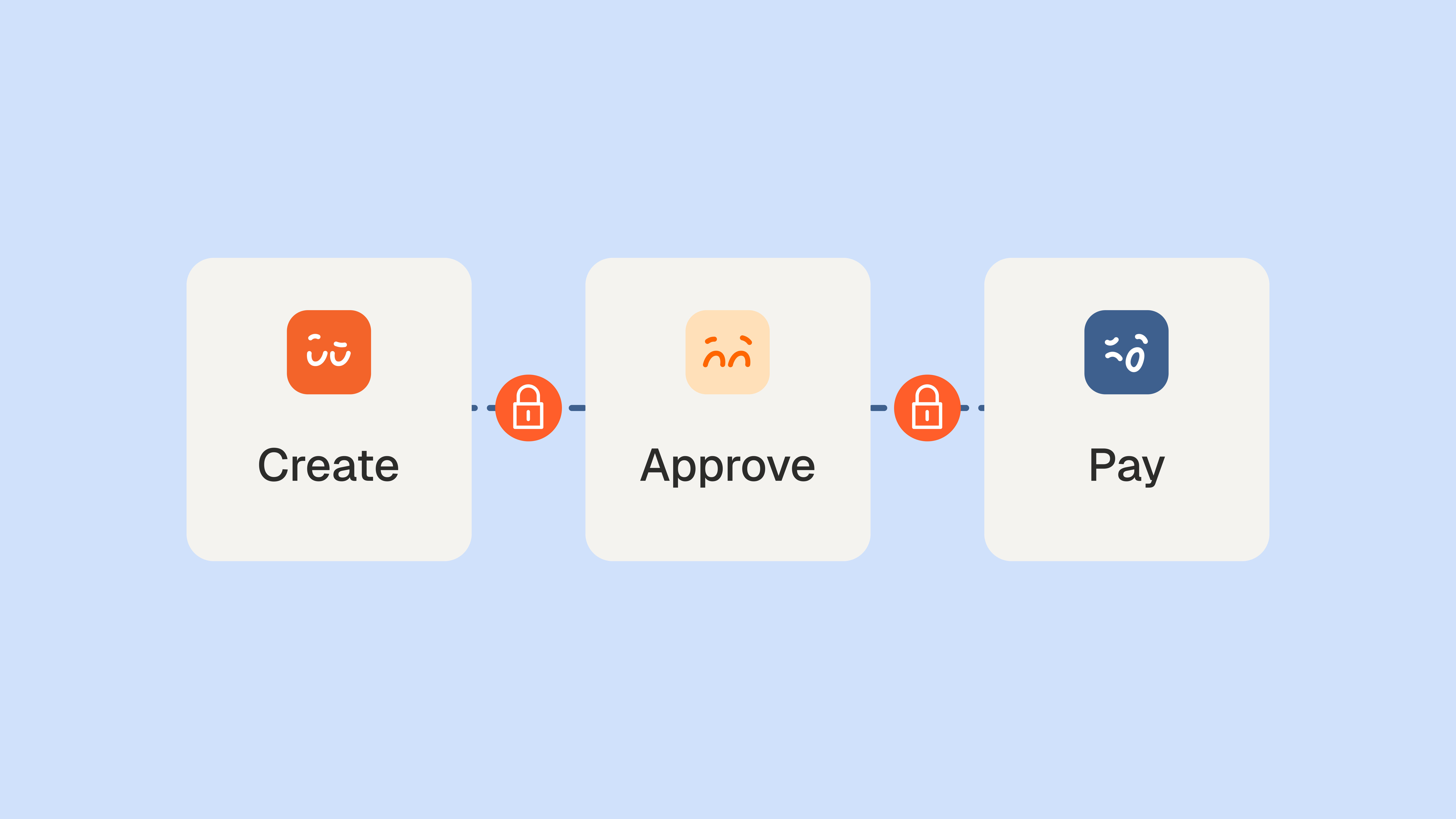
Read the table from the top and the lag becomes visible. The decision to spend is taken at the purchase order. The cost is known at the invoice. The ledger learns about it at booking, and for everything received but not yet invoiced, only at the close. A report built on the posted column alone starts where the process ends.
Not every cost has a purchase order. Rent, software subscriptions, utilities and recurring services usually arrive as invoices only, so the committed column misses them unless you add them from their contracts: one monthly amount per contract, relieved when each invoice is booked. Lines driven by contracts gain the most from this, since their amount is known before the invoice exists.
Company card spend follows the same pattern. The card platform records a purchase the day it happens, while the ledger often receives it only when the statement or the expense report is reconciled, days or weeks later. Card lines belong in the committed column until they are booked.
The same gap explains a thread on r/Accounting titled "CFO is losing it over lack of real-time visibility into spend". The CFO is not missing a faster report. The CFO is missing the spend that was decided but not yet booked. A newcomer on the same forum asked how purchase orders work, and one reply summed it up: "The PO is your permission to make a purchase." Permission granted is money committed, and it is invisible to a posted-only report.
Budget, committed, posted: the three-column budget vs actual
Add a committed column between budget and posted actuals, then read two variances: budget minus posted, which is what accounting sees, and budget minus posted minus committed, which is what is really left to spend. The first tells you what happened. The second tells you what you can still decide.
Large ERPs build this in when budget control is switched on. Microsoft's budget control overview (updated July 22, 2026) lets you define the budget funds available formula and asks whether it should consider purchase requisitions (pre-encumbrances) and purchase orders (encumbrances), and whether draft or unposted documents should count. Teams on accounting software without budget control, or running their budget vs actual in a spreadsheet fed by a ledger export, have no such column unless they build it.
Example: three budget lines on the 15th of the month. The figures are illustrative.
| Budget line | Monthly budget | Posted | Committed | Remaining, posted only | Remaining, with committed |
|---|---|---|---|---|---|
| Marketing | $40,000 | $22,000 | $15,000 | $18,000 | $3,000 |
| Freight | $12,000 | $6,000 | $9,500 | $6,000 | -$3,500 |
| Maintenance | $25,000 | $26,500 | $0 | -$1,500 | -$1,500 |
On posted actuals alone, freight looks half spent and marketing has almost half its budget left. With committed spend, freight is already $3,500 over and marketing has $3,000 of room. The maintenance overrun is the only one both views agree on, because nothing was committed ahead of it. Refreshing the posted-only view every hour would not change the conclusion it draws on freight: it would repeat it faster.
Two rules keep the committed column honest. First, it is not a forecast. A forecast estimates what will happen; a commitment records what has been decided, with a supplier, an amount and a document behind it. Keep a forecast column separate if you run one. Second, a commitment must be relieved when its invoice is booked, or the same cost counts twice. Microsoft's budget analysis report includes both the original and the relieving transactions for exactly that reason.
In the monthly pack, keep the view readable. Show one row per budget line with the two remaining figures side by side, and under every line that only turns red once commitments are counted, list the three largest open orders or unbooked invoices behind it, with supplier, amount and approver. Management then sees not only that freight will overrun, but which decision caused it and who can revisit it.
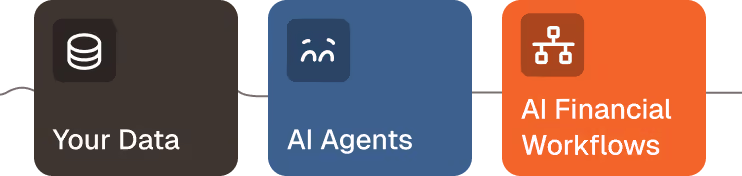
Once the three columns exist, the calculation itself is mechanical, and that is the part worth handing to an agent. Phacet's budget vs actual variance agent takes your budget as it is, in Excel or from your ERP, maps it to your GL accounts and calculates every variance by line and period.
What tools update budget vs actuals automatically?
Three kinds of tools do: the budget reports inside your ERP or accounting software, the BI and FP&A tools that sync your general ledger, and AI agents that map, calculate and comment variances. All three refresh when the ledger changes. None of them makes posted actuals more complete on its own; what differs is the manual work each one removes.
- ERP and accounting software budget reports. Native and always in sync with the ledger. Some, like Dynamics 365 with budget control, can include encumbrances once configured. The limit is structure: budgets are rarely built on the chart of accounts, so someone still reworks the output for management.
- BI dashboards and FP&A platforms. They produce the budget vs actual dashboard and report management reads, and refresh on a sync schedule. Someone maintains the mapping between budget lines and accounts, and the dashboard is only as recent as the last booking.
- AI agents. They take over the recurring work between the export and the comment: mapping, calculation, ranking and first-draft explanations.
Phacet's agent follows four published steps. It imports the budget as it is, from Excel or the ERP, with the ledger export by period. It proposes the mapping between budget lines and GL accounts from account labels and numbers, and a person validates it. It calculates variances by line and period, in a monthly view and a year-to-date view, by cost center, business unit or project. It then ranks the ten largest variances by impact and drafts a comment for each from the underlying journal entries, which your team completes before the report goes out. The work sits in Phacet's Analyze layer, on data already structured and matched upstream.
The comment matters as much as the number. When Phacet launched its new platform on May 26, 2026, the announcement opened on a line every controller recognizes: "Most AI tools for finance are black boxes." A variance explanation you cannot trace back to entries does not survive the first question in a management meeting. One drafted from the journal lines behind the variance does, because anyone can open the lines.
The agent reads what the ledger holds. Keeping that ledger, and the committed column next to it, current between two closes is upstream work.
How to keep the actual column current between closes
Capture spending documents when they arrive, not when they are booked, and keep the committed column clean enough to relieve correctly. Phacet's page for financial control teams opens with the diagnosis: "You spend more time cleaning data than analyzing it." Six habits move that time back to analysis.
- Capture supplier invoices on arrival. An invoice in the inbox is committed spend at its invoiced amount on the day it lands. An automated accounting inbox sorts and extracts it before anyone books it, so the committed column moves the same day.
- Check order confirmations against purchase orders. A commitment is only as accurate as the order behind it. When a supplier confirms another price or quantity, the committed amount is wrong from day one. Matching order confirmations to purchase orders catches the difference before it reaches the invoice.
- Map once, then review only what is new. Validate the mapping between budget lines and GL accounts at the start of the year, then check only accounts created since. A mapping rebuilt every month is where spreadsheet errors come from.
- Relieve commitments when invoices are booked. Close or reduce the purchase order as its invoice posts, so the same cost never sits in both columns.
- Comment only what is material. Set a threshold in amount and in percentage, and comment the ten largest variances by impact rather than every line that moved.
- Leave accruals to the close, but age what they will cover. Goods received and not invoiced still wait for month-end. Tracking how long each receipt has been waiting tells you which accruals will be large before the close starts.
None of these steps asks for a faster refresh. They make the refresh worth reading. The agent maps, calculates and drafts; the controller decides which variance matters, and the budget owner who approved the order decides what to stop. A budget vs actual that includes committed spend lets that conversation happen in the middle of the month, while there is still something to decide.
FAQ
What is the difference between a budget and actual cost?
A budget is the amount planned for a period before it starts. Actual cost is the amount recorded in the accounts for that period once transactions are booked. The gap between them is the variance. Actual cost lags real spending, because orders and invoices not yet booked are missing until accounting records them.
What do you call the difference between budgeted and actual?
The difference between a budgeted and an actual amount is called a variance, or budget variance. It is favorable when revenue beats the budget or costs come in under it, and unfavorable in the opposite cases. Variances are expressed in currency and as a percentage of the budget, so large and small lines compare fairly.
How to calculate actual vs budget?
Subtract the budget from the actual amount to get the variance in currency, then divide that variance by the budget and multiply by 100 to get it as a percentage. For example, $26,500 actual against a $25,000 budget gives a $1,500 variance, or 6% over budget on a cost line.
What causes a budget variance?
Budget variances come from four main causes: volume, when activity differs from plan; price, when unit costs or selling prices change; timing, when a cost or revenue lands in a different period than budgeted; and errors, in the budget or in the bookings. Tracking committed spend separates timing gaps from real overruns.
Why is budget vs actual important?
Budget vs actual shows whether financial performance still follows the plan while there is time to react. It points managers to the lines that drift, tests how realistic the budget was, and gives the next budget a factual starting point. It is useful only if actuals are complete enough, and early enough, to act on.