
Track budget vs. actual variances
Automatically compare budget forecast against actual accounting data, line by line.

Introduction
Budget vs. actual comparison is done manually in Excel. Mapping between budget and accounting accounts is complex, updates are late, and variance analysis takes time.
Phacet automatically maps your budget and GL accounts, calculates variances by line and period, analyzes deviations and produces a commented summary with the top 10 variances. Management reporting is available in hours, not days.
When to use this Phacet
Built for CFOs, controllers or CEOs who want to:
• Automate budget vs. actual comparison without manual Excel mapping.
• Quickly identify top variances and their causes.
• Get management reporting available quickly after closing.
• Monitor budget continuously, not once a month late.
AI skills involved

Automatically match your data across files, tools and systems
Phacet cross-references your data across sources - invoices vs. payments, POs vs. receipts, bank lines vs. GL entries, CRM deals vs. billing records. It tells you exactly what matches, what's missing, and what's off. No VLOOKUP, no manual comparison.

Validate every line against your rules, thresholds and references
Define your rules once - negotiated prices, spending caps, expense policy, contract conditions, approval thresholds - and Phacet applies them to every single row, every time. Every discrepancy is flagged with the exact reason, ready for review.

Get notified on what matters and share results without manual work
Phacet sends alerts the moment a threshold is crossed or an anomaly is detected by email, Slack or in-app. It also generates summaries, dashboards and structured exports ready to send to your ERP, your team or your management. Results reach the right people at the right time, automatically.
Business impact

76% time savings on budget analysis
From 1 day per month to 2 hours. Mapping and calculations are automatic; analysis is AI-assisted.
Top variances identified and commented
The top 10 gaps are documented with accounting context. You know where to focus management attention.
Real-time budget tracking
Reporting is available as soon as accounting is closed. No more 2-week wait for management reporting.
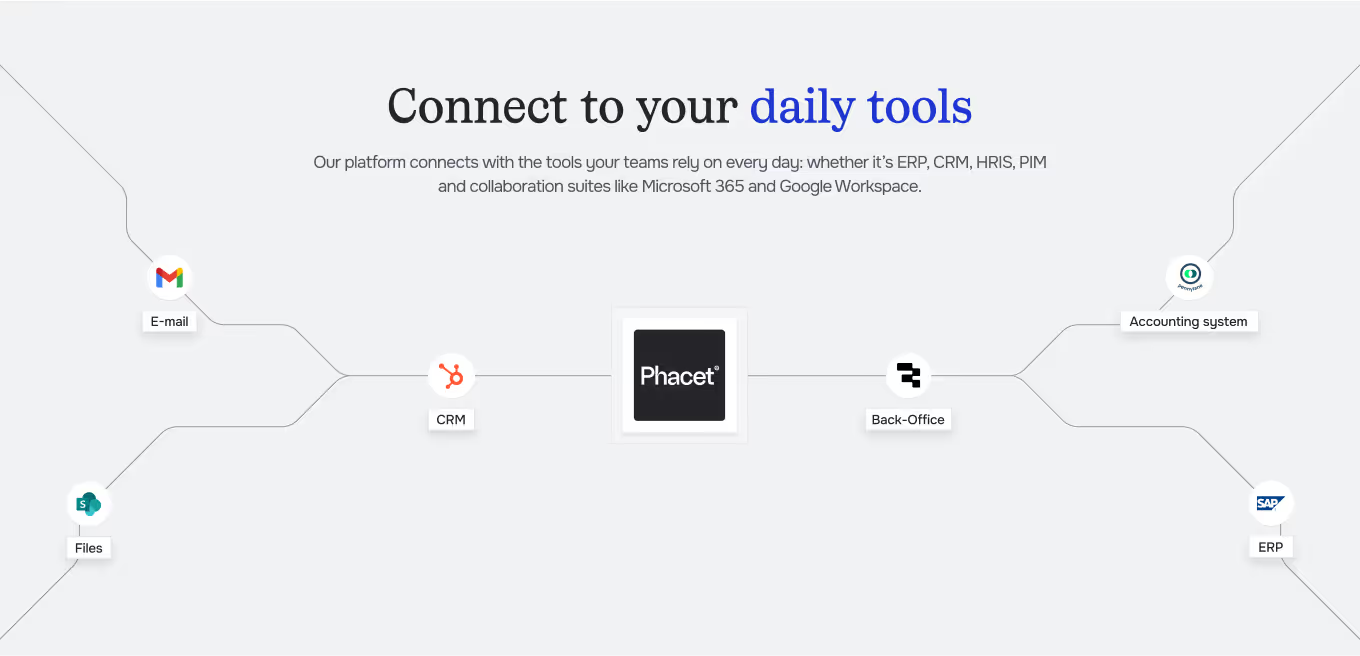
Integrated with everything







Steps to get Started
Import your budget and actuals
Load your budget (Excel or ERP) and your actual GL export by period.
Automatic mapping
Phacet maps budget accounts to GL accounts and calculates variances by line item and period.
Variance analysis
Top variances are identified ranked by impact and accompanied by auto-generated explanatory comments.
Share the report
Export the budget vs actual report to your management team or BI tool.
Unlock your AI potential
Do more with your existing resources using tailored AI solutions.
Frequently Asked Questions
Yes. Phacet proposes automatic mapping based on account labels and numbers. You validate and adjust.
Yes. Phacet proposes explanations based on analysis of underlying journal entries. You can complement them.
Yes. The budget can be broken down by cost center, BU, project or any analytical dimension.
Both. Phacet produces a monthly view and a cumulative year-to-date view.
Yes. Import your Excel file as-is. Phacet adapts to your budget structure.




GUIDE
The AI CFO guide
For accounting teams, accounting firms and CFOs of SMEs and mid-sized companies who want to know where to start.