AI cash flow forecasting: what it changes and what it misses
Published on :
September 28, 2026

Nicolas Marchais is co-founder and CEO of Phacet. After seven years at Spendesk, he built Phacet as the agentic layer that orchestrates across ERP, banking and email systems. Reliable, auditable, cross-system, what he calls a Finance Workforce.

AI cash flow forecasting: what it changes, and what it still cannot see
For finance leaders and treasurers who already run a cash flow forecast and watched it miss last month.
AI cash flow forecasting is the use of machine learning to build and update a cash projection from transaction history and observed payment behaviour, rather than from fixed due dates. What it changes is the speed and the granularity of the model. What it does not change is the perimeter: a commitment no system has recorded, a supplier invoice still sitting in an approval queue, a disputed line or an unposted credit note stays outside the forecast, whatever model runs on top of it. For most finance teams, forecast accuracy is an input problem before it is a model problem.
Key takeaways
- AI changes how a cash forecast is built, not what it is allowed to see: a commitment that exists only in someone's inbox is invisible to every model.
- In Microsoft Dynamics 365 Finance, a vendor invoice linked to a purchase order enters the cash flow forecast only once the invoice approval journal is posted.
- A forecast can be wrong for configuration reasons alone: Microsoft lists seven setup conditions the forecast depends on, and documents purchase orders dropping out of the calculation when the sales tax settlement period does not cover their tax date.
- Payment terms fall back to the default setting when none is specified on the transaction, which dates a real outflow in the wrong week.
- Before buying a forecasting tool, list the commitments your systems actually capture: purchase orders, goods receipts, invoices in approval, disputes and credit notes.
What AI actually changes in cash flow forecasting
Three things, and they are real.
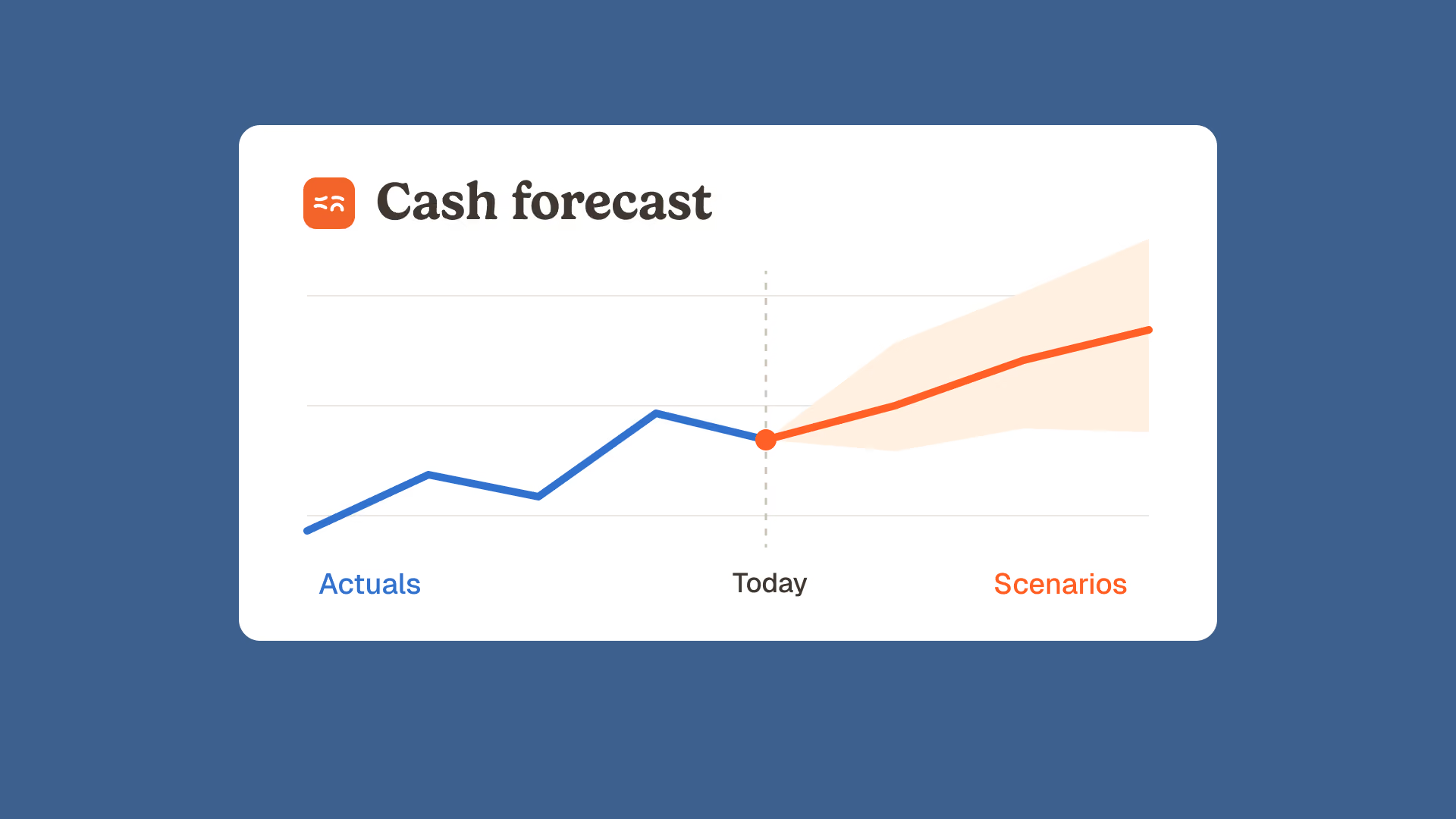
It replaces due dates with behaviour. A classic forecast assumes a customer pays on the due date. A model trained on your ledger knows that this particular customer pays eleven days late, every time, and dates the inflow accordingly.
It makes variance analysis cheap. Comparing last month's forecast to what actually cleared the bank used to be a half day of work, which is why most teams skipped it. Automated, it becomes a weekly routine, and the forecast improves because someone finally looks at where it was wrong.
It makes scenarios routine. Modelling a large customer paying thirty days late across every entity is a few seconds of compute instead of an afternoon of spreadsheet surgery, which is how a liquidity gap gets spotted six weeks out rather than the week it bites.
None of these three touch the perimeter of the forecast. They make a better projection out of the data you already hold. They do not add the data you do not hold, and that distinction is where most forecasts actually fail.
Why your forecast misses: it is an input problem
A cash flow forecast is an inventory of commitments placed on a calendar. Money you will receive, money you owe, and the dates each will move. The model arranges those commitments. It cannot invent the ones that were never captured.
There is a simple way to see how little attention this gets. On 20 September 2026 we measured the four editorial pages ranking in the US top 10 for this query, 4 743 words in total. The word accuracy appears 19 times and scenario 24 times. The words purchase order, goods receipt, three-way match, credit note, dispute, duplicate, supplier statement, invoice approval and payment run appear zero times, all nine of them. The word invoice appears twice in 4 743 words.
The market writes about the model. It does not write about what goes into it. That is a convenient silence, because the model is the part a vendor sells and the input layer is the part a customer owns.
What a cash flow forecast structurally cannot see
This is not a matter of opinion. ERP vendors document it themselves.
Microsoft publishes the list of transaction types that feed the cash flow forecast in Dynamics 365 Finance: sales orders not yet invoiced, purchase orders not yet invoiced, open customer and vendor transactions, ledger transactions flagged for future posting, budget register entries, project forecasts and imported spreadsheet data. It is a good list. Read it the other way round and it tells you exactly what is missing.
Then comes the sentence that should be on every treasurer's wall. Microsoft states that the forecast includes posted vendor invoice register entries not associated with a purchase order, and that if the invoice register is associated with the purchase order, the transaction is included when the invoice approval journal is posted. In plain terms: an invoice matched to a purchase order and waiting for a signature is not in your forecast. Your approval queue is a gate on your cash projection, and nobody told the treasurer.
The same documentation set is equally blunt about configuration. Microsoft lists seven setup conditions the forecast depends on, among them a date dimension whose end date extends far enough into the future, and exchange rates entered between the accounting currency and each bank currency. It documents separately a case where purchase orders drop out of the calculation because the sales tax settlement period does not cover their tax date: the calculation cannot then determine the exchange date it needs, and it fails on those orders. That one raises a technical error inside the calculation, not a warning to the person reading the forecast. Either way, the projection comes back looking complete.
| Commitment | When it enters the forecast | What happens while it waits |
|---|---|---|
| Goods received, no invoice yet | When the purchase order exists and is flagged for cash flow forecasting | Invisible if the order was placed by email or by phone |
| Invoice matched to a purchase order | When the invoice approval journal is posted | Sits outside the forecast for the whole length of the approval cycle |
| Invoice with a price above the agreed rate | At its full invoiced amount | Forecast is right on timing and wrong on amount until someone disputes it |
| Credit note agreed with a supplier | When it is posted as a transaction | An inflow you already negotiated that your forecast does not know about |
| Duplicate of an invoice already in the system | Immediately, like any other open payable | Forecast shows an outflow that should never leave |
| Invoice with a generic payment term | On the default term, when none is set on the transaction | Correct amount, wrong week |
Read that middle column again. Every one of those gates sits upstream of the forecasting tool, in accounts payable and in procurement. A forecasting engine, however good, starts working after them. If you want to know how much of your own payables sit behind that approval gate right now, that is a question worth answering before you compare vendors. Our team can walk through your own AP and reconciliation data and show you what your forecast is currently blind to.
Four inputs that break a forecast before the model runs
- Commitments that never became documents. A site manager agrees a delivery with a supplier by phone. There is no purchase order, so the obligation exists in the world and not in the system. No model recovers it.
- Invoices parked in approval. The longer the approval cycle, the larger the gap between what you owe and what your forecast shows you owe. A fifteen day approval cycle means a rolling fifteen day hole in the payables side of your projection.
- Amounts nobody checked against the agreement. An invoice priced above the negotiated rate is forecast at the wrong amount until a human catches it. At Astotel, a group of 18 Paris hotels, line by line price control against negotiated rates surfaced around 5 000 euros a year of billing errors on a single supplier. Those euros were in the forecast as outflows, and they should not have been.
- Payment dates inherited from a default. Microsoft documents three fields that set the timing of a purchase cash impact: time between delivery date and invoice date, terms of payment, and time between invoice due date and payment date. The forecast uses the default terms of payment only when no value is specified on the transaction. Three configured assumptions decide the week your money leaves. Amount right, date wrong, and the error repeats every month on the same suppliers.
Note what these four have in common. Not one of them is solved by a better algorithm. All four are solved by capturing and checking documents earlier.
What AI is genuinely good at here, and it is not prediction
The useful work sits before the forecast, in three stages.
Structure. Turning what arrives as a PDF, an email attachment or a supplier portal export into an auditable table with a date, an amount, a supplier and a status. This is the stage that decides whether a commitment exists for your systems at all.
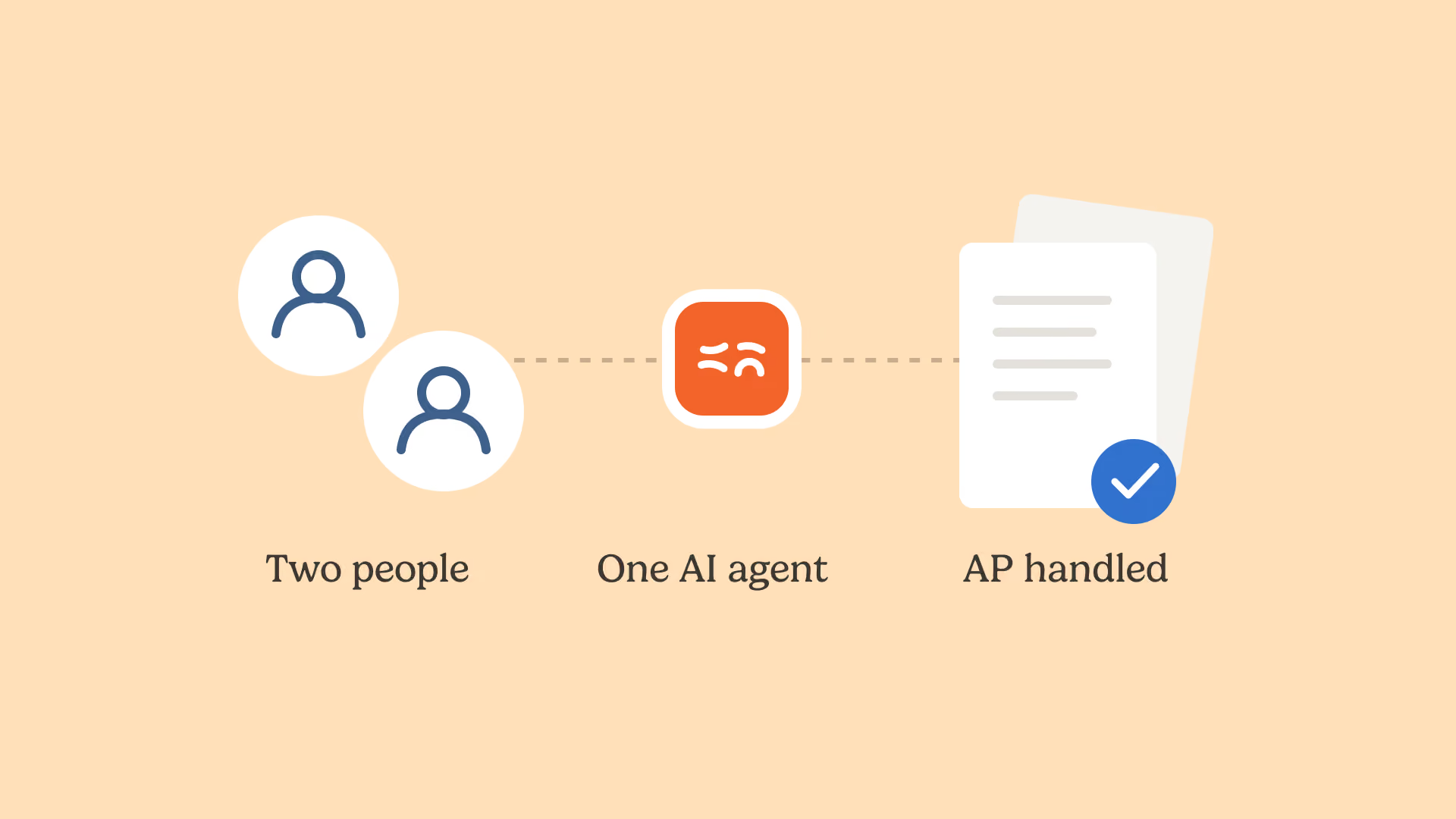
Match. Reconciling the purchase order, the delivery note and the invoice, then reconciling what cleared the bank against what was expected. Smartbox, a European gift box retailer operating in 14 countries, reports a fourfold productivity gain on payment and invoice reconciliation after deploying reconciliation agents. "Phacet operates as an extension of our teams." Mourad Meraou, Operations Director.
Analyze. Only once the first two stages are solid does the projection mean anything. This is the sequence that treasury teams care about, because it is the difference between a cash position you read and a cash position you rebuild by hand every Monday morning.
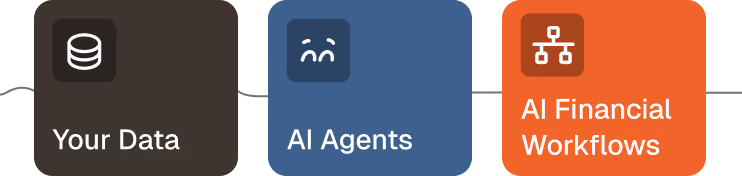
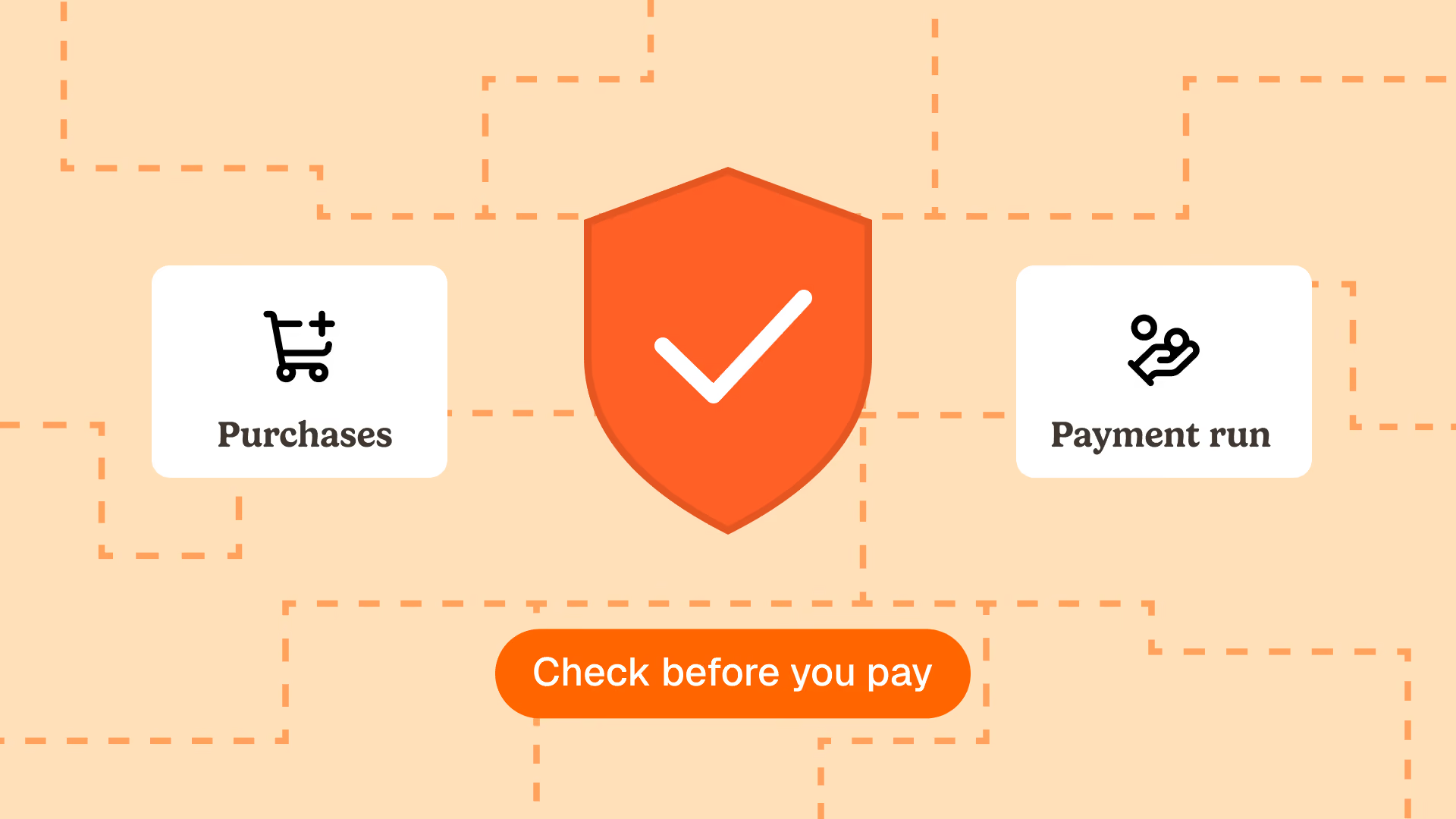
Phacet sits at the first two stages, on top of your ERP rather than instead of it. An agent that validates invoices before payment shortens the approval gate, which is the same thing as shortening the blind spot in your forecast. An agent that controls supplier pricing against negotiated rates fixes the amount before it becomes a forecast line rather than after it becomes a payment. Every step is traced in a native audit trail, which matters when someone asks why the forecast moved.
Model problem or data problem: a five minute diagnostic
Run these five checks on last month's forecast before you shortlist a single vendor.
- Take the three largest variances between forecast and actual. For each, ask whether the amount was wrong, the date was wrong, or the line was missing entirely. Missing lines are an input problem. Wrong dates are usually a payment terms problem. Only genuinely mis-estimated amounts point at the model.
- Count what is in your approval queue right now and total it. That number is the size of the payables blind spot in your current projection.
- Count the invoices received last month with no matching purchase order. Those are commitments your forecast could not have known about before they arrived.
- Check how many of your suppliers carry a generic payment term rather than their contractual one. Each is a recurring dating error.
- List the credit notes agreed but not yet posted. Those are inflows you have earned and are not forecasting.
If four of these five come back clean, you have a modelling problem and a forecasting tool will help. In our experience with finance teams in goods heavy sectors, that is the rarer outcome.
What this means when you compare tools
Comparison guides rank forecasting tools on model sophistication, scenario depth and bank connectivity. Those criteria are fine and they are all downstream. Add three upstream questions to your grid, because they decide whether the sophistication ever gets good data to work on.
Which commitment types does the tool actually ingest, and at which document status. Does it see a purchase order, or only an invoice. Does it see an invoice before approval, or only after. Second: what happens to a line the tool cannot match, is it flagged for a human or silently dropped. Third: can you trace any single figure in the projection back to the document it came from, without asking anyone.
A tool that answers those three well will beat a tool with a better model and a blind input layer, every quarter.
Frequently asked questions
Can you use AI to do your forecasting?
Yes, and it works well on the modelling side: learning real payment behaviour, dating inflows accordingly, and running scenarios in seconds. It does not extend the perimeter of the forecast. Commitments that no system has recorded, and invoices still waiting for approval, remain outside the projection regardless of the model used.
Can ChatGPT make a cash flow statement?
It can produce the structure and the calculations if you paste in the figures. It cannot connect to your bank, your ERP or your supplier invoices, it does not know your negotiated rates or your accounting rules, and it leaves no audit trail. For a one off exercise it is useful. For a recurring statement your auditor will review, it is not the right tool.
What is the best AI tool for cash flow forecasting?
It depends on what your systems already capture. If purchase orders, goods receipts and approved invoices are recorded cleanly, a dedicated forecasting platform such as a treasury management system will add real value. If they are not, the better first investment is the layer that captures and controls those documents, because it decides the quality of any forecast built on top.
How accurate are ChatGPT predictions?
General purpose assistants have no access to your transaction history, so any figure they produce is an illustration rather than a forecast. Accuracy in cash forecasting comes from the completeness of the commitment data, not from the language model. A specialised model on incomplete data will also be confidently wrong.
Why is my cash flow forecast always wrong?
Start by classifying the errors instead of rebuilding the model. Missing lines point at commitments never captured as documents. Wrong dates point at payment terms and approval cycles. Wrong amounts point at prices never checked against the agreement. Three of those four causes are fixed upstream, in accounts payable and procurement.
Last updated: 20 September 2026.
Latest Resources
Unlock your AI potential
Go further with your financial workflows — with AI built around your needs.