For finance leads and AP managers at mid-market companies running Business Central who are switching on the Payables Agent or weighing an add-on. Not a setup tutorial.
Business Central already automates part of accounts payable. Its Payables Agent, generally available since November 2025, turns PDF invoices from a mailbox into purchase invoice drafts, and since February 2026 it proposes the purchase order lines they match. It does not decide what gets paid: Microsoft documents that the agent doesn't detect anomalies, that a price difference is a warning you can finalize past, and that Business Central doesn't check vendor invoice numbers for duplicates. Automation pays back when it adds three checks before Suggest Vendor Payments: the negotiated price, the duplicate under another reference, and the new bank details.
Key takeaways
- The Business Central Payables Agent drafts purchase invoices from PDF emails but doesn't post them, and Microsoft lists approval flows and anomaly detection as unsupported.
- In Business Central, a price difference between an agent draft and its purchase order is a warning that doesn't have to be cleared before the draft is finalized.
- Microsoft's documentation states that Business Central doesn't check whether external document numbers are unique; its duplicate rule for incoming e-documents compares vendor, number and date.
- Business Central approvals compare the purchase amount with each approver's limit, and requests from a user who is also an approver are approved automatically.
- At Astotel, a group of 18 Paris hotels, line checks against negotiated prices exposed up to €400 a month of billing errors on one supplier.
Does Business Central automate accounts payable on its own?
Yes, for drafting and matching. Deciding what should be paid is still left to people, and Microsoft's documentation says so in plain words.
Business Central is Microsoft's business management solution for small and mid-sized organizations, and its finance features cover the whole payables cycle: purchase invoices, posted receipts, approval workflows, and a payment journal where the Suggest Vendor Payments batch job proposes what to pay. The Payables Agent added a native AI capture step in front of that cycle.
The agent reached general availability in November 2025, in the 2025 release wave 2, with a scope Microsoft describes as operating costs, also known as overhead expenses. According to Microsoft's Payables Agent overview, the agent monitors mailboxes for incoming vendor invoices, uses AI to analyze their content and shows invoice drafts to agent supervisors for review. The resulting unposted invoices then go through any required approval workflow and posting.
Since February 2026, the agent also proposes purchase order lines for invoice lines, and Microsoft's release plan states that this release supports 3-way matching, with 2-way matching planned for later. The warnings shown on each draft are, in Microsoft's words, Business Central quantity, receipt, unit-of-measure and price validations, not AI confidence indicators.
That is a sound design: the agent reads, Business Central checks. In practice, the agent relies on Business Central's own validations, and reading faster does not add a new comparison.
What the Payables Agent does not do
Microsoft is explicit about the limits, which makes them easy to plan around:
- It doesn't post. Confirming the draft review isn't a Business Central approval workflow, and the agent doesn't post the invoice.
- It doesn't approve or flag anomalies. The overview lists approval flows and anomaly detection among the features the agent currently doesn't support.
- It reads PDFs from email only. No PDF over 10 pages or 5 MB, at most 100 emails and 500 invoices a day.
- It is validated in English only. Microsoft adds that it can be used in other languages but might not function as intended, a point to test before rolling it out to French, Dutch or German suppliers.
- Its suggestions can be wrong. Microsoft's FAQ warns that the account classifications and vendor matches it generates can be inaccurate, and that matching doesn't support Charge (Item) lines or order lines with prepayments. Companies with limited transaction history also receive fewer automated suggestions, since the agent learns from past invoices.
- It stops when credits run out. When your organization's Copilot Credit quota is depleted, the agent stops processing new invoices from the monitored mailbox. Someone has to watch the quota, or invoices wait unread.
Not every guide reads the documentation this way. A Dynamics Square UK guide published in June 2026 states that the Payables Agent sends approval requests and can identify duplicate invoices, missing purchase orders and incorrect amounts. Microsoft's FAQ, updated October 2, 2026, says the agent doesn't provide vendor approval or purchase invoice approval workflows, and the overview lists anomaly detection as unsupported. For a finance lead, the documentation is the contract: treat the agent as a fast, reviewable capture step, not as a control.
What does Business Central check before an invoice is paid?
Six native controls sit between a vendor invoice and the payment journal. Each one compares the invoice with something Business Central already holds, or asks a person to confirm.
| Native control | What Business Central compares | What it doesn't see |
|---|---|---|
| Ext. Doc. No. Mandatory | Blocks posting when the vendor invoice number is empty | Whether that number was already used |
| Duplicate rule for incoming e-documents | Vendor, external document number and date, within an imported batch | The same invoice under another number or date |
| Price difference warning | Invoice net unit cost against the order's cost, beyond E-Document Matching Difference % | Whether the order carried the negotiated price; the warning doesn't block the draft |
| Purchase invoice approval workflow | Purchase amount against each approver's limit, in local currency | Price, quantity and contract terms |
| Vendor bank account approval and field monitoring | A second person approves a new account or a changed field; monitoring emails a change | Whether the account belongs to the vendor |
| Blocked = Payment, entries On Hold | Stops new payments to a vendor; Suggest Vendor Payments skips entries On Hold | Anything nobody has flagged yet |
Table compiled by Phacet from Microsoft Learn documentation for Business Central, October 28, 2026.
The duplicate row is easy to misread. Google's AI Overview for "dynamics 365 business central accounts payable" tells readers that the system tracks vendor invoice numbers to prevent duplicate payments, citing a YouTube video. Microsoft's page on external document numbers says that Business Central "doesn't check if these external document numbers are unique or duplicates." The application's code reference does expose a posting-time filter on vendor ledger entries by vendor, document type, external document number and date, but Microsoft doesn't document that behavior for users. Either way, what gets compared is a string that someone typed or a model read.
Approvals deserve the same careful reading. Business Central lets you set a Purchase Amount Approval Limit per approver, in local currency, and an approver's limit must be above the value on the request. When a user is both requestor and approver, Microsoft's approval user setup page states that their requests are always approved automatically.
With Approver Limit Type set to Approver Chain, Business Central creates approval requests for each of the requester's approvers, up to and including the first approver whose limit qualifies. The chain decides who signs; the amount decides how far up it goes.
Our reading: an approval in Business Central checks who signs and up to what amount. It doesn't check whether the invoiced price is right. And in a two-person finance team, the person who enters the invoice may be the one who approves it. An invoice sent for approval does move from Open to Pending Approval and stays locked until every approver has approved it. That lock is useful; it just needs evidence for the approver to look at.
Three things Business Central cannot see before Suggest Vendor Payments
Every native control compares the invoice with a record Business Central trusts. The gaps open where that record is wrong, or where the evidence lives outside Business Central.
The negotiated price the purchase order should have carried
The price warning on an agent draft compares the invoice's net unit cost with the weighted net unit cost of the selected order lines. It appears only when the difference exceeds the E-Document Matching Difference % set on the Purchases & Payables Setup page; by default, e-document lines match only when both documents carry the same total. Even then, you don't have to clear the warning to finalize the draft.
Our reading: the reference is the order, not the contract. If a buyer typed last year's price, or updated the order so the invoice would match, there is no difference and no warning. And when invoices are matched manually with Get Receipt Lines, Microsoft's purchasing pages describe no price tolerance at all.
This is the gap Astotel, a group of 18 hotels in Paris, found when it checked invoiced prices against the prices it had negotiated. Valérie, the group's Procurement Lead, saw the same smoked salmon reference invoiced up to €6 per kilo apart between two hotels, despite a shared price list. On a single supplier, errors reached €400 a month, nearly €5,000 a year.
"I save up to two days per month and catch mistakes I would never have spotted on my own." Valérie, Procurement Lead, Astotel
A duplicate that arrives under another reference, or through another channel
Business Central's duplicate protection is a string comparison. The documented rule for incoming e-documents treats as duplicates the documents with the same vendor, external document number and date, and Business Central doesn't create them when an imported batch contains them. Change any one of the three and the documents are different.
Example: a vendor emails invoice INV-2291 as a PDF, then attaches the same invoice to a reminder as INV2291. Business Central sees two different numbers, and both can reach the payment journal.
The risk grows with every channel. The Payables Agent reads PDF invoices from a mailbox, while structured e-invoices arrive through the E-Documents framework, which covers access point providers such as Avalara and Pagero by default. The same invoice can reach a company both ways. Microsoft documents the duplicate rule for an imported batch; it doesn't say whether the comparison extends to documents already received through the other channel.
For groups with a French subsidiary, this is now a daily question. Since 1 September 2026, every company in scope in France must be able to receive electronic invoices, and Business Central's E-Reporting FR extension imports incoming Factur-X and UBL invoices into purchase documents. France's tax administration asks companies that receive one invoice through several channels to compare invoice number, supplier, customer, date, net amount, VAT, total and processing statuses. Its July 2026 guide adds that a buyer's refusal must be justified and that the reissued invoice must carry a new number. Our reading: a number-based rule will not link the new invoice to the refused one, so close the first one in Business Central yourself.
Whether new bank details belong to the vendor
Business Central gives you two native protections here. A workflow template named Vendor Bank Account Approval Workflow requires people to submit new vendor bank accounts for review, and workflows can require approval of a change to a field such as Vendor Bank Account No., keeping the old value until the request is approved. Field monitoring adds an email when someone changes an IBAN.
Our reading: monitoring notifies but doesn't block, and an approval proves that two people agreed. Neither proves that the account belongs to the vendor. In a change-of-bank-details fraud, both people see the same convincing email on the vendor's letterhead, the second one approves, and the next payment run pays the new account. Note also that a vendor created by the Payables Agent starts with Blocked set to All, and that Microsoft states the agent itself provides no vendor approval.
An agent that detects fake IBAN fraud extracts each new IBAN, compares it with the existing supplier data (country, bank, name, history) and scores the risk before anyone approves.
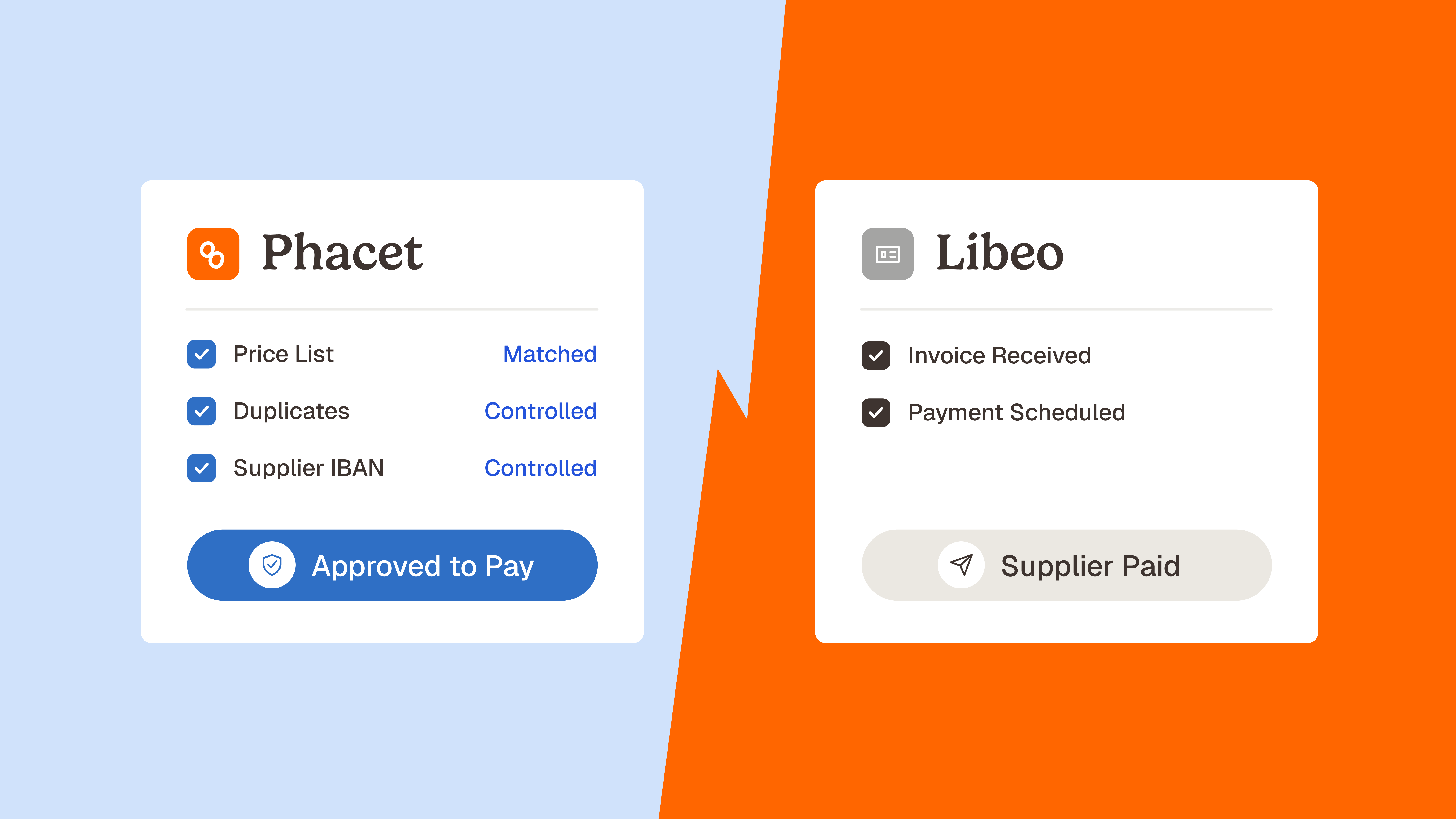
If these three gaps describe your Business Central company, the missing check compares the invoice with data Business Central doesn't hold: the negotiated price list, the other copies of the invoice, the vendor's payment history. It has to run before posting, or at the latest before Suggest Vendor Payments.
See how the supplier billing control agent checks invoices before Business Central pays them
How to check Business Central invoices before the payment journal: a six-step routine
Most of this routine is setup and discipline inside Business Central. Steps three and four need data that Business Central doesn't store.
- Read your price tolerance as an amount, not a percentage. E-Document Matching Difference % sets the maximum cost difference allowed when an invoice line is matched with an order line. Example: at 2%, a €40,000 order line lets up to €800 through without a warning, on every invoice.
- Make vendor invoice numbers mandatory, then normalize them. Ext. Doc. No. Mandatory makes the number required to post, not unique. Before comparing, strip spaces, dashes and leading zeros, and look at the vendor's other open invoices for the same amount. Turn on Check Doc. Total Amounts as well, so that Business Central validates the invoice total before posting.
- Check invoiced prices against the contract or price list, not the order. The order may already carry the price you were billed, in which case Business Central sees no difference to warn about.
- Match invoices against what was actually received. Business Central requires the full invoice quantity of an agent draft to be allocated to posted receipts before posting, so a receipt posted late or not at all is where quantities drift. Over-receipts need the same attention: Over-Receipt Tolerance % lets a received quantity exceed the ordered one, and Microsoft notes that Business Central doesn't automatically handle the financial aspects of over-receipts. In practice, an over-delivery accepted at the dock can become an over-invoice that nobody questions. A 3-way matching agent reconciles invoices, delivery notes and purchase orders to detect billing errors.
- Route new and changed bank accounts through approval, then call back. Use the Vendor Bank Account Approval Workflow and a field-change approval on bank fields, and ask the approver to call a contact taken from the vendor card, not from the email that asked for the change.
- Put disputed entries On Hold before Suggest Vendor Payments, and split entry from approval. The batch job excludes entries On Hold. And since a user who requests and approves is approved automatically, give invoice entry and approval to two different people wherever you can.
Where an AI agent fits next to Business Central
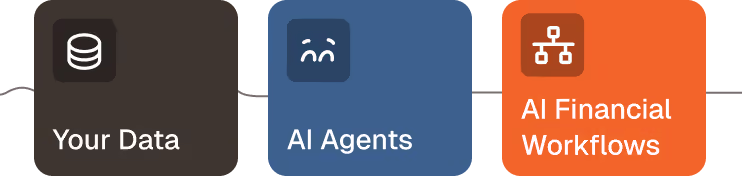
An agent makes the comparison Business Central cannot make, between the moment an invoice arrives and the moment the payment journal pays it. It works in three steps.
- Structure. The agent reads the invoice (PDF, email or e-invoice) together with the Business Central data that matters: open vendor ledger entries, order lines, posted receipts, vendor bank account changes. Each invoice line becomes a row of an auditable table.
- Match. Each line is checked against the order, the receipt, the contract or price list and what other sites paid for the same item; each new IBAN against the vendor's history. Example: line 4, 12 kg of smoked salmon at €24.50 a kilo against €18.50 in the price list, €72 at stake, clause attached.
- Analyze. Clean invoices continue to approval and posting; flagged ones go to the right person with the evidence, in an auditable table that traces each flow. The agent proposes, your team decides.
Alban Cacace, co-founder and COO of Jinchan, summed up the job in January 2026, in words that apply to any Business Central company with a warehouse, a bank and an inbox around it:
"For anyone doing financial control, reconciling orders, deliveries, and invoices is the basics. With Phacet, it becomes simple." Alban Cacace, Co-founder & COO, Jinchan
On the connection side, Phacet's pricing page states that catalogue connectors are included in every plan, and that connecting an ERP, SFTP and other systems via API or custom connector is part of the Factory plan. Phacet's site announces a first agent in production in under two weeks, from a catalogue of 40+ agents.
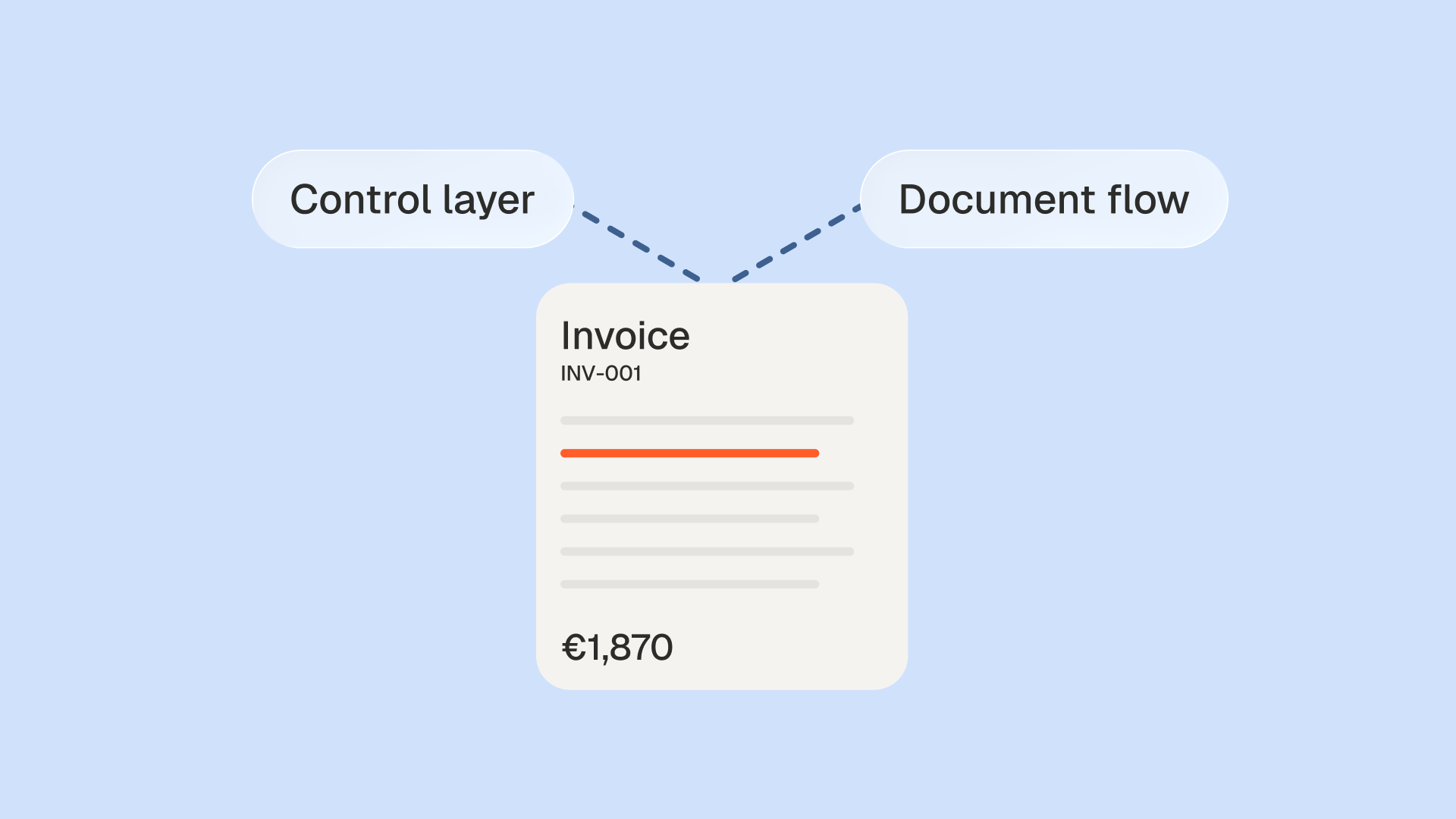
Business Central stays the system that posts and pays, and the Payables Agent keeps taking the typing off your team's hands. The control worth automating first is the one that decides what reaches Suggest Vendor Payments, with evidence Business Central doesn't have.
Frequently asked questions
What is AP automation software for Microsoft Dynamics 365 Business Central?
It is software that captures vendor invoices, matches them with purchase orders and receipts, routes approvals and prepares payments in Business Central. Microsoft's own Payables Agent covers capture and drafting from PDF emails. Add-ons extend capture or approvals, while control tools compare invoices with data Business Central doesn't hold, such as contracts and price lists.
Does Business Central support three-way matching?
Yes, with limits. Since February 2026, the Payables Agent proposes purchase order lines for invoice lines, and Microsoft states that this release supports 3-way matching. A price difference above E-Document Matching Difference % remains a warning, and Microsoft's purchasing pages describe no price tolerance when users match receipts manually with Get Receipt Lines.
How much does the Business Central Payables Agent cost?
The Payables Agent consumes Copilot Credits. Microsoft counts 50 credits to process an invoice into a draft, plus 5 credits per invoice line, and gives the example of 6,500 credits a month for 100 invoices of three lines each. In trial mode, Microsoft processes the first 50 invoices free of charge.
Can AP automation prevent fraud in Business Central?
It can reduce fraud if it checks what Business Central doesn't. Native workflows can require approval of new vendor bank accounts and of bank field changes, and field monitoring emails each change. Neither verifies that an account belongs to the vendor, so bank detail requests need a check against the vendor's history and a callback.
Should I use Microsoft's native Payables Agent or a third-party solution?
It depends on what you need to automate. The Payables Agent turns PDF invoices into drafts and is billed in Copilot Credits, but it doesn't approve, post or detect anomalies. Teams that need price, duplicate and bank detail controls add a control layer such as Phacet, which connects to an ERP via API in its Factory plan.