

For the CFO or controller of a company audited every year, holding the auditor's request list: AI can prepare the evidence, and the auditor still walks through it. If you work at an audit firm looking for engagement software, or you are getting ready for a SOC 2 review, this page covers the other side of the table.
Audit preparation software is a tool the audited company's finance team uses to assemble what the external auditor will request: supporting documents, reconciliations, cycle summaries and the items on the prepared-by-client (PBC) list. AI can collect, check and index that evidence, but it cannot perform the walkthrough, which remains the auditor's own procedure. Anything your AI produces becomes information produced by the entity, which ISA 500 and PCAOB AS 1105 require the auditor to evaluate, including its accuracy and completeness. Preparation holds up when every figure in the file traces back to the source line it came from.
Key takeaways
- A walkthrough follows one transaction through the same documents and IT your staff use (PCAOB AS 2201), so your AI agent is walked through too.
- Reports produced by your AI count as information produced by the entity: ISA 500 requires the auditor to evaluate their reliability, including accuracy and completeness.
- Audit preparation software serves the audited company; engagement software such as Caseware or DataSnipper serves the audit firm.
- For fiscal years beginning on or after 15 December 2025, PCAOB auditors must evaluate external electronic data companies hand over, including how it was processed.
- A usable audit file is organised by cycle, with each figure linked to its source and every missing item flagged before fieldwork.
Audit preparation software or audit software: which side of the audit are you on?
Audit software and audit preparation software are bought by different people for opposite jobs. The first helps an audit firm plan, test and document an engagement. The second helps the company being audited produce evidence the firm can rely on. Most of what you will find under either label is built for the auditor. The features on display (centralized workpapers, automated evidence collection, dashboards, real-time monitoring, collaboration with the client) all describe the firm's side of the job.
The gap is measurable. Across the five editorial pages ranking for this query on 26 September 2026 (11,467 words in total), the words auditee, CFO, controller, finance team and request list appear zero times. So do ISA, PCAOB and information produced by the entity. The pages describe tools for the people who send the PBC list, not for the people who have to answer it.
| Category | Who uses it | What it produces | What it answers to |
|---|---|---|---|
| Audit engagement software | External audit firm | Workpapers, test documentation, audit opinion support | The firm's methodology and auditing standards |
| Internal audit and GRC platforms | Internal audit, compliance teams | Audit plans, findings, control frameworks (SOX, SOC 2) | The board, regulators, certification bodies |
| Audit preparation software | The audited company's finance team | Reconciliations, supporting documents, cycle summaries, answers to the PBC list | The external auditor, who will test what it produces |
The last column is the one that matters. Your preparation tool does not answer to you. It answers to someone who is professionally required to doubt it.
What does the auditor actually do in a walkthrough?
A walkthrough is the procedure in which the auditor follows a single transaction through your process to understand how it works and where it could go wrong. The clearest definition sits in PCAOB AS 2201, paragraph 37:
"In performing a walkthrough, the auditor follows a transaction from origination through the company's processes, including information systems, until it is reflected in the company's financial records, using the same documents and information technology that company personnel use."
The same paragraph lists what that involves in practice:
- Inquiry: the auditor asks the person who performs each step what they do.
- Observation: they watch the step being performed.
- Inspection of documentation: they look at the purchase order, the approval, the invoice, the entry.
- Re-performance of controls: they redo the check themselves to see whether it works.
Paragraph 38 adds that at each important processing point the auditor questions staff about their understanding of what is required, precisely to find controls that are missing or badly designed. That is why walkthroughs have a poor reputation on both sides. In an r/Accounting thread titled "Are walkthroughs as awful as they seem?", the pain described is a client contact who cannot or will not explain the process. In r/Big4, a thread called "Preparing for a walkthrough." centres on getting the supporting documents before the meeting so the right questions can be asked.
What the auditor learns in the walkthrough feeds their risk assessment: it decides where they will test more, and where they can rely on your controls. Both frustrations point to the same thing. The walkthrough goes well when the trail of one real transaction is already assembled and the person who runs the step is in the room.
Why your AI agent becomes part of the walkthrough
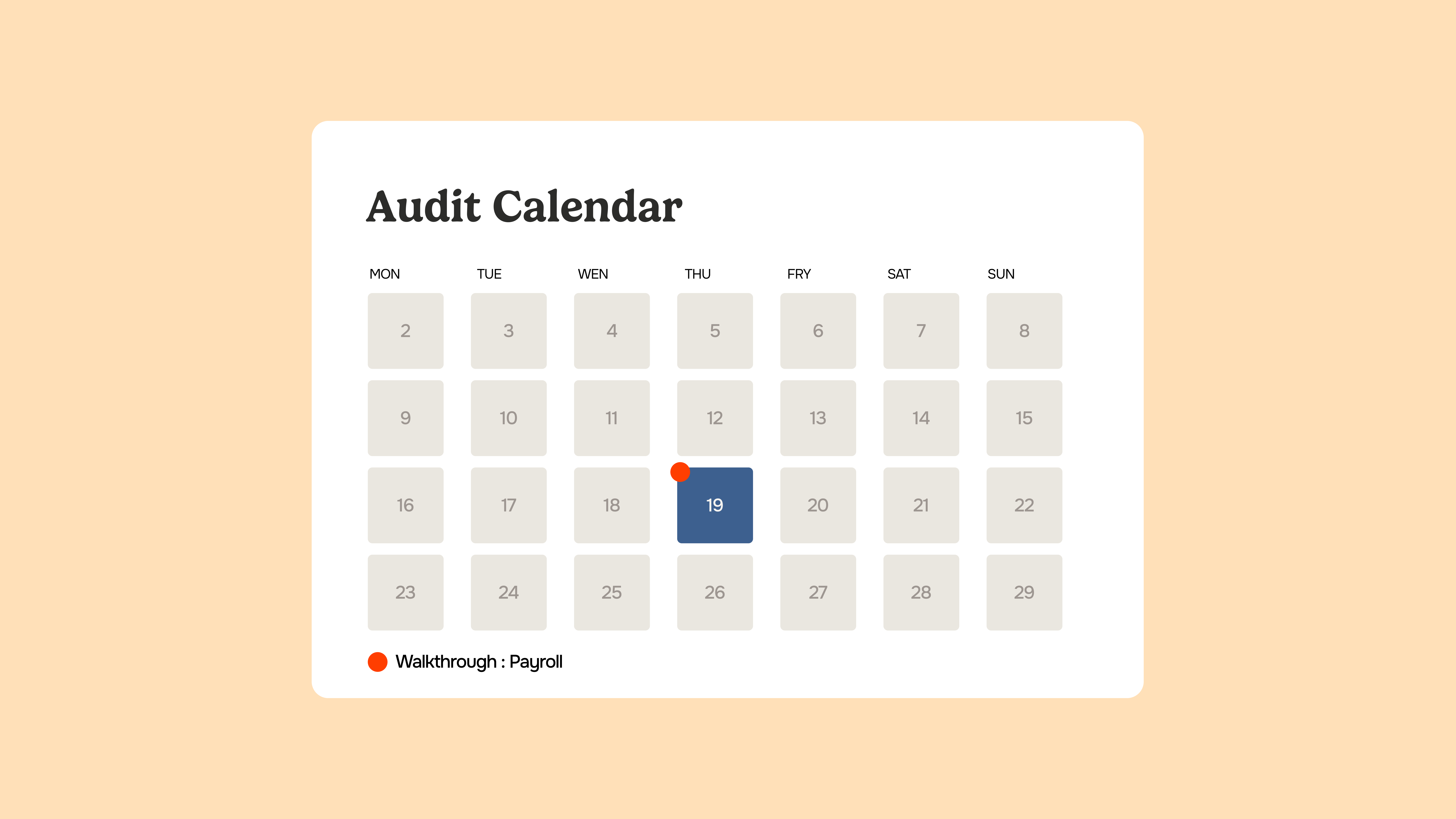
Read paragraph 37 again with an AI agent in your process. If invoices are extracted, matched or classified by software before a person reviews them, that software is part of "the same documents and information technology that company personnel use". The auditor will not walk around it. They will walk through it.
This is where most AI preparation promises go quiet. Whatever your agent produces (a reconciliation, a completeness report, an ageing, a cycle summary) is information produced by the entity. The auditing standards are explicit about what happens next.
What the auditor will test in your AI output
ISA 500, paragraph 9, states: "When using information produced by the entity, the auditor shall evaluate whether the information is sufficiently reliable for the auditor's purposes", including, as necessary in the circumstances, obtaining evidence about its accuracy and completeness. PCAOB AS 1105, paragraph 10, sets the same requirement for US public company audits: test the accuracy and completeness of the information, or test the controls over it, including IT general controls and automated application controls.
The standard is being reworked, not relaxed. The IAASB published an exposure draft revising ISA 330, 500 and 520 on 5 August 2026, open for comment until 15 December 2026, to address the increased use of technology in auditing. Until a revised text is adopted, paragraph 9 is the one that applies.
In plain terms, the auditor will ask three things of any AI-produced report you hand over:
- Is it complete? Does the population it covers match the ledger, or did something fall out of the extraction?
- Is it accurate? Can a sample of its lines be traced back to the original documents?
- Is it precise enough? Is it detailed at the level the auditor needs, or only at a summary level?
An output that cannot show where each number came from forces the auditor back to the source documents, and your preparation time is spent twice. An output that is traceable back to its source, with the reasoning behind each match visible, gives the auditor something to sample instead of something to rebuild.
External data now gets the same scrutiny
The bar has also moved for data that comes from outside the company. In June 2024 the PCAOB added paragraph 10A to AS 1105: when a company provides information in electronic form that it received from an external source, such as a bank feed or a payment platform export, the auditor must understand the source and the company's process for receiving, maintaining and processing it, then test it or the controls over it. The amendments apply to audits of fiscal years beginning on or after 15 December 2025, and a Board policy statement of 18 September 2025 describes when the absence of separate testing will not be treated as noncompliance.
For a finance team, the practical reading is simple. If an agent reshapes an external file before it reaches the auditor, keep the original and log the transformation.
What should be ready before the auditor arrives?
The list itself is rarely the problem. The timing and the shape are. In an r/Accounting thread where company-side accountants were asked "what are some things auditors do that drive you nuts?", recurring complaints include a PBC list arriving a week before testing and follow-up requests landing on a single person. In another, titled "Shocked by Business Culture", the wish is simply one list with every request and every deadline on it.
Preparation that absorbs this works cycle by cycle, not request by request. The table below shows how the work splits between what an agent can prepare, in place of manual collection, and what stays with your team.
| Cycle | What the auditor typically requests | What an AI agent can prepare | What stays with your team |
|---|---|---|---|
| Purchases | Supplier invoice samples, accruals, supplier statement reconciliations, cut-off tests | Match invoices to orders and receipts, flag unmatched items, list invoices received after year end | Judgement on accruals and disputed invoices |
| Sales | Revenue samples, receivables ageing, credit notes after year end | Reconcile billing, CRM and ledger, build the ageing with links to invoices | Provisions for doubtful debts, revenue recognition choices |
| Treasury | Bank reconciliations, confirmation lists, loan schedules | Reconcile every account to statements, list unmatched flows with their source lines | Explanations of unusual movements |
| Payroll | Payroll to ledger reconciliation, social charges, headcount | Check payroll journals against the ledger and flag inconsistencies | Bonus and leave accrual estimates |
| Fixed assets | Additions, disposals, depreciation schedule | Tie additions to invoices, check that each asset has its supporting document | Impairment assessment |
Phacet's audit file agent follows that structure: you configure the required documents per cycle once, it collects reconciliations and supporting files already produced by your other agents, checks each against the checklist and flags what is missing. See how it prepares the audit file cycle by cycle.
Can the auditor test 100% of transactions because your AI already did?
Not automatically. The claim appears often in the market: Diligent's guide to audit management software contrasts legacy tools "analyzing 5-10% of transactions and extrapolating results" with platforms providing "100% transaction coverage". The 5 to 10% figure comes without a source, and the contrast skips a step the standards do not skip.
Full-population testing is allowed. AS 1105 paragraph 24 describes "selecting all items (100 percent examination)" and gives the case where an audit procedure can be automated and applied to the entire population. But paragraph 10 still applies to the data being examined. If the population comes from your systems, the auditor must first be satisfied that it is complete and accurate. Covering 100% of an unreliable extract is not more assurance, just more of the same doubt.
So the useful question for a finance team is not whether automation can process everything. It is whether the auditor can verify, quickly, that what your AI processed is the whole population and that it was not altered on the way.
Five PBC frictions AI removes, and what it cannot remove
Put the Reddit threads side by side, from both sides of the table, and five frictions come up again and again.
- The list arrives late. An agent cannot make the auditor send it earlier, but most requests repeat from one year to the next, so the prior-year list can be pre-mapped to cycles and owners before the new one lands.
- Requests are scattered. Consolidating emails and portal requests into one tracked list, with an owner and a due date per line, is structuring work an agent does well.
- The purpose of a request is unclear. A thread on why companies send auditors documents they don't need blames audit jargon. Linking each request to its cycle and account narrows what gets sent.
- Prior-year documentation is missing. Auditors describing why industry clients frustrate them point to files that cannot be found a year later. A file built with a trail survives staff turnover.
- Only cash gets reconciled. One auditor complains of controllers who reconcile the bank and little else. Agents make it realistic to reconcile supplier statements, payroll and intercompany balances every month, not only in January.
What AI does not remove is the part the walkthrough is designed to test: people. Paragraph 38 of AS 2201 has the auditor question the staff who perform each step. Estimates, explanations of variances and the decision to accept or correct an exception remain human work, and the standards expect them to. For finance leaders, the gain is time moved from collecting documents to preparing those answers.
How Phacet prepares the audit file, cycle by cycle
The shift is visible on the accounting side too. Romain Joussellin, partner at CPA, an accounting and advisory firm supporting companies of all sizes, with a strong presence among restaurants, bakeries, local retail and construction businesses, described it in December 2025:
"E-invoicing directly questions our place in the value chain. If the accounting data flows automatically, the firm has to bring something else."
When data flows on its own, what remains valuable is proof of where it came from. That is the job the audit file agent is built around, in three steps:
- Structure: documents and ledger extracts land in Tables, one row per item, with the fields the checklist needs extracted and standardised.
- Match: AI Match, Phacet's semantic matching engine, links each figure to its counterpart (invoice to order, bank line to ledger entry) and shows its reasoning. Every output points back to the exact PDF page, ERP row or bank entry.
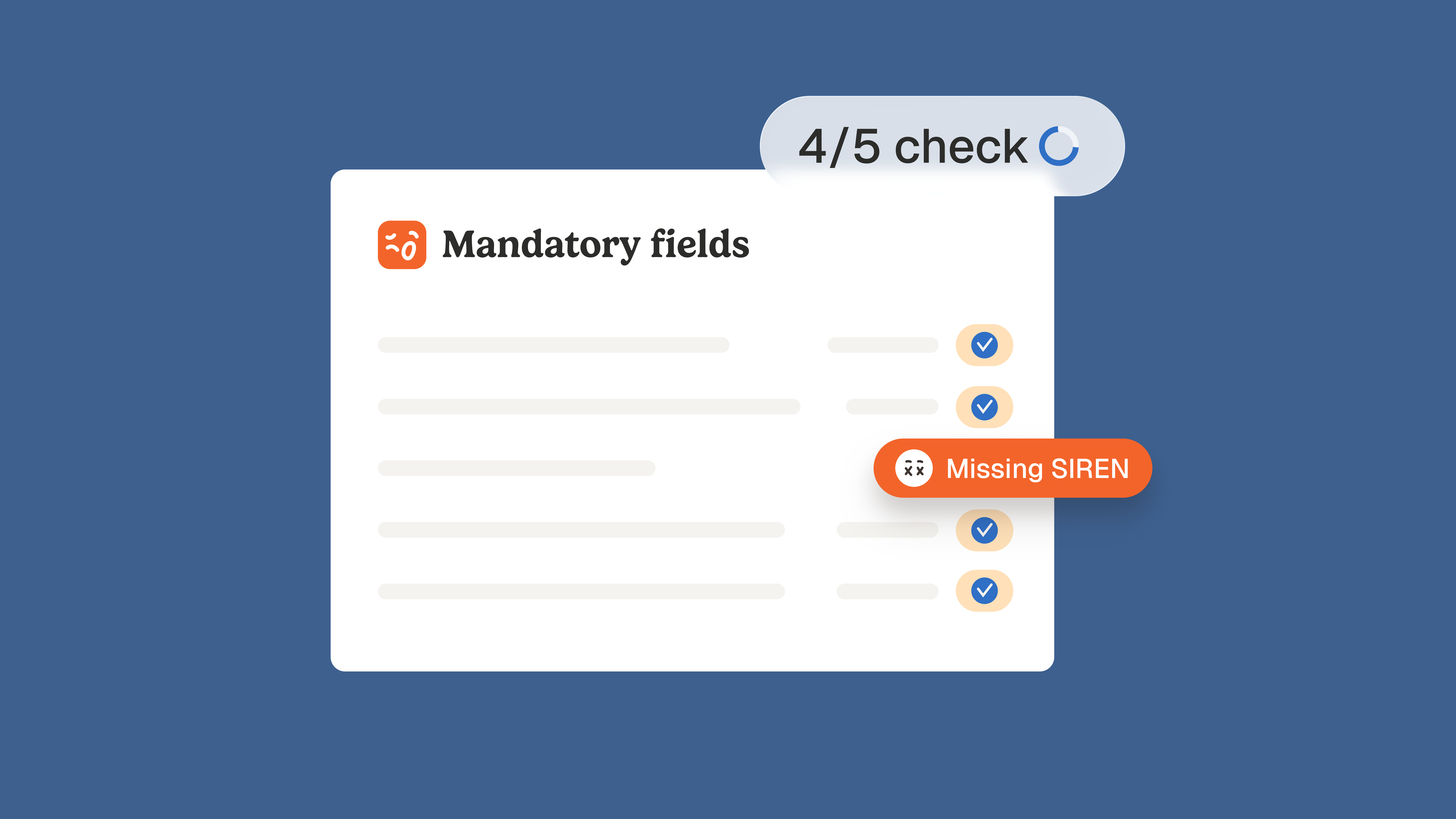
- Analyse: each cycle gets a completeness view and a summary, and missing items are listed with an owner before fieldwork starts.
Ambiguous cases are routed to a person with the original document and a confidence score, and every decision is logged with a timestamp. That log is the part the auditor cares about. As Nicolas Marchais, Phacet's co-founder, summarises it: "every action traced, timestamped, consultable." The agent sits in a catalogue of 40+ agents, including the other closing and audit agents for cut-off, consolidation and intercompany, with data hosted in Europe and ISO 27001 certification.
A four-week preparation plan before fieldwork
- Four weeks out: take last year's request list, map each line to a cycle, an account and a named owner, and note what changed in the business since (new entity, new system, new supplier contracts).
- Three weeks out: run the reconciliations the auditor will sample (bank, supplier statements, payroll to ledger, intercompany) and keep each one linked to its source documents.
- Two weeks out: pick one real transaction per significant cycle and assemble its full trail, from order to payment. That is your walkthrough rehearsal. Check completeness against the checklist and chase what is missing.
- One week out: review the exceptions, write the explanations for unusual variances, and for every system report keep the run date, parameters and filters used, because that is what the auditor needs to assess its completeness.
Run in that order, the audit stops being a document hunt and becomes a review of answers you already have. The walkthrough still happens. It just finds a trail instead of a search.
FAQ
What is the most popular audit software?
It depends on which side of the audit you sit. Audit firms mostly work in engagement platforms such as Caseware, DataSnipper or Thomson Reuters tools, while internal audit teams use platforms like AuditBoard or Diligent. The audited company needs something different: a way to assemble and trace the evidence those tools will request.
Can audit software integrate with Excel?
Yes, most of it does, because auditors still test in spreadsheets, and DataSnipper runs inside Excel. On the company side, Phacet keeps prepared data in Tables that look like a spreadsheet and export cleanly, with each cell linked back to the document or ledger line it came from.
What are some common mistakes when using audit software?
The most common one is handing over outputs the auditor cannot re-perform: a report with no run date, no parameters and no link to its source. Others include answering requests nobody made, editing figures after extraction without a trail, and treating a ticked checklist as proof the reconciliations behind it were reviewed.
How do you prepare for a walkthrough?
Pick one real transaction per significant process and assemble its trail before the meeting: originating document, approval, system entries and the reconciliation where it lands. Make the process owner available, not only the controller, because the auditor will ask the person performing each step what they actually do.
Why do companies send auditors documents they don't need?
Usually because the request was not understood. Auditor lists are written in assertion and procedure language, and a finance team under time pressure answers broadly to be safe. Mapping each request to its cycle, its account and one named owner before gathering anything cuts the back and forth on both sides.