
Reconcile electronic meal voucher settlements
Match Swile, Edenred, Bimpli, Pluxee and Up settlements against POS revenue and bank flows. Fees, gaps and payouts identified automatically.

Introduction
Electronic meal vouchers are a growing share of takings in food service and retail. But every provider (Swile, Edenred, Bimpli, Pluxee, Up) has its own invoice format, its own payout delays and its own fees. Payments arrive weekly, often bundled across multiple sites on a single invoice. Result: nobody checks that 100% of meal voucher revenue is actually paid out, and unexplained balances build up on the balance sheet. Phacet extracts each provider's invoices, matches them against meal voucher revenue at the POS and against bank receipts. A three-way match that didn't exist in any tool.
When to use this Phacet ?
Built for site controllers, CFOs and finance managers who want to:
- Verify that 100% of electronic meal voucher revenue is actually paid out.
- Automatically match Swile, Edenred, Bimpli, Pluxee and Up invoices against POS revenue.
- Isolate fees retained by each provider and flag gaps.
- Clear pending meal voucher balance sheet accounts without spending hours.
AI skills involved

Read and convert any financial file, whatever the format
Phacet reads PDFs, scanned invoices, bank statements, email attachments and ERP exports natively — regardless of layout, quality or source. No manual preparation, no template to configure. If you can open it, Phacet can read it.

Automatically pull key data points from your documents
Phacet identifies and extracts the fields that matter — invoice numbers, amounts, due dates, IBANs, supplier references, VAT codes, contract terms — even from unstructured or inconsistent documents. Data comes out clean and ready to use in the next step.

Normalize formats, names and amounts across all your sources
Every tool exports differently - dates in three formats, amounts with commas or dots, supplier names in inconsistent casing, currencies without symbols. Phacet normalizes everything before processing so every comparison is accurate, regardless of where the data came from.

Validate every line against your rules, thresholds and references
Define your rules once - negotiated prices, spending caps, expense policy, contract conditions, approval thresholds - and Phacet applies them to every single row, every time. Every discrepancy is flagged with the exact reason, ready for review.

Spot duplicates, outliers and suspicious patterns in your data
Phacet scans your full dataset to surface what shouldn't be there - duplicate payments, abnormal amounts, unknown suppliers, unusual timing patterns, RIB changes. It catches what rules alone can't predict, without requiring you to define every possible scenario upfront.
Business impact

No more missing TR payments.
Each revenue share payment is matched to the corresponding revenue. Unpaid amounts are identified and followed up on.
Clean and reconcilable balance sheet accounts
Outstanding TR balances are explained line by line. No more unexplained provisions accumulating over time.
A control system that scales with your sites
Whether you have 5 providers across 3 sites or across 30, the reconciliation process remains the same. And it didn’t exist in any tool.
Integrated with everything
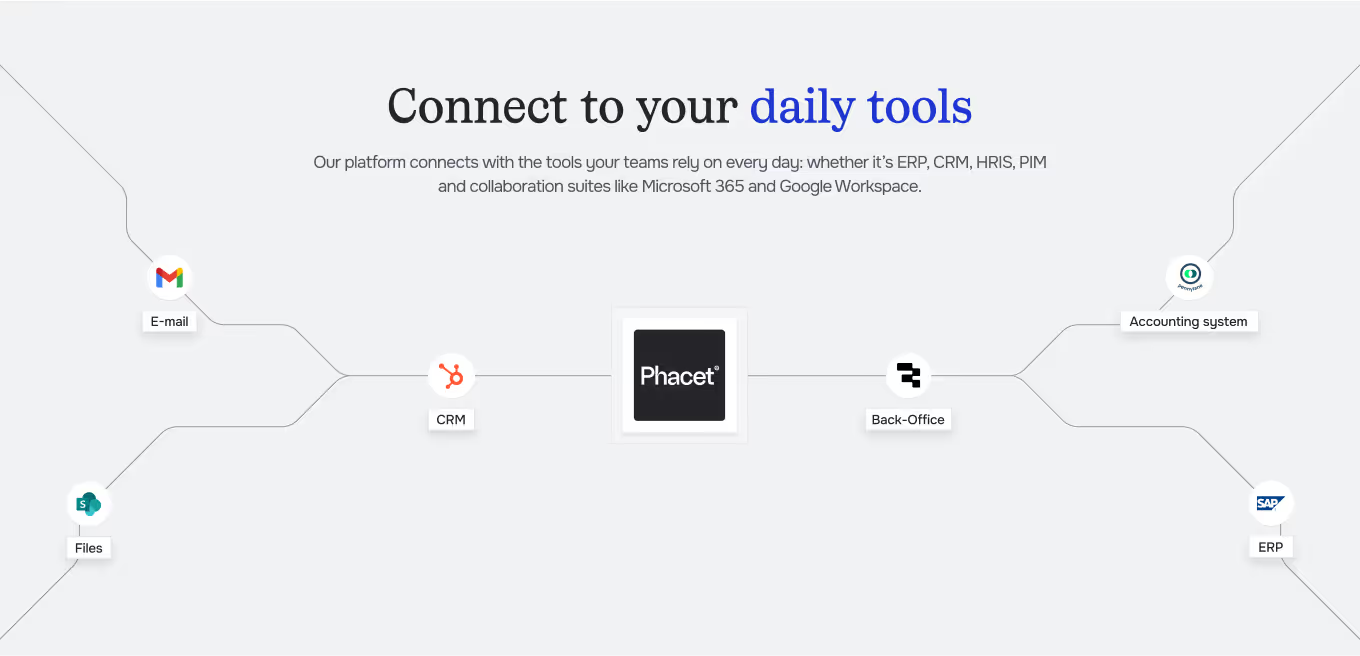












These are not secondary issues. They are important topics, but difficult to sustain over time without the right tool.
Steps to get Started
Import your data sources
Upload your TR provider PDF invoices (Swile, Edenred, Bimpli, Pluxee, Up), your POS exports, and your bank statements.
The AI extracts and reconciles them.
Phacet reads each supplier invoice, extracts gross revenue, commissions, and net amounts remitted. It then cross-checks this with TR sales at the POS and bank receipts.
Discrepancies and commissions are isolated
The agent identifies unpaid remittances, commission discrepancies, and multi-site grouped invoices that need to be allocated.
Validate, and clear.
Review the reconciliation dashboard, validate discrepancies, and export to clear your balance sheet accounts.
Unlock your AI potential
Do more with your existing resources using tailored AI solutions.
Frequently Asked Questions
The five main providers: Swile, Edenred, Bimpli, Pluxee, and Up. The agent learns each invoice format.
The agent automatically allocates invoices covering multiple locations by matching dates and amounts with each site’s revenue data.
No. This agent only covers electronic meal vouchers. Paper vouchers are expected to be phased out by January 1, 2027.




GUIDE
The CFO guide
For accounting teams, accounting firms and CFOs of SMEs and mid-sized companies who want to know where to start.