
Check documentary file completeness
Check that every file (supplier, client, compliance) is complete, compliant and up to date.

Introduction
Documentary files (supplier onboarding, subcontractor compliance, client files) are checked manually with a checklist. Missing documents, expired certificates, unsystematic process.
Phacet inventories present documents, extracts dates and key information, checks completeness against your checklist, detects missing or expired documents and sends reminders automatically.
When to use this Phacet
Built for CFOs, compliance officers or procurement managers who want to:
• Automatically check the completeness of every documentary file.
• Detect missing or expired documents without manual review.
• Send automatic reminders for documents to renew.
• Have a per-file compliance score, ready for audit.
AI skills involved

Read and convert any financial file, whatever the format
Phacet reads PDFs, scanned invoices, bank statements, email attachments and ERP exports natively — regardless of layout, quality or source. No manual preparation, no template to configure. If you can open it, Phacet can read it.

Automatically pull key data points from your documents
Phacet identifies and extracts the fields that matter — invoice numbers, amounts, due dates, IBANs, supplier references, VAT codes, contract terms — even from unstructured or inconsistent documents. Data comes out clean and ready to use in the next step.

Validate every line against your rules, thresholds and references
Define your rules once - negotiated prices, spending caps, expense policy, contract conditions, approval thresholds - and Phacet applies them to every single row, every time. Every discrepancy is flagged with the exact reason, ready for review.

Get notified on what matters and share results without manual work
Phacet sends alerts the moment a threshold is crossed or an anomaly is detected by email, Slack or in-app. It also generates summaries, dashboards and structured exports ready to send to your ERP, your team or your management. Results reach the right people at the right time, automatically.
Business impact

89% time savings on documentary control
From 30-60 minutes per file to 5 minutes. Completeness checking is automatic.
Systematic compliance, zero expired document
Every file is checked against the same checklist. Expired documents trigger automatic reminders.
Reduced legal risk, smooth audit
Documentary compliance is proven and documented. The auditor doesn't need to request documents.
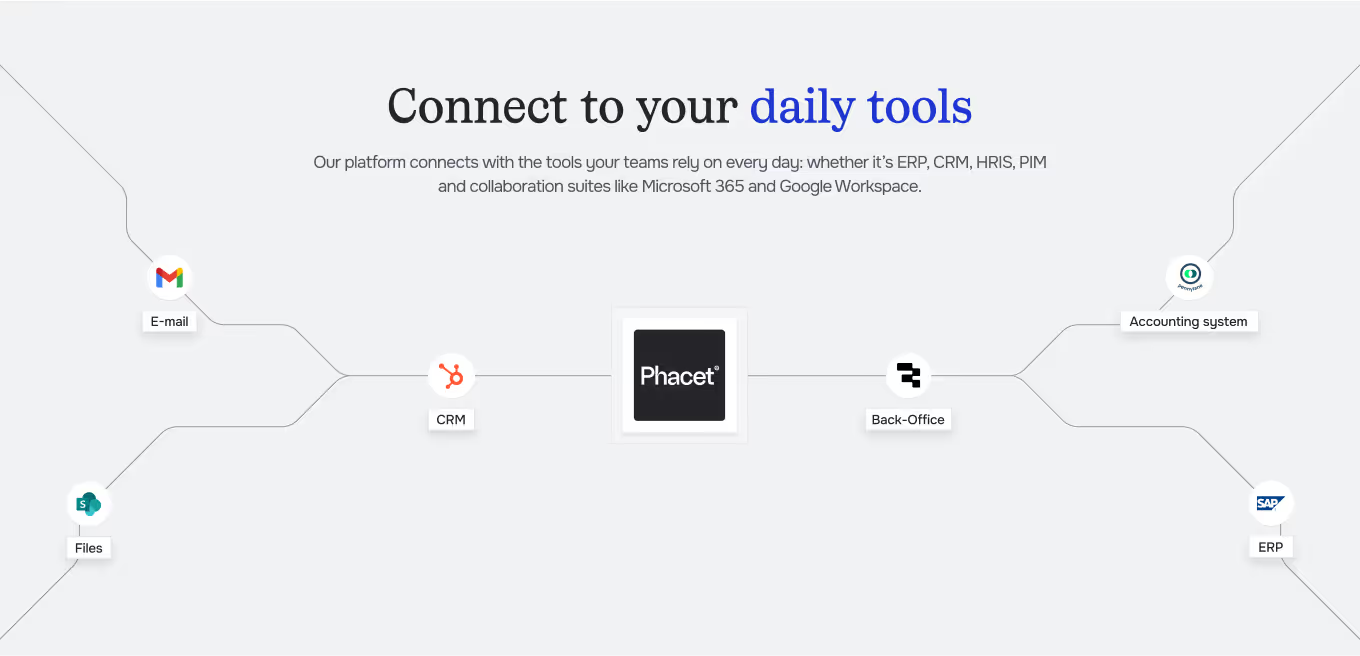
Integrated with everything





%201.svg)
.svg.avif)


Steps to get Started
Configure your checklist
Define required documents by file type: Kbis certificates, insurance, certifications, etc.
Import your files
Load existing documentary files Phacet inventories present documents and extracts dates.
Automatic completeness check
Each file is compared against the checklist Missing and expired documents are identified.
Follow up and track
Reminders are sent automatically The compliance score per file is viewable in real time.
Unlock your AI potential
Do more with your existing resources using tailored AI solutions.
Frequently Asked Questions
Supplier files (onboarding), subcontractor files (compliance), client files, regulatory files.
Yes. Phacet sends email reminders for missing documents or documents nearing expiry.
Yes. Each addition or removal of a document updates the score immediately.
Yes. A construction company and a service provider don't have the same documentary requirements.
Yes. Phacet extracts validity dates and alerts before expiry (D-30, D-15, D-day).




GUIDE
The AI CFO guide
For accounting teams, accounting firms and CFOs of SMEs and mid-sized companies who want to know where to start.