
Bridge delivery platform revenue to accounting
Export, map and integrate Uber Eats, Deliveroo or Just Eat revenue into accounting automatically. Bridging and audit trail included.

Introduction
Uber Eats, Deliveroo, Just Eat: your delivery platforms generate revenue every day, but getting it into accounting remains painful. The raw export contains revenue, fees and net amounts in a format that doesn't match your chart of accounts. Mapping has to be applied manually, site by site. With ten locations you multiply the work and the error risk. Phacet automates the export, applies your GL mapping and produces a file ready to import into your ERP. The bridge between platform data and accounting is done automatically, with a full audit trail.
When to use this Phacet
Built for accountants, controllers and CFOs at multi-site restaurants who want to:
- Automatically integrate Uber Eats, Deliveroo or Just Eat revenue into accounting every month.
- Eliminate manual GL mapping on platform exports.
- Bridge the sales journal against platform data in one click.
- Have a complete audit trail: when the export was done, when the bridge was validated.
AI skills involved

Automatically pull key data points from your documents
Phacet identifies and extracts the fields that matter — invoice numbers, amounts, due dates, IBANs, supplier references, VAT codes, contract terms — even from unstructured or inconsistent documents. Data comes out clean and ready to use in the next step.

Normalize formats, names and amounts across all your sources
Every tool exports differently - dates in three formats, amounts with commas or dots, supplier names in inconsistent casing, currencies without symbols. Phacet normalizes everything before processing so every comparison is accurate, regardless of where the data came from.

Automatically match your data across files, tools and systems
Phacet cross-references your data across sources - invoices vs. payments, POs vs. receipts, bank lines vs. GL entries, CRM deals vs. billing records. It tells you exactly what matches, what's missing, and what's off. No VLOOKUP, no manual comparison.

Validate every line against your rules, thresholds and references
Define your rules once - negotiated prices, spending caps, expense policy, contract conditions, approval thresholds - and Phacet applies them to every single row, every time. Every discrepancy is flagged with the exact reason, ready for review.

Every AI result linked to its source — audit-ready by default
Every output Phacet produces is traceable back to the exact source line - the PDF page, the ERP row, the bank entry. You can always answer "why did Phacet flag this?" with a precise reference. Confidence scores, decision logs and source citations are built in, not bolted on.
Business impact

Seamless accounting integration with no manual intervention.
The mapping is applied automatically. No more Excel reprocessing site by site.
Reconciliation between platform and accounting in one click.
Verify that 100% of platform revenue is correctly recorded in the accounting system. Each discrepancy is identified along with its cause.
Native audit trail.
Every export, mapping, and reconciliation is time-stamped and traceable. Auditors have everything they need.
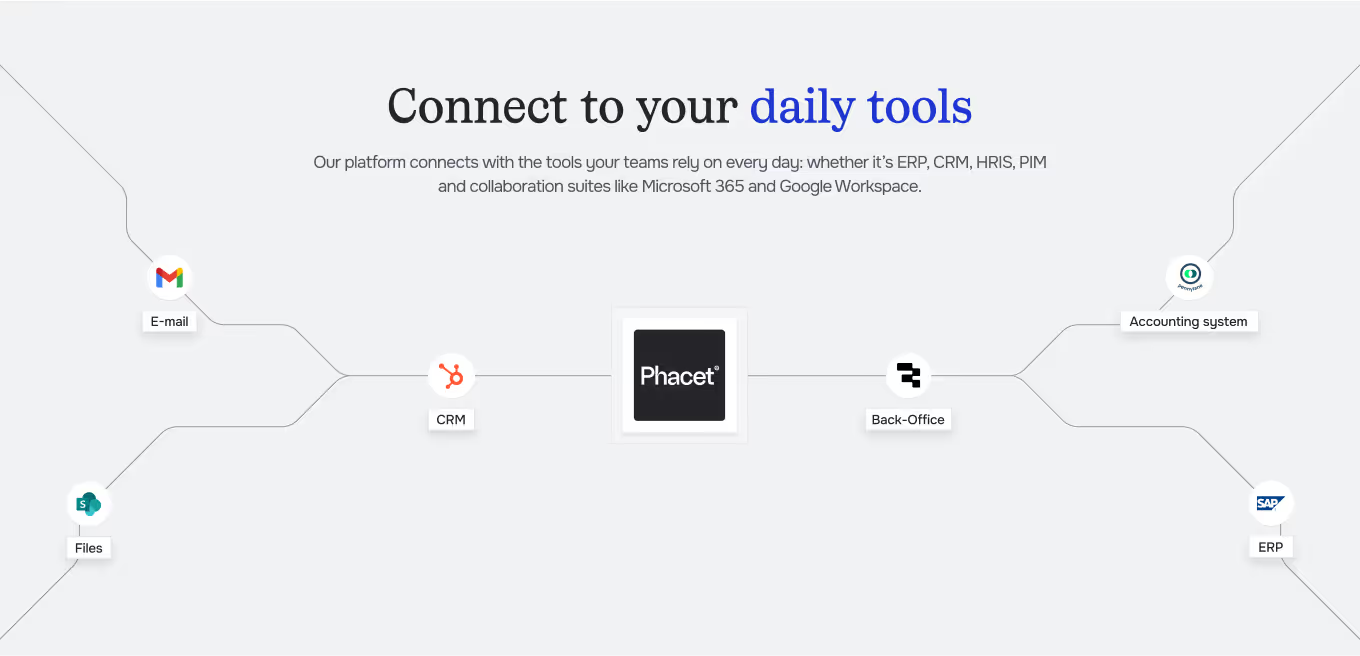
Integrated with everything









The mental workload drops immediately, and managers feel relieved.
Steps to get Started
Connect your platforms.
Import your Uber Eats, Deliveroo, or Just Eat exports (sales logs by location) and your accounting ledger.
The AI maps and integrates the data.
Phacet applies your accounting mapping to each export and produces a file ready to be imported into your ERP.
Automatic reconciliation.
The agent compares the accounting sales journal with the integrated file. Every discrepancy is identified: commissions, missing amounts, or mapping errors.
Validate and keep the audit trail.
Validate the reconciliation and add your comments. The full history is preserved for auditors.
Unlock your AI potential
Do more with your existing resources using tailored AI solutions.
Frequently Asked Questions
Uber Eats, Deliveroo, Just Eat, and any platform exporting a sales journal in CSV or Excel format.
The agent processes exports per location in parallel. A single mapping is applied across all sites.
No. If the connector is working, the agent reconciles the data. If the connector is not working, the agent produces a ready-to-import file.




GUIDE
The CFO guide
For accounting teams, accounting firms and CFOs of SMEs and mid-sized companies who want to know where to start.