
Reconcile your ops tool and your ERP
Verify that transactions from your ops tool (student billing, PMS, LMS) match accounting.

Introduction
Transactions originate in an ops tool (student management, reservations, orders) and flow into accounting via integration. But gaps (credit notes, third-party payments, cancellations) fall through the cracks. No one systematically checks that every ops-side transaction has its accounting-side counterpart.
Phacet imports data from both systems, maps entities (client/transaction on the ops side vs. entry on the accounting side), reconciles amounts and identifies discrepancies with their root cause: missing credit note, untracked third-party payment, unmatched cancellation.
When to use this Phacet
Built for CFOs, part-time CFOs or accountants who want to:
• Verify that every ops tool transaction has its counterpart in accounting.
• Identify credit notes, third-party payments and cancellations not tracked in accounting.
• Have a measured matching rate between ops tool and ERP at every close.
• Stop discovering ops/accounting discrepancies at year-end or during audit.
AI skills involved

Automatically pull key data points from your documents
Phacet identifies and extracts the fields that matter — invoice numbers, amounts, due dates, IBANs, supplier references, VAT codes, contract terms — even from unstructured or inconsistent documents. Data comes out clean and ready to use in the next step.

Automatically match your data across files, tools and systems
Phacet cross-references your data across sources - invoices vs. payments, POs vs. receipts, bank lines vs. GL entries, CRM deals vs. billing records. It tells you exactly what matches, what's missing, and what's off. No VLOOKUP, no manual comparison.

Validate every line against your rules, thresholds and references
Define your rules once - negotiated prices, spending caps, expense policy, contract conditions, approval thresholds - and Phacet applies them to every single row, every time. Every discrepancy is flagged with the exact reason, ready for review.

Get notified on what matters and share results without manual work
Phacet sends alerts the moment a threshold is crossed or an anomaly is detected by email, Slack or in-app. It also generates summaries, dashboards and structured exports ready to send to your ERP, your team or your management. Results reach the right people at the right time, automatically.
Business impact

Zero transaction missed between ops tool and accounting
Every ops transaction is reconciled with its accounting entry. Credits, third-party payers and cancellations are finally traced.
Root causes identified automatically
The agent doesn't just say "there's a gap" — it explains why: missing credit, untraced third-party payer, unmatched cancellation.
86% time savings on ops/accounting reconciliation
From 2-4 hours per month to 30 minutes of exception review. The reconciliation is fully automatic.
Integrated with everything
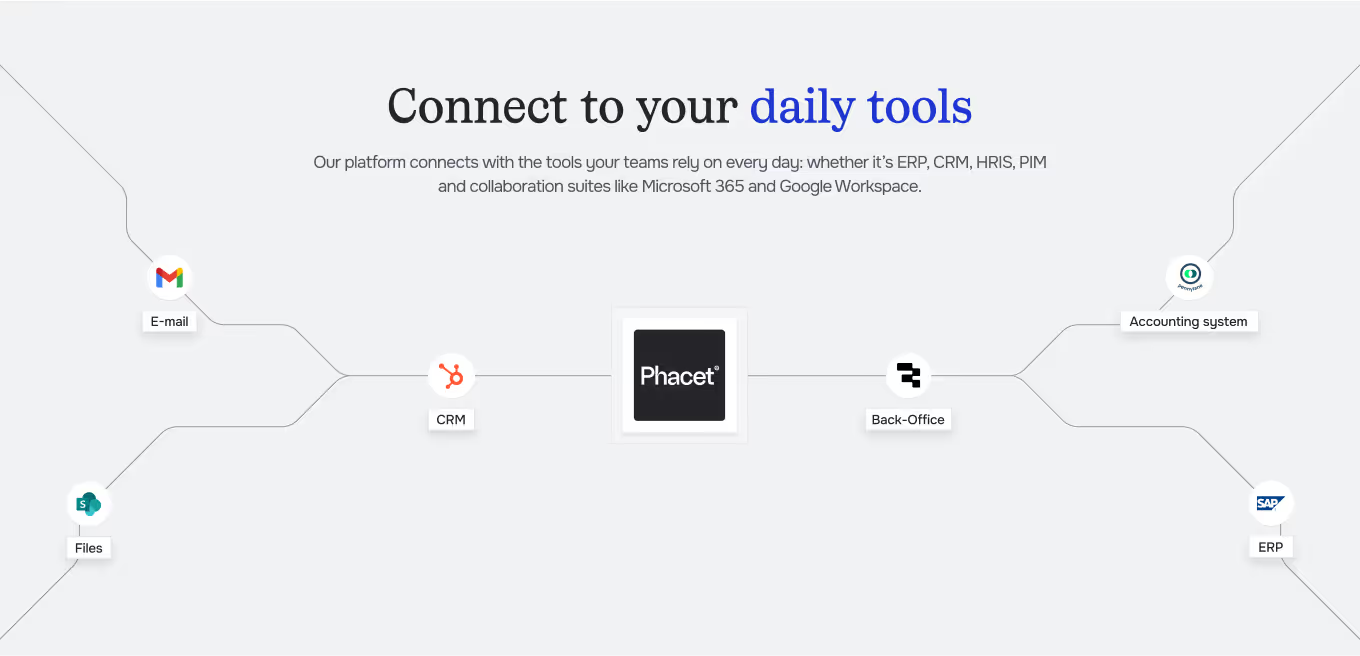








Steps to get Started
Connect your ops tool and ERP
Import exports from your ops tool (invoices/transactions) and your GL export from accounting.
The AI maps and reconciles
Phacet identifies common entities (customer transaction, entry) and reconciles amounts between both systems.
Discrepancies explained
Each gap comes with its root cause: missing credit untraced third-party payer, unmatched cancellation, integration error.
Fix and close
Handle identified exceptions post corrections in the ERP, and track the matching rate at each close.
Unlock your AI potential
Do more with your existing resources using tailored AI solutions.
Frequently Asked Questions
Any tool exporting data in CSV or via API: student management, hotel PMS, LMS, booking platform, marketplace.
Phacet uses matching by customer ID, transaction reference, amount and date. Ambiguous matches are surfaced.
Yes. Phacet identifies cases where the payer differs from the customer (third-party payer, funding body) and matches them correctly.
Yes. The dashboard shows the matching rate by period, its trend and the main causes of remaining discrepancies.
Yes. Credits and cancellations on the ops side are matched against their accounting entries. Missing ones are flagged.




GUIDE
The CFO guide
For accounting teams, accounting firms and CFOs of SMEs and mid-sized companies who want to know where to start.