
Automate revenue recognition and cut-off
Calculate cut-off by period, generate accrual entries and check IFRS 15 compliance.

Introduction
Cut-off is calculated manually, often under closing pressure. The risk of error on revenue recognition is high, especially for multi-period contracts or SaaS with complex components.
Phacet extracts data from your contracts and invoices, calculates cut-off by period according to your recognition rules, generates accrual entries and checks IFRS 15 consistency.
When to use this Phacet
Built for CFOs, controllers or accountants who want to:
• Automate cut-off calculation on multi-period contracts.
• Generate accrual entries (FNP, FAE, PCA, CCA) automatically.
• Ensure IFRS 15 compliance on revenue recognition.
• Accelerate closing by removing the cut-off bottleneck.
AI skills involved

Automatically pull key data points from your documents
Phacet identifies and extracts the fields that matter — invoice numbers, amounts, due dates, IBANs, supplier references, VAT codes, contract terms — even from unstructured or inconsistent documents. Data comes out clean and ready to use in the next step.

Automatically match your data across files, tools and systems
Phacet cross-references your data across sources - invoices vs. payments, POs vs. receipts, bank lines vs. GL entries, CRM deals vs. billing records. It tells you exactly what matches, what's missing, and what's off. No VLOOKUP, no manual comparison.

Validate every line against your rules, thresholds and references
Define your rules once - negotiated prices, spending caps, expense policy, contract conditions, approval thresholds - and Phacet applies them to every single row, every time. Every discrepancy is flagged with the exact reason, ready for review.

Get notified on what matters and share results without manual work
Phacet sends alerts the moment a threshold is crossed or an anomaly is detected by email, Slack or in-app. It also generates summaries, dashboards and structured exports ready to send to your ERP, your team or your management. Results reach the right people at the right time, automatically.
Business impact

82% time savings on cut-off
From 4-8 hours per month to 1 hour. The calculation is automatic and reproducible.
IFRS 15 compliance guaranteed
Recognition rules are applied systematically. The risk of error is eliminated.
Close accelerated
Cut-off is no longer the last topic handled under pressure. It's ready as soon as the data is closed.
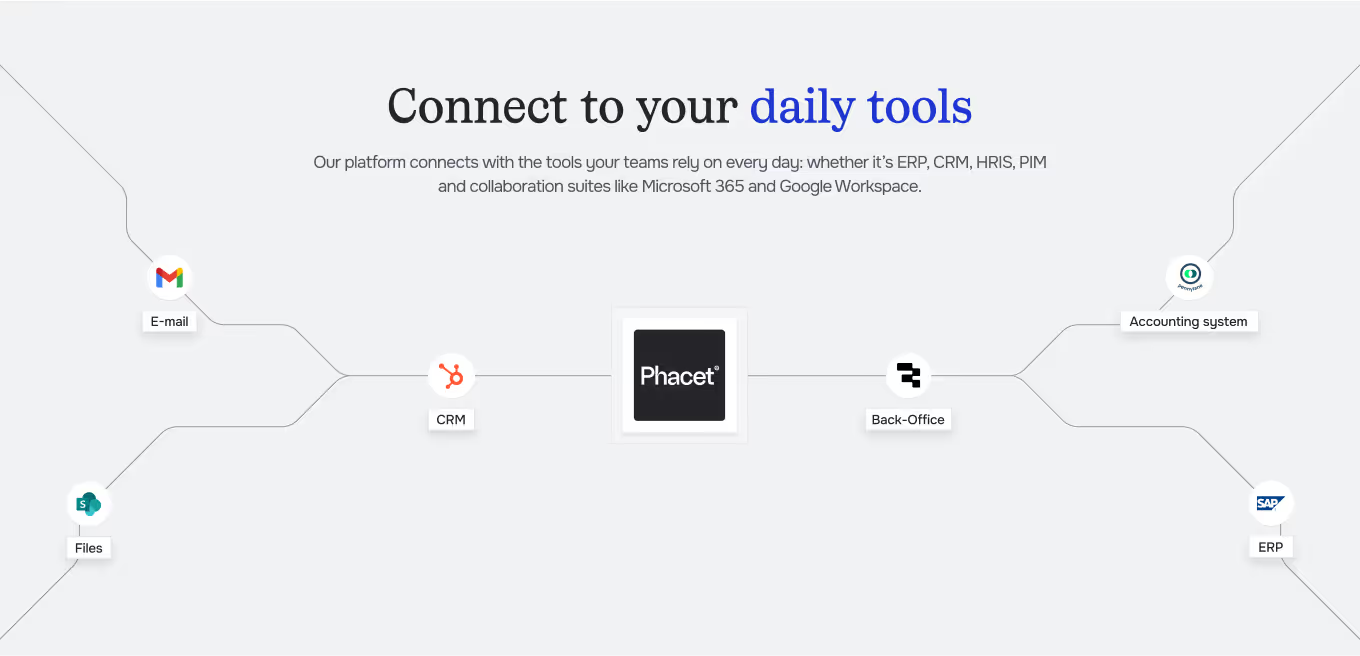
Integrated with everything










Steps to get Started
Import your contracts and invoices
Load your contracts (duration deliverables) and issued invoices by period.
Cut-off calculation
Phacet calculates revenue to recognize by period according to your rules (delivery, completion, duration).
Accrual entries
Cut-off entries are generated: accrued income deferred income, prepaid expenses — with detail by contract.
Control and export
Verify consistency validate the entries and export to your ERP for close.
Unlock your AI potential
Do more with your existing resources using tailored AI solutions.
Frequently Asked Questions
Recognition at delivery, at completion, pro rata temporis, by milestones. Configurable by contract type.
Yes. Phacet handles the separation of components (setup, licence, maintenance) and their respective recognition.
Yes. CSV or native format for major ERPs.
Yes. Each entry is traceable to the source contract and invoice.
Yes. Conversion is performed at closing rate with foreign exchange difference management.




GUIDE
The CFO guide
For accounting teams, accounting firms and CFOs of SMEs and mid-sized companies who want to know where to start.