
Automate expense report controls
Check every expense report against your internal policy: caps, receipts, VAT, authorized categories.

Introduction
Expense report verification is manual and often rushed due to lack of time. Overspending, missing receipts and VAT errors slip through. The expense policy exists on paper but isn't applied systematically.
Phacet extracts data from each expense report (amount, date, category, VAT), checks receipt presence and consistency, validates against your policy caps and rules, and scores compliance for every line. Anomalies are flagged with the exact reason, ready for review.
When to use this Phacet
Built for CFOs, accountants or office managers who want to:
• Automatically check every expense report against the expense policy without spending hours.
• Catch policy violations, duplicates and missing receipts.
• Ensure the expense policy is applied consistently, not by spot check.
• Get a monthly compliance report ready for internal audit.
AI skills involved

Read and convert any financial file, whatever the format
Phacet reads PDFs, scanned invoices, bank statements, email attachments and ERP exports natively — regardless of layout, quality or source. No manual preparation, no template to configure. If you can open it, Phacet can read it.

Automatically pull key data points from your documents
Phacet identifies and extracts the fields that matter — invoice numbers, amounts, due dates, IBANs, supplier references, VAT codes, contract terms — even from unstructured or inconsistent documents. Data comes out clean and ready to use in the next step.

Automatically match your data across files, tools and systems
Phacet cross-references your data across sources - invoices vs. payments, POs vs. receipts, bank lines vs. GL entries, CRM deals vs. billing records. It tells you exactly what matches, what's missing, and what's off. No VLOOKUP, no manual comparison.

Validate every line against your rules, thresholds and references
Define your rules once - negotiated prices, spending caps, expense policy, contract conditions, approval thresholds - and Phacet applies them to every single row, every time. Every discrepancy is flagged with the exact reason, ready for review.

Get notified on what matters and share results without manual work
Phacet sends alerts the moment a threshold is crossed or an anomaly is detected by email, Slack or in-app. It also generates summaries, dashboards and structured exports ready to send to your ERP, your team or your management. Results reach the right people at the right time, automatically.
Business impact

91% time savings on expense report review
From 2-3 hours per month to 15 minutes. The AI checks every line; your teams only handle flagged anomalies.
Systematic compliance, not spot checks
Every expense report is checked against the same rules, every month. The expense policy is finally applied 100% of the time.
Expense fraud detected, costs controlled
Duplicate receipts, recurring overspending, suspicious categories: abnormal patterns are identified automatically.
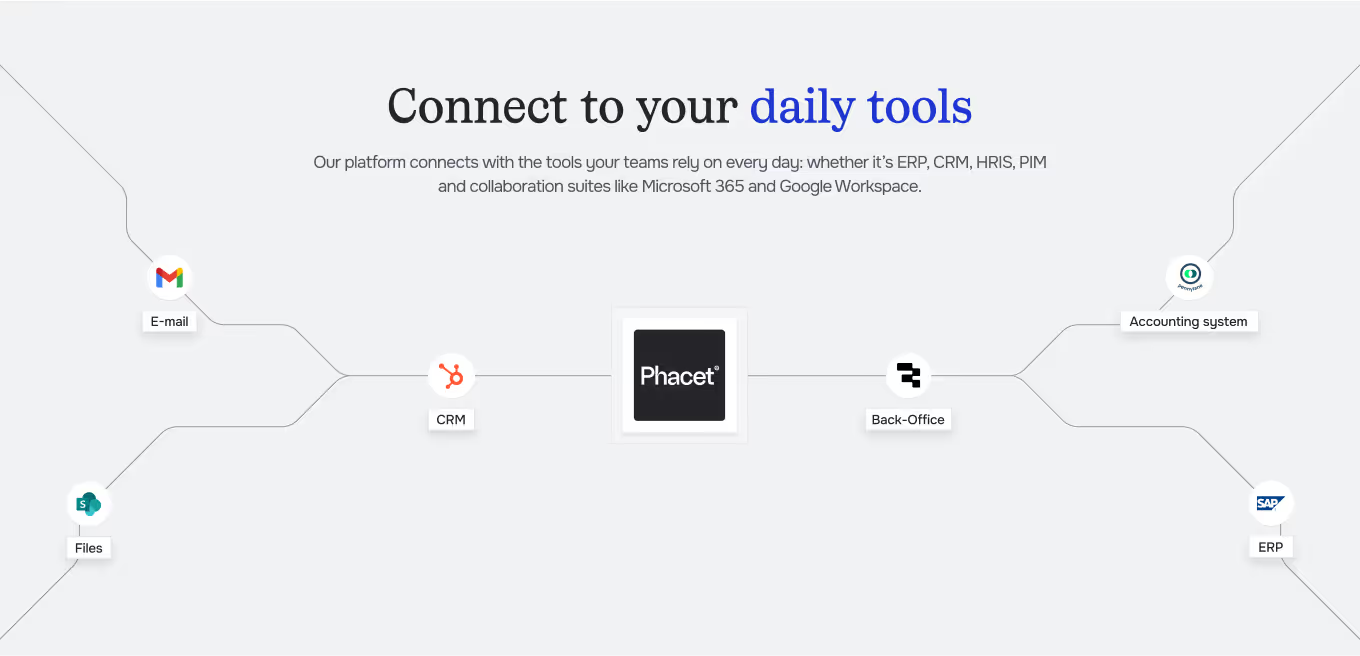
Integrated with everything









Steps to get Started
Import your expense reports and policy
Load your expense reports And your policy: upload your expense reports (export from Spendesk, Pennylane or Excel) and your expense policy (caps, categories, VAT rules).
The AI extracts and checks
Phacet extracts each line Amount, date, category, VAT — it checks receipts and validates against your policy caps.
Anomalies are scored and flagged
Each expense report receives A compliance score. Anomalies are ranked by severity with the exact reason.
Validate and export
Handle flagged anomalies Validate compliant expense reports and export the monthly report for internal audit.
Unlock your AI potential
Do more with your existing resources using tailored AI solutions.
Frequently Asked Questions
Caps by category, collaborator, or period. VAT rules. Allowed/forbidden categories. Phacet adapts to your existing policy.
Yes. The agent compares each receipt (amount, date, vendor) to previously submitted receipts and alerts on duplicates.
Yes. Phacet imports expense data from Spendesk, Ramp, Payhawk, Per Augusta or any CSV export.
Yes. Phacet checks the consistency of VAT rates by expense category and flags errors.
Yes. Different caps can be set by role, department, or individual collaborator.




GUIDE
The CFO guide
For accounting teams, accounting firms and CFOs of SMEs and mid-sized companies who want to know where to start.