
Generate and explore your balances
Balances by entity, account and third party, ready to analyze, with no export or rework.

General and subsidiary ledger balances
The trial balance and subsidiary balances are the starting point of every close review: balances by account, by third party, by entity. They are used to justify accounts, track disputes and prepare the audit.
Three difficulties keep coming back: a balance to pull for each entity every time, third parties to isolate by hand to track disputes, and no simple way to drill from a balance down to the entries. Every review starts again from an export reworked in Excel.
Phacet automates this preparation with its AI skills in formatting and data matching. The agent retrieves your entries or FEC file, builds the balances in the format you need and lets you drill down from the balance to the document.
When to use this agent?
Ideal for accounting teams, accounting firms and finance leaders who want to:
- Pull balances by entity in minutes.
- Track balances and disputes by third party without rework.
- Drill down from a balance to its entries in one click.
AI skills involved

Normalize formats, names and amounts across all your sources
Every tool exports differently - dates in three formats, amounts with commas or dots, supplier names in inconsistent casing, currencies without symbols. Phacet normalizes everything before processing so every comparison is accurate, regardless of where the data came from.

Automatically match your data across files, tools and systems
Phacet cross-references your data across sources - invoices vs. payments, POs vs. receipts, bank lines vs. GL entries, CRM deals vs. billing records. It tells you exactly what matches, what's missing, and what's off. No VLOOKUP, no manual comparison.

Every AI result linked to its source — audit-ready by default
Every output Phacet produces is traceable back to the exact source line - the PDF page, the ERP row, the bank entry. You can always answer "why did Phacet flag this?" with a precise reference. Confidence scores, decision logs and source citations are built in, not bolted on.
Business impact

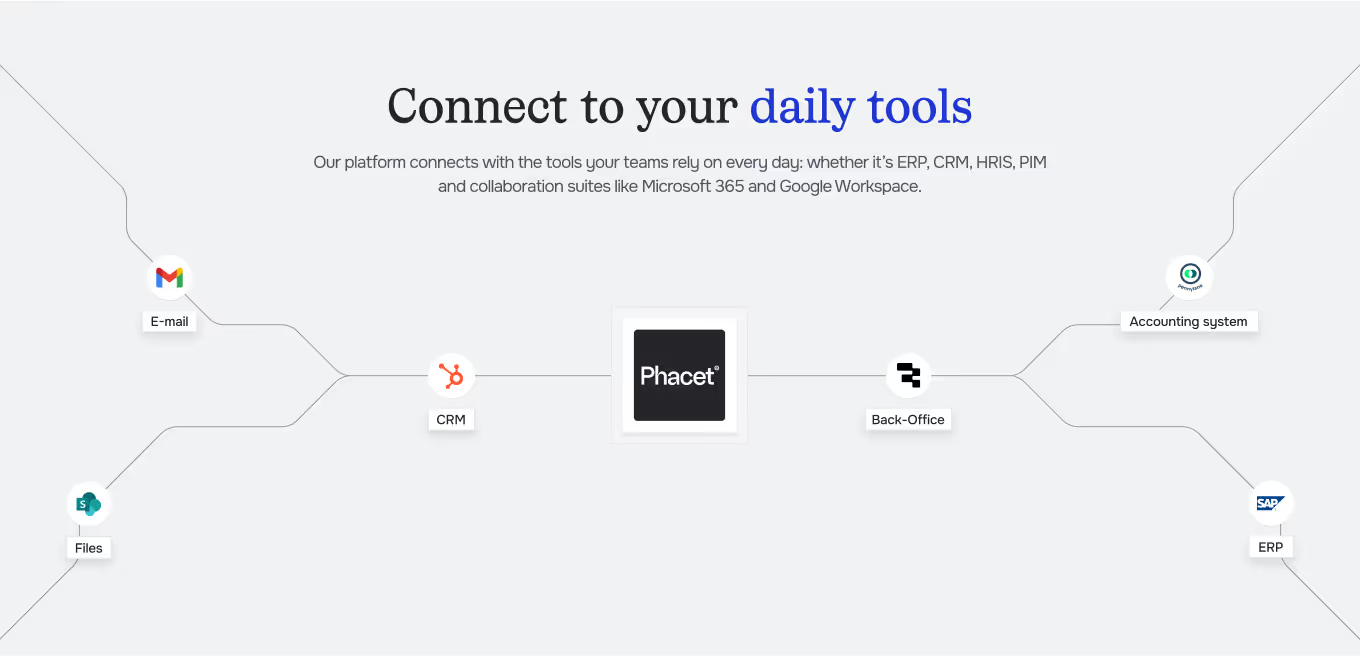
Integrated with everything


Steps to get Started
Connect your systems
Connect your accounting tool (Pennylane, Sage, Odoo…) or import your FEC file.
Choose your views
Trial balance, subsidiary balances, by entity or by period.
Build & check
Phacet calculates balances, isolates third parties to monitor and checks that balances tie out.
Explore & export
Drill from balances to entries, then export in your review format.
Unlock your AI potential
Do more with your existing resources using tailored AI solutions.
Frequently Asked Questions



GUIDE
The AI CFO guide
For accounting teams, accounting firms and CFOs of SMEs and mid-sized companies who want to know where to start.