
Track supplier payments across entities
For each supplier, what is billed, paid and outstanding, consolidated across all your companies.

Supplier payment tracking
In a multi-entity group, the same supplier invoices several companies. Knowing where the relationship stands, what has been billed, paid and is still owed, means looking at each set of books separately.
Three situations keep coming back: a supplier chasing an invoice already paid by another entity, credit or debit balances forgotten in a corner, and no consolidated view before a negotiation. The answer takes several exports.
Phacet automates this tracking with its AI skills in data matching and automated reporting. The agent consolidates invoices and payments by supplier across all your entities, isolates abnormal balances and alerts you before the reminder arrives.
When to use this agent?
Ideal for accounting and treasury teams in multi-entity groups who want to:
- Answer a supplier in a minute, across all entities.
- Spot abnormal credit and debit balances.
- Prepare supplier negotiations on a consolidated view.
AI skills involved

Automatically match your data across files, tools and systems
Phacet cross-references your data across sources - invoices vs. payments, POs vs. receipts, bank lines vs. GL entries, CRM deals vs. billing records. It tells you exactly what matches, what's missing, and what's off. No VLOOKUP, no manual comparison.

Validate every line against your rules, thresholds and references
Define your rules once - negotiated prices, spending caps, expense policy, contract conditions, approval thresholds - and Phacet applies them to every single row, every time. Every discrepancy is flagged with the exact reason, ready for review.

Spot duplicates, outliers and suspicious patterns in your data
Phacet scans your full dataset to surface what shouldn't be there - duplicate payments, abnormal amounts, unknown suppliers, unusual timing patterns, RIB changes. It catches what rules alone can't predict, without requiring you to define every possible scenario upfront.
Business impact

Integrated with everything


Steps to get Started
Connect your systems
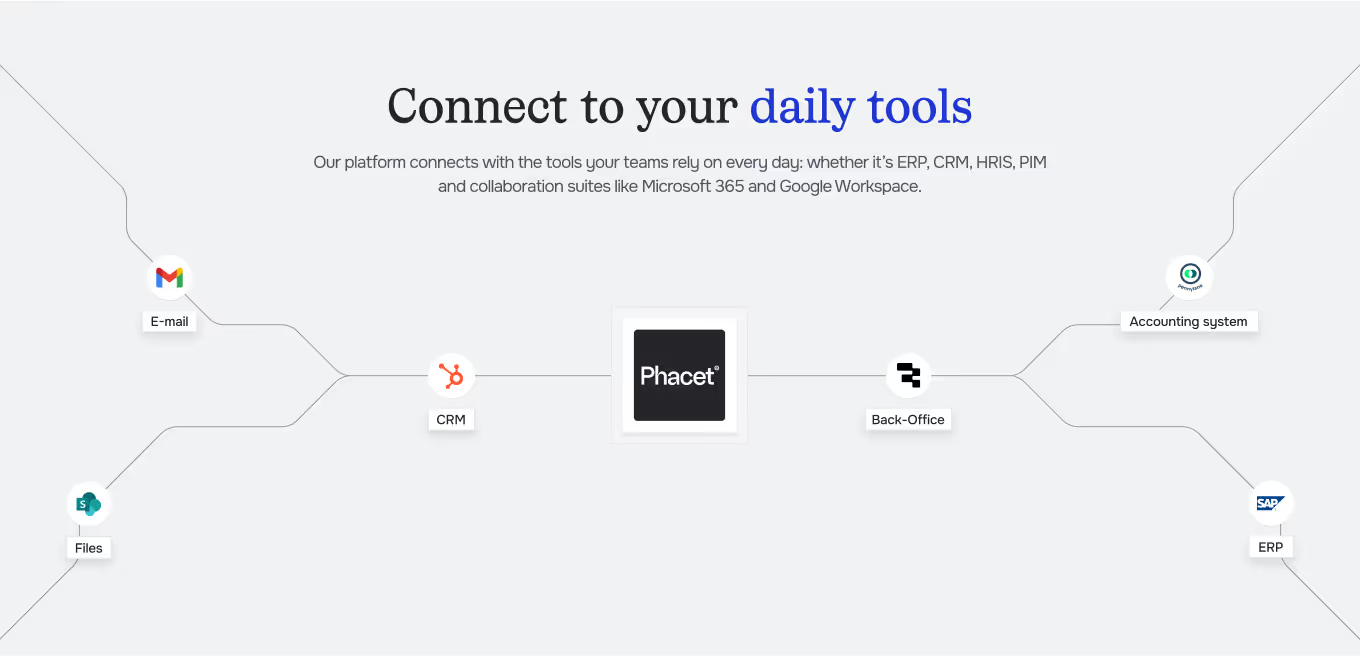
Connect the accounting tool of each entity (Pennylane, Sage, Netsuite…).
Align your suppliers
Phacet matches supplier accounts across entities, even when they are named differently.
Consolidate & check
Invoices, payments and balances are consolidated by supplier, abnormal balances are isolated.
Track & alert
See each supplier's position and get alerts on discrepancies.
Unlock your AI potential
Do more with your existing resources using tailored AI solutions.
Frequently Asked Questions


GUIDE
The AI CFO guide
For accounting teams, accounting firms and CFOs of SMEs and mid-sized companies who want to know where to start.