
Analyze your supplier spend line by line
Every invoice line extracted and classified by category and site, so you know what you really buy and at what price.

Supplier spend analysis
Supplier spend analysis means reading each invoice at line level, not just the total. Item, quantity, unit price, site, supplier: this detail is what lets you track prices, volumes and drift by category.
Three blind spots keep coming back: a price increase buried in a total, a spend category split across several suppliers, and a site that consumes more than the others without anyone noticing. Done by hand, teams only look at totals, and often too late.
Phacet automates this analysis with its AI skills in document reading, extraction and categorization. The agent extracts every line, classifies it by your categories and sites, and reports price and volume trends every month.
When to use this agent?
Ideal for FP&A, procurement or finance teams who want to:
- Know what they actually buy, by category, site and supplier.
- Spot price increases and consumption drift in the month they happen.
- Prepare supplier renegotiations on facts, not impressions.
AI skills involved

Automatically pull key data points from your documents
Phacet identifies and extracts the fields that matter — invoice numbers, amounts, due dates, IBANs, supplier references, VAT codes, contract terms — even from unstructured or inconsistent documents. Data comes out clean and ready to use in the next step.

Automatically classify your transactions, entries and documents
Phacet assigns categories, analytical codes or custom labels to your data - based on your rules, your chart of accounts, or patterns it learns from your history. Bank transactions, supplier invoices, expense lines: everything is classified consistently, at scale.
Business impact

Integrated with everything


Steps to get Started
Connect your systems
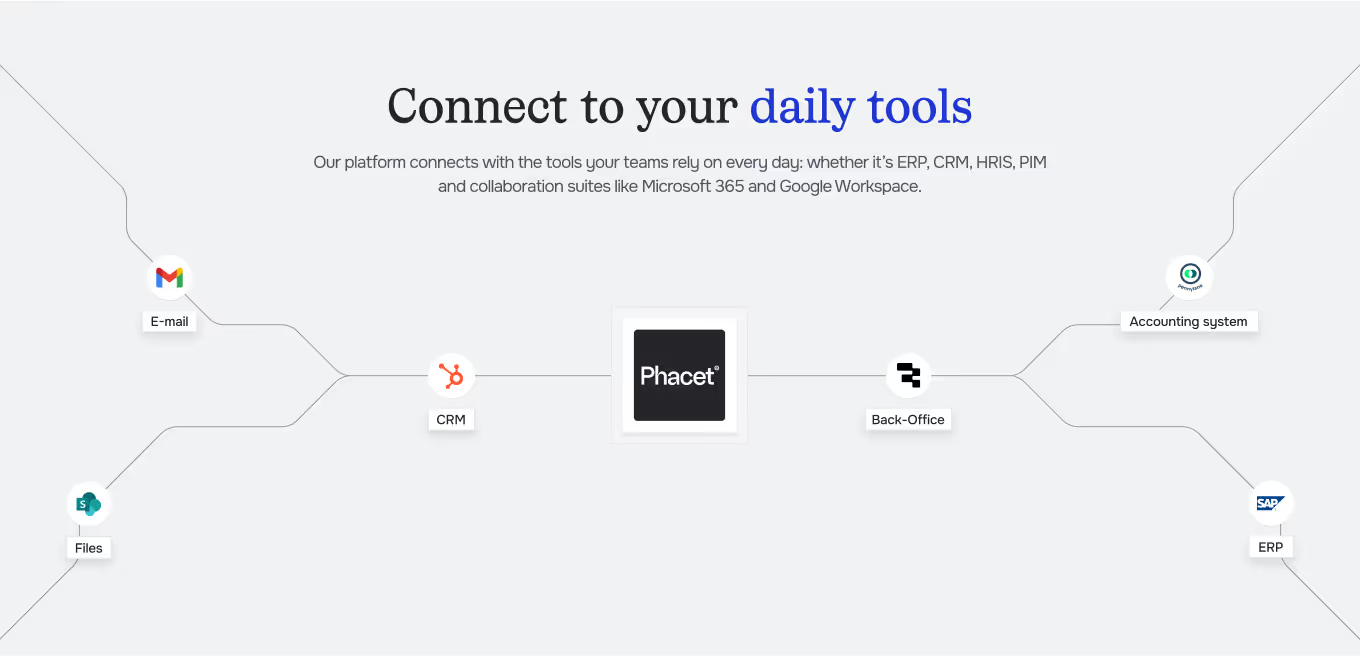
Connect your accounting tool (Pennylane, Sage…) and your supplier inbox to centralize invoices.
Define your categories
Set your spend categories, your sites and your key suppliers.
Extract & Structure
Phacet reads each invoice, extracts every line (item, quantity, unit price) and assigns it to the right category.
Analyze & track
Follow price and volume trends by category, site and supplier, updated with every new invoice.
Unlock your AI potential
Do more with your existing resources using tailored AI solutions.
Frequently Asked Questions



GUIDE
The AI CFO guide
For accounting teams, accounting firms and CFOs of SMEs and mid-sized companies who want to know where to start.