
Keep your supplier price list up to date
Price lists received by email are collected, cleaned and consolidated into a single price database.

Supplier price reference
A supplier price reference, or price list, holds the negotiated price for each item and each supplier. It is the foundation of any invoice control: without up-to-date reference prices, you cannot tell whether an invoice is right.
The hard part is not controlling, it is maintaining the base. Suppliers send prices by email, as PDF or Excel, each in its own format. References change, units differ, and the base falls out of date within weeks.
Phacet automates this collection with its AI skills in document reading, extraction and standardization. The agent picks up every new price list, normalizes references and units, and updates your price database with no re-keying.
When to use this agent?
Ideal for procurement, FP&A or accounting teams who want to:
- Keep an up-to-date price base for all their suppliers.
- Stop re-keying the price lists they receive every week.
- Make invoice price checks reliable, since they depend on this base.
AI skills involved

Automatically pull key data points from your documents
Phacet identifies and extracts the fields that matter — invoice numbers, amounts, due dates, IBANs, supplier references, VAT codes, contract terms — even from unstructured or inconsistent documents. Data comes out clean and ready to use in the next step.

Normalize formats, names and amounts across all your sources
Every tool exports differently - dates in three formats, amounts with commas or dots, supplier names in inconsistent casing, currencies without symbols. Phacet normalizes everything before processing so every comparison is accurate, regardless of where the data came from.

Route exceptions to the right person and track every decision
Phacet doesn't decide edge cases alone. It routes ambiguous results to the right person with full context - original document, matched data, confidence score. Your team validates, corrects or rejects. Every decision is logged. The AI learns from each correction and gets more accurate over time.
Business impact

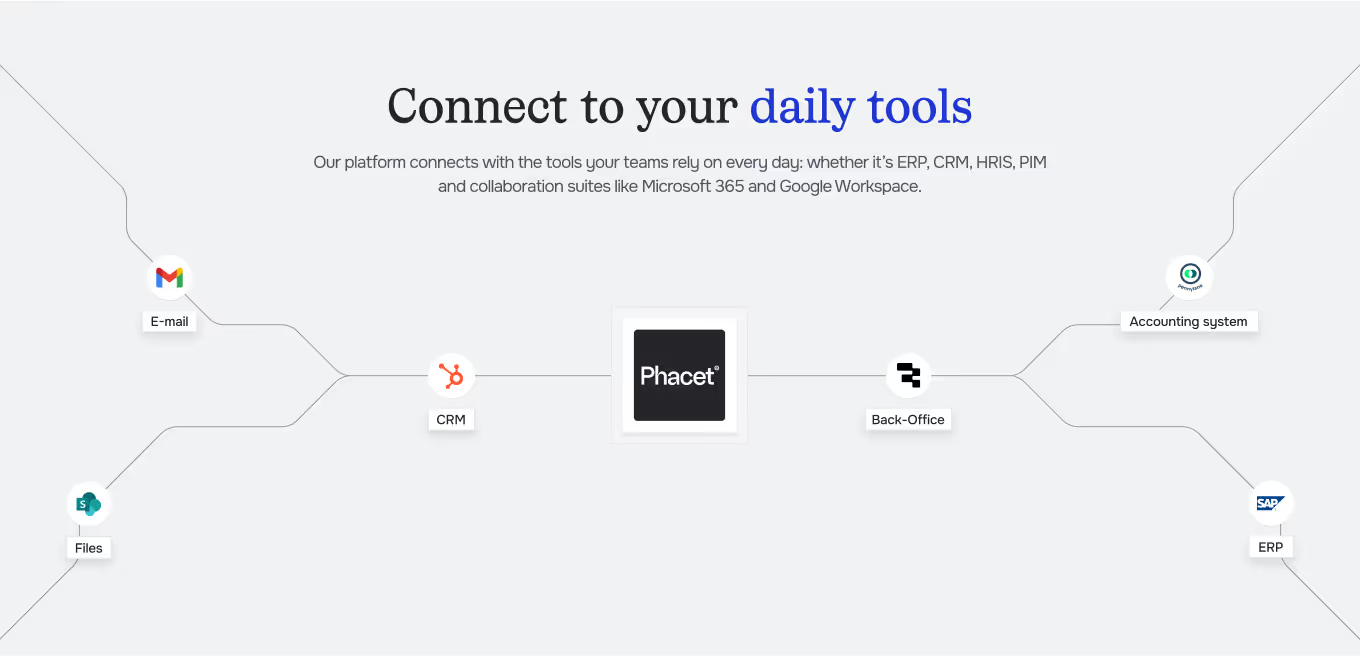
Integrated with everything


Steps to get Started
Connect your systems
Connect the inbox where price lists arrive, and your purchasing tool (Yokitup…) if you use one.
Import your current base
Load your current negotiated prices, references, pack sizes and unit prices by supplier.
Extract & Structure
Phacet reads each new price list, extracts prices and aligns references and units with your base.
Validate & publish
You approve the flagged price changes, then the base is updated for all your controls.
Unlock your AI potential
Do more with your existing resources using tailored AI solutions.
Frequently Asked Questions


GUIDE
The AI CFO guide
For accounting teams, accounting firms and CFOs of SMEs and mid-sized companies who want to know where to start.