
Enter your purchase orders and delivery notes into the ERP
Every order received as a PDF is extracted, checked and turned into an import file for your ERP, with no re-keying.

Order and delivery entry
Customer purchase orders and delivery notes still arrive as PDFs, by email, in formats specific to each customer or supplier. Before anything can ship or be invoiced, the order admin team re-keys them into the ERP, line by line.
Three errors keep coming back: a mistyped item reference, a swapped quantity or delivery date, and a missing mandatory field that blocks the order later. The higher the volume, the more re-keying becomes the bottleneck.
Phacet automates this entry with its AI skills in document reading, extraction and rules-based control. The agent reads each document, checks the expected fields and produces the import file in your ERP's exact format.
When to use this agent?
Ideal for order admin, accounting or operations teams who want to:
- Stop re-keying orders and delivery notes.
- Catch incomplete orders before they reach the ERP.
- Absorb more volume without growing the team.
AI skills involved

Automatically pull key data points from your documents
Phacet identifies and extracts the fields that matter — invoice numbers, amounts, due dates, IBANs, supplier references, VAT codes, contract terms — even from unstructured or inconsistent documents. Data comes out clean and ready to use in the next step.

Normalize formats, names and amounts across all your sources
Every tool exports differently - dates in three formats, amounts with commas or dots, supplier names in inconsistent casing, currencies without symbols. Phacet normalizes everything before processing so every comparison is accurate, regardless of where the data came from.

Validate every line against your rules, thresholds and references
Define your rules once - negotiated prices, spending caps, expense policy, contract conditions, approval thresholds - and Phacet applies them to every single row, every time. Every discrepancy is flagged with the exact reason, ready for review.
Business impact

Integrated with everything


Steps to get Started
Connect your systems
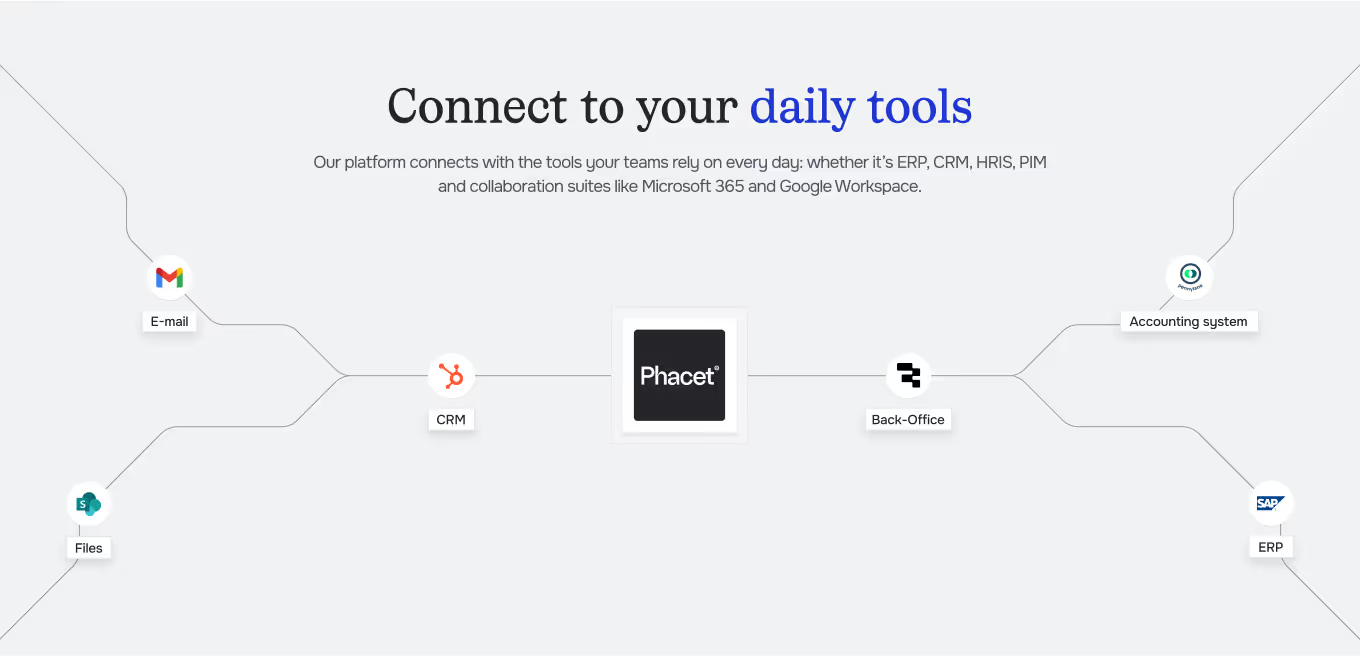
Connect the order inbox and your ERP (Sage, Odoo, Microsoft Dynamics…).
Define your format
Set the expected fields and your ERP import format (CSV, XML…).
Extract & check
Phacet reads each order or delivery note, extracts every line and checks mandatory fields.
Approve & import
You approve flagged documents, then the import file goes to your ERP.
Unlock your AI potential
Do more with your existing resources using tailored AI solutions.
Frequently Asked Questions



GUIDE
The AI CFO guide
For accounting teams, accounting firms and CFOs of SMEs and mid-sized companies who want to know where to start.