
Calculate the margin on every product
Every item purchased matched with its sales and stock, so you know the real margin by product and by store.

Product margin
Product margin compares what an item costs to buy with what it brings in at sale. It is the indicator that drives pricing, assortment and supplier negotiations.
Three obstacles keep coming back: supplier invoices do not speak the same language as the till, references differ from one supplier to another, and cross-checking purchases, sales and stock takes three exports. The real margin is known long after the fact.
Phacet automates this calculation with its AI skills in extraction, categorization and data matching. The agent classifies every purchased item by department and family, matches it with sales and stock, and calculates gross margin by product and by store.
When to use this agent?
Ideal for FP&A, procurement and management teams in store networks who want to:
- Know the real margin on every product, every month.
- Compare stores with each other.
- Adjust pricing and assortment on facts.
AI skills involved

Automatically pull key data points from your documents
Phacet identifies and extracts the fields that matter — invoice numbers, amounts, due dates, IBANs, supplier references, VAT codes, contract terms — even from unstructured or inconsistent documents. Data comes out clean and ready to use in the next step.

Automatically classify your transactions, entries and documents
Phacet assigns categories, analytical codes or custom labels to your data - based on your rules, your chart of accounts, or patterns it learns from your history. Bank transactions, supplier invoices, expense lines: everything is classified consistently, at scale.

Automatically match your data across files, tools and systems
Phacet cross-references your data across sources - invoices vs. payments, POs vs. receipts, bank lines vs. GL entries, CRM deals vs. billing records. It tells you exactly what matches, what's missing, and what's off. No VLOOKUP, no manual comparison.
Business impact

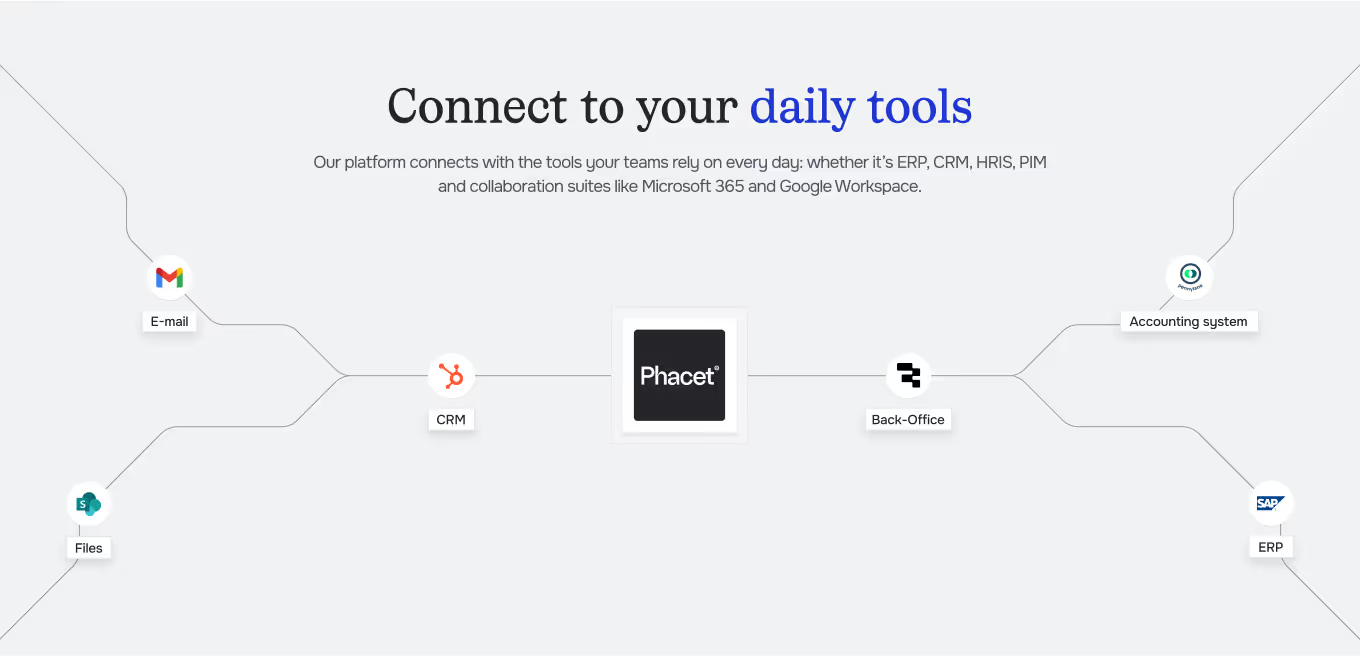
Integrated with everything




Steps to get Started
Connect your systems
Connect your till or sales tool, and your supplier inbox.
Define your structure
Set your departments, families and stores.
Classify & match
Phacet classifies each purchased item and matches it with sales and stock.
Track your margin
See gross margin by product, department and store, updated every month.
Unlock your AI potential
Do more with your existing resources using tailored AI solutions.
Frequently Asked Questions



GUIDE
The AI CFO guide
For accounting teams, accounting firms and CFOs of SMEs and mid-sized companies who want to know where to start.