
Prepare your VAT returns
The period's invoices processed under each client's VAT scheme, for a return ready to review.

VAT return preparation
Every period, an accounting firm prepares each client's VAT return: collect sales and purchase invoices, apply the right scheme, calculate VAT due or recoverable, then review.
Three difficulties keep coming back: documents arrive late and out of order, schemes differ from one client to another, and special cases (reduced rates, reverse charge, flat-rate schemes) need line-by-line checks. The deadlines do not move.
Phacet automates this preparation with its AI skills in document reading, extraction and rules-based control. The agent processes the period's invoices, applies the client's VAT scheme and prepares the return with the full calculation detail.
When to use this agent?
Ideal for accounting firms and accounting teams who want to:
- Prepare each return in minutes, not hours.
- Apply the right VAT scheme to every client without errors.
- Only do the review, with every calculation justified.
AI skills involved

Automatically pull key data points from your documents
Phacet identifies and extracts the fields that matter — invoice numbers, amounts, due dates, IBANs, supplier references, VAT codes, contract terms — even from unstructured or inconsistent documents. Data comes out clean and ready to use in the next step.

Validate every line against your rules, thresholds and references
Define your rules once - negotiated prices, spending caps, expense policy, contract conditions, approval thresholds - and Phacet applies them to every single row, every time. Every discrepancy is flagged with the exact reason, ready for review.

Every AI result linked to its source — audit-ready by default
Every output Phacet produces is traceable back to the exact source line - the PDF page, the ERP row, the bank entry. You can always answer "why did Phacet flag this?" with a precise reference. Confidence scores, decision logs and source citations are built in, not bolted on.
Business impact

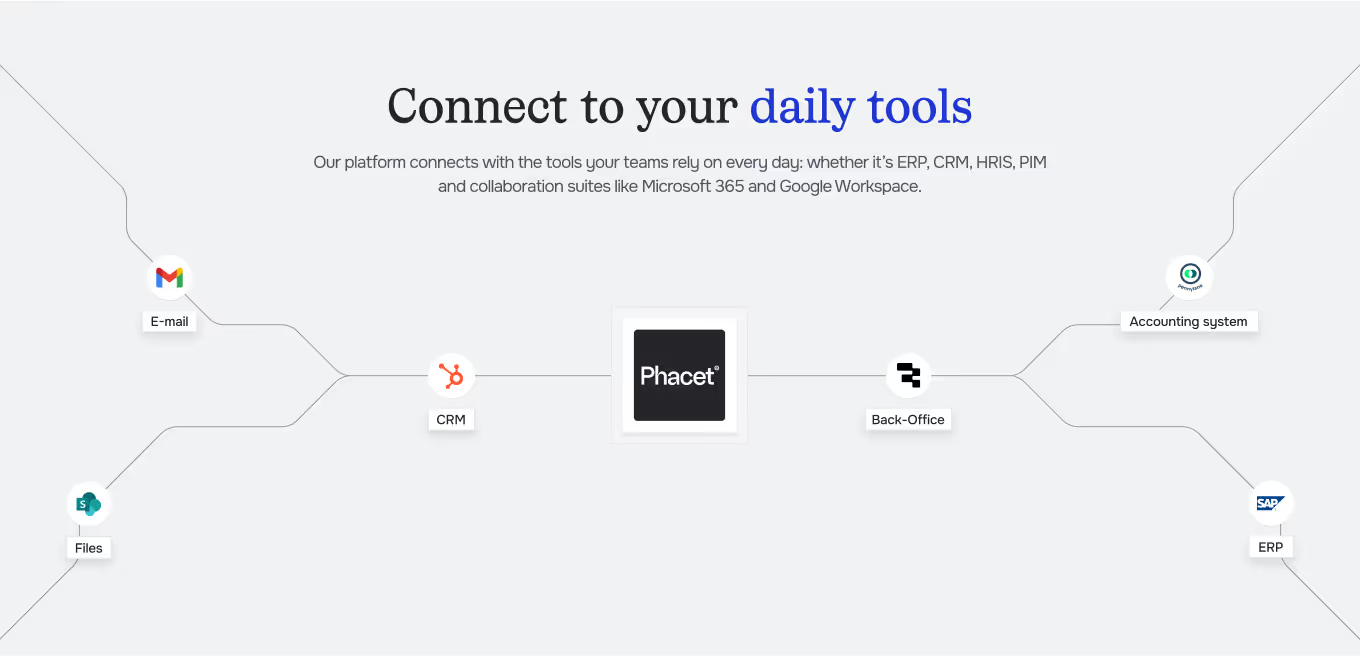
Integrated with everything


Steps to get Started
Set up your clients
Connect your clients' accounting tools or collect their invoices by email.
Set the scheme
For each client, specify the VAT scheme and filing frequency.
Process & calculate
Phacet reads each invoice, applies the rates and scheme rules, and calculates VAT.
Review & file
The return is ready with full calculation detail. Your team reviews it before filing.
Unlock your AI potential
Do more with your existing resources using tailored AI solutions.
Frequently Asked Questions



GUIDE
The AI CFO guide
For accounting teams, accounting firms and CFOs of SMEs and mid-sized companies who want to know where to start.