
Prepare your payment runs
Invoices due are matched to supplier accounts and due dates, for a payment run ready to approve.

Payment proposals
A payment proposal is the list of invoices to settle in a payment run: which supplier, which amount, which account, which due date. It is prepared before each batch transfer and goes through approval.
Three difficulties keep coming back: finding the right supplier account behind a company name, excluding disputed or already paid invoices, and producing the file in the format the bank or ERP expects. It is often done in a spreadsheet, one run after another.
Phacet automates this preparation with its AI skills in data matching and rules-based control. The agent links each invoice to its supplier account, applies your due date and blocking rules, and produces a proposal ready to approve.
When to use this agent?
Ideal for accounting and treasury teams who want to:
- Prepare each payment run in minutes, not hours.
- Automatically exclude disputed or already paid invoices.
- Keep a record of every approval before transfer.
AI skills involved

Automatically match your data across files, tools and systems
Phacet cross-references your data across sources - invoices vs. payments, POs vs. receipts, bank lines vs. GL entries, CRM deals vs. billing records. It tells you exactly what matches, what's missing, and what's off. No VLOOKUP, no manual comparison.

Validate every line against your rules, thresholds and references
Define your rules once - negotiated prices, spending caps, expense policy, contract conditions, approval thresholds - and Phacet applies them to every single row, every time. Every discrepancy is flagged with the exact reason, ready for review.

Route exceptions to the right person and track every decision
Phacet doesn't decide edge cases alone. It routes ambiguous results to the right person with full context - original document, matched data, confidence score. Your team validates, corrects or rejects. Every decision is logged. The AI learns from each correction and gets more accurate over time.

Every AI result linked to its source — audit-ready by default
Every output Phacet produces is traceable back to the exact source line - the PDF page, the ERP row, the bank entry. You can always answer "why did Phacet flag this?" with a precise reference. Confidence scores, decision logs and source citations are built in, not bolted on.
Business impact

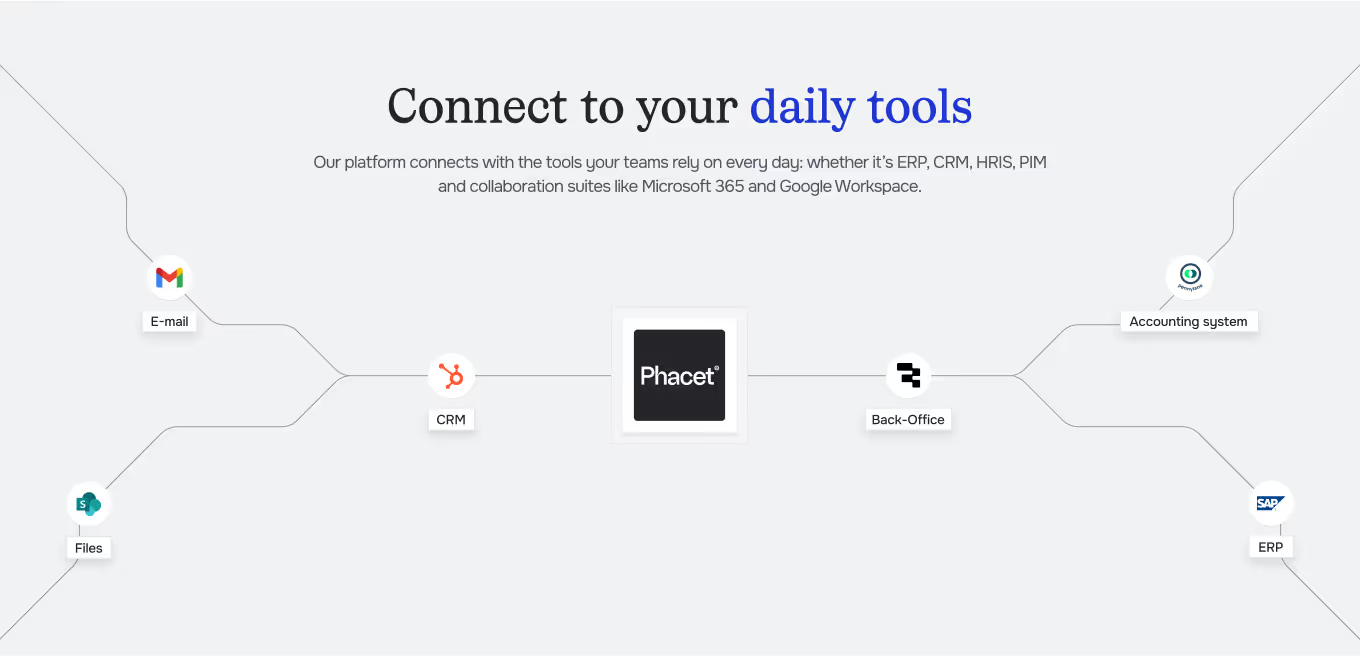
Integrated with everything


Steps to get Started
Connect your systems
Connect your accounting tool or ERP (Pennylane, Sage, Netsuite…).
Set your rules
Define due dates, approval thresholds and cases to hold (disputes, pending credit notes).
Match & check
Phacet links each invoice to its supplier account and applies your rules.
Approve & export
You approve the proposal, then the file goes out in the format your bank or ERP expects.
Unlock your AI potential
Do more with your existing resources using tailored AI solutions.
Frequently Asked Questions


GUIDE
The AI CFO guide
For accounting teams, accounting firms and CFOs of SMEs and mid-sized companies who want to know where to start.