
Analyze your payroll costs
Gross pay, employer contributions and total cost extracted from every payslip, consolidated by month, activity and site.

Payroll cost analysis
Payroll is often the largest cost line. To build a sound budget, you need the real cost by site and by activity: gross salary, employer contributions, bonuses, temporary staff.
Three difficulties keep coming back: the data sits in PDF payslips, not in a spreadsheet, contribution rates vary by contract and period, and site-level consolidation is redone by hand every year.
Phacet automates this analysis with its AI skills in document reading, extraction and formatting. The agent reads each payslip, extracts gross pay, contributions and total cost, and consolidates payroll by month, activity and site.
When to use this agent?
Ideal for FP&A, HR and finance teams who want to:
- Know the real payroll cost by site.
- Calculate accurate contribution rates for the budget.
- Stop consolidating payslips in Excel.
AI skills involved

Automatically pull key data points from your documents
Phacet identifies and extracts the fields that matter — invoice numbers, amounts, due dates, IBANs, supplier references, VAT codes, contract terms — even from unstructured or inconsistent documents. Data comes out clean and ready to use in the next step.

Normalize formats, names and amounts across all your sources
Every tool exports differently - dates in three formats, amounts with commas or dots, supplier names in inconsistent casing, currencies without symbols. Phacet normalizes everything before processing so every comparison is accurate, regardless of where the data came from.
Business impact

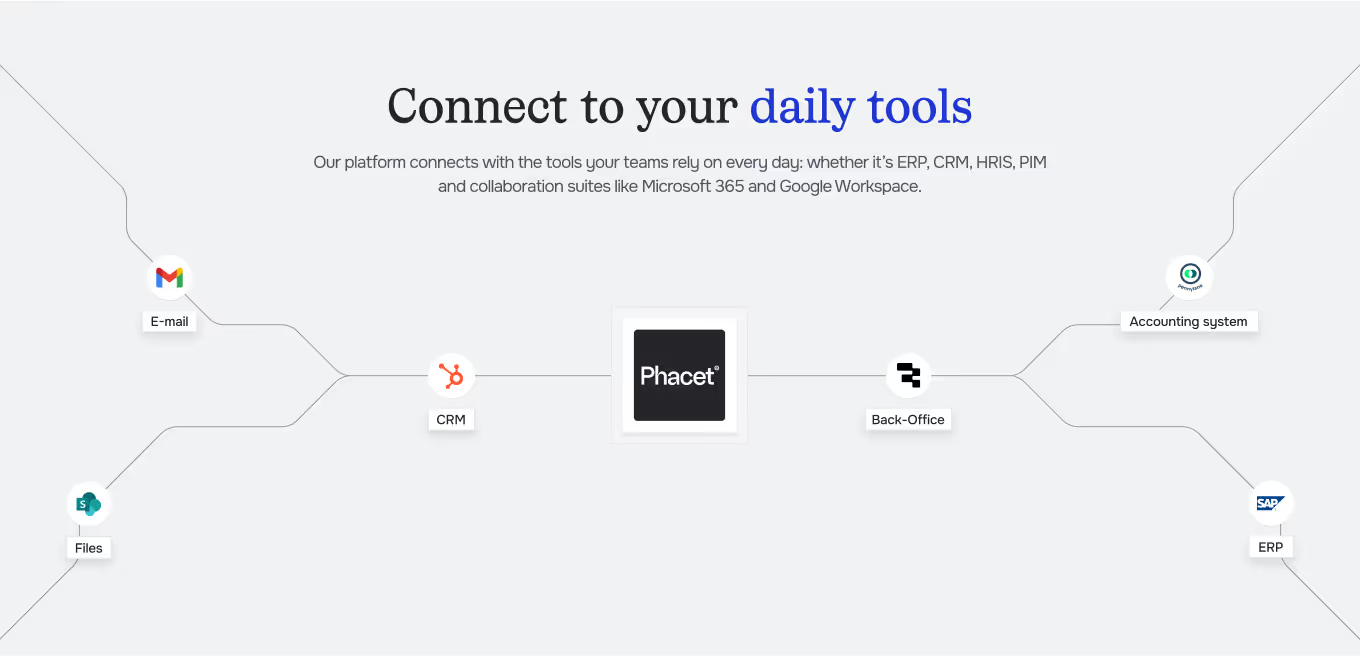
Integrated with everything


Steps to get Started
Import your payslips
Load the payslips or payroll journal for the period, by site.
Define your dimensions
Set your sites, activities and the period to analyze.
Extract & consolidate
Phacet extracts gross pay, contributions and total cost from each payslip, then consolidates by dimension.
Analyze & budget
See payroll costs and contribution rates by month and by site, ready for the budget.
Unlock your AI potential
Do more with your existing resources using tailored AI solutions.
Frequently Asked Questions


GUIDE
The AI CFO guide
For accounting teams, accounting firms and CFOs of SMEs and mid-sized companies who want to know where to start.