
Detect duplicate invoices and payments
Every new invoice is checked against those already received and paid, so you never pay twice.

Duplicate detection
A duplicate is the same invoice recorded or paid twice. It arrives through two channels, comes back as a reminder, or reappears with a slightly different number. Duplicate control checks every document before it enters the payment flow.
Three cases slip past standard checks: the same invoice received by email and through a portal, a reminder processed as a new invoice, and a number or amount changed at the margin. An exact search on the invoice number is not enough.
Phacet automates this control with its AI skills in extraction, matching and anomaly detection. The agent compares each new invoice with existing documents across several criteria, and flags likely duplicates and suspicious requests before payment.
When to use this agent?
Ideal for accounting teams, accounting firms and finance leaders who want to:
- Never pay the same invoice twice.
- Catch reminders and resent invoices before they are booked.
- Flag suspicious requests before payment runs.
AI skills involved

Automatically pull key data points from your documents
Phacet identifies and extracts the fields that matter — invoice numbers, amounts, due dates, IBANs, supplier references, VAT codes, contract terms — even from unstructured or inconsistent documents. Data comes out clean and ready to use in the next step.

Automatically match your data across files, tools and systems
Phacet cross-references your data across sources - invoices vs. payments, POs vs. receipts, bank lines vs. GL entries, CRM deals vs. billing records. It tells you exactly what matches, what's missing, and what's off. No VLOOKUP, no manual comparison.

Spot duplicates, outliers and suspicious patterns in your data
Phacet scans your full dataset to surface what shouldn't be there - duplicate payments, abnormal amounts, unknown suppliers, unusual timing patterns, RIB changes. It catches what rules alone can't predict, without requiring you to define every possible scenario upfront.

Route exceptions to the right person and track every decision
Phacet doesn't decide edge cases alone. It routes ambiguous results to the right person with full context - original document, matched data, confidence score. Your team validates, corrects or rejects. Every decision is logged. The AI learns from each correction and gets more accurate over time.
Business impact

Integrated with everything


Steps to get Started
Connect your systems
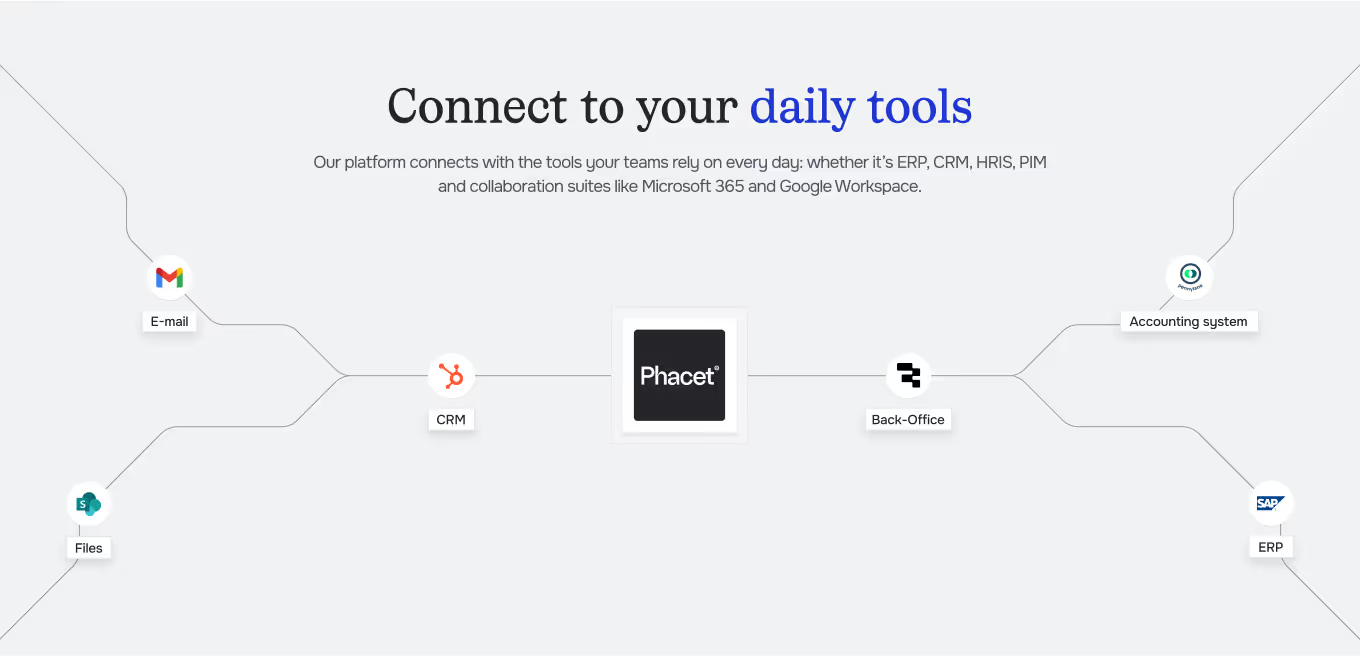
Connect your accounting tool (Pennylane, Sage…) and your supplier inbox.
Import your history
Phacet retrieves invoices already booked and paid to build the comparison base.
Compare & detect
Each new invoice is matched against history on supplier, number, amount and date.
Approve before payment
Likely duplicates are flagged with their reasoning, and your team decides before payment.
Unlock your AI potential
Do more with your existing resources using tailored AI solutions.
Frequently Asked Questions


GUIDE
The AI CFO guide
For accounting teams, accounting firms and CFOs of SMEs and mid-sized companies who want to know where to start.