
Check your invoicing against the customer contract
Every invoice issued checked against the contract's prices, discounts and schedule, with unbilled revenue flagged.

Customer billing control
Customer billing control checks that every invoice issued matches what the contract says: prices, discounts, indexation, billing schedule. It also catches the opposite: what should have been billed and was not.
Three discrepancies keep coming back: a discount or indexation applied incorrectly, an installment missed in the schedule, and a service delivered but never billed. Terms are scattered across the CRM, contracts and the billing tool: checks are done on a sample.
Phacet automates this control with its AI skills in document reading, extraction and rules-based control. The agent extracts each customer contract's terms, compares them with every invoice issued and flags discrepancies and unbilled items.
When to use this agent?
Ideal for billing, accounts receivable and finance teams who want to:
- Check 100% of invoices issued, not a sample.
- Apply discounts, indexation and schedules without errors.
- Spot unbilled revenue.
AI skills involved

Automatically pull key data points from your documents
Phacet identifies and extracts the fields that matter — invoice numbers, amounts, due dates, IBANs, supplier references, VAT codes, contract terms — even from unstructured or inconsistent documents. Data comes out clean and ready to use in the next step.

Validate every line against your rules, thresholds and references
Define your rules once - negotiated prices, spending caps, expense policy, contract conditions, approval thresholds - and Phacet applies them to every single row, every time. Every discrepancy is flagged with the exact reason, ready for review.

Spot duplicates, outliers and suspicious patterns in your data
Phacet scans your full dataset to surface what shouldn't be there - duplicate payments, abnormal amounts, unknown suppliers, unusual timing patterns, RIB changes. It catches what rules alone can't predict, without requiring you to define every possible scenario upfront.
Business impact

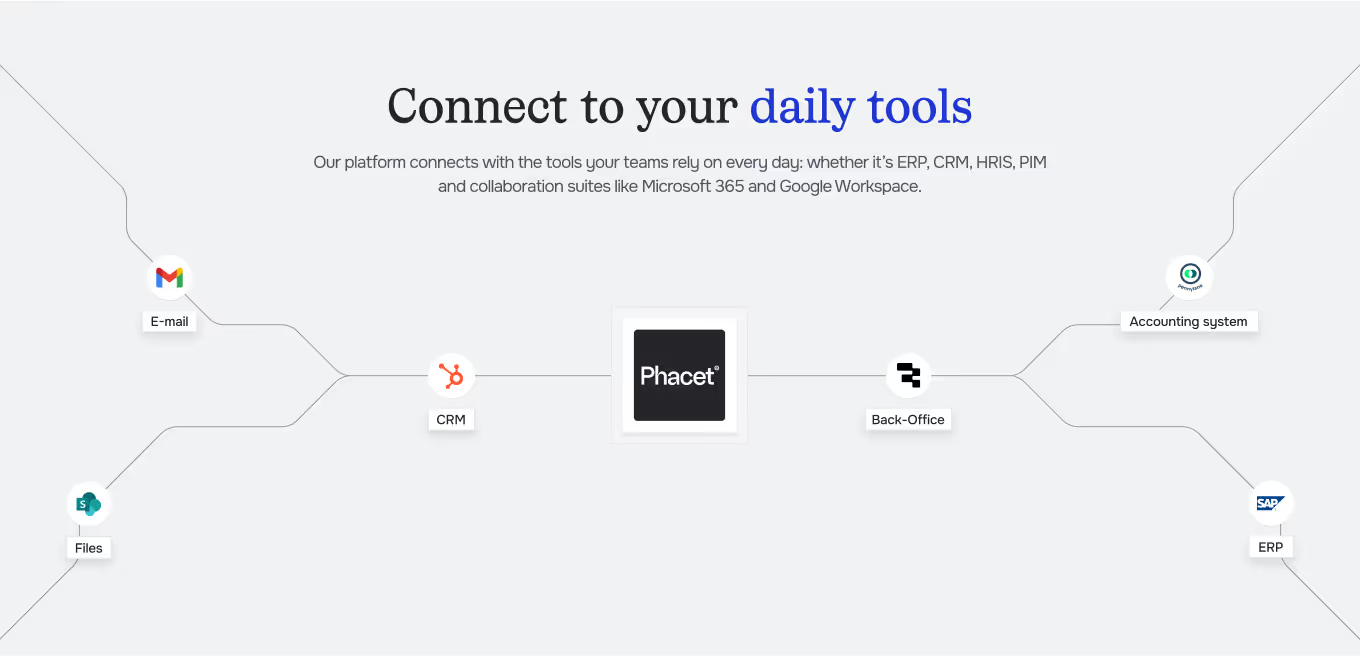
Integrated with everything


Steps to get Started
Connect your systems
Connect your CRM, billing tool and accounting tool.
Import your contracts
Upload customer contracts or let Phacet pull them from the CRM.
Extract & compare
Phacet extracts prices, discounts and schedule, then compares them with every invoice issued.
Fix before sending
Discrepancies and unbilled items are flagged, and your team corrects them before the invoice goes out.
Unlock your AI potential
Do more with your existing resources using tailored AI solutions.
Frequently Asked Questions


GUIDE
The AI CFO guide
For accounting teams, accounting firms and CFOs of SMEs and mid-sized companies who want to know where to start.