
Ask your accounting questions in plain language
Ask your accounting, ERP or document system a question and get a sourced answer with figures, no export needed.

Plain-language questions
Every week, management, operations or auditors ask finance simple questions: how much did we pay this supplier, which invoice is missing, what is the balance on this account. Each question costs an export, a filter and a spreadsheet.
Three obstacles keep coming back: data is spread across the accounting tool, the ERP and the document system, questions arrive ad hoc, and the answer has to be right and justified. As a result, finance spends its time answering instead of analyzing.
Phacet connects to your tools and answers in plain language with its AI skills in document reading and data matching. Every answer cites its sources: entries, invoices, documents.
When to use this agent?
Ideal for finance leaders, accountants and accounting firms who want to:
- Answer questions from management and operations in minutes.
- Find an invoice, payment or balance without exporting.
- Give everyone access to the numbers, with the source.
AI skills involved

Automatically match your data across files, tools and systems
Phacet cross-references your data across sources - invoices vs. payments, POs vs. receipts, bank lines vs. GL entries, CRM deals vs. billing records. It tells you exactly what matches, what's missing, and what's off. No VLOOKUP, no manual comparison.

Every AI result linked to its source — audit-ready by default
Every output Phacet produces is traceable back to the exact source line - the PDF page, the ERP row, the bank entry. You can always answer "why did Phacet flag this?" with a precise reference. Confidence scores, decision logs and source citations are built in, not bolted on.
Business impact

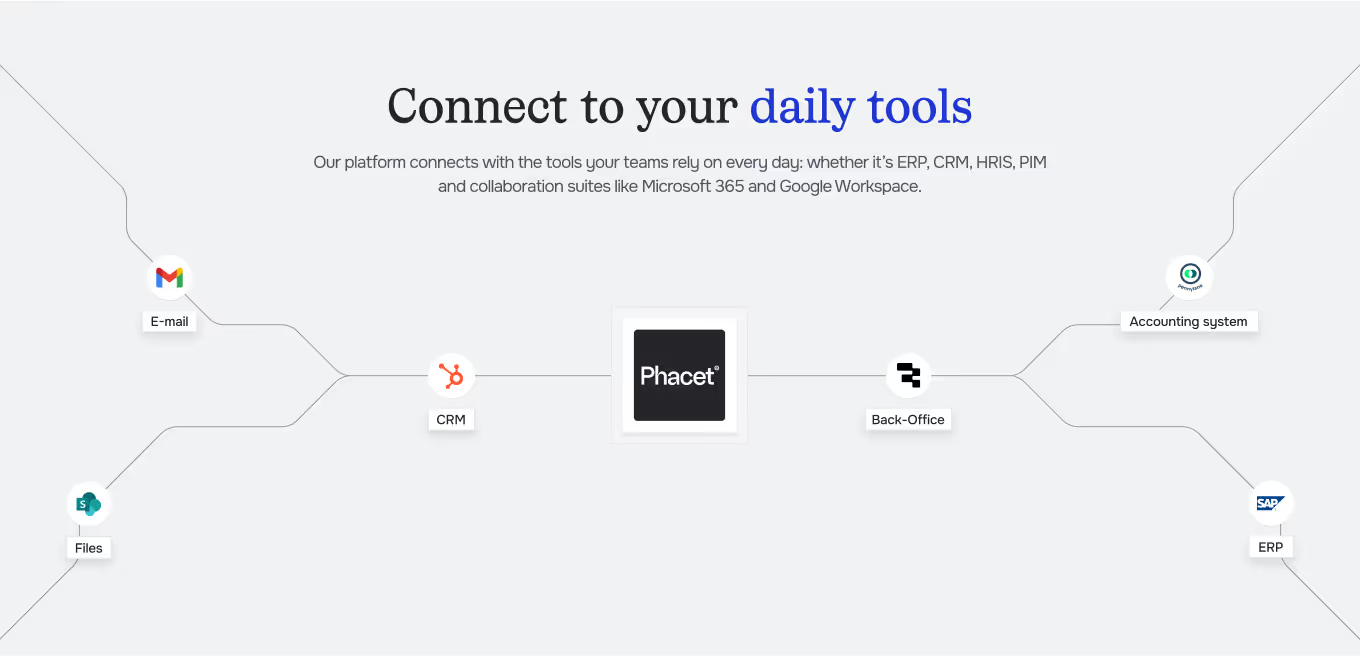
Integrated with everything


Steps to get Started
Connect your systems
Connect your accounting tool (Pennylane, Sage, Odoo…), your ERP and your document system.
Add context
Set your entities, chart of accounts and reading rules.
Ask your questions
Write as you would to a colleague, Phacet searches your tools and calculates the answer.
Check & share
Every answer cites its sources. Export it or turn it into a recurring agent.
Unlock your AI potential
Do more with your existing resources using tailored AI solutions.
Frequently Asked Questions


GUIDE
The AI CFO guide
For accounting teams, accounting firms and CFOs of SMEs and mid-sized companies who want to know where to start.