

Invoice triage automation: how finance teams automate without losing control
Published on :
April 27, 2026

Nicolas Marchais is co-founder and CEO of Phacet. After seven years at Spendesk, he built Phacet as the agentic layer that orchestrates across ERP, banking and email systems. Reliable, auditable, cross-system, what he calls a Finance Workforce.

The accounting inbox is the most reliable time sink in finance. Not because the work is difficult, most invoice triage is repetitive and rule-based, but because the volume is constant, the formats vary endlessly, and the consequences of a triage error propagate downstream through the AP workflow for days before anyone notices.
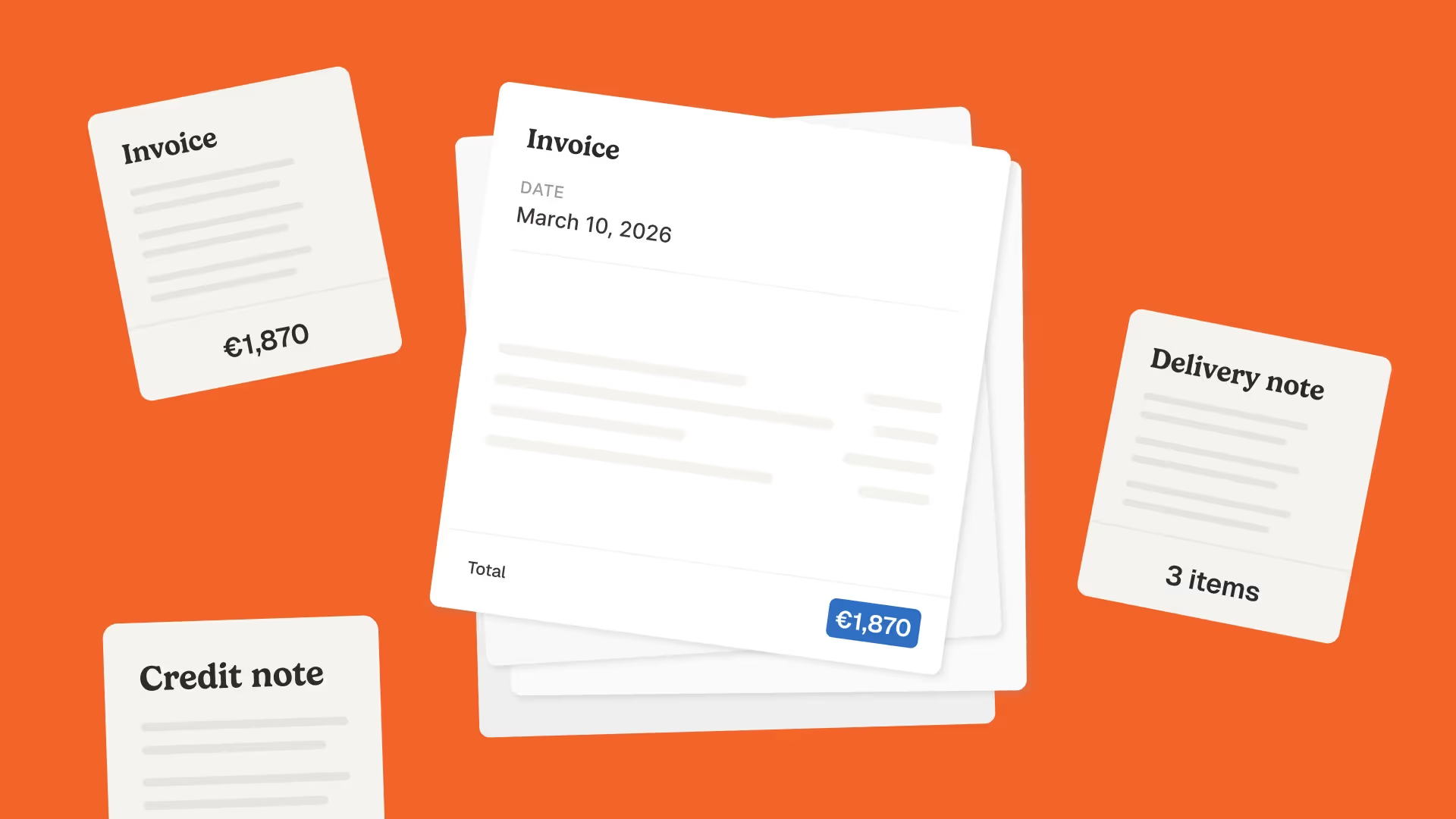
A finance team processing 300 invoices per month from 40 active suppliers across three incoming channels, email, supplier portal, and scanned mail, makes approximately 300 individual triage decisions every month. Each decision answers the same questions: What type of document is this? Which supplier does it come from? Is it complete enough to process? Which workflow should it enter? Who should review it?
At 300 invoices per month, this work consumes two to four hours weekly, time that neither adds value nor creates a competitive advantage, but cannot be skipped because incorrect triage produces incorrect downstream outputs.
At 1,000 invoices per month, the same work consumes more than a full working day per week. The bottleneck is no longer an inconvenience, it is a structural capacity constraint that limits how much the AP function can do with the headcount it has.
Invoice triage automation addresses this directly: applying AI to the decisions that are rule-based and volume-intensive, preserving human judgment for the decisions that genuinely require it. But the finance teams that deploy triage automation successfully are the ones that design it correctly, maintaining complete visibility into what the automation is doing, with clear escalation paths for the decisions the automation cannot resolve.
This article explains what invoice triage automation actually covers, where the control risks lie, and how to implement it in a way that accelerates triage without removing the oversight that makes AP control reliable.
What invoice triage actually involves, and why manual triage scales badly
Invoice triage is the set of decisions that determine what happens to an invoice document before it enters the AP validation or approval workflow. It is not the same as invoice validation, triage is about routing, not checking. The question is not "is this invoice correct?" but "what should happen next to this invoice document?"
Manual triage involves five categories of decision:
Document identification. Is this document an invoice, a credit note, a statement, a purchase order, a remittance advice, or something else? Each document type enters a different workflow. An email attachment labelled "Invoice" may actually be a statement that requires no payment. A PDF labelled "Remittance" may include embedded invoices that need to be extracted. Without correct identification, the document enters the wrong workflow.
Supplier identification. Which of the organisation's active suppliers does this document belong to? This requires matching the supplier name, IBAN, or registered address on the document against the supplier master, a matching operation that is straightforward for exact matches and requires fuzzy logic for the supplier who invoices as "ACME Corp" when the master record shows "ACME Corporation Ltd."
Completeness check. Does the document contain the fields required to process it? A missing PO reference, absent IBAN, or illegible document scan does not enter the processing queue, it is returned to the supplier or flagged for manual enrichment. Sending incomplete documents downstream wastes reviewer time on documents that cannot be processed.
Workflow assignment. Which AP workflow should this document enter? A standard invoice from a high-volume supplier with straightforward pricing goes to the automated validation queue. An invoice from a new supplier goes to an onboarding verification path. A credit note goes to the matching queue. An invoice over the materiality threshold goes to the senior approver path. Each document type and supplier combination has a defined routing rule, and applying those rules consistently is what structured triage produces.
Priority and due date extraction. What is the payment due date, and does that due date create any priority relative to other documents in the queue? An invoice due in three days needs to progress through the approval workflow faster than one due in thirty days. Manual triage frequently loses this temporal context, invoices are processed in arrival order rather than due-date order, resulting in late payment penalties that could have been avoided with basic date-aware prioritisation.
The reason manual triage scales badly is that each of these five decisions is made independently for every document, by a human who must read the document, look up reference data, apply routing rules, and update whatever tracking system the team uses. At 15 invoices per day, this takes thirty to forty-five minutes. At 50 invoices per day, it takes two to three hours. At 150 invoices per day, the volume for a mid-sized organisation with a lean finance team, it consumes a disproportionate share of available AP capacity without producing any of the actual control work the AP function is supposed to do.
La Nouvelle Garde reduced this burden from 1,794 manual triage operations per year to near-zero after deploying Phacet's accounting inbox agent, recovering the equivalent of a part-time AP role without adding headcount.
The Control Risk in Invoice Triage Automation: Where Things Go Wrong
The hesitation about automating triage is legitimate. Finance teams that have previously deployed rule-based document automation, template-matching OCR systems, rigid workflow rules, have experienced the failure mode: an invoice arrives in an unexpected format, the automation misclassifies it, and the error propagates quietly through the AP workflow until someone notices that a supplier hasn't been paid or a duplicate has been processed.
The control risk in triage automation is not that automation makes triage decisions, it is that automation makes triage decisions with insufficient confidence and without an effective escalation path for the cases it cannot resolve reliably.
Three specific failure patterns account for most automated triage failures:
Misclassification with high confidence.
The automation classifies a document as an invoice when it is actually a statement, and does so with high confidence, so the exception routing that would have flagged a low-confidence classification doesn't trigger. The statement enters the invoice validation queue, consumes review time, and may generate a payment authorisation for an amount that was never actually invoiced.
Supplier misidentification.
The automation matches the document to the wrong supplier, because the supplier name on the document is ambiguous, a new supplier has a similar name to an existing one, or a supplier's document format has changed without updating the matching rules. The misidentified document enters the wrong approval workflow, with potentially different pricing references and approval thresholds applied.
Silent loss.
The automation cannot classify or route a document and handles this by quarantining it without notifying the AP team. The document sits in a failed-processing queue that no one monitors because no one knows it exists. The supplier eventually escalates over late payment, at which point the finance team discovers that a document processing failure has produced a breach of payment terms.
Each of these failure patterns is preventable, not by removing automation, but by designing the automation with the right confidence architecture: automated decisions when confidence is high, human escalation when confidence is low, and an explicit monitoring layer that makes every quarantined or unresolved item visible.
The 5 principles of invoice triage automation without control loss
The finance teams that automate invoice triage successfully and maintain control do so by applying five design principles to the automation architecture.
Principle 1 - Every automated decision carries a confidence score
The first principle is that triage automation should not produce binary outputs, classified or not classified. Every triage decision should carry a confidence score: a probabilistic assessment of how certain the automation is that this is the correct classification, the correct supplier match, the correct routing.
Confidence scores enable tiered responses:
- High confidence (above defined threshold): the triage decision proceeds automatically without human review. The decision is logged for audit purposes but does not require manual confirmation.
- Medium confidence (below high, above escalation threshold): the triage decision proceeds but with a confirmation flag, the AP team sees the automated decision when the invoice next requires human attention (at approval or exception review) and can override if incorrect.
- Low confidence (below escalation threshold): the document is escalated to human review before triage proceeds. The AP analyst reviews the specific fields that caused low confidence, makes the correct determination, and the decision is logged for future training.
This confidence architecture is what allows triage automation to handle 90-95% of invoices automatically while maintaining human review of the 5-10% where automated classification is uncertain. The control posture is not "the automation decides everything", it is "the automation decides what it can decide confidently, and escalates what it cannot."
Intelligent data extraction with confidence scoring is the technical foundation of this approach. Phacet's accounting inbox agent assigns confidence scores at the field level, the supplier name extraction carries a separate confidence score from the invoice number extraction, enabling precise escalation of specific uncertainties rather than escalating entire documents when only one field is ambiguous.
Principle 2 - Defined escalation paths for every exception type
Triage automation that escalates exceptions without a defined resolution path creates a different kind of bottleneck: a queue of unresolved items that the AP team must investigate without structure. The information presented in the escalation queue determines how quickly exceptions can be resolved.
Effective escalation design presents each exception with: the specific field or decision that caused the escalation, the candidate values that the automation considered (e.g., "matched to ACME Corp with 72% confidence and ACME Ltd with 24% confidence"), the document image or the relevant document section, and the available resolution actions (confirm the automated decision, select an alternative, add new information).
Structured escalation reduces resolution time by presenting the human reviewer with a specific question ("is this ACME Corp or ACME Ltd?") rather than an unstructured task ("review this document"). For finance teams with limited AP capacity, the difference between unstructured and structured escalation can be the difference between a manageable exception queue and a growing backlog.
Exception-based finance review applied to triage exceptions means the AP team spends its attention on the specific decisions the automation couldn't resolve, not on re-reading the document from scratch to understand what the question is.
Principle 3 - Separation between triage automation and validation automation
Invoice triage automation and invoice validation automation address different control objectives and should be designed as separate layers, even when they are deployed together.
Triage answers: What is this document? Where should it go? Is it ready to be processed?
Validation answers: Is this invoice accurate? Does it match the purchase order and delivery record? Does the price comply with the contract?
Conflating the two, using triage confidence scores as validation proxies, or allowing low-confidence triage decisions to proceed unchecked into the validation queue, undermines both. An invoice correctly triaged but incorrectly priced is a validation failure, not a triage failure. An invoice incorrectly triaged but with a valid price creates downstream complexity when it enters the wrong workflow.
Maintaining the separation keeps control accountability clear: triage automation owns the routing decisions, the pre-decision control layer owns the accuracy validation, and the approval workflow owns the payment authorisation. Each layer has a defined scope and a defined escalation path.
For the full AP control stack that triage feeds into, see the invoice control before payment article and the pre-payment controls glossary entry, which covers what happens after triage has routed the document correctly.
Principle 4 - Complete, searchable audit trail for every triage decision
Finance controls are only audit-ready if the decisions can be traced. An automated triage system that makes thousands of routing decisions per month and produces no searchable record of those decisions is not a control, it is an unmonitored black box.
Every triage decision should be logged with: the document identifier, the triage fields extracted, the classification result, the confidence score, whether the decision was made automatically or escalated to human review, and the human reviewer's determination if applicable.
This audit trail serves two purposes. For operational monitoring, it allows the AP team to verify that triage is working correctly: what proportion of documents are being classified at high confidence? What are the most common escalation reasons? Has a specific supplier's document format changed in a way that's reducing classification confidence? For audit defence, it provides the documentation an auditor needs to confirm that the AP function's document intake process is controlled, not just that invoices were eventually processed correctly, but that the triage decisions that determined how they were processed were made correctly and documented.
Audit-ready finance processes begin at the point of document ingestion, not at the point of payment approval.
Principle 5 - Human training loop for continuous improvement
Invoice triage automation that learns from human corrections outperforms automation that doesn't, and the performance gap widens over time. A system that presents a human reviewer with a triage decision, records the reviewer's correction, and updates the classification model based on that correction continuously improves its confidence on the document types, supplier names, and format variations it encounters most frequently.
This learning loop is what makes triage automation progressively lower-effort to supervise. In the first weeks of deployment, exception rates may be higher than expected as the system encounters format variations and supplier naming conventions that weren't in the training data. As human reviewers resolve these exceptions and the resolutions are fed back into the model, exception rates decrease, and the proportion of documents handled at high confidence without human review increases.
The human-in-the-loop control model is not just a safety mechanism, it is the training mechanism. Every human correction is a data point that makes the automation more accurate. Finance teams that consistently apply structured escalation and document their corrections generate better automation than teams that resolve exceptions informally without feeding the corrections back into the system.
What happens to the AP team's work when triage Is automated
Invoice triage automation does not eliminate AP work. It changes what the work is, and for most finance teams, the change is substantial.
Before triage automation, an AP analyst's morning starts with the inbox: opening each email, identifying the document type, checking the supplier against the master, confirming completeness, creating the tracking record, forwarding to the appropriate reviewer. Forty-five minutes later, the inbox is triaged and the analyst can start on the actual AP work.
After triage automation, the inbox is already triaged when the analyst arrives. The accounting inbox agent has processed every overnight arrival: classified each document by type, matched each to its supplier in the master, confirmed completeness (or flagged the incomplete ones for return), assigned each to the appropriate workflow, and extracted the due date for prioritisation. The analyst opens the exception queue, typically five to ten items, reviews the specific fields that caused low-confidence decisions, makes the determinations, and is done in fifteen minutes.
The forty-five minutes to fifteen minutes difference is the direct time saving. But the more important change is where the analyst's attention goes for the remaining thirty minutes: to the exception queue, where the decisions genuinely require human judgment, rather than to the routine triage work that the automation has handled.
This reallocation compounds. An analyst who consistently starts the day with a cleared inbox and a structured exception queue, rather than an unprocessed inbox that requires manual sorting, can handle a significantly higher invoice volume without additional AP headcount. For a business growing its supplier base or expanding its purchasing volume, triage automation is what allows the finance function to scale without proportional headcount growth.
For the broader automation sequencing context, what to automate and in what order, see the article on finance processes to automate for SMEs, which covers how triage automation fits into the broader AP control programme.
Practical implementation: what triage automation requires before going live
Triage automation that works reliably from day one requires three things to be in place before deployment:
A clean, current supplier master. Supplier identification is the most common source of triage errors. An automation that tries to match incoming invoice supplier names against a supplier master that contains duplicate records, outdated names, and inconsistent formats will produce systematically higher exception rates than one matching against a clean master. Spending two days cleaning the supplier master before deployment, deduplicating records, standardising name formats, confirming active/inactive status, is the highest-return pre-deployment investment for most organisations.
Defined routing rules for each document type and supplier tier. The automation needs to know where to send each document. This requires defining: which document types exist (invoice, credit note, statement, remittance advice, expense claim), which supplier tiers exist (high-volume standard suppliers, new suppliers, suppliers requiring senior approval), and which workflow applies to each combination. This mapping exercise takes one to two days for most finance teams and produces the routing logic that the automation applies at scale.
Defined confidence thresholds for automatic versus escalated processing. The automation needs to know when to proceed automatically and when to escalate. Setting these thresholds too high produces excessive exceptions, the team reviews more documents than necessary. Setting them too low allows low-confidence decisions to proceed automatically, producing the misclassification failures described earlier. For most organisations, an initial confidence threshold of 85-90% for automatic processing with human review of everything below produces a manageable exception rate while maintaining the safety net. Thresholds can be adjusted once baseline exception rates are established.
Phacet's no-code automation platform allows these configurations to be made through a visual interface without engineering resource. The intelligent document processing infrastructure handles the extraction and classification logic; the AP team configures the routing rules and confidence thresholds through the agent builder. Deployment typically takes one to two weeks for the initial configuration, with exception rates stabilising within the first four to six weeks as the learning loop adjusts the classification model.
For AI-powered finance workflows including the triage-to-validation pipeline, the AI-powered financial workflow automation article covers the full workflow context.
FAQ
What is invoice triage automation?
Invoice triage automation is the application of AI to the routing and classification decisions that determine what happens to an invoice document before it enters the AP validation or approval workflow. It covers: document type classification (invoice, credit note, statement), supplier identification, completeness checking, workflow assignment, and payment due date extraction. These are the decisions that currently consume AP analyst time at the front end of every invoice processing cycle. Triage automation handles these decisions automatically for high-confidence cases and escalates to human review for low-confidence cases, typically reducing the manual triage workload by 70-85%.
Does automating invoice triage mean losing visibility into what's happening?
The opposite, if the automation is designed correctly. Manual triage produces decisions that are made informally and rarely documented, an analyst reads a document and routes it without a systematic record. Automated triage produces a logged decision for every document: the classification result, the confidence score, the routing action, and the exception resolution if applicable. This visibility enables operational monitoring (are the classifications accurate? are exception rates increasing?) and audit defence (this invoice was triaged correctly, by these criteria, with this confidence level). The loss-of-control risk is in automation without confidence scoring and audit logging, not in automation that is properly instrumented.
What types of documents should invoice triage automation handle?
Invoice triage automation handles any document that arrives through the accounting inbox: supplier invoices, credit notes, statements of account, purchase order confirmations, delivery confirmations, remittance advices, and expense claims. Each document type follows a different downstream workflow, so correct classification at triage is the prerequisite for every subsequent AP process. The automation also handles multi-document emails (one email containing three invoice attachments) and embedded documents (a PDF that contains both an invoice and a remittance advice in separate sections), which are common sources of manual triage error.
What is the difference between invoice triage and invoice validation?
Triage determines what a document is and where it should go. Validation determines whether a document is accurate and compliant. Triage asks: is this an invoice? Who is the supplier? Is it complete? Which workflow should it enter? Validation asks: does the price match the contracted rate? Is this a duplicate? Does it match the purchase order and delivery record? Triage happens first, a document must be correctly identified and routed before it can be validated. The two layers address different control objectives and should be designed separately, even when deployed together as part of an integrated AP automation platform.
How long does it take for invoice triage automation to reach reliable accuracy?
For the core document types that make up the majority of incoming invoice volume, standard PDF invoices from established suppliers, classification accuracy is typically above 90% from the first day of deployment, because these documents are structurally consistent and supplier identification against a clean master is reliable. For edge cases, new supplier formats, multi-document emails, scanned invoices with variable quality, accuracy improves progressively over four to six weeks as human exception resolutions feed back into the classification model. By the end of the first month, most organisations see exception rates stabilise at 5-10% of total document volume, representing genuinely ambiguous cases rather than routine documents.
Can invoice triage automation handle invoices that arrive through multiple channels?
Yes. Invoices arrive through email, supplier portals, EDI connections, and scanned mail, and the triage challenge is that each channel produces different document formats and different metadata contexts. Email invoices may arrive as PDF attachments, inline images, or HTML-formatted emails. Portal invoices may arrive as structured data exports. Scanned invoices may be low-resolution images requiring OCR before classification. Phacet's accounting inbox agent handles all of these ingestion channels through a unified extraction layer: every document, regardless of source, is processed through the same classification, supplier matching, and completeness checking logic before entering the routing workflow.
Triage is the first control layer, it should be the first automation priority
Invoice triage is the first thing that happens to every invoice that enters the AP function. It determines whether the subsequent validation, matching, and approval steps operate on correctly identified, correctly routed, correctly prioritised documents, or on a mix of correctly and incorrectly routed documents where the errors are invisible until they surface downstream.
Finance teams that automate triage correctly create a foundation for every subsequent AP control to work more reliably. The validation agent receives correctly classified documents, already matched to the right supplier master. The approval workflow receives documents that have been completeness-checked and priority-ordered by due date. The exception management queue contains only the decisions that genuinely require human review.
Finance teams that automate triage incorrectly, without confidence scoring, without defined escalation paths, without audit logging, create a new failure mode that is harder to detect than the manual process it replaced, because automated errors are silent in ways that manual errors are not.
Phacet's accounting inbox agent implements triage automation with all five principles built in: confidence-scored extraction using invoice data extraction and pdf data processing, structured escalation with exception-based finance review, separation from the downstream validation layer, complete audit trail by construction, and a human training loop that continuously improves classification accuracy.
The result is a triage layer that processes more documents faster, with more consistency than manual triage, while maintaining complete visibility into every routing decision it makes. Book a demo to see what automated triage looks like applied to your inbox volume, and what your current manual triage reveals about where the routing errors are occurring.

Latest Resources
Unlock your AI potential
Go further with your financial workflows — with AI built around your needs.


