

Accounting inbox automation: how finance teams automate without errors
Published on :
April 27, 2026

Nicolas Marchais is co-founder and CEO of Phacet. After seven years at Spendesk, he built Phacet as the agentic layer that orchestrates across ERP, banking and email systems. Reliable, auditable, cross-system, what he calls a Finance Workforce.

The accounting inbox is where financial control starts. Before any invoice is validated, before any payment is approved, before any transaction enters the ERP, there is an inbox, an email address, a supplier portal, a scan queue, through which every financial document arrives. What happens there determines everything that follows.
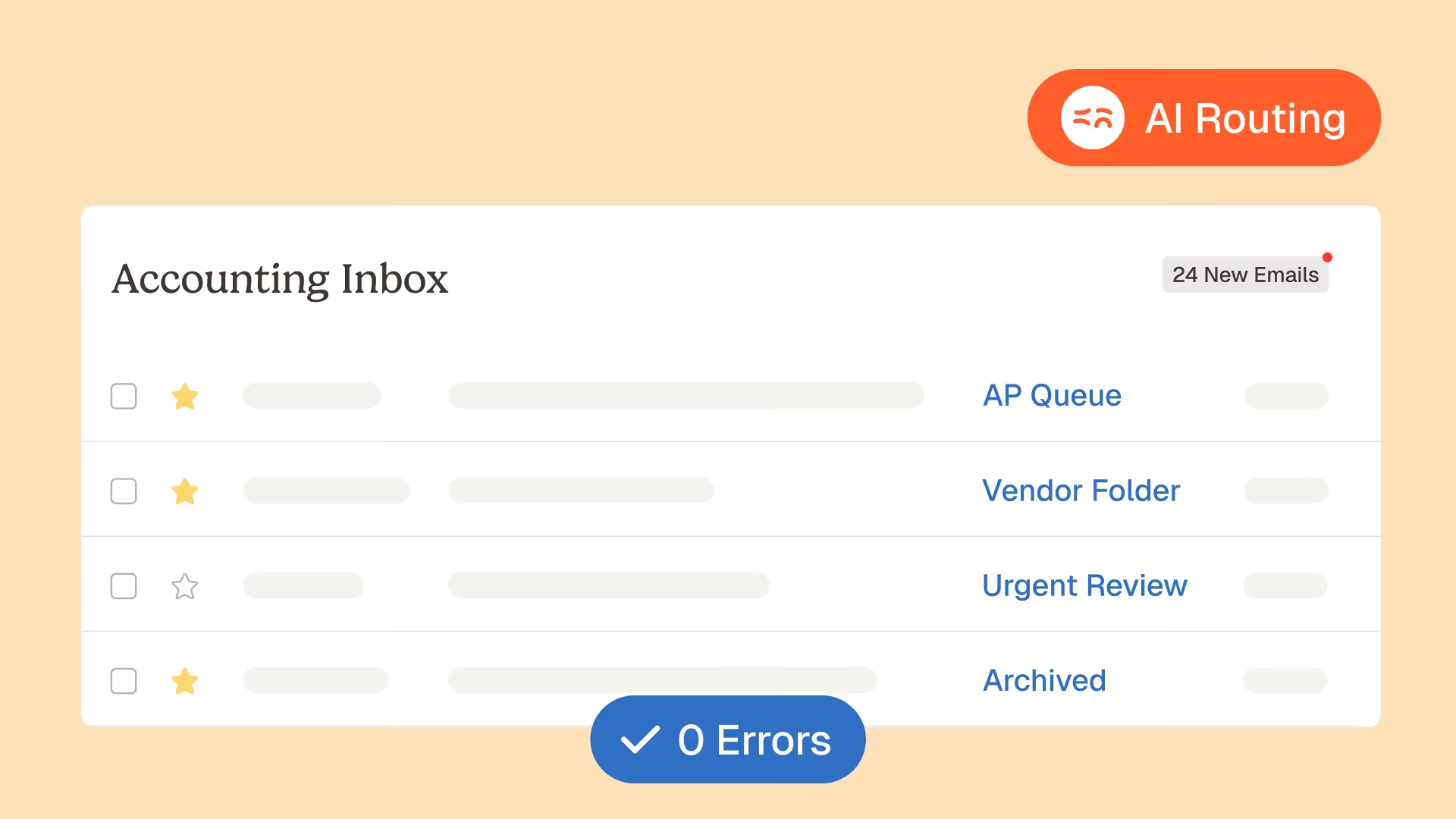
Most finance teams manage this inbox manually: open each email, identify the document type, check the supplier, confirm the attachment is readable, route it to the right person or workflow. At 15 documents per day, this is a manageable morning task. At 50 documents per day, it consumes an analyst's attention for two to three hours. At 150 documents per day, the reality for a mid-sized organisation with a lean finance team, the inbox becomes a structural bottleneck that delays processing, creates handling errors, and prevents the finance team from doing the control work it is supposed to do.
Accounting inbox automation promises to eliminate this bottleneck. But the finance teams that have deployed inbox automation and seen it produce errors, misrouted invoices, missed attachments, wrong supplier matches, incomplete documents forwarded to the approval workflow, have learned an important lesson: automating an inbox is easy. Automating it without errors requires getting four things right that most automation approaches skip.
Why accounting inbox automation produces errors
The failure mode of accounting inbox automation is well-documented by the finance teams that have experienced it. A rule-based automation, "if the sender is supplier X, route to the AP queue", works until supplier X sends from a new email address, or the supplier's name in the email differs from the master record, or the email contains multiple attachments that need different routing. The rule fails silently, the document ends up in the wrong place or no place at all, and the error is discovered weeks later when a supplier escalates over a missing payment.
The errors produced by basic inbox automation fall into five categories:
Misidentification of document type.
An automation that applies a single routing rule per sender cannot distinguish between the invoice, the credit note, the statement of account, and the delivery confirmation that may arrive from the same supplier in the same week. Each goes to a different workflow. Treating all of them as invoices, or routing all of them to the same queue, produces downstream processing errors in every workflow they touch.
Wrong supplier match.
The sender's email domain doesn't always correspond to the supplier's name in the master record. A supplier invoicing as "Rexel France" from an email sent by their billing platform with a domain like "billing.supplier.io" will not match a rule looking for "rexel.fr". The automation either fails to match and quarantines the document, or matches incorrectly to a different supplier with a similar name.
Missed or unreadable attachments.
Invoices arrive as PDF attachments, embedded images, links to supplier portals, HTML-formatted emails without separate attachments, or multi-page PDFs where only some pages are the invoice and others are delivery notes. An automation that only processes .pdf attachments misses the HTML invoices and the portal links. An automation that doesn't verify readability forwards low-resolution scans that cannot be extracted accurately, producing downstream data errors.
Incomplete documents passed downstream.
A document is identified, matched to a supplier, and forwarded, but it is missing the PO reference, the VAT number, or a required signature. The incomplete document enters the approval or validation workflow, fails at a later stage, and requires manual rework. The error was not in the forwarding, it was in not checking completeness before forwarding.
Silent failures.
The worst error type. The automation cannot process a document, quarantines it, and generates no alert. The document sits in a failed queue that no one monitors. The supplier's payment runs late, the supplier escalates, and the finance team discovers that an automation failure has been silently accumulating unprocessed documents.
Each of these errors has a common root cause: the automation applied a single, rigid decision rule where the correct answer required judgment about context, the combination of sender, document content, attachment format, supplier master match, and completeness status that together determine what should happen to this specific document.
The 5 foundations of error-free accounting inbox automation
The difference between inbox automation that produces errors and inbox automation that doesn't is not the sophistication of the matching algorithm. It is the architecture of the decision logic, specifically, whether the automation applies contextual multi-signal judgment or rigid single-signal rules.
Error-free accounting inbox automation requires five foundations, each of which addresses one of the five error categories above.
Foundation 1 - Intelligent document type classification, not sender-based routing
The first foundation is classifying what a document is before deciding where it goes. This requires reading the document content, not just the sender, to determine document type.
An invoice has characteristic content signals: an invoice number, a due date, line items with amounts, a total amount, a supplier name, and frequently a PO reference. A credit note has a negative amount or explicit credit note language. A statement has a period header and balance columns. A remittance advice lists payments already made against invoice numbers. These content signals are readable by AI document classification models regardless of sender, format, or language.
Document classification based on content rather than sender eliminates the misidentification error: even when a supplier's email address or domain is unrecognised, the document type can be correctly identified from its content. The intelligent document processing infrastructure that Phacet deploys applies content-based classification to every document at ingestion, with confidence scoring that determines whether the classification is certain enough to route automatically or needs human confirmation.
For multi-document emails, a single email containing an invoice, a delivery note, and a remittance advice as separate attachments, the classification runs independently for each document, routing each to its appropriate downstream workflow rather than treating the email as a unit.
Foundation 2 - Entity resolution for supplier matching, not exact-string matching
The second foundation is matching the supplier identified on the document to the supplier master record using entity resolution, fuzzy matching logic that recognises that "Rexel France SAS", "REXEL", and "Rexel Electrical Supplies" are all the same entity, rather than exact-string matching that fails on any variation.
Entity resolution draws on multiple matching signals simultaneously: the supplier's name (with normalisation for capitalisation, spacing, and abbreviation variants), the supplier's address, the supplier's IBAN (when present on the document), and the supplier's email domain (as a secondary signal, not a primary one). When multiple signals agree on a single supplier master record, the match is high-confidence and routes automatically. When signals disagree or produce multiple candidates, the document is escalated for human supplier confirmation.
The practical prerequisite, as covered in the invoice triage automation article, is a clean, current supplier master. An entity resolution layer that matches against a master containing duplicates, outdated names, and inconsistent formats will produce lower match confidence than one matching against a clean master. The one-time master cleaning effort that precedes automation deployment is an investment in the matching accuracy that the automation requires.
Invoice data extraction with entity resolution is what Phacet's accounting inbox agent applies at the point of document ingestion: each document's supplier references are extracted and compared against the master using multi-signal fuzzy matching, with confidence scores that determine automatic versus escalated routing.
Foundation 3 - Attachment validation before routing, not after
The third foundation is validating that a document is processable, readable, complete, and in an acceptable format, before it is routed downstream. An unreadable document forwarded to the AP validation queue wastes the reviewer's time and delays the processing cycle. An incomplete document that enters the approval workflow fails at approval and requires rework. Both errors are cheaper to catch at the inbox than in the downstream workflow.
Attachment validation at ingestion covers four checks:
Format readability.
Can the document be read by the extraction layer? A low-resolution scan below the OCR quality threshold, a password-protected PDF, or a document in an unsupported format all need to be flagged at ingestion rather than passed downstream as unextractable.
Completeness check.
Does the document contain the fields required for the next processing step? An invoice without a PO reference, without a VAT number, or without a legible amount will fail at the validation stage. Returning it to the supplier at ingestion with specific field-level feedback is faster and creates less rework than discovering the incompleteness after the document has entered the approval workflow.
Multi-page handling.
A 12-page PDF attachment is not necessarily a 12-page invoice. It may contain an invoice (pages 1-2), delivery notes (pages 3-8), and terms and conditions (pages 9-12). The document processing layer needs to identify the invoice pages, separate them from the supporting documentation, and process only the invoice section through the invoice workflow. Document parsing with section identification handles this split, routing each document section to its appropriate workflow independently.
Duplicate check.
Before routing a new document to the approval queue, compare it against recently processed documents from the same supplier. If the document is a near-duplicate of one processed in the last 30 days, flag it for human review rather than forwarding it as a new document. Catching duplicates at ingestion prevents them from contaminating the AP subledger.
Foundation 4 - Tiered confidence routing, not binary pass/fail
The fourth foundation is routing based on confidence tiers rather than binary automation decisions. Not every incoming document is equally classifiable with the same level of certainty. Forcing binary routing, either the automation processes it fully, or it fails, produces the silent failure problem: documents the automation can't handle with high confidence are quarantined or incorrectly processed rather than escalated appropriately.
Tiered confidence routing produces three outcomes:
- High confidence: the document is classified, matched to a supplier, validated as complete, and routed to the appropriate workflow automatically. No human review at the inbox stage is required.
- Medium confidence: the document has been classified and matched, but with below-threshold confidence on one or more dimensions. It is routed to the appropriate workflow with a confirmation flag, the first human to touch it (typically the AP reviewer) sees the specific low-confidence dimension and confirms or corrects before proceeding.
- Low confidence: the automation cannot make a reliable determination and escalates to the inbox management queue. The escalation presents the specific uncertainty, "could not match to a supplier with confidence above 70%", with the candidate options displayed and the document visible. The human reviewer resolves in a defined workflow rather than receiving an unstructured "could not process" failure.
The tiered routing architecture eliminates silent failures: every document has a defined outcome, every low-confidence document reaches a human reviewer with the right context, and no document disappears into an unmonitored queue. Exception-based finance review applied to the inbox means that human attention concentrates on the genuinely uncertain documents, typically 5-10% of total volume, rather than being distributed across all incoming documents.
Foundation 5 - Complete audit trail for every processing decision
The fifth foundation is documentation: a complete, timestamped record of every inbox processing decision, available on demand, that covers what arrived, what was extracted, how it was classified, which supplier it was matched to, what was found in the completeness check, and where it was routed.
This documentation serves three purposes. For operational monitoring, it allows the finance team to verify that the automation is working correctly, what is the current match rate? What are the most common escalation reasons? Has a specific supplier's format changed in a way that's reducing classification confidence? For audit defence, it provides the transaction-level documentation that an auditor needs to confirm that the AP function's document intake is controlled. For continuous improvement, it provides the training signal that allows the automation to improve on patterns it has seen before.
The audit trail that Phacet's accounting inbox agent generates is not a separate reporting output, it is the operating record of the agent's processing, available in real time, for every document processed. Audit-ready finance processes begin at the point of document ingestion.
What error-free inbox automation actually looks like in production
La Nouvelle Garde, a multi-site hospitality group, reduced their accounting inbox processing from 1,794 manual operations per year to near-zero after deploying Phacet's accounting inbox agent. The reduction was not in the volume of documents (which stayed the same) but in the manual handling of each document: identification, matching, completeness check, routing. Each of those decisions is now made by the agent, with human review only for the 5-10% that fall below the confidence threshold.
The agent processes documents across all incoming channels simultaneously: the shared accounting email address receives supplier invoices, credit notes, and statements; the supplier portal generates XML-structured invoices; the scan queue handles physical mail. All three channels feed the same extraction and classification layer, producing a unified workflow regardless of source format.
For the finance team, the operational change is visible within the first week of deployment. The morning inbox triage, the forty-five minutes of email-opening, attachment-reading, and document-forwarding that used to start every AP day, is replaced by a fifteen-minute review of the escalation queue. The documents that need human attention are already identified, already matched to their supplier, already assessed for completeness, and already categorised with the specific reason they need review.
The downstream effect is equally visible. Invoice processing cycles shorten because documents enter the validation workflow already classified, matched, and completeness-checked. The pre-decision control layer receives correctly prepared inputs rather than raw documents that still need identification and matching. The approval workflow receives documents that have been through a quality check rather than documents forwarded on the assumption that they're probably correct.
For the AP team's time, the impact compounds. An AP analyst who previously spent two hours daily on inbox management and one hour on exception review is spending twenty minutes on inbox escalations and ninety minutes on exception review, with a higher exception resolution quality because each exception arrives with full context rather than requiring investigation from scratch.
The integration question: how inbox automation connects to the rest of the AP stack
Accounting inbox automation is the first layer of the AP control stack. Its output, classified, matched, completeness-checked, routed documents, feeds every subsequent AP process. For the automation to work correctly, the connections to the downstream processes need to be as carefully designed as the inbox processing itself.
Connection to the supplier master.
The inbox automation's supplier matching draws on the supplier master as its primary reference. The quality of the match depends on the quality of the master. An entity resolution layer that matches against a clean, current, deduplicated master will consistently outperform one matching against a degraded master. This is not a technical integration, it is a data quality dependency. The organisation that invests in supplier master hygiene before deploying inbox automation invests in the matching accuracy that determines how much of the processing can be automated at high confidence.
Connection to the validation layer.
After classification and routing, invoices enter the validation layer, the pre-payment controls that check price compliance, duplicate status, three-way match, and supplier payment details. The inbox automation is most valuable when it hands off clean, correctly identified documents to the validation layer, which can then apply validation logic without needing to first resolve the identification and routing questions the inbox automation has already handled. For the full pre-payment validation stack, see the article on invoice control before payment.
Connection to the ERP.
Validated, approved invoices eventually post to the ERP. The accounting data that flows from inbox through validation through approval into the ERP carries the classification and entity resolution decisions made at the inbox stage. If those decisions are correct, correct supplier match, correct document type classification, correct completeness verification, the data entering the ERP is clean. If they are incorrect, the ERP inherits the errors. The article on invoice validation before ERP covers the downstream ERP quality implications of inbox processing decisions in detail.
Connection to the workflow orchestration layer.
Different document types require different subsequent workflows: invoices go to price validation and approval, credit notes go to matching against existing payables, statements go to period reconciliation, contracts go to obligation extraction. The routing decisions made at the inbox stage drive the workflow orchestration that determines which subsequent process each document enters. Incorrect classification at the inbox, a credit note classified as an invoice, propagates through the entire subsequent workflow, creating rework at each stage the misclassified document touches.
Implementing accounting inbox automation: the practical steps
The implementation sequence for error-free accounting inbox automation follows four steps, each of which can be completed in one to two weeks without engineering resource.
Step 1 - Clean the supplier master.
Before deployment, deduplicate supplier records, standardise name formats, verify active/inactive status, and confirm IBAN records for the top 20-30 most active suppliers. This investment produces an immediate improvement in entity resolution accuracy from day one of deployment.
Step 2 - Define document type routing rules.
Create a routing matrix: which document types exist (invoice, credit note, statement, remittance advice, contract, delivery note), which workflow each enters, which confidence threshold each requires for automatic routing, and which team member reviews escalations for each document type. This matrix becomes the routing logic configuration loaded into the agent.
Step 3 - Define completeness requirements per document type.
For each document type that will be processed, specify the fields that must be present for the document to proceed. Invoice: PO reference, supplier IBAN, amount, VAT number, invoice date. Credit note: original invoice reference, credit reason, amount. These requirements become the completeness check logic that determines whether a document is forwarded or returned to the supplier.
Step 4 - Configure confidence thresholds and escalation paths.
Set the confidence thresholds for automatic versus escalated processing (typically 85-90% for automatic), define who reviews each escalation type, and configure the escalation notification so that every unresolved document generates a visible alert within a defined SLA. No document should be able to enter an unmonitored queue.
Phacet's no-code automation platform makes all four steps configuration-level rather than code-level. The accounting inbox agent connects to the email inbox, portal, and scan queue through standard integrations, with the routing rules, completeness requirements, and confidence thresholds set through the agent builder interface. Deployment from configuration to live processing typically takes one to two weeks.
FAQ
What is accounting inbox automation?
Accounting inbox automation is the application of AI to the document intake process at the front end of the AP function, the set of decisions that determine what a document is, which supplier it belongs to, whether it is complete, and which downstream workflow it should enter. It covers email inboxes, supplier portals, scan queues, and EDI feeds, applying classification, entity resolution, completeness checking, and routing logic to every incoming document. The goal is to handle the 90-95% of documents that can be classified and routed at high confidence automatically, while routing the remainder to structured human review.
What are the most common errors in accounting inbox automation?
The five most common errors are: document type misidentification (a credit note classified as an invoice), supplier misidentification (entity resolution failure due to name variations or master data quality), missed or unreadable attachments (format validation not applied before routing), incomplete documents forwarded downstream (completeness check not run at ingestion), and silent failures (documents quarantined without alerts, entering unmonitored queues). All five are preventable through the five-foundation architecture described in this article.
How is accounting inbox automation different from OCR or template-based extraction?
Template-based OCR extraction applies a predefined template for each supplier format, it reads the fields from the positions specified in the template. When the supplier changes their invoice layout, the template fails. AI-based accounting inbox automation learns document patterns from content rather than applying fixed-position templates, making it robust to format changes, new suppliers, and document variation. It also handles the multi-signal entity resolution, document type classification, completeness checking, and tiered confidence routing that template-based extraction doesn't address.
What happens when the automation can't classify or match a document?
In a properly designed accounting inbox automation, an unclassifiable or unmatched document never enters an unmonitored queue. It escalates to the human review queue with the specific uncertainty identified (which dimension failed, what the candidate options are) and a defined resolution path. The human reviewer resolves the specific question, "is this ACME Corp or ACME Ltd?" rather than "review this document", and the resolution is recorded for the training loop.
How long does it take to see error rates improve after deployment?
For the most common document types from established suppliers, error rates are typically very low from day one of deployment, the entity resolution is accurate for exact or near-exact matches, and the document type classification is reliable for standard invoice formats. Error rates decrease further over the first four to six weeks as the human training loop improves the model's accuracy on edge cases: new supplier formats, unusual document structures, supplier naming conventions that differ from the master record. Most organisations see exception rates stabilise at 5-10% of total document volume by the end of the first month.
Can accounting inbox automation handle documents in multiple languages?
Yes. AI document classification and field extraction operates on content patterns that are consistent across languages, the structural characteristics of an invoice (amounts, dates, line items, totals) are language-independent. Intelligent data extraction handles multi-language document populations by identifying the relevant fields from their contextual position and formatting characteristics rather than from language-specific label text.
The inbox is the foundation, get it right and the rest works
Every AP control downstream of the accounting inbox depends on documents arriving there correctly identified, correctly matched, correctly validated for completeness, and correctly routed. When the inbox is managed manually, these properties are inconsistently present, some documents are correctly handled, some are not, and the errors accumulate silently through the downstream workflow until they surface as reconciliation discrepancies, late payment penalties, or audit findings.
When the inbox is automated correctly, with the five foundations in place, these properties are consistently present for 90-95% of documents, with a structured human review path for the remainder. The downstream AP controls receive correctly prepared inputs, operate on clean data, and generate exceptions that reflect genuine control issues rather than upstream processing errors.
The finance team that gets the inbox right does not just save time on document management. It removes the underlying data quality problem that makes AP control unreliable, the random distribution of correctly and incorrectly prepared documents that currently makes every downstream control a partial exercise rather than a comprehensive one.
Phacet's accounting inbox agent implements the five foundations as a unified processing layer: intelligent data extraction for field reading, document classification for document type identification, entity resolution for supplier matching, completeness verification against configurable field requirements, tiered confidence routing for automatic versus escalated processing, and a complete audit trail for every decision made. The agent connects to every channel through which your accounting documents arrive, email, portal, scan, EDI, and produces a unified, consistently processed document flow for every downstream AP control. Book a demo to see the five foundations applied to your inbox volume.

Latest Resources

Unlock your AI potential
Go further with your financial workflows — with AI built around your needs.


