
Consolidate data from multiple ERPs
Normalize and unify GL exports from N entities or ERPs into a single group report.

Introduction
Each entity has its own ERP, chart of accounts, formats. Manual consolidation in Excel takes 2-3 days per month and accumulates mapping errors.
Phacet imports GL exports from N different ERPs, normalizes charts of accounts via a mapping table, consolidates data and produces a unified group report. Adjustments are documented and everything is auditable.
When to use this Phacet
Built for group CFOs, consolidators or part-time CFOs who want to:
• Consolidate data from multiple ERPs without manual Excel mapping.
• Get unified group reporting available by D+3 after closing.
• Document every adjustment for audit.
• Scale consolidation at the pace of acquisitions.
AI skills involved

Read and convert any financial file, whatever the format
Phacet reads PDFs, scanned invoices, bank statements, email attachments and ERP exports natively — regardless of layout, quality or source. No manual preparation, no template to configure. If you can open it, Phacet can read it.

Normalize formats, names and amounts across all your sources
Every tool exports differently - dates in three formats, amounts with commas or dots, supplier names in inconsistent casing, currencies without symbols. Phacet normalizes everything before processing so every comparison is accurate, regardless of where the data came from.

Automatically classify your transactions, entries and documents
Phacet assigns categories, analytical codes or custom labels to your data - based on your rules, your chart of accounts, or patterns it learns from your history. Bank transactions, supplier invoices, expense lines: everything is classified consistently, at scale.

Get notified on what matters and share results without manual work
Phacet sends alerts the moment a threshold is crossed or an anomaly is detected by email, Slack or in-app. It also generates summaries, dashboards and structured exports ready to send to your ERP, your team or your management. Results reach the right people at the right time, automatically.
Business impact

81% time savings on consolidation
From 2-3 days per month to 3-4 hours. Mapping and import are automatic.
Reliable, unified group view
One format, one chart of accounts — whatever the diversity of ERPs across the group.
Scalable with acquisitions
Adding a new entity = adding a mapping. The process doesn't slow down with growth.
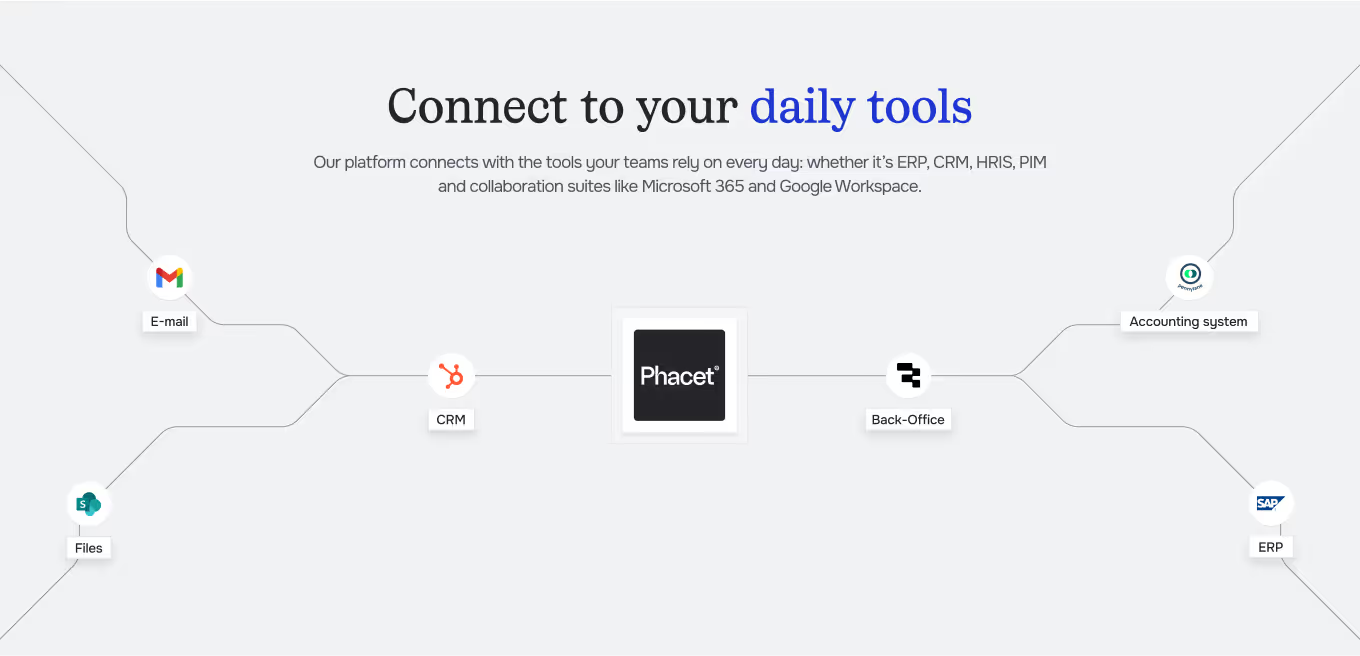
Integrated with everything





Steps to get Started
Import GL exports
Load GL exports from each entity and the mapping table between charts of accounts.
Automatic normalization
Phacet maps each local account to the group chart of accounts and normalizes data.
Consolidation and adjustments
Data is consolidated Adjustments (interco, currencies, restatements) are documented.
Group reporting
Consolidated reporting is available Export to your consolidation tool or BI platform.
Unlock your AI potential
Do more with your existing resources using tailored AI solutions.
Frequently Asked Questions
No limit. Pennylane, Sage, Odoo, Netsuite, SAP, Xero, QuickBooks, Datev… in the same group.
Phacet proposes automatic mapping. You validate and adjust. The mapping is reused each month.
Yes. Each adjustment is documented with the reason, amount and entity concerned.
Yes. Standard or custom format export for your consolidation tool.
Yes. Conversion is performed at closing rate or average rate according to your policy.




GUIDE
The CFO guide
For accounting teams, accounting firms and CFOs of SMEs and mid-sized companies who want to know where to start.