
Bridge your POS revenue to accounting
Verify that 100% of POS revenue flows into your accounting. Detect missing days, apply the GL mapping and alert on any gap.

Introduction
Revenue is the most critical number for running your business. Yet between your POS (Lightspeed, Tiller, L'Addition) and your accounting tool (Pennylane, Sage), gaps are common. Days that don't sync because of a connector bug, manual imports with GL mappings applied by hand, special characters that block integration for hours. Result: wrong reports, teams maintaining two data sources, and a CFO who can't steer on reliable numbers. Phacet automatically bridges POS revenue against accounting, detects missing days and applies the right GL mapping.
When to use this Phacet
Built for accountants, controllers and CFOs who want to:
- Ensure 100% of revenue days are correctly reflected in accounting every month.
- Automatically detect missing days or POS connector bugs.
- Apply the GL mapping (P&L by revenue type, balance sheet by payment method) with no manual rework.
- Give the CFO reliable numbers from day one after month-end close.
AI skills involved

Automatically match your data across files, tools and systems
Phacet cross-references your data across sources - invoices vs. payments, POs vs. receipts, bank lines vs. GL entries, CRM deals vs. billing records. It tells you exactly what matches, what's missing, and what's off. No VLOOKUP, no manual comparison.

Validate every line against your rules, thresholds and references
Define your rules once - negotiated prices, spending caps, expense policy, contract conditions, approval thresholds - and Phacet applies them to every single row, every time. Every discrepancy is flagged with the exact reason, ready for review.

Spot duplicates, outliers and suspicious patterns in your data
Phacet scans your full dataset to surface what shouldn't be there - duplicate payments, abnormal amounts, unknown suppliers, unusual timing patterns, RIB changes. It catches what rules alone can't predict, without requiring you to define every possible scenario upfront.

Get notified on what matters and share results without manual work
Phacet sends alerts the moment a threshold is crossed or an anomaly is detected by email, Slack or in-app. It also generates summaries, dashboards and structured exports ready to send to your ERP, your team or your management. Results reach the right people at the right time, automatically.

Normalize formats, names and amounts across all your sources
Every tool exports differently - dates in three formats, amounts with commas or dots, supplier names in inconsistent casing, currencies without symbols. Phacet normalizes everything before processing so every comparison is accurate, regardless of where the data came from.
Business impact

No more missing revenue days.
The agent detects every missing day and alerts the team before the discrepancy spreads into reporting.
Reliable reporting as soon as the period closes.
The CFO operates from a single source of truth. No more double entry, no more debates about which figure is correct.
Automated accounting mapping.
The POS export is converted into the correct accounting format with no manual intervention. The risk of errors is eliminated.
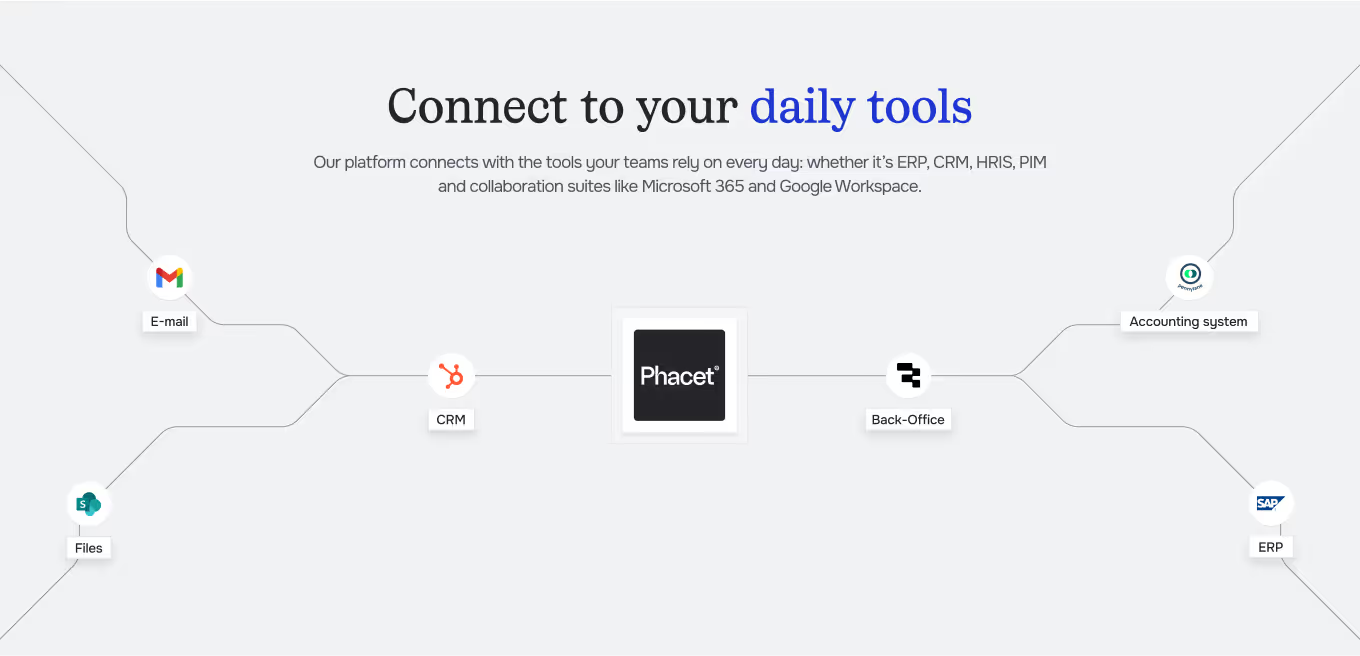
Integrated with everything










Today, I can tell in two seconds whether we have ten overdue invoices or a hundred.
Steps to get Started
Connect your POS and your ERP.
Import your daily POS exports (revenue by day, category, and payment method) and your accounting sales journal.
The AI reconciles day by day.
Phacet compares POS revenue with accounting revenue for each day. Any missing day or discrepancy is flagged.
Mapping applied and discrepancies identified.
The accounting mapping is applied automatically. Discrepancies are classified: missing day, mapping error, or import issue.
Alert and correct.
Receive the alert, correct it in your ERP, and validate. The full reconciliation history is preserved for audit purposes.
Unlock your AI potential
Do more with your existing resources using tailored AI solutions.
Frequently Asked Questions
Lightspeed, Zelty, SumUp, and any system that exports data in CSV or via API. Phacet adapts to your POS format.
No. It complements it. Even with a connector, some days are missing. The agent detects these gaps and alerts you.
You define the mapping once (P&L accounts by revenue type, balance sheet accounts by payment method). The agent then applies it to every import.




GUIDE
The CFO guide
For accounting teams, accounting firms and CFOs of SMEs and mid-sized companies who want to know where to start.