
Extract payments from PDF and never miss a due payable
Automatically pull payment details from contracts, invoices or receipts and reconcile with your systems.

Introduction
Finance teams lose time and accuracy reconciling payables because payment data is hidden in PDF documents from contracts to scanned invoices or receipts.
Phacet extracts structured payment data using OCR and matches it to expected payables or accounting entries, allowing full control over who’s been paid and what’s overdue.
When to use this Phacet
Perfect for accountants, operations leads or back-office managers who want to:
• Extract amounts, dates, and references from payment PDFs
• Match documents to payable lines or accounting entries
• Eliminate manual reconciliation between contracts and tools
AI skills involved

Convert scanned or PDF documents (invoices, contracts, bank statements…) into machine-readable text.
Phacet uses advanced OCR to extract key information line by line (amounts, dates, suppliers), even from complex or low-quality documents.

Automatically match your data across files, tools and systems
Phacet cross-references your data across sources - invoices vs. payments, POs vs. receipts, bank lines vs. GL entries, CRM deals vs. billing records. It tells you exactly what matches, what's missing, and what's off. No VLOOKUP, no manual comparison.

Automatically classify your transactions, entries and documents
Phacet assigns categories, analytical codes or custom labels to your data - based on your rules, your chart of accounts, or patterns it learns from your history. Bank transactions, supplier invoices, expense lines: everything is classified consistently, at scale.

Route exceptions to the right person and track every decision
Phacet doesn't decide edge cases alone. It routes ambiguous results to the right person with full context - original document, matched data, confidence score. Your team validates, corrects or rejects. Every decision is logged. The AI learns from each correction and gets more accurate over time.
Business impact

Prevent errors & duplicates
Reduce missed or duplicate payments with automated matching to your payables.

Save hours every month
Eliminate manual PDF checks across systems and contract folders.

Strengthen financial control
Gain reliable visibility on what’s due, what’s paid, and what’s overdue.

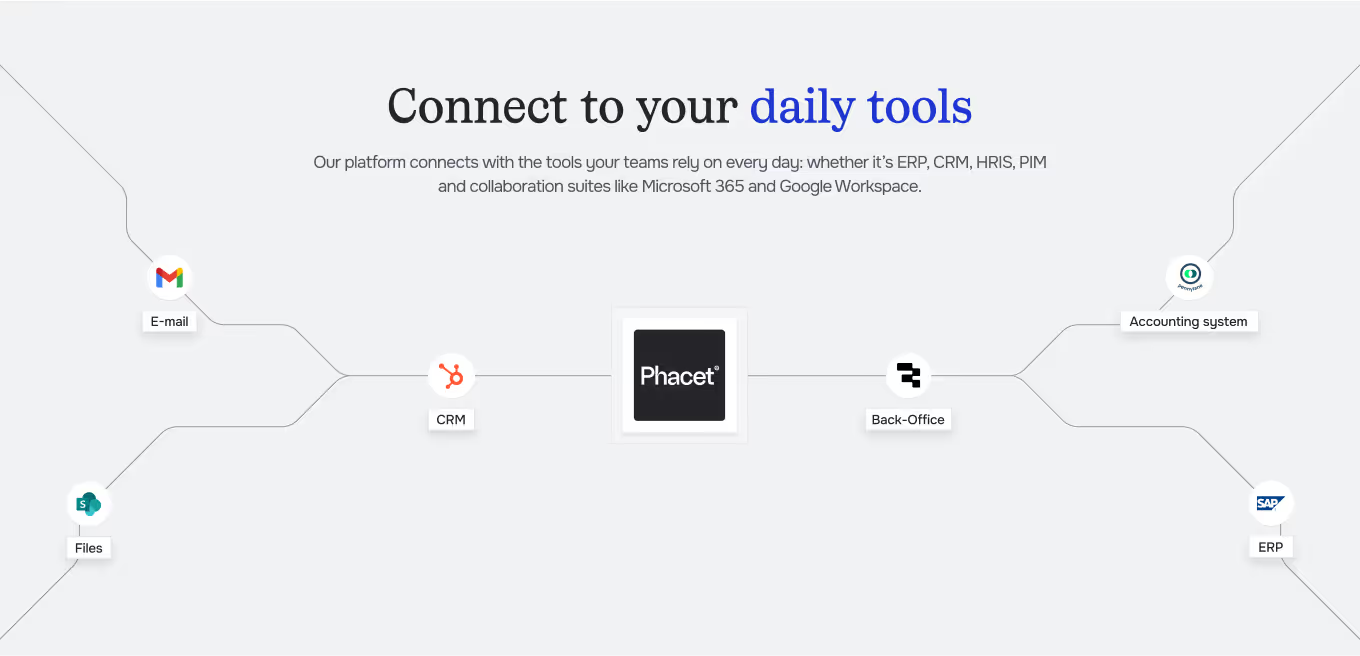
Integrated with everything
%201.svg)








“Reconciliation used to take hours every month. Now we drop the PDFs, and the right journal entries get matched instantly.”
— Elum, Finance Operations
Steps to get Started
Import your documents
Import PDFs (contracts, receipts, invoices) via Drive, your ERP or via direct upload.
Extract key payment fields
Phacet captures amounts, IBANs, dates, and references automatically using OCR.
Match to payables
The AI matching engine reconciles extracted data with the right payable or accounting line.
Validate & synchronize
Confirm suggested matches, then export results or push them back into your accounting system.
Unlock your AI potential
Do more with your existing resources using tailored AI solutions.
Frequently Asked Questions
Phacet uses advanced OCR technology to scan your PDFs (invoices, contracts, receipts) and automatically extract key information such as amounts, dates, IBANs, and payment references.
Phacet works with all common formats — invoices, contracts, receipts, bank statements, and ERP exports — whether scanned, structured, or unstructured.
The AI engine matches extracted payment data with your accounting records or supplier commitments, handling fuzzy or partial matches to ensure precise reconciliation.
Yes. Every reconciliation is supervised. Users can approve, reject, or correct results, and each manual validation helps train the AI for continuous improvement.
Phacet eliminates missed or duplicate payments, detects inconsistencies, and ensures financial accuracy with full visibility over due, paid, and delayed amounts.
Absolutely. Validated payment data can be exported or synchronized directly with your ERP or accounting systems for seamless and reliable financial updates.

