
Label supplier transactions for margin tracking
Assign supplier costs to the right project, team, or product line automatically.

Introduction
Finance teams and project leads struggle to track margins accurately because supplier invoices lack the necessary analytical tags. Manual mapping by project or cost center is slow, error-prone, and non-scalable.
Phacet automates supplier transaction labeling using intelligent matching and line-by-line categorization, enabling project-level margin analysis in real time with full traceability.
When to use this Phacet
Perfect for CFOs, financial controllers or operations leads who want to:
• Tag supplier costs by project, product, or business unit
• Split invoice lines across multiple analytical dimensions
• Automate margin tracking without changing their accounting stack
AI skills involved

Automatically classify your transactions, entries and documents
Phacet assigns categories, analytical codes or custom labels to your data - based on your rules, your chart of accounts, or patterns it learns from your history. Bank transactions, supplier invoices, expense lines: everything is classified consistently, at scale.

Route exceptions to the right person and track every decision
Phacet doesn't decide edge cases alone. It routes ambiguous results to the right person with full context - original document, matched data, confidence score. Your team validates, corrects or rejects. Every decision is logged. The AI learns from each correction and gets more accurate over time.

Normalize formats, names and amounts across all your sources
Every tool exports differently - dates in three formats, amounts with commas or dots, supplier names in inconsistent casing, currencies without symbols. Phacet normalizes everything before processing so every comparison is accurate, regardless of where the data came from.
Business impact

92% time saved
Automate the mapping of supplier transactions to projects, products, or cost centers.

Project-level margin visibility
Get accurate, up-to-date margin insights every week or month - without manual work.

Flexible labeling logic
Apply custom allocation rules even when your accounting tool doesn’t support them.

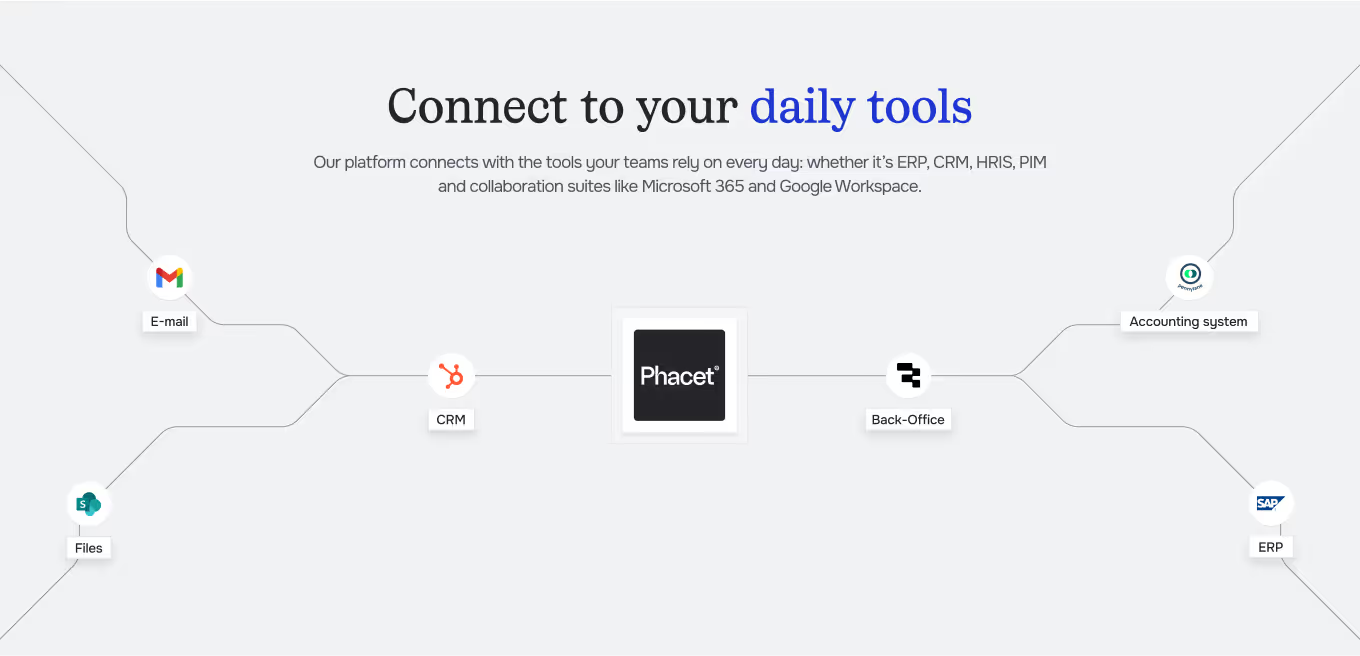
Integrated with everything







Steps to get Started
Import supplier invoices
Upload PDFs or connect structured exports from your accounting tool (e.g. Pennylane, SAGE).
Connect your project references
Link your project database (Google Sheets, Notion, PostgreSQL…) to provide the right allocation dimensions.
Automate labeling
Phacet suggests analytical tags per invoice or line item based on supplier, content, and your business rules.
Review & export
Validate or adjust tags if needed, then export structured data into Metabase or your reporting system for real-time margin visibility.
Unlock your AI potential
Do more with your existing resources using tailored AI solutions.
Frequently Asked Questions
Phacet analyzes each invoice line and automatically assigns expenses to the right project, team, or cost center based on your analytical rules and past tagging patterns.
You can define your own categories such as project, product, business unit, expense type, or internal client. Phacet learns from your existing tags to mirror your allocation logic.
Yes. You can review, correct, or confirm Phacet’s suggestions. Every change helps the AI learn and continuously improve accuracy over time.
Absolutely. Phacet connects to your ERP or finance tools (Sage, Pennylane, Google Sheets, Notion, PostgreSQL, etc.) to export or synchronize labeled data seamlessly.
Teams save up to 92% of manual time, gain real-time visibility on project margins, and maintain consistent analytical reporting without switching accounting systems.
Yes. Phacet supports multi-project and multi-entity labeling, allowing you to track margins across departments or subsidiaries with flexible and auditable categorization rules.

