
Reconcile bank transactions & detect unmatched flows
Match banking flows with accounting data in seconds, no more manual checks.

Introduction
Finance teams struggle with transaction reconciliation because data is scattered across banking tools, POS systems, and ERPs and rarely aligned.
Phacet automates bank reconciliation using AI skills like cleansing, normalization, and smart matching, enabling 92% time savings and faster month-end close.
When to use this Phacet ?
Perfect for accounting and finance teams who want to:
• Eliminate manual matching of bank statements with ERP and POS data
• Accelerate month-end closing cycles
• Reduce errors and detect discrepancies early
AI skills involved

Automatically match your data across files, tools and systems
Phacet cross-references your data across sources - invoices vs. payments, POs vs. receipts, bank lines vs. GL entries, CRM deals vs. billing records. It tells you exactly what matches, what's missing, and what's off. No VLOOKUP, no manual comparison.

Validate every line against your rules, thresholds and references
Define your rules once - negotiated prices, spending caps, expense policy, contract conditions, approval thresholds - and Phacet applies them to every single row, every time. Every discrepancy is flagged with the exact reason, ready for review.

Every AI result linked to its source — audit-ready by default
Every output Phacet produces is traceable back to the exact source line - the PDF page, the ERP row, the bank entry. You can always answer "why did Phacet flag this?" with a precise reference. Confidence scores, decision logs and source citations are built in, not bolted on.
Business impact

92% time saved
Automate reconciliation across banks, POS, and ERPs - no more manual matching.

89% fewer human errors
Reduce human mistakes and catch discrepancies instantly with smart matching.

Ready in 5 days
Deploy quickly and keep full control over AI suggestions from day one.

Integrated with everything
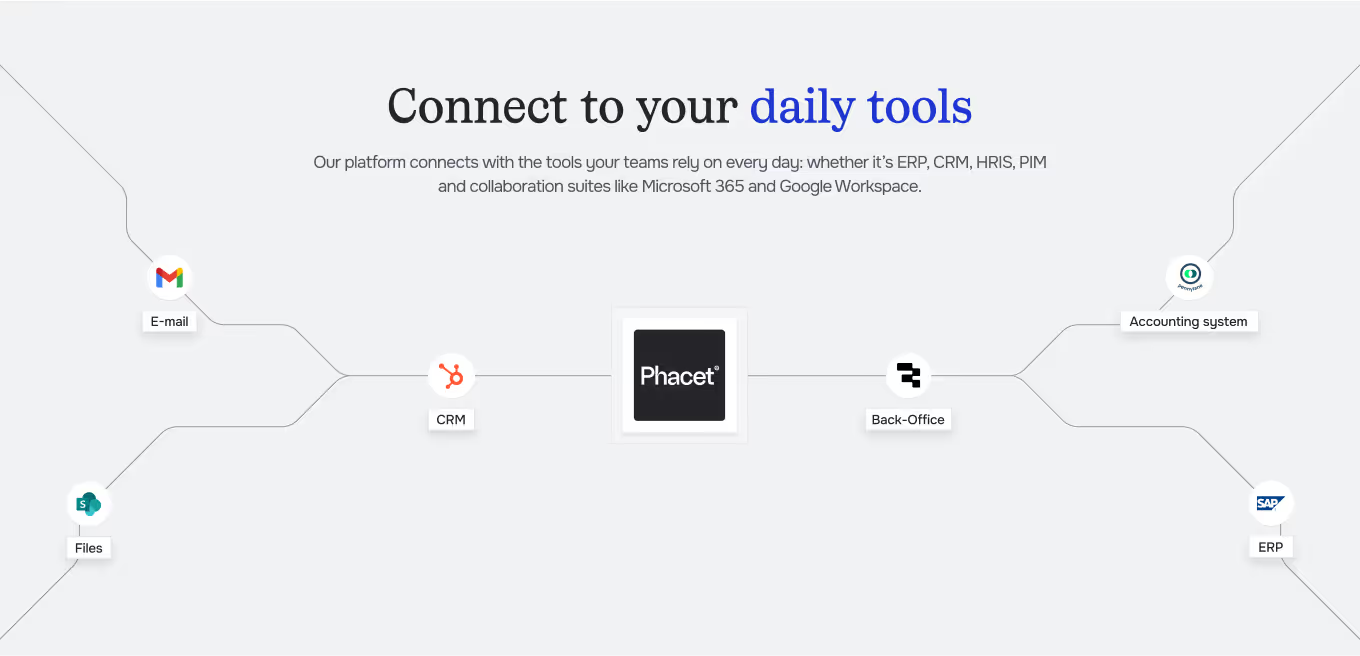

















%201.svg)


“We cut 90% of the time spent reconciling marketplace transactions and incoming bank transfers from partners. Now the team just reviews the exceptions — the rest is matched automatically.”

Steps to get Started
Connect your data
Link your ERP, POS, and banking tools - or simply upload statements and files manually.
Clean & normalize
Phacet automatically extracts and standardizes transactions from all sources.
Match & reconcile
AI matches banking flows with accounting and POS data, highlighting discrepancies in real time.
Review & Improve
Validate or adjust unmatched items in one click. Each validation trains your AI for smarter, faster reconciliation.
Unlock your AI potential
Do more with your existing resources using tailored AI solutions.
Frequently Asked Questions
Phacet connects your banks, ERP, and POS systems to automatically reconcile bank transactions with accounting entries — no manual checks required.
Phacet integrates with your banks, ERP systems (Sage, Pennylane, Netsuite, etc.), and POS tools. You can also import bank statements or CSV files directly.
Yes. The AI identifies inconsistent amounts, duplicates, missing transactions, or reconciliation errors, and flags them instantly for review or correction.
Absolutely. You can approve, reject, or adjust suggested matches. Each manual validation strengthens Phacet’s accuracy through continuous learning.
Teams save up to 92% of manual time, reduce human errors by 89%, and speed up month-end closing while maintaining full oversight.
Deployment typically takes under 5 days, with easy setup, human supervision, and full traceability from day one.

